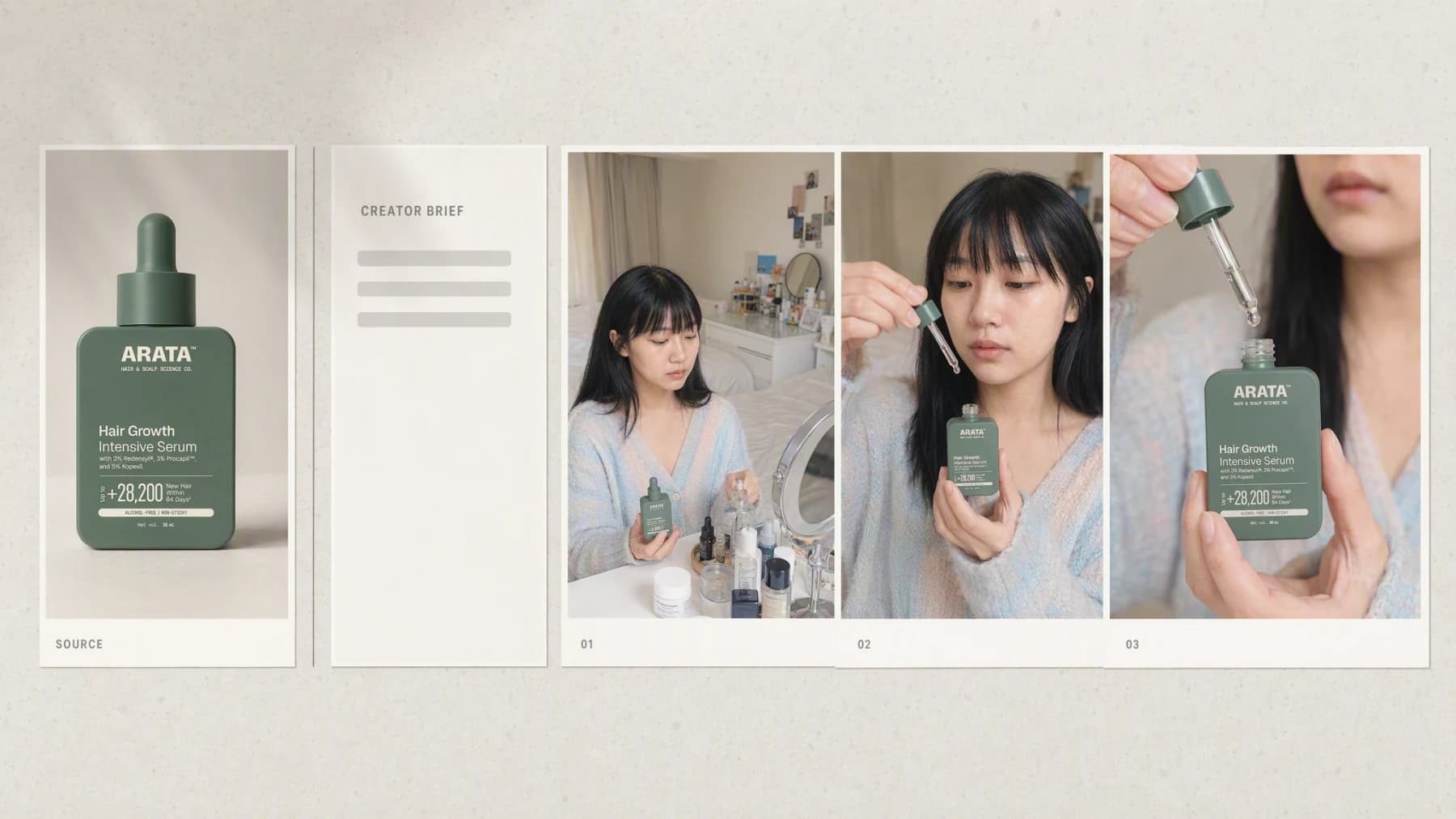
Images and videoAI Influencer Generator
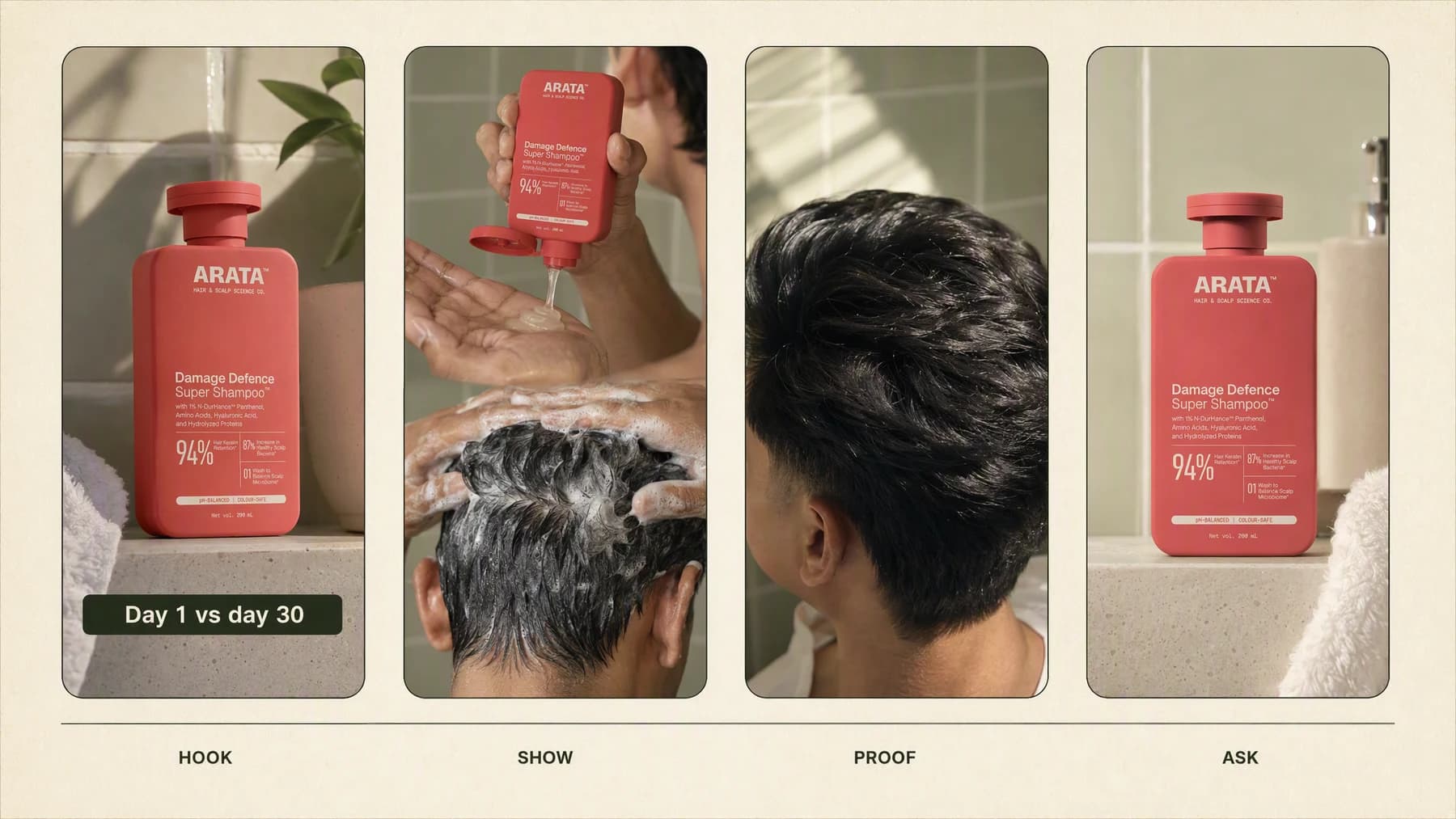
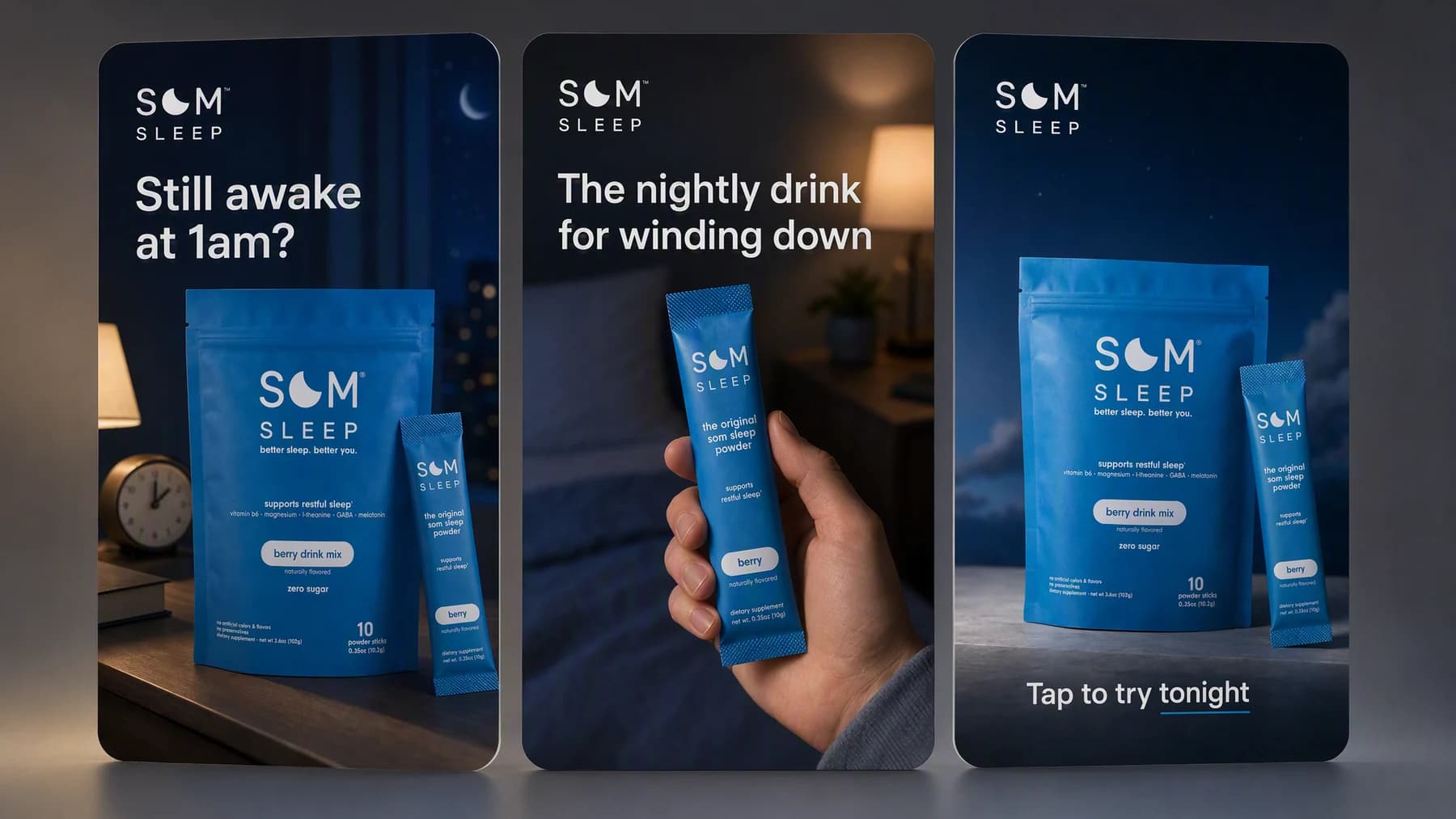
Turn a real product, campaign angle, and saved brand into creator-style images and videos, without organizing a physical shoot.
- 1 real product
- 3 creator jobs
- Image and video
Solutions
Each solution page shows one way to make campaign creative in Advibly, with your product, audience, references, and brand already attached to the brief.
The catalog
Every page here is a real workflow you can run today. New models and workflows are added to this catalog as they ship.
Images and videoTurn a real product, campaign angle, and saved brand into creator-style images and videos, without organizing a physical shoot.
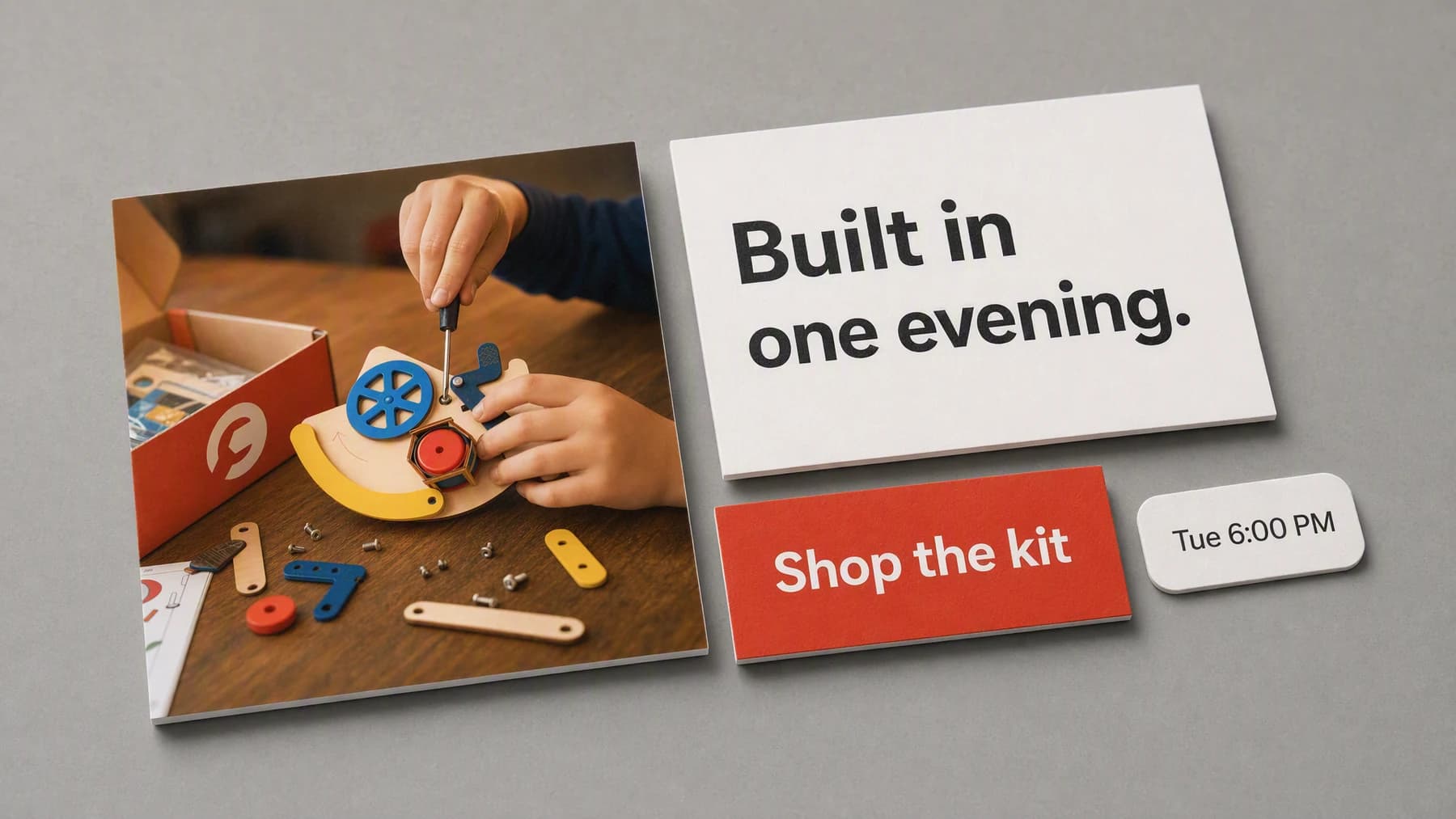
VideoUpload a product image, choose the motion and framing, and turn it into a short video for ads, Reels, TikTok, Shorts, or landing pages.
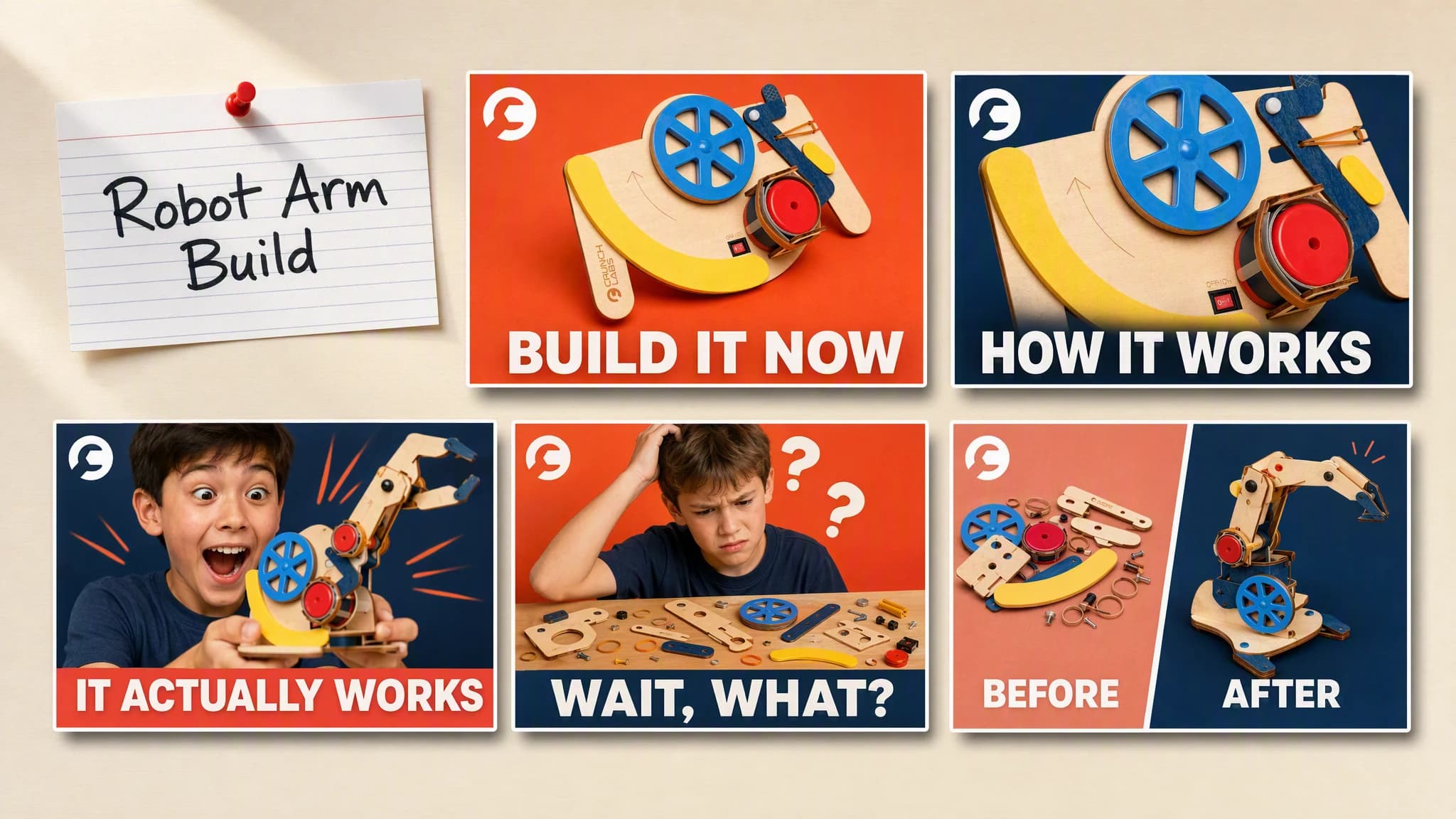
Turn a video idea, product, face, or feature into clear thumbnail directions with legible text, strong contrast, and a reason to click.
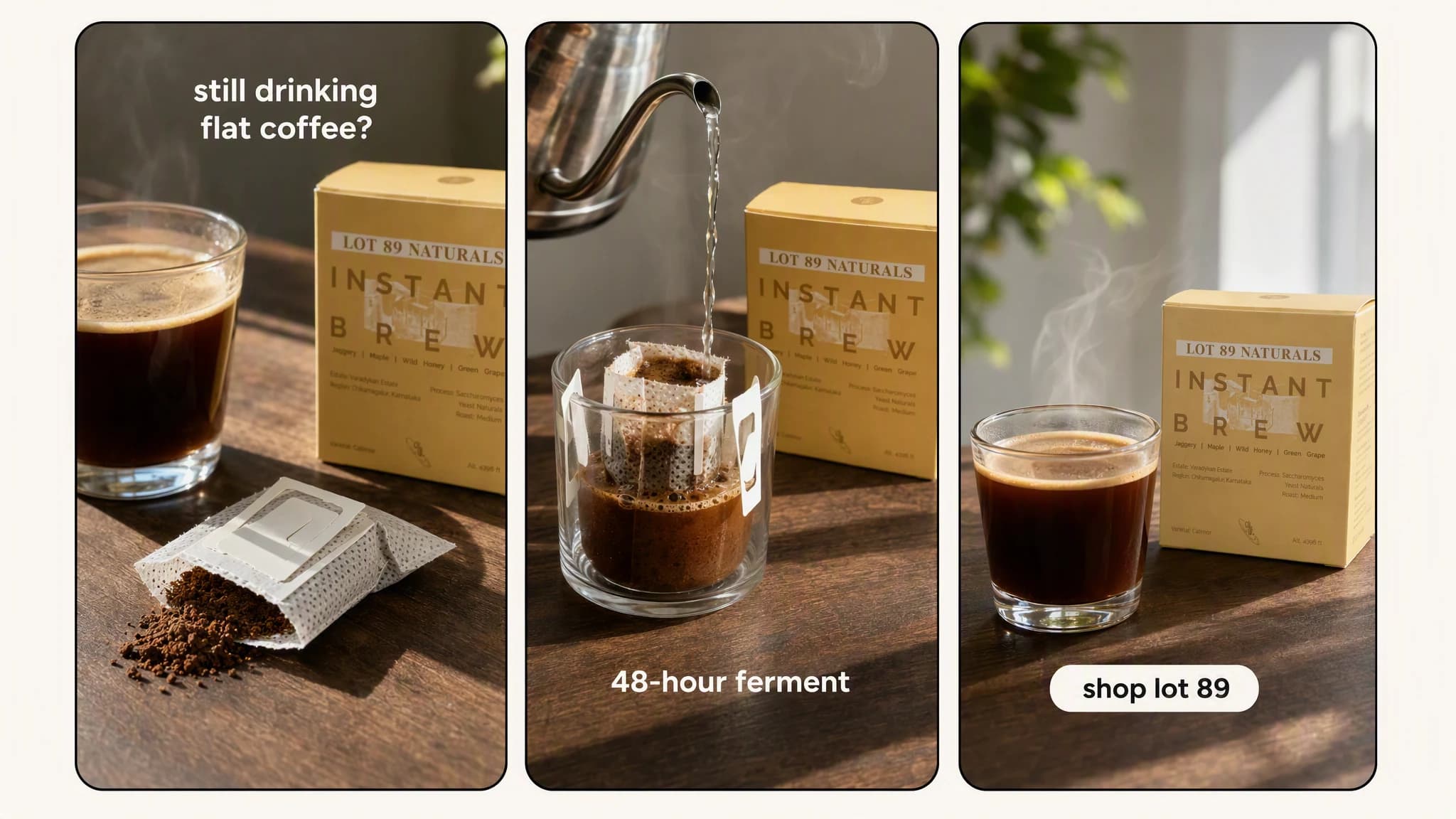
VideoTurn a product, URL, image, or campaign angle into a vertical Reel with a clear hook, fast visual sequence, captions, and next step.
VideoCreate a YouTube Short from a product, feature, or campaign idea with a clear opening, scene plan, captions, and vertical finish.
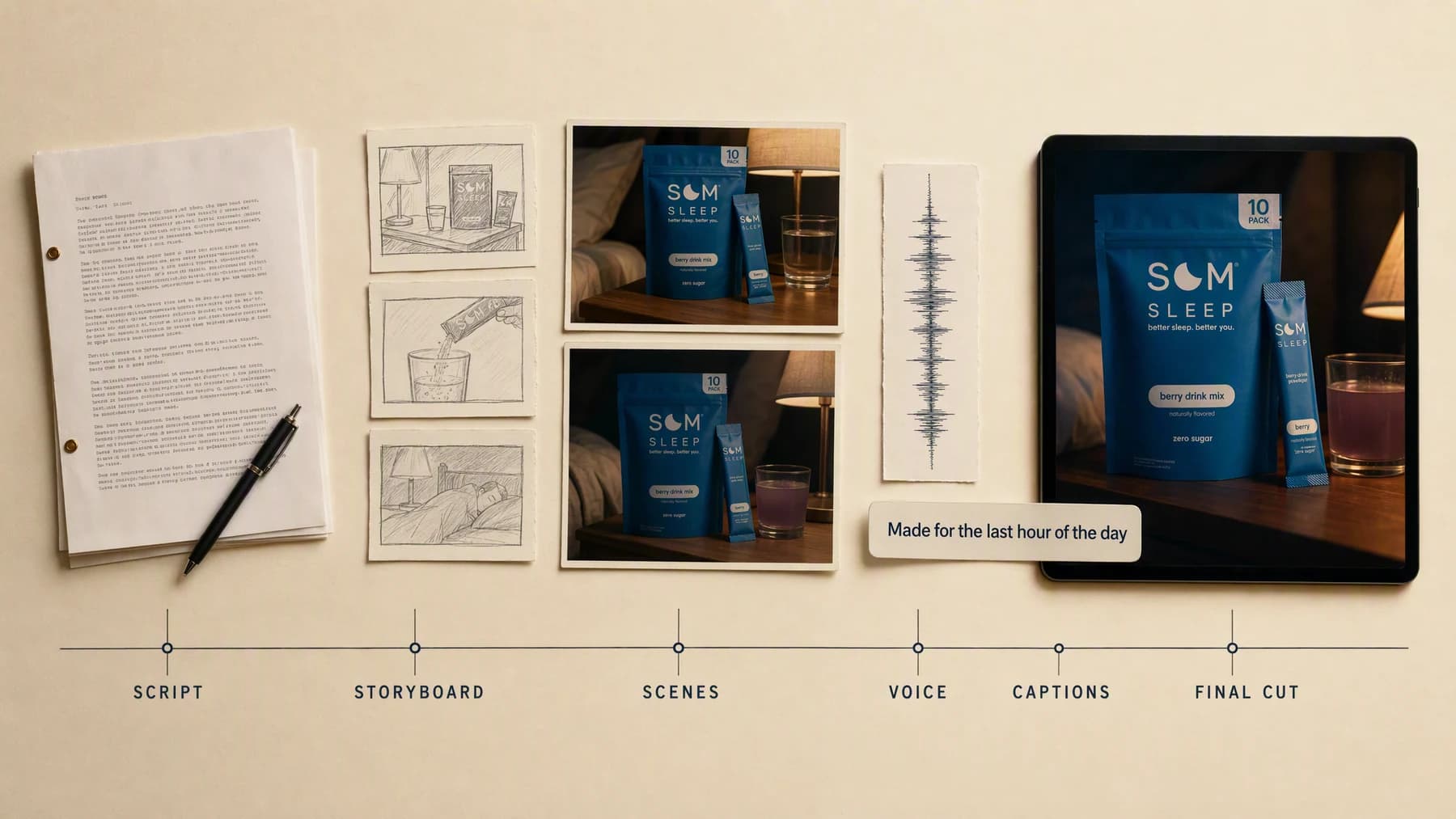
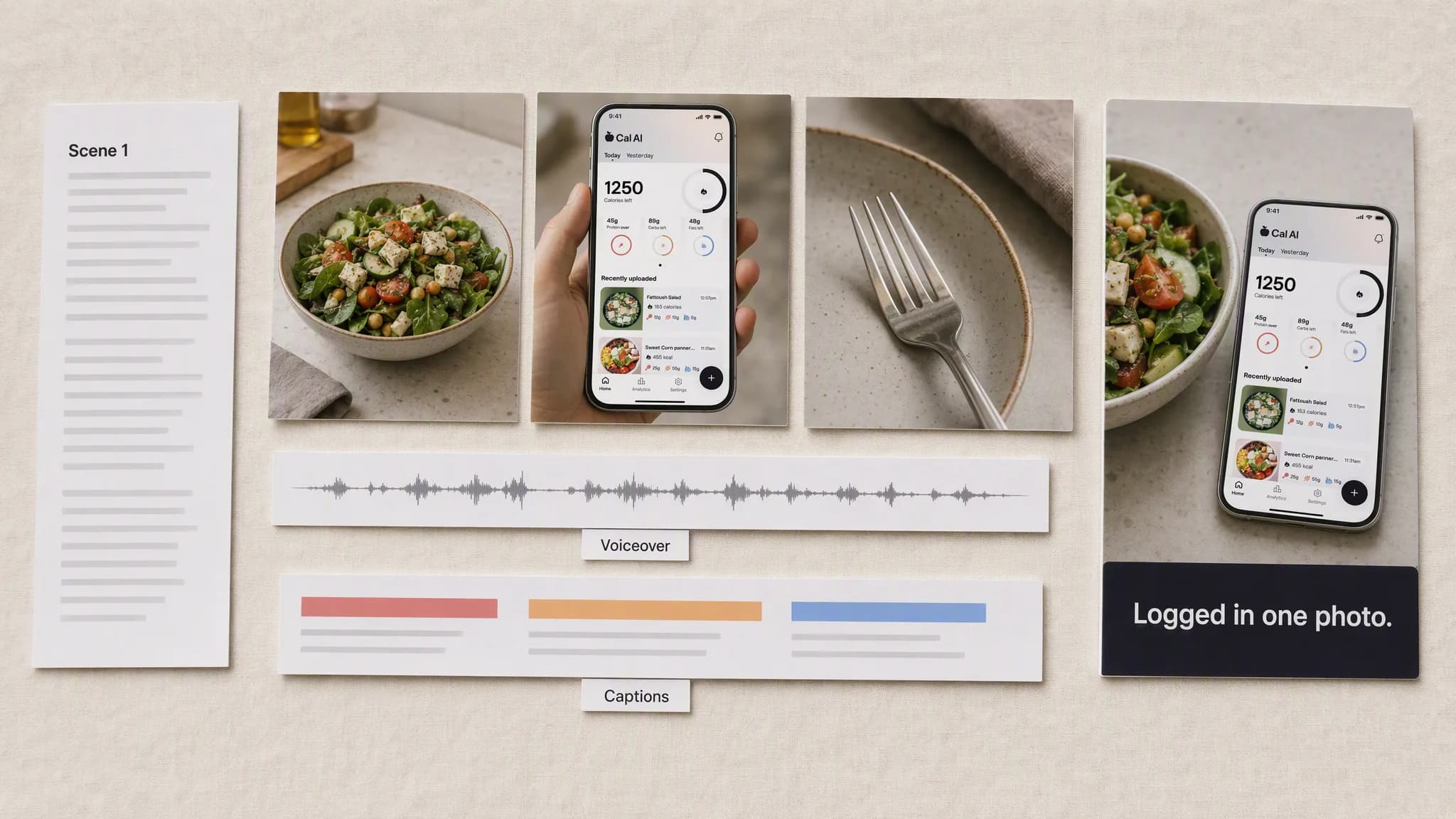
VideoTurn an approved script into a storyboard, generated scenes, voice, captions, and one assembled video workflow inside Advibly.
VideoTurn a product, offer, or campaign angle into a TikTok-ready vertical video with a native hook, fast visual beats, captions, and a clear next step.
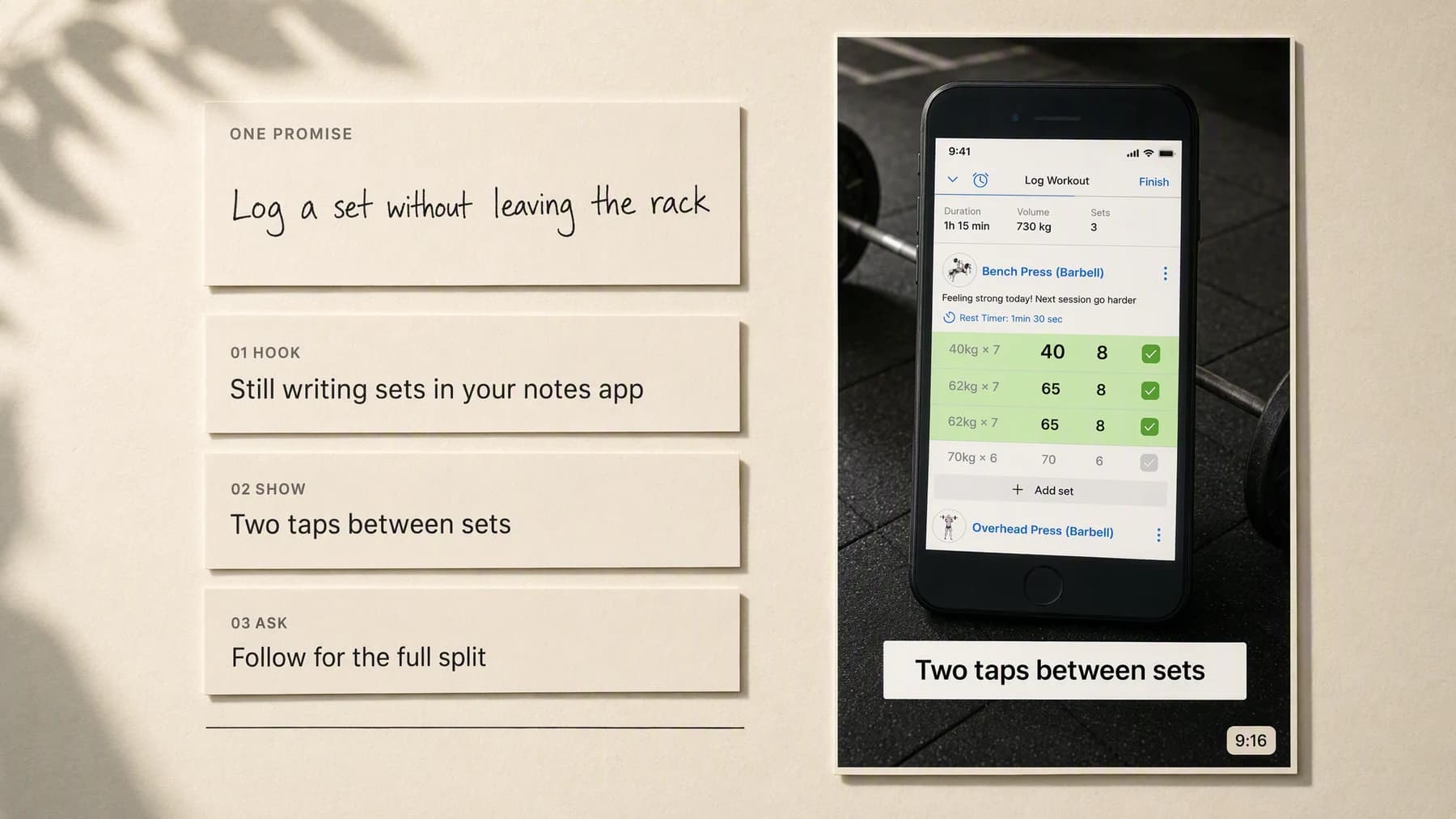
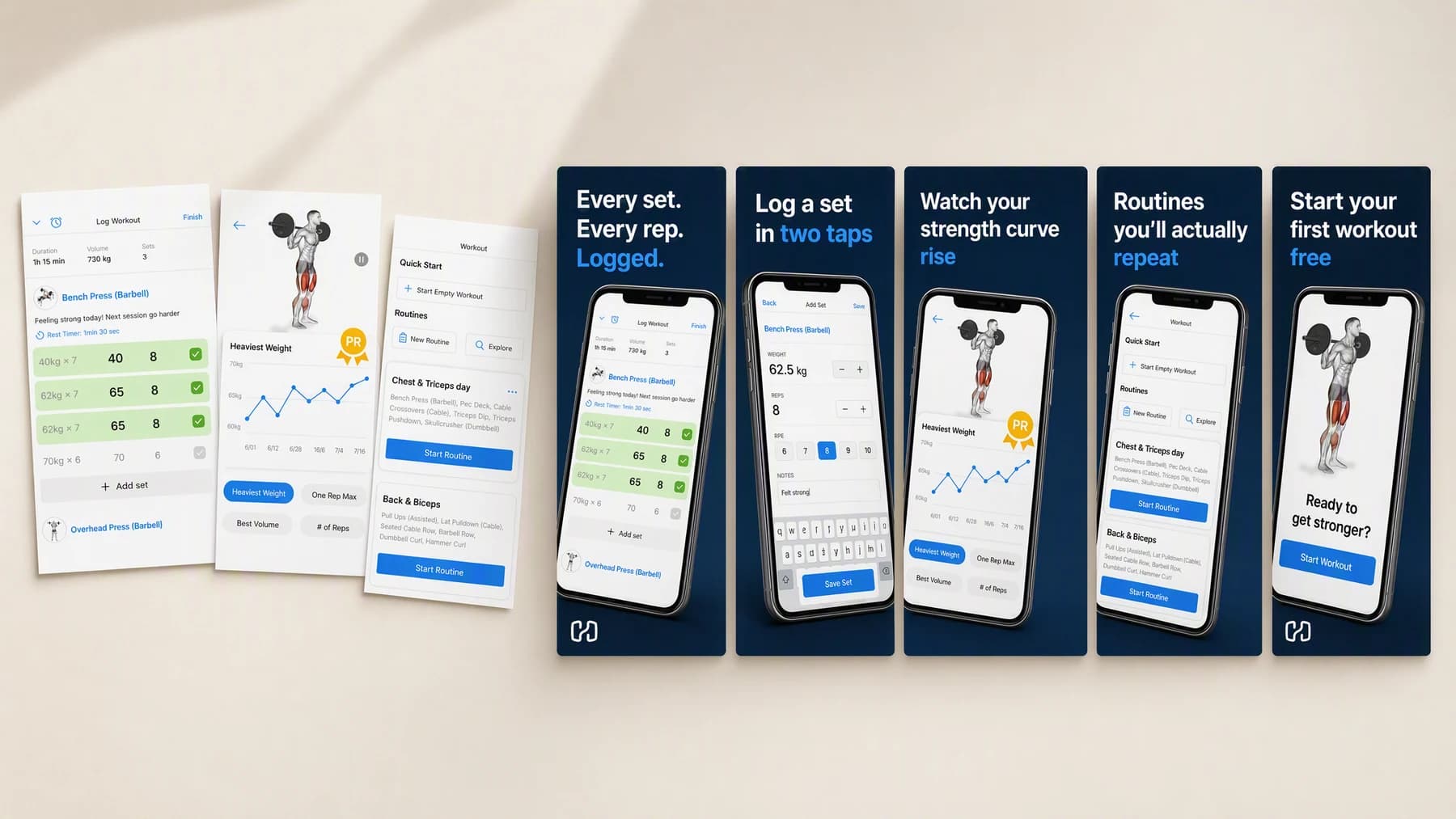
ImagesTurn real app screens into a complete listing sequence with a clear promise, consistent visual system, and the right story for every swipe.
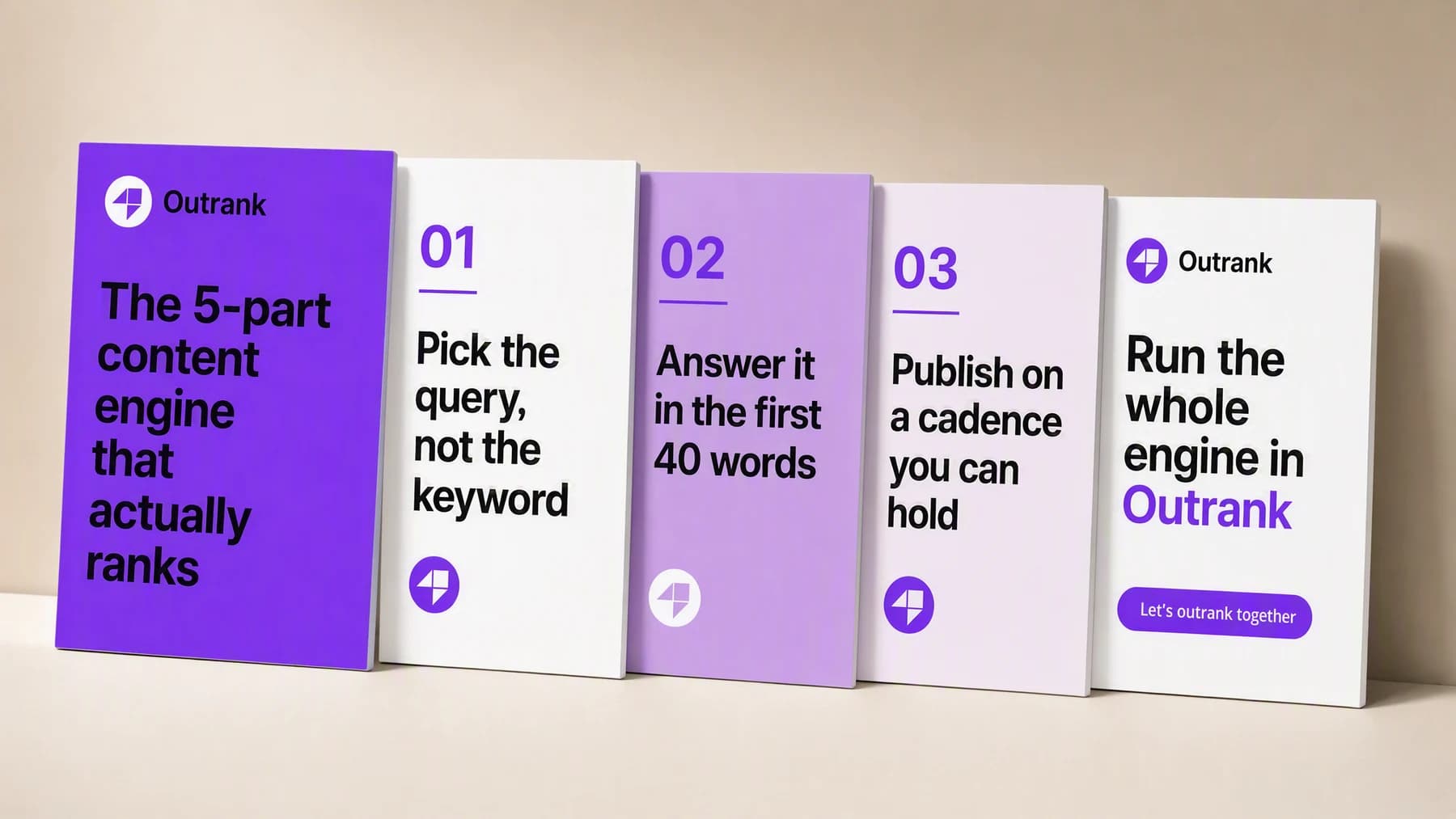
ImagesTurn one useful point of view into a complete LinkedIn document carousel with a strong cover, logical slide progression, and a final action.
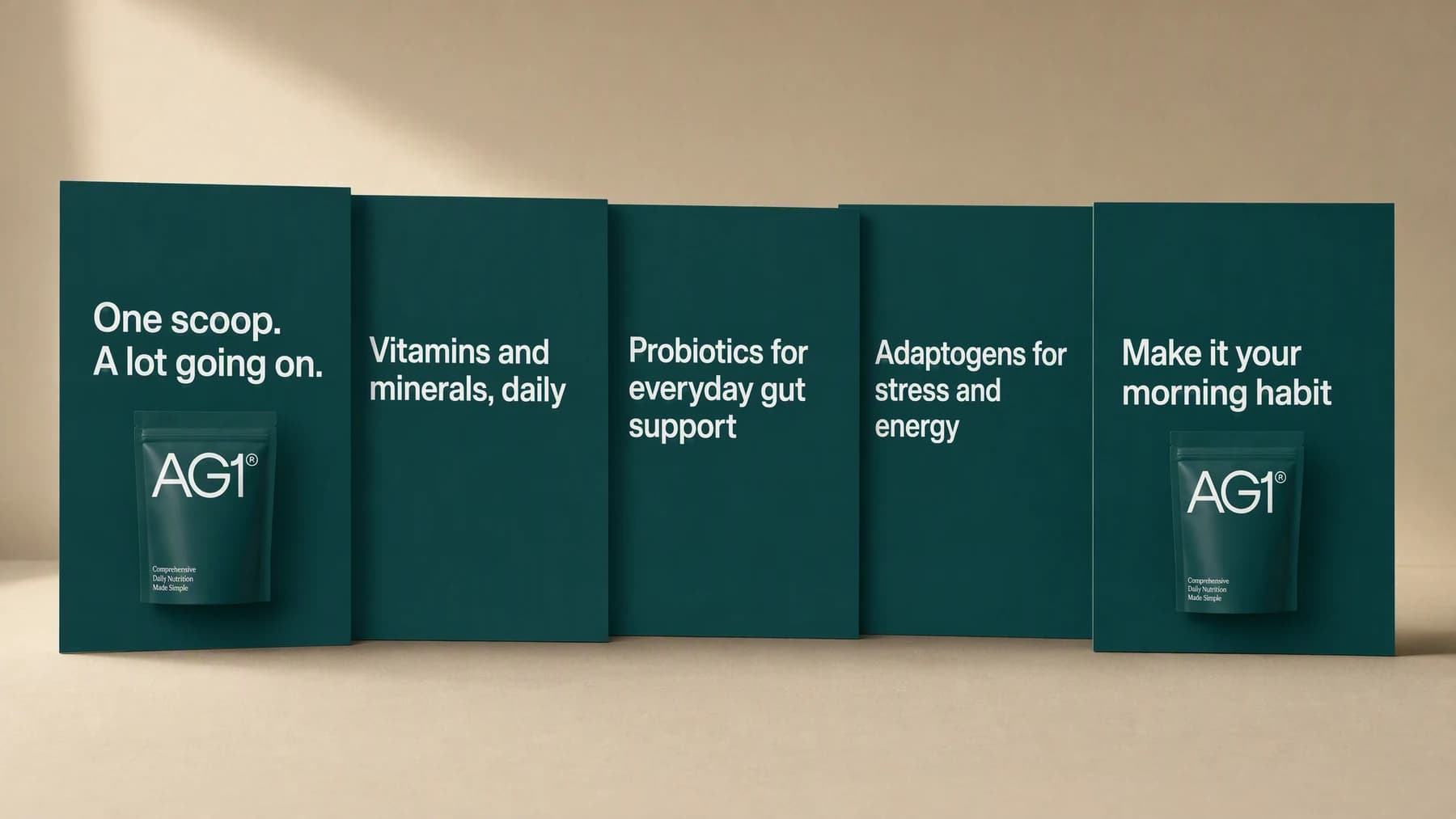
ImagesTurn a product idea, lesson, launch, or campaign into a swipeable Instagram carousel with a strong cover and a visual story that holds together.
ImagesCreate complete Instagram Stories around a product, offer, announcement, or daily moment, with readable hierarchy and a clear reason to tap.
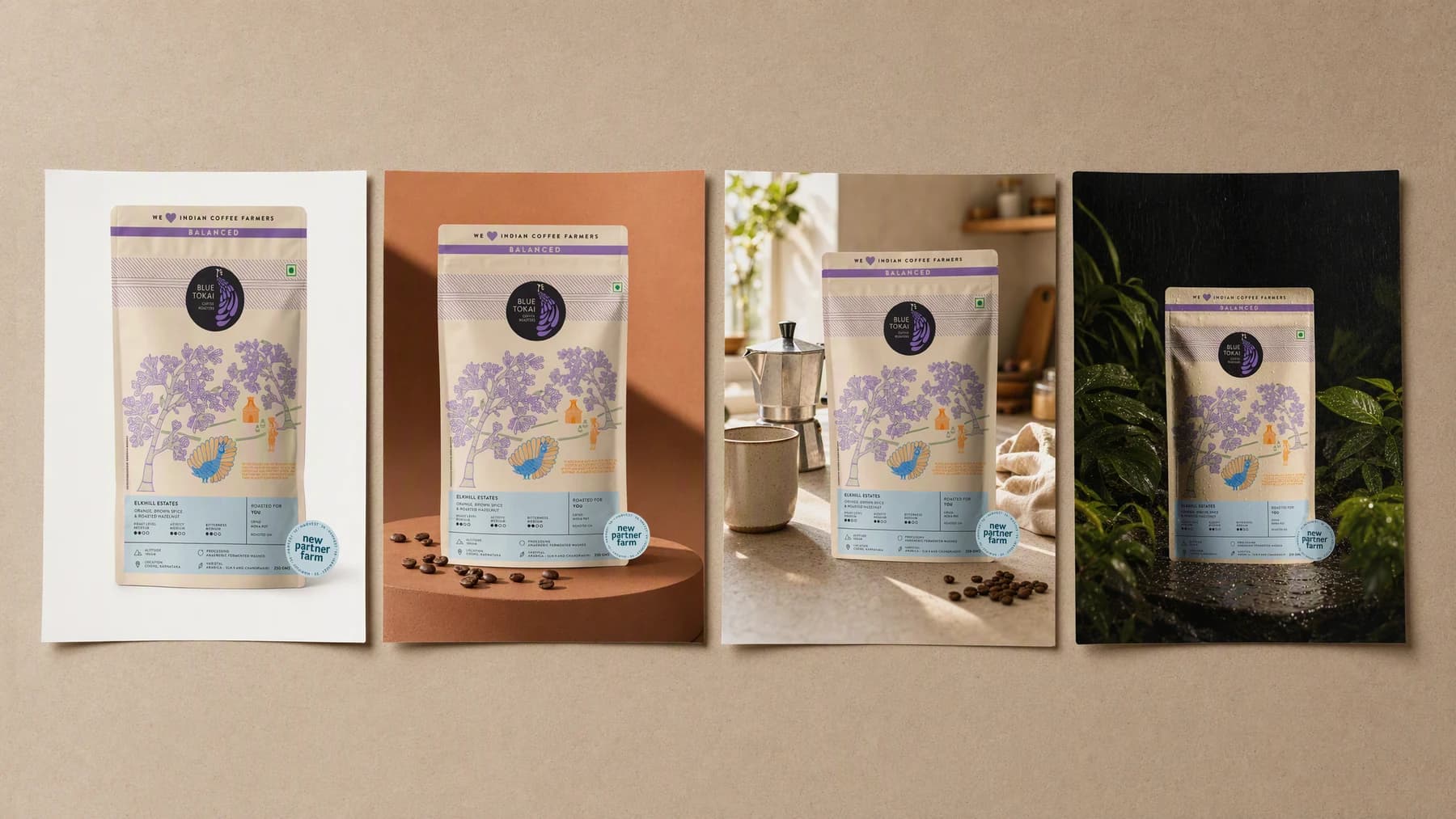
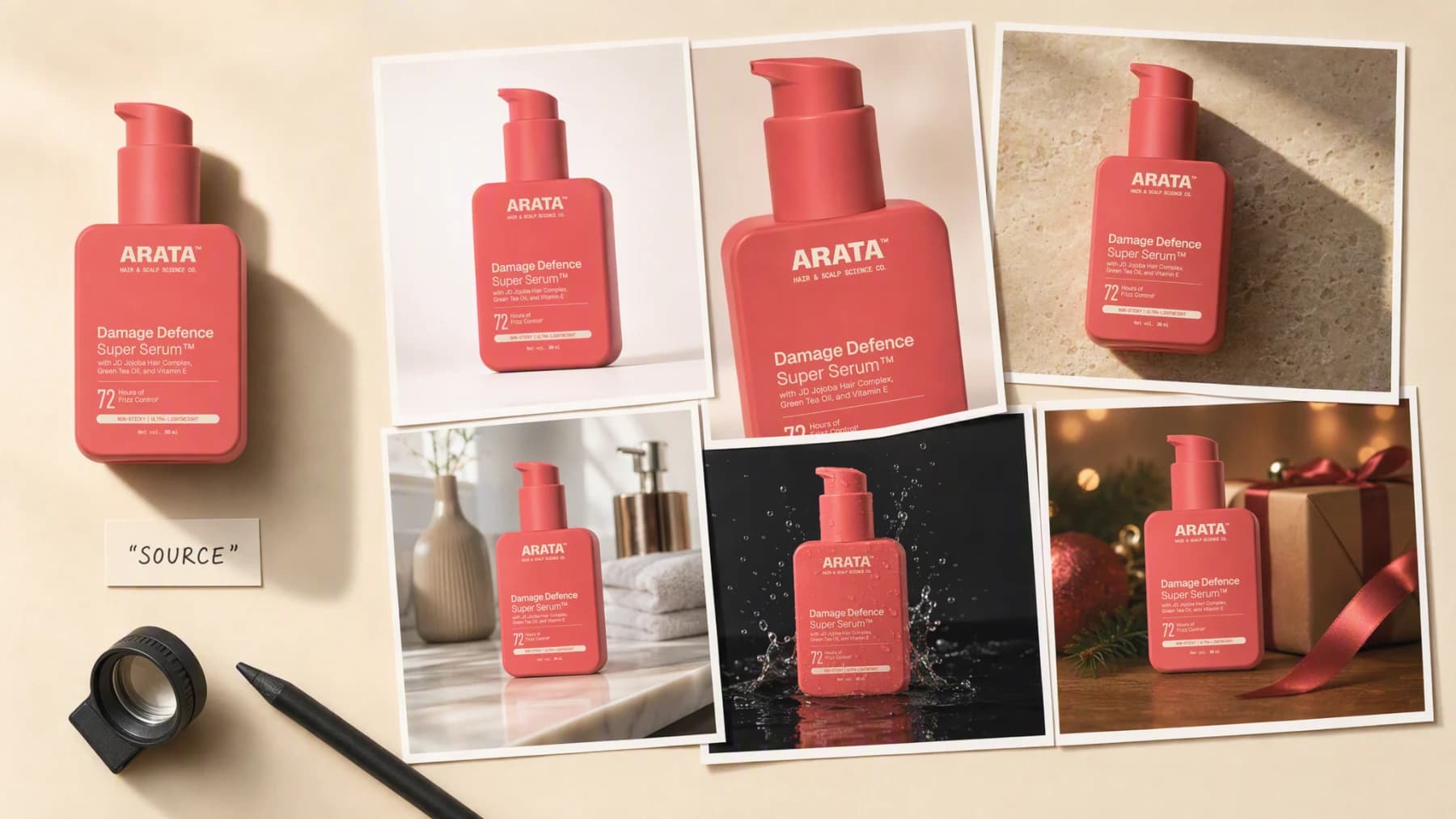
ImagesKeep the product. Replace the setting. Create studio, lifestyle, and campaign backgrounds designed for the final placement.
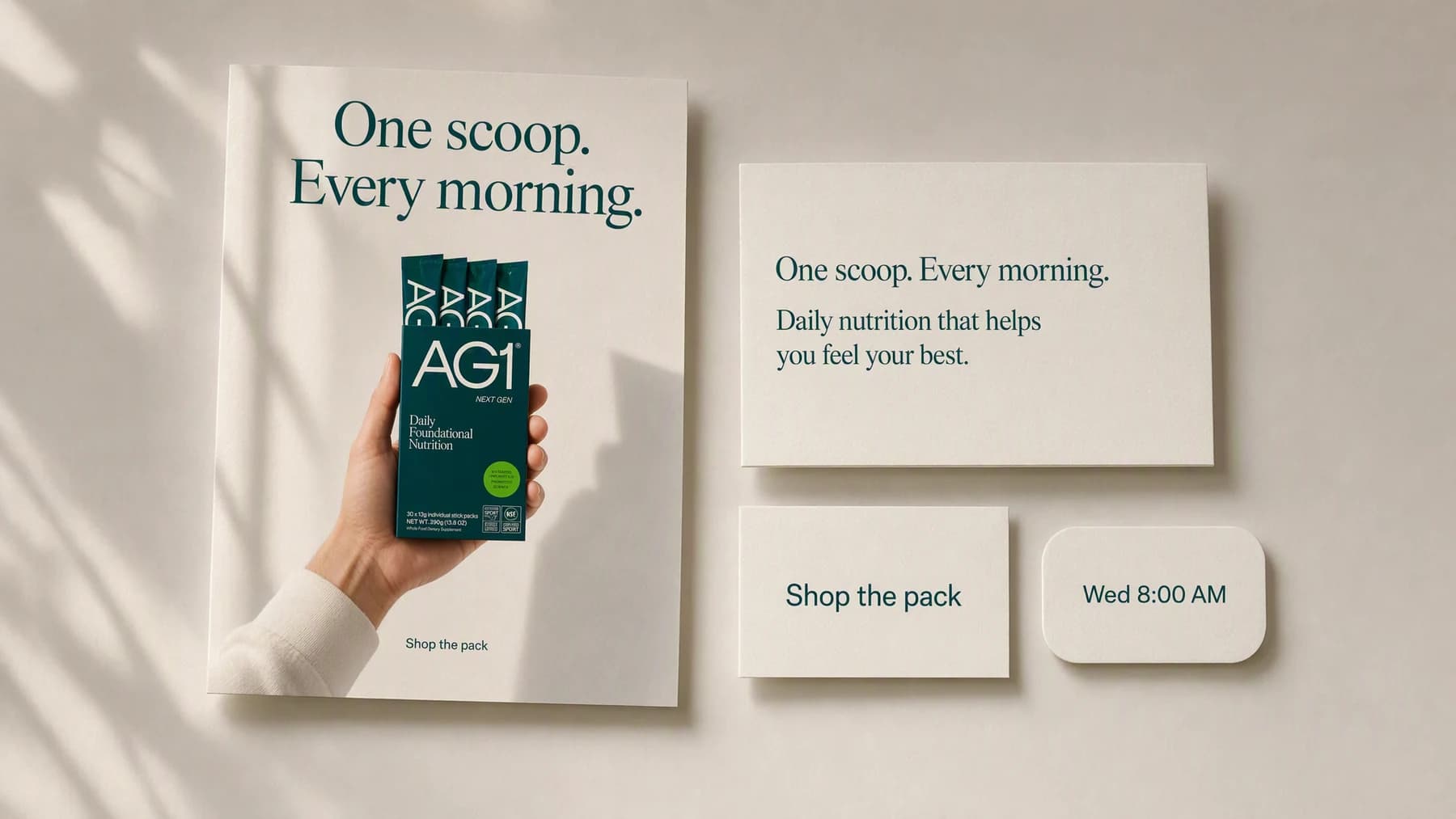
ImagesTurn one product or campaign idea into a complete Instagram post: creative, caption, CTA, and publishing plan included.
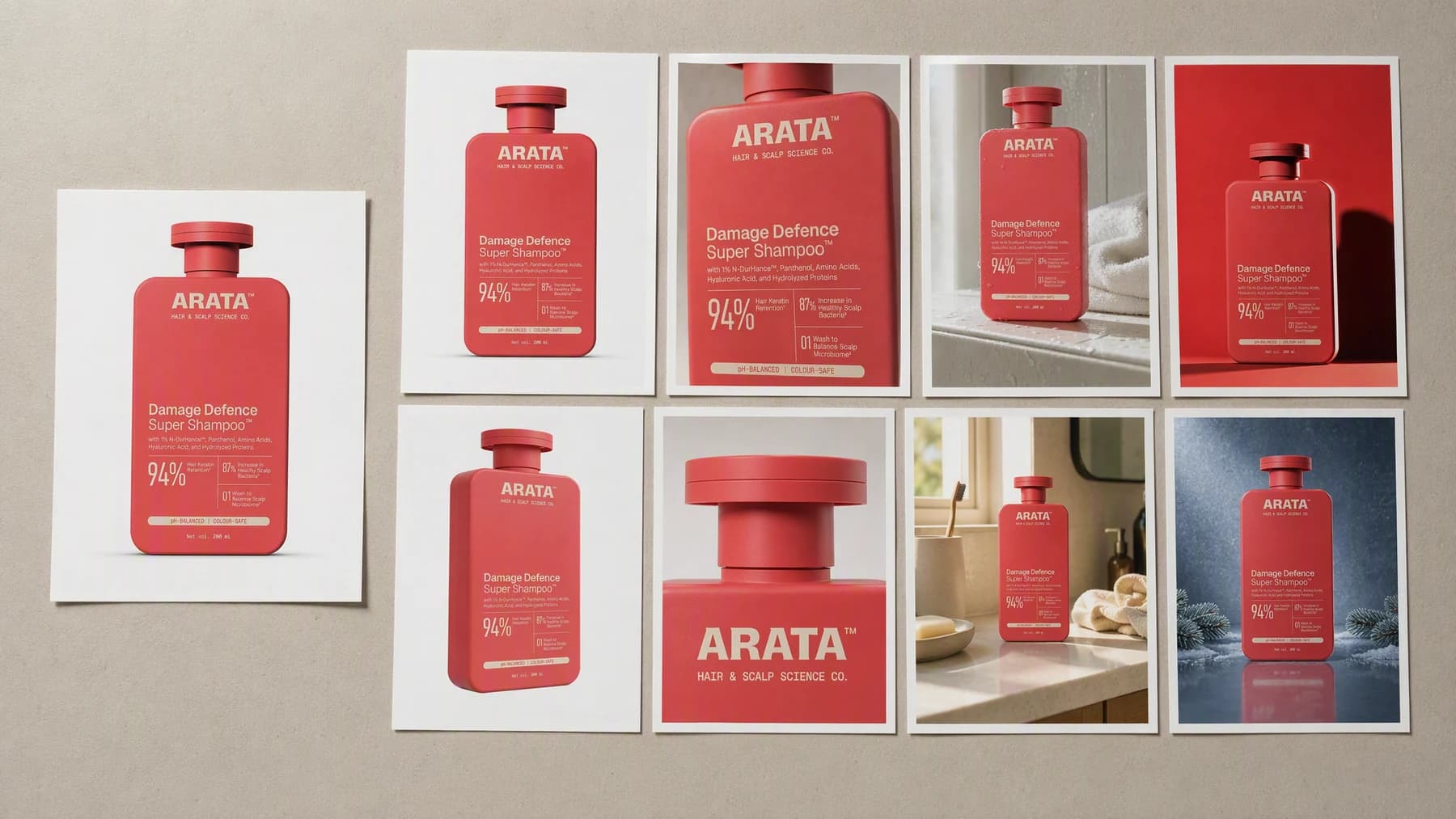
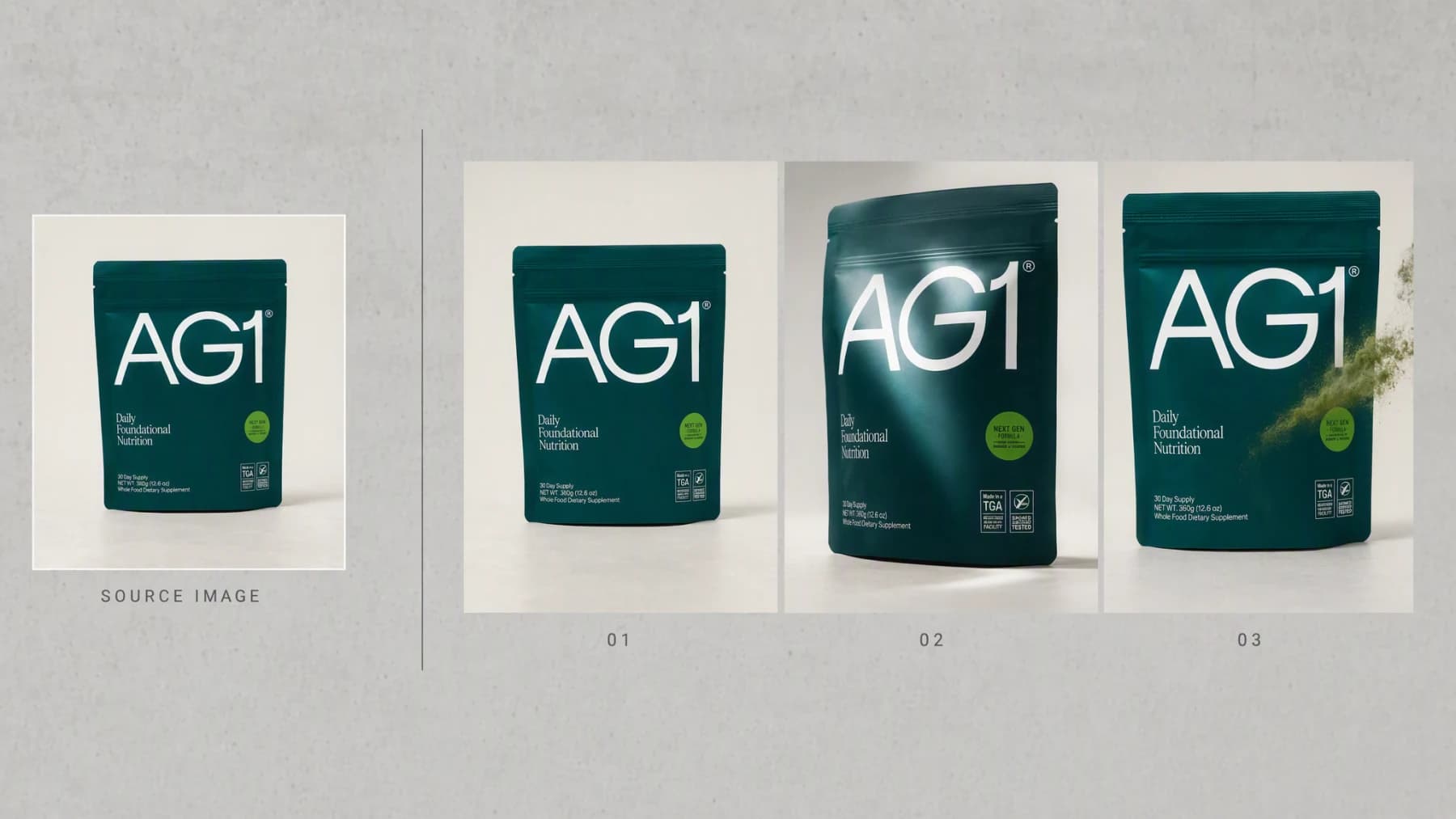
ImagesCreate consistent listing, detail, lifestyle, and campaign photography from the product images you already have.
ImagesCreate the visual, copy, CTA, and publishing plan for Facebook from one grounded product or campaign brief.
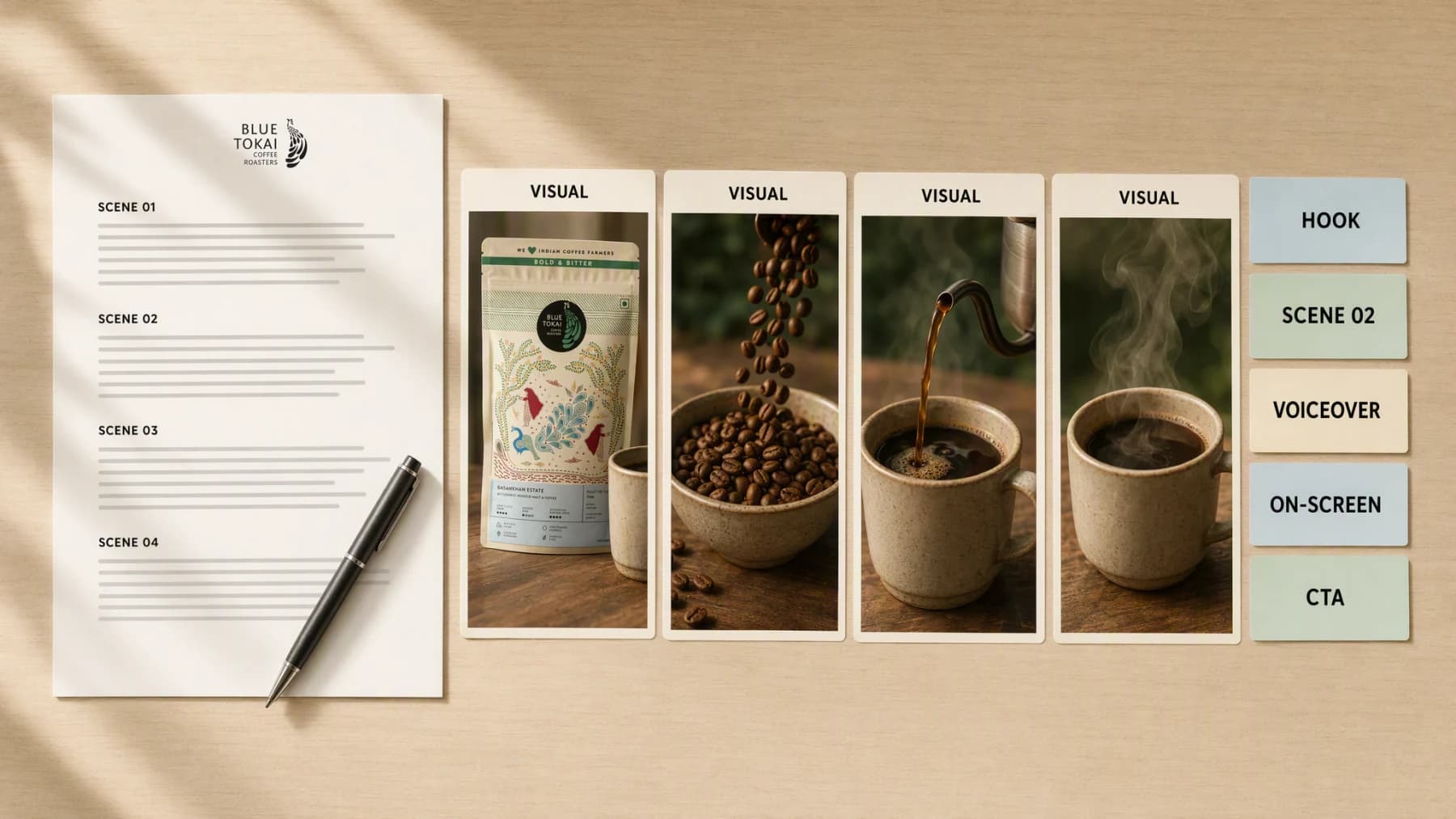
VideoTurn a product, audience, and video goal into a production-ready script with the hook, scene plan, voiceover, on-screen text, and CTA already connected.
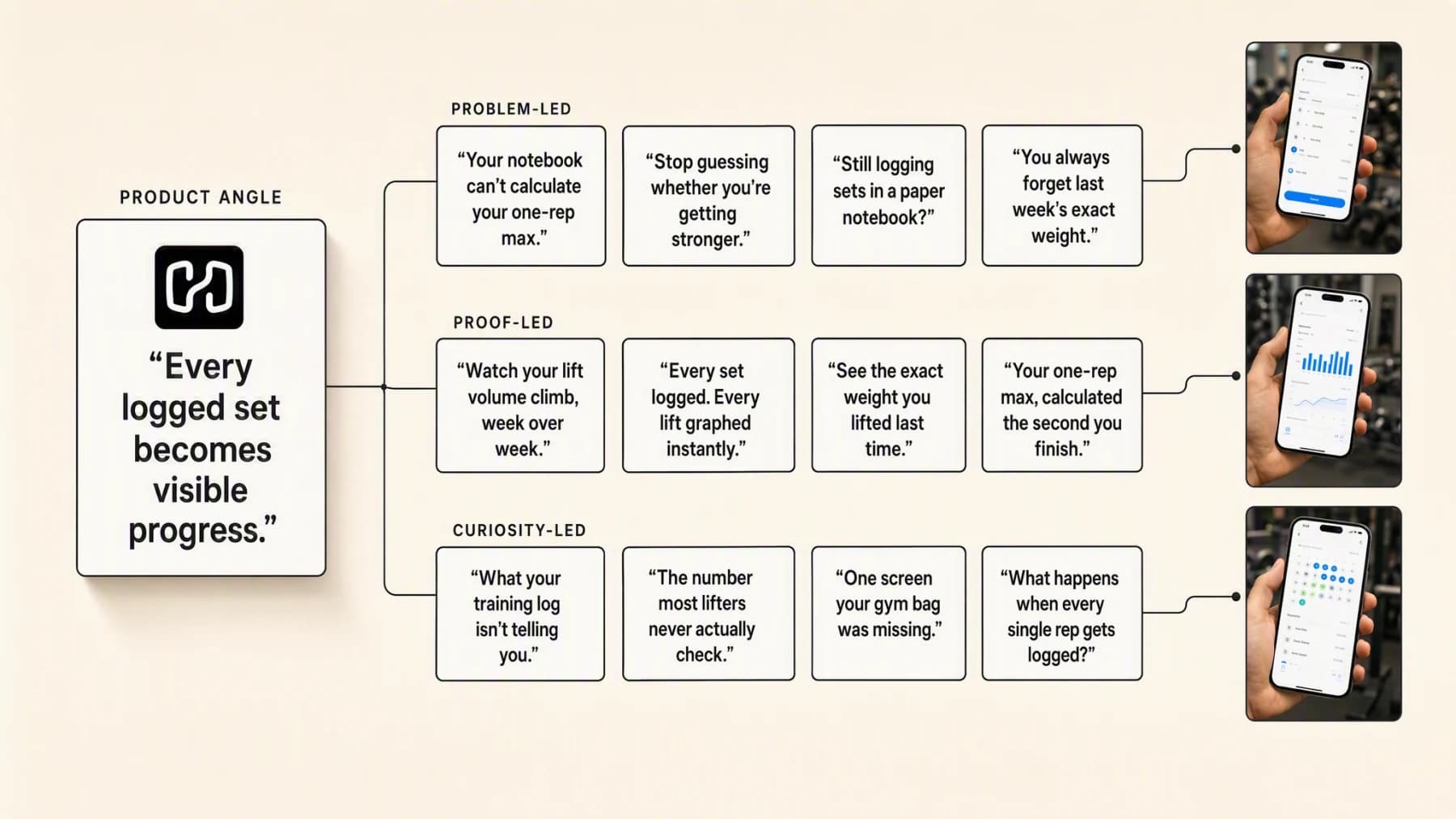
VideoTurn a product truth, audience tension, or campaign angle into several usable video openings, each connected to the scene that proves it.
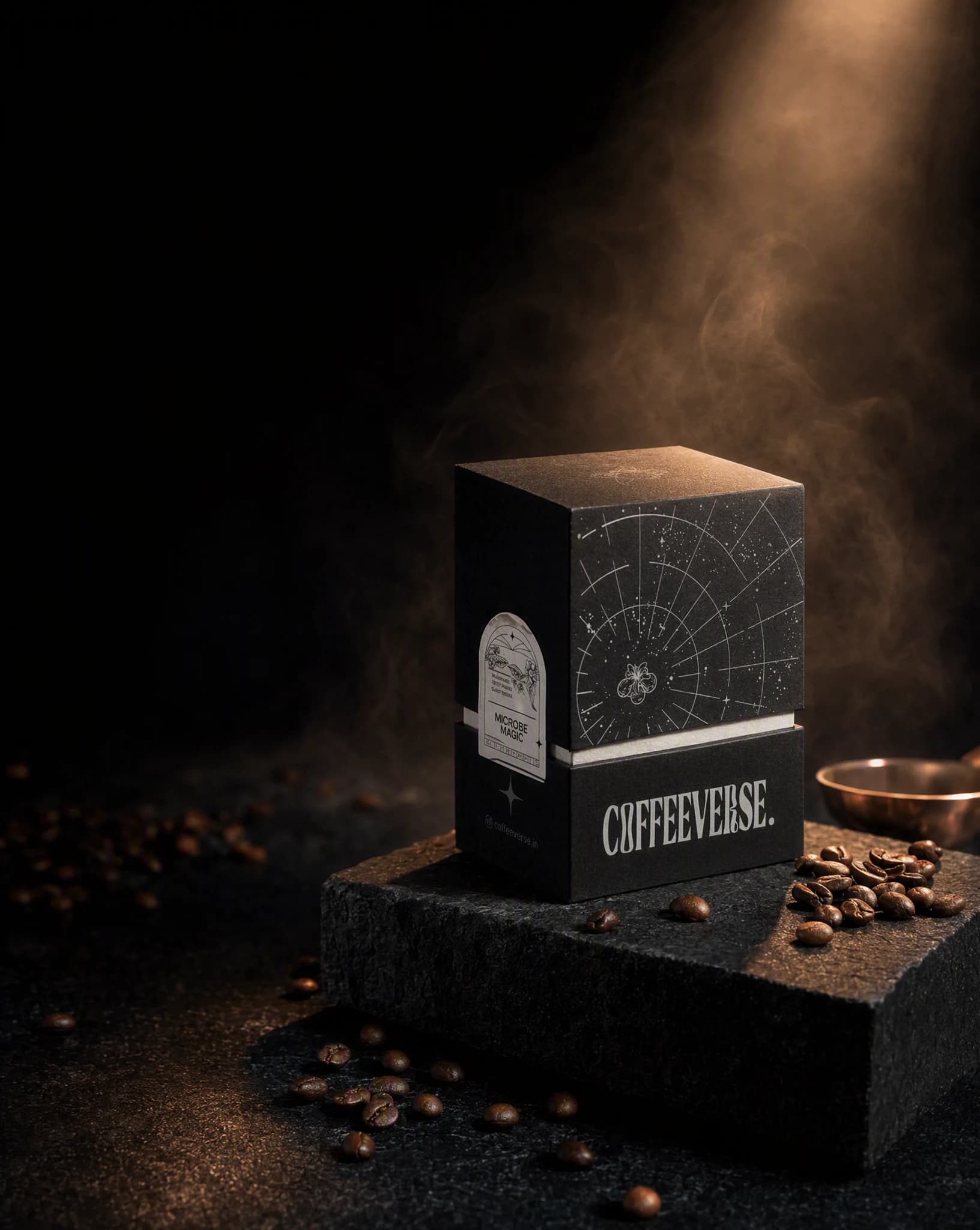
ImagesCreate polished product images from a real source, saved brand, and clear placement, then keep the strongest direction moving across the campaign.
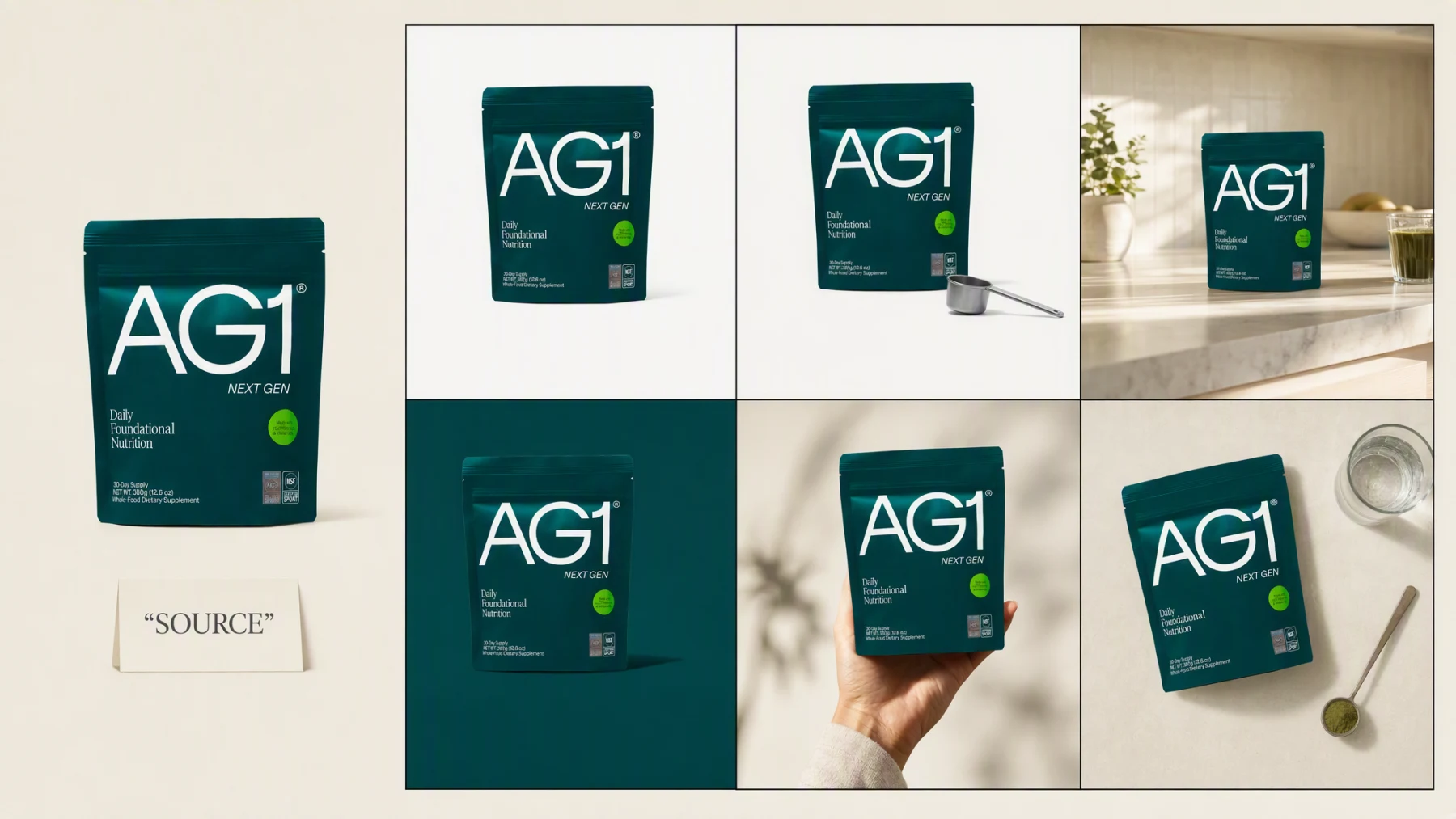
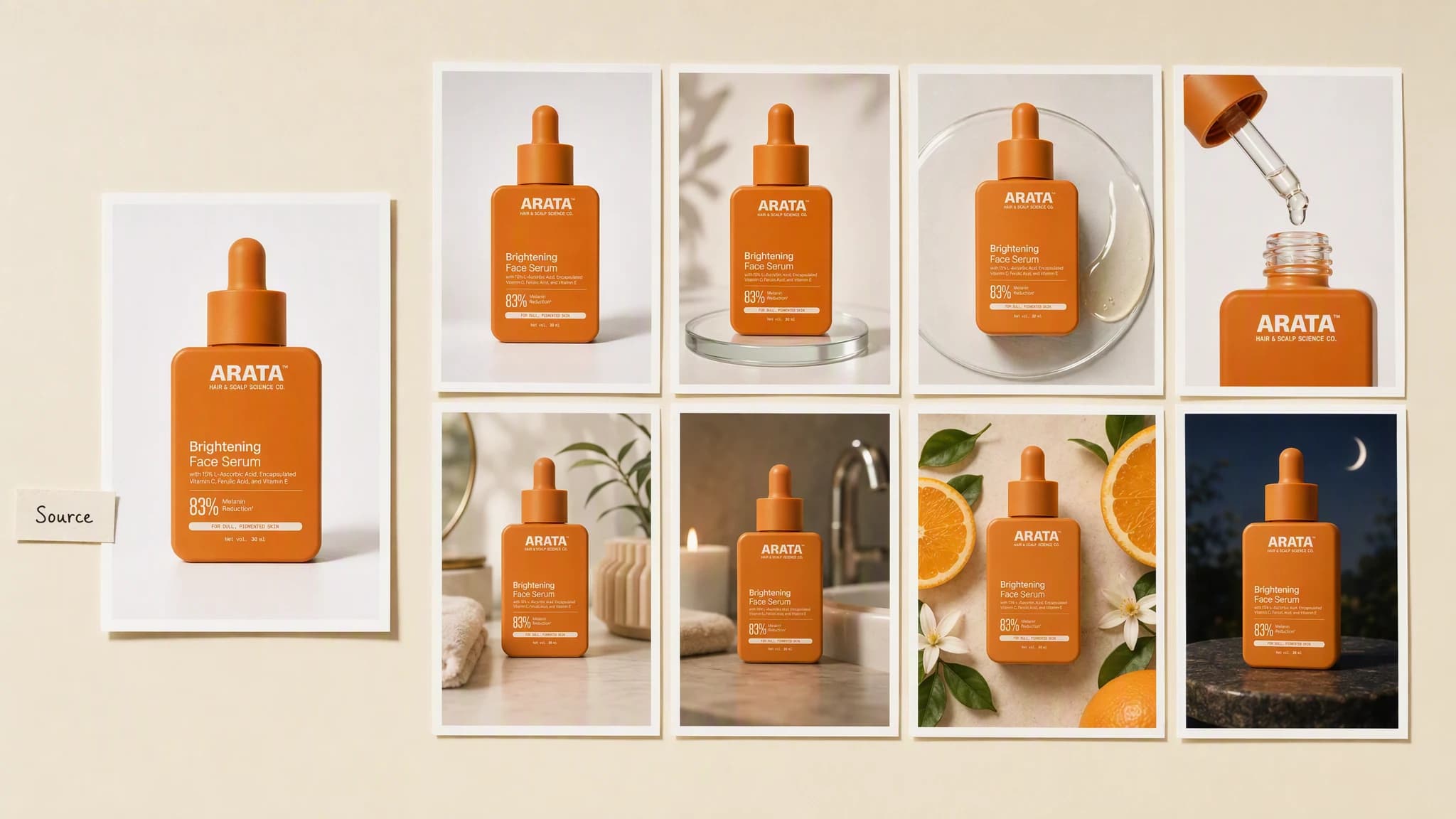
ImagesTurn real product images into a complete photography set for listings, campaigns, social posts, and launches, without rebuilding the product in every scene.
ImagesTurn real skincare, makeup, and beauty product images into studio, texture, routine, and campaign photography with the product kept central.
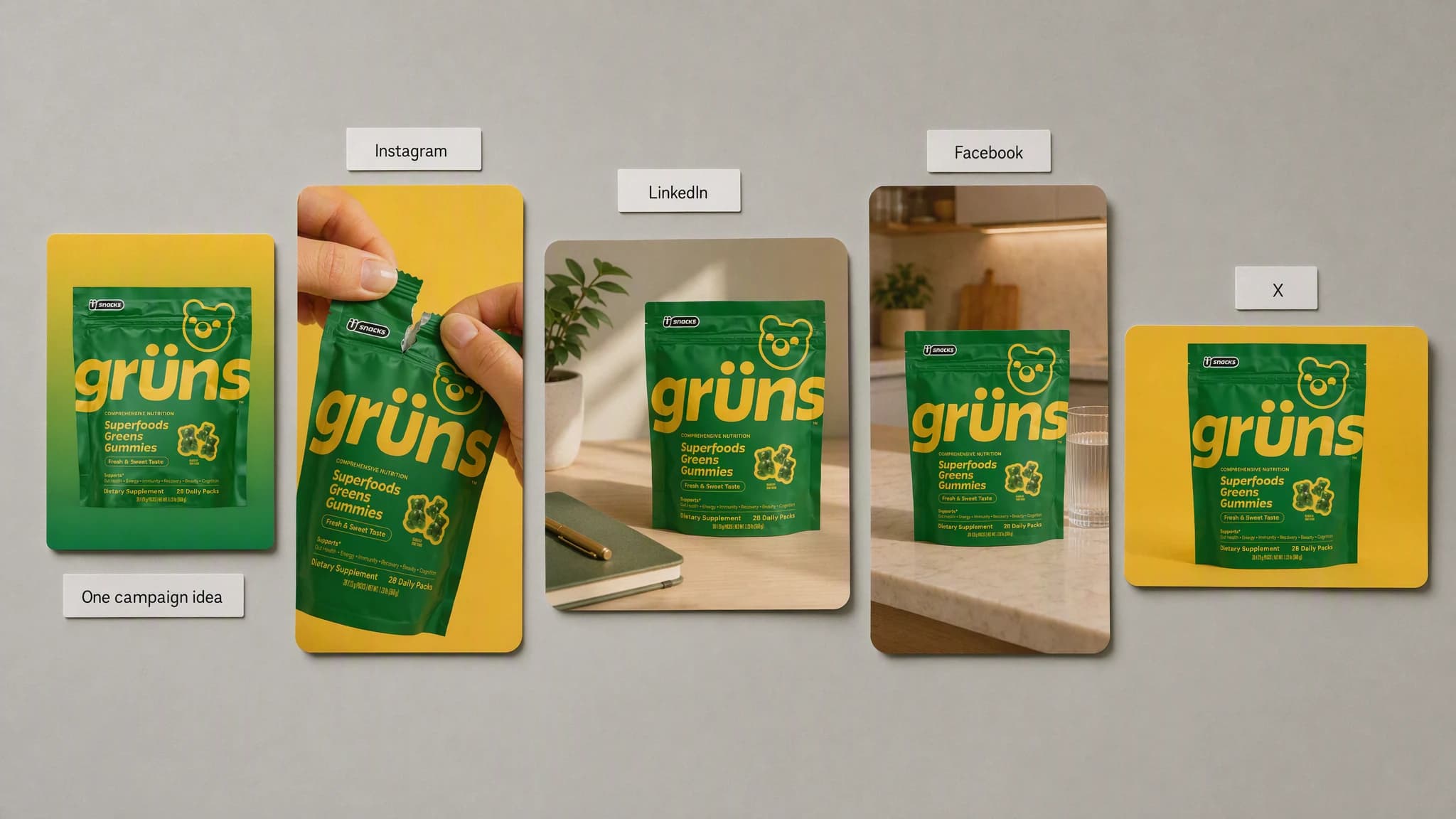
ImagesStart with one campaign idea, then create channel-aware visuals, copy, CTAs, and publishing drafts without flattening every network into the same post.
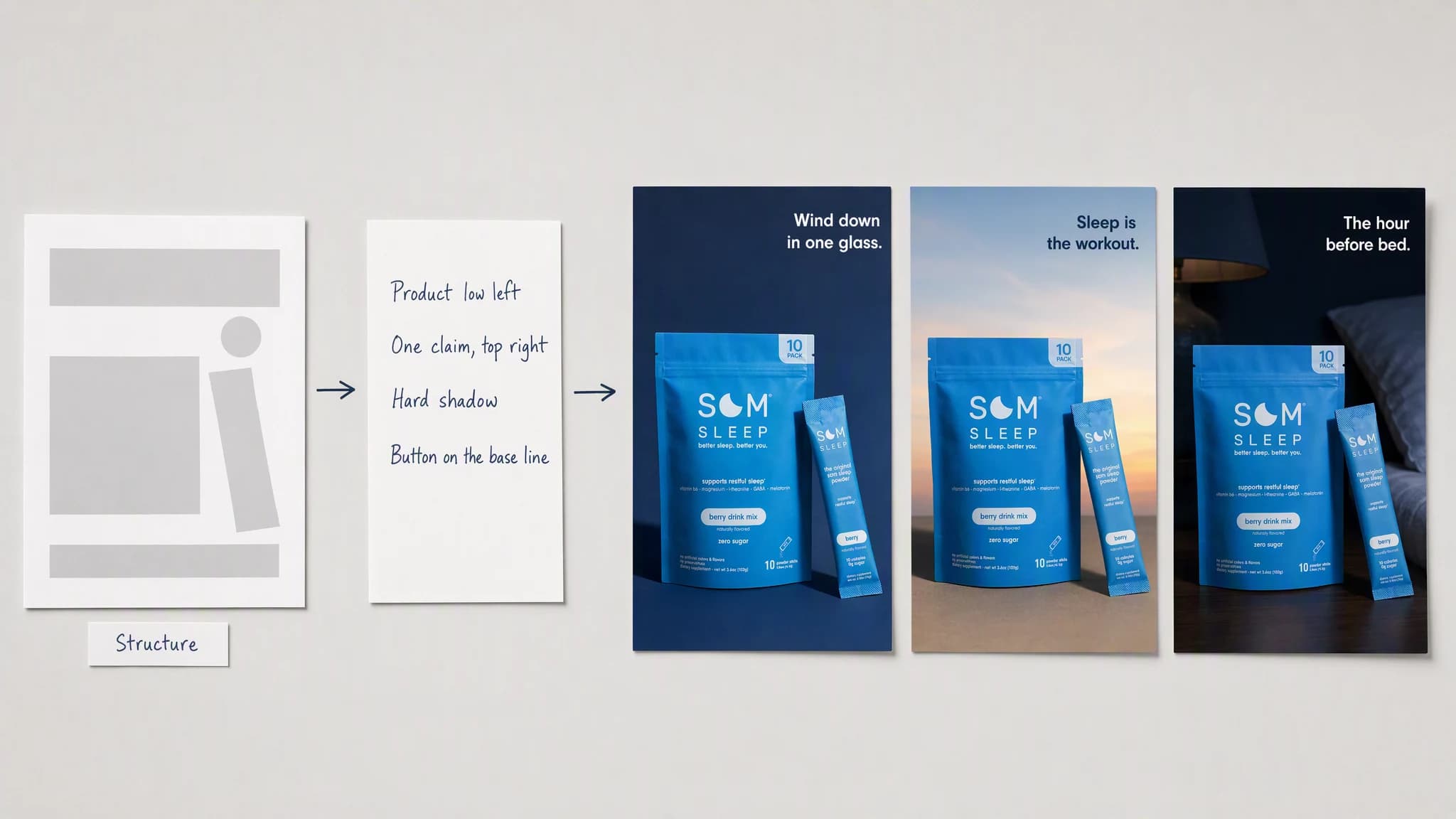
ImagesUse a reference ad to identify the composition, hierarchy, and creative logic, then rebuild the idea around your own product, brand, and message.
VideoTurn a script or topic into a scene-planned video with generated visuals, voice, captions, pacing, and one complete final cut, no presenter shoot required.
ImagesCreate expressive product and campaign images with Grok Imagine while your product, audience, references, and brand stay connected in Advibly.
What every solution shares
A solution is not a separate tool. It is one more way to run the brief you already have, inside the workspace that holds your brand.
Product images, brand identity, audience, and references stay attached no matter which model runs the brief.
Options from the same brief land side by side in one workspace instead of scattered across model playgrounds.
Take the winning direction straight into a static ad, a video, a carousel, or a scheduled post.
Advibly turns your website, app, store, and brand assets into reusable context for every creative.
Start with a website, app listing, store, screenshots, or brand files.
Brand system
One source of truth
Advibly turns your inputs into reusable product and brand context.
Every ad, video, post, idea, and campaign starts from the same context.
Continue the workflow
Add the headline, offer, and placement-ready layout in Advibly.
Carry the approved direction into a short product video.
Sequence the direction across slides for LinkedIn and Instagram.
Drive the same workflow over MCP from Claude, Cursor, or Codex.
Start with your own brand
Add your brand once, then run any solution on this page against it without rebuilding the brief.
Two starter credits included