
01 / CHOOSE THE CLICK PROMISELocked

Start with the click promise.
Start with the video topic, audience, payoff, and the one thing the thumbnail must communicate.
TopicAudiencePayoff
AI THUMBNAIL MAKER
Turn a video idea, product, face, or feature into clear thumbnail directions with legible text, strong contrast, and a reason to click.
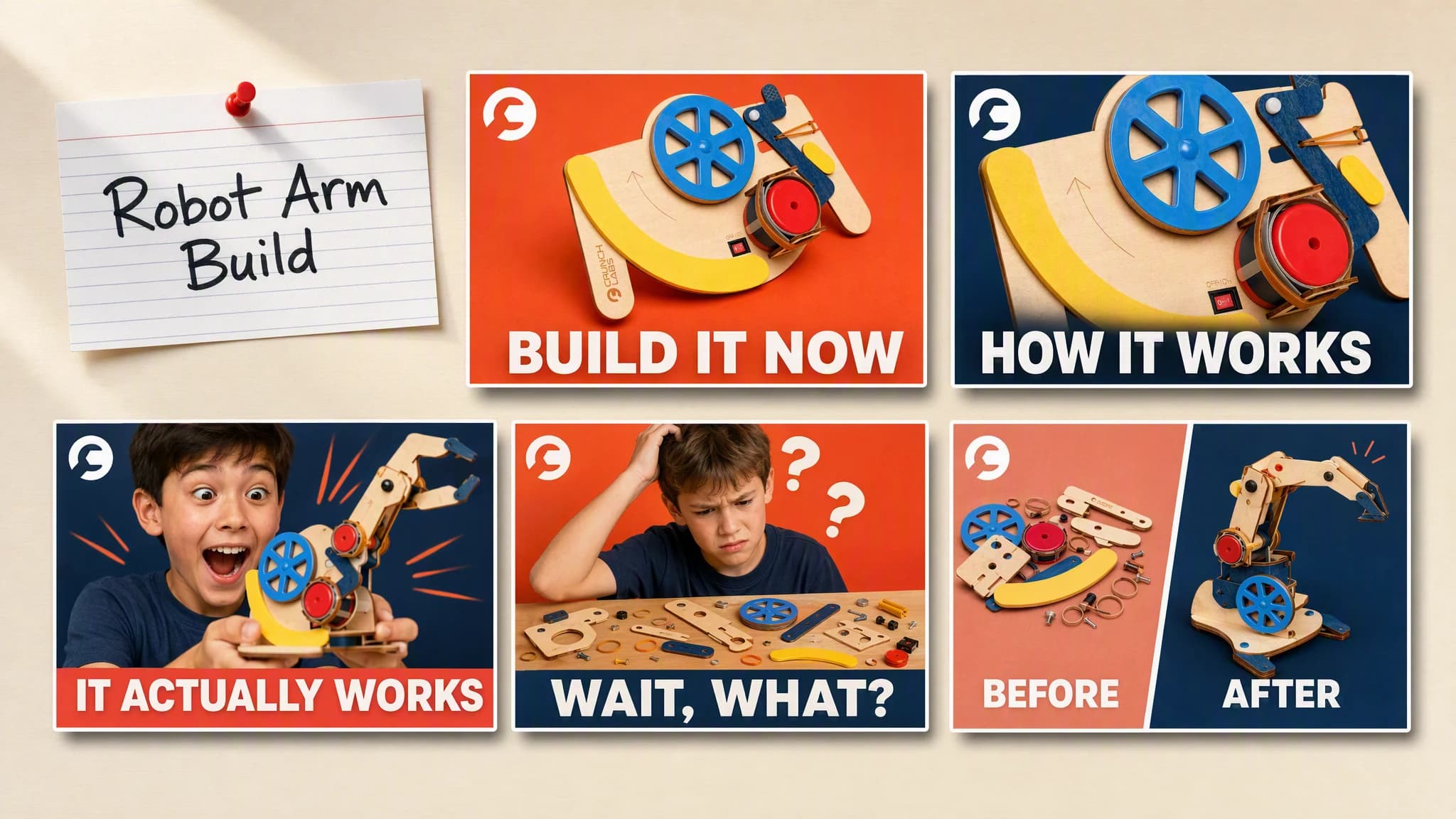
Illustrative composite: one video idea note beside five finished thumbnail directions, arranged on one board for comparison.
5 directions
built from one video idea
16:9
sized for the YouTube feed
Brand context
carried into every direction
From idea to thumbnail
The video topic, audience, and click promise stay attached to every direction, so you are comparing thumbnails instead of re-explaining the video each time.
One continuous creative run
Idea → Directions → Compare
Start with the video topic, audience, payoff, and the one thing the thumbnail must communicate.
“Product large in frame, one benefit-led phrase, bold contrast against a solid color.”
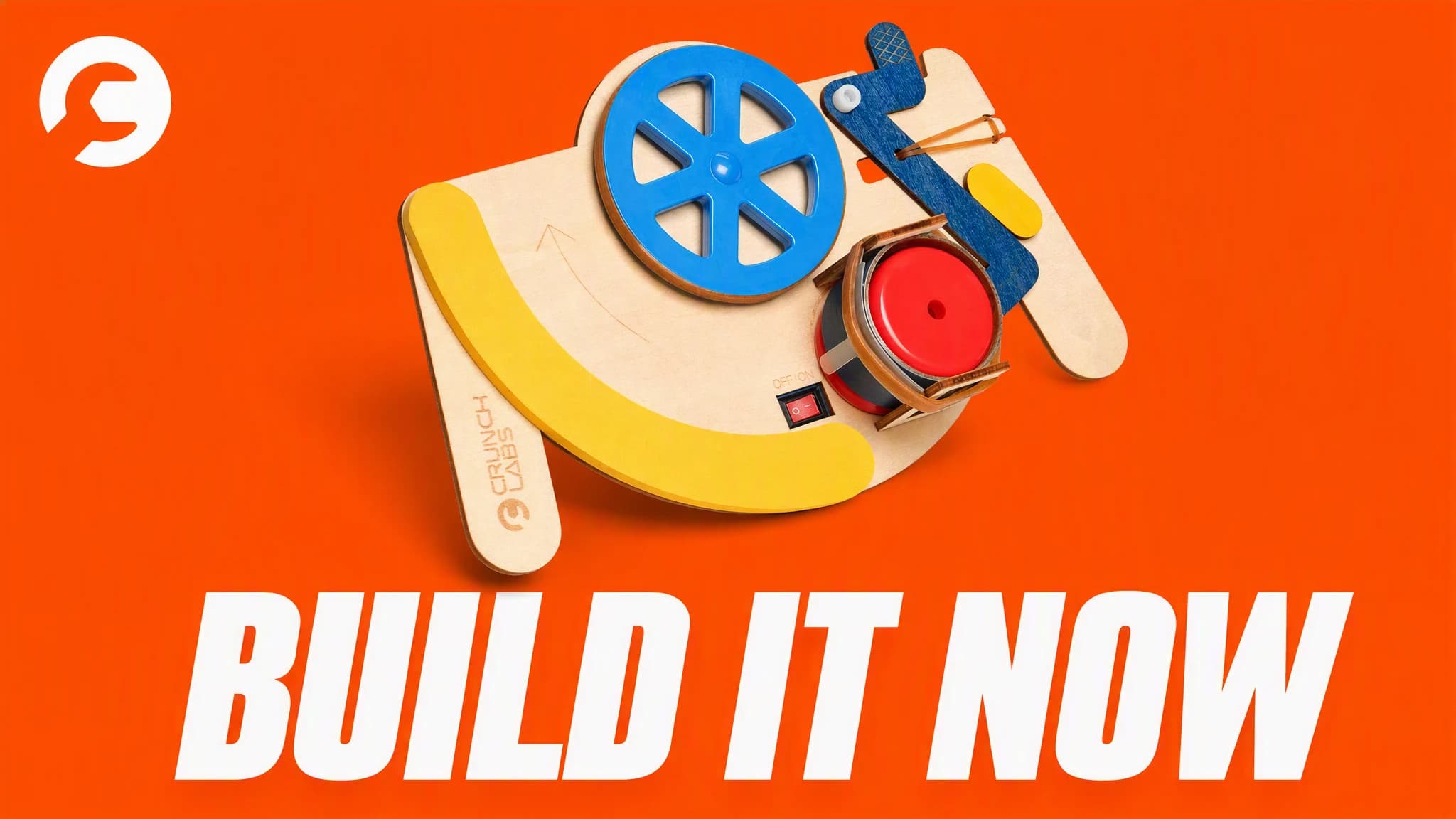
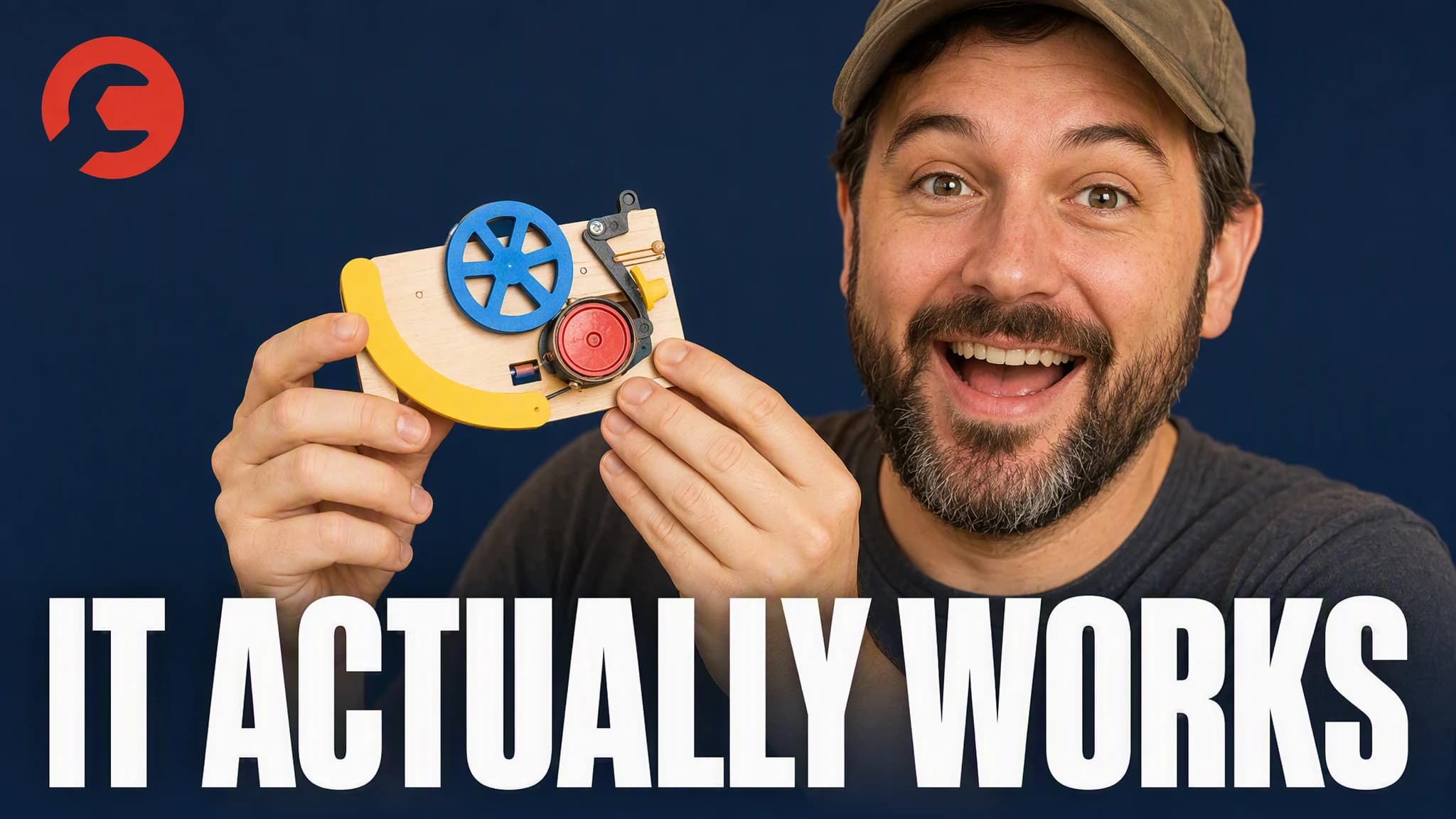
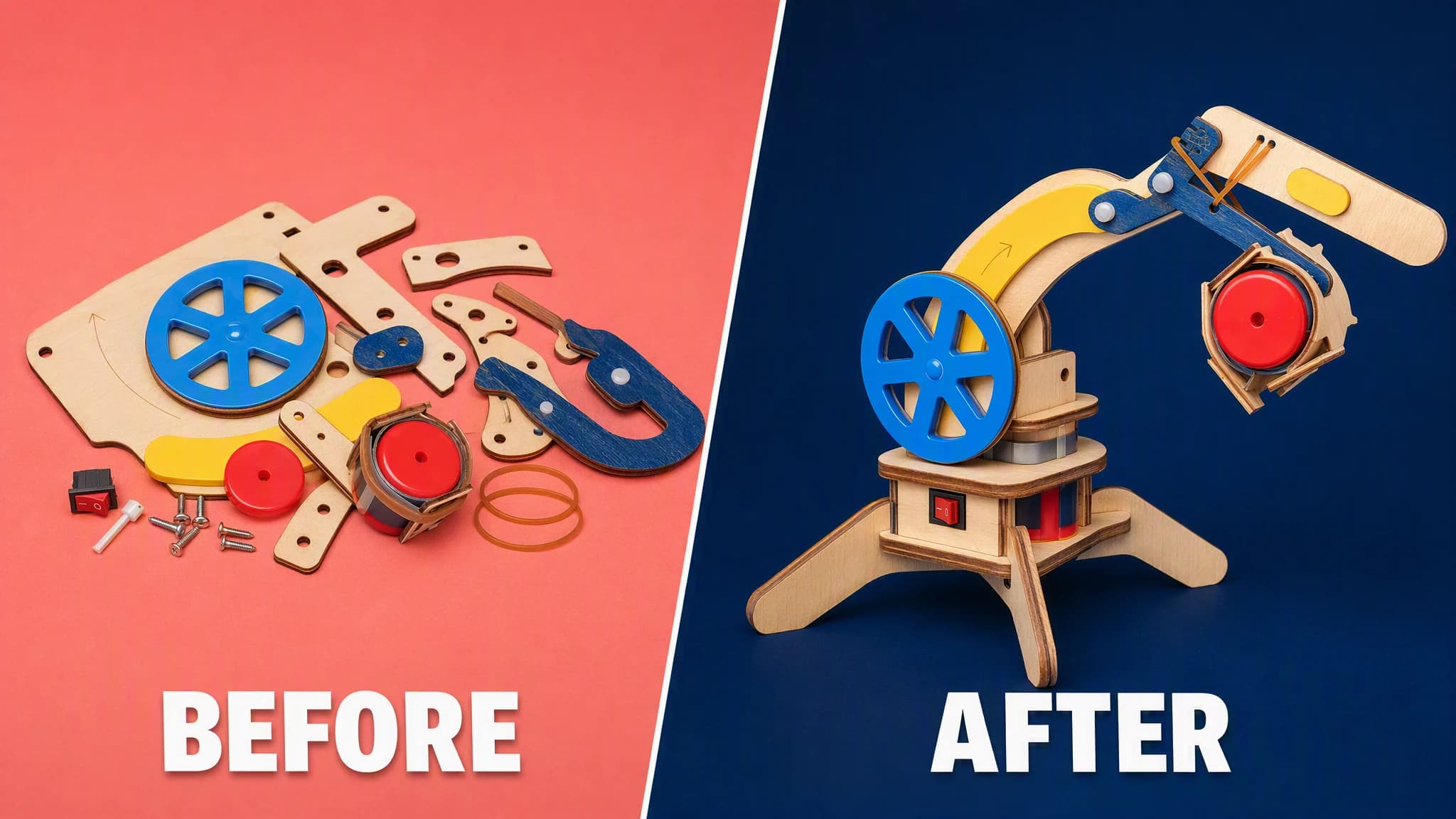
Inspect legibility at feed size, then export the strongest direction.
Advibly turns your website, app, store, and brand assets into reusable context for every creative.
Start with a website, app listing, store, screenshots, or brand files.
Brand system
One source of truth
Advibly turns your inputs into reusable product and brand context.
Every ad, video, post, idea, and campaign starts from the same context.
Built for the feed
A thumbnail must survive at feed size. Keep one focal subject, one visual tension, and only the text the viewer needs.
Make the object, feature, or before-and-after result the visual anchor.
Use expression and eye line only when they genuinely strengthen the video's promise.
Show the contrast clearly enough to understand before reading the title.
Outcome controls
Use a few large words instead of repeating the full video title.
Separate subject, contrast, and message so one element wins first.
Carry approved color, type, and framing choices into future thumbnails.
Same source, five directions
The page should show genuine creative range while keeping the same video promise.
These are 16:9 thumbnail directions, generated in Advibly with GPT Image 2 from one saved CrunchLabs brand and the Build Box product photo. Two lead with the product, two lead with a face, and one is a direct before-and-after comparison.
Product-ledThe robot arm kit centered in frame with one benefit-led phrase.
 Product-led
One mechanical detail highlighted clearly instead of the whole kit.
Face-ledA face-led direction with a specific, believable reaction to the finished build.
 Face-led
A face-led direction that opens on a relatable tension before the payoff.
ComparisonA clean split showing the transformation from parts to finished build.
Across categories
A calorie-tracking app, a gummy supplement, and a property intelligence platform all need a different focal subject. What stays the same is legible text and one clear click promise.
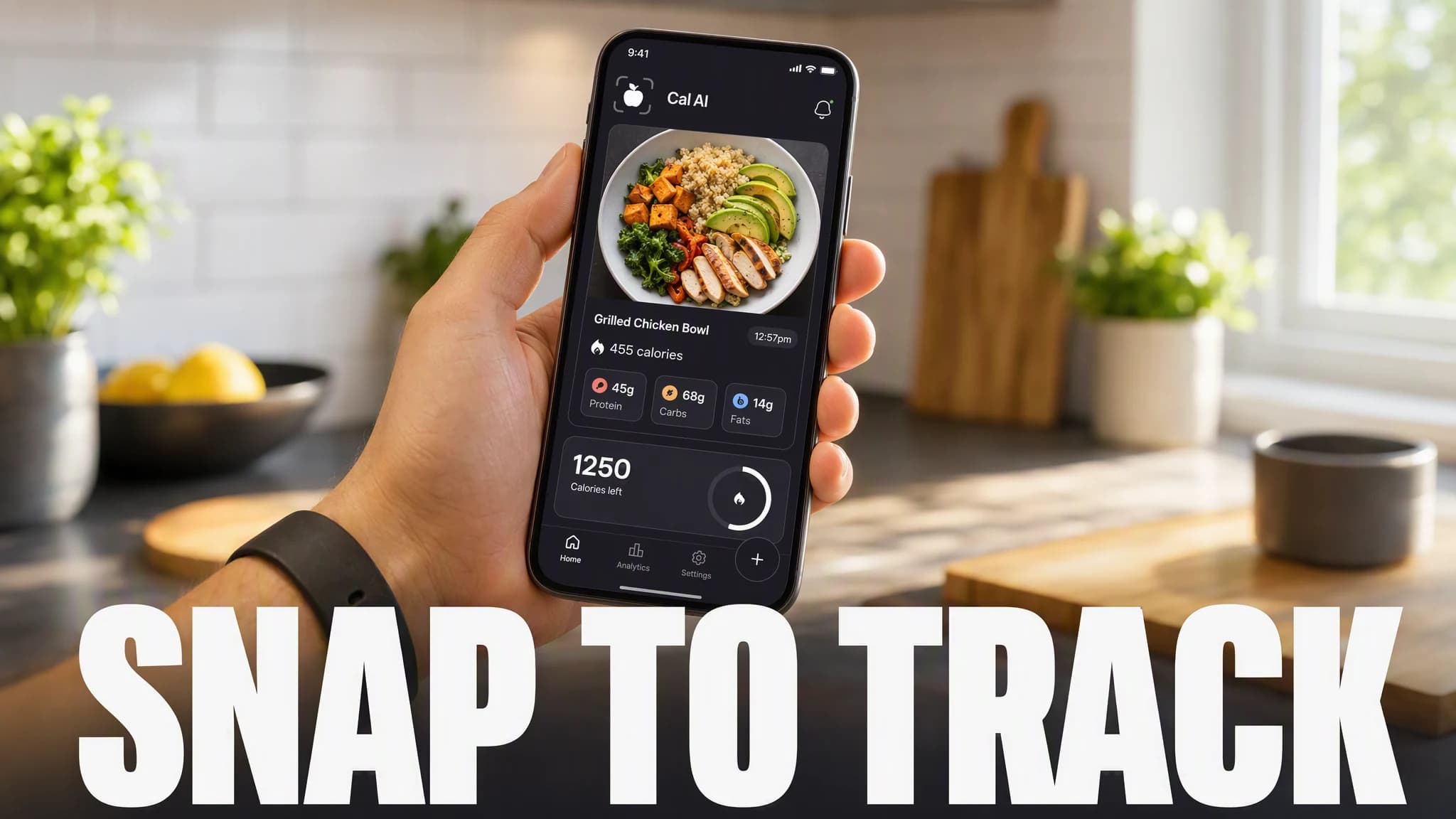
Mobile app
A real calorie-tracking app screen carried into a benefit-led phrase.
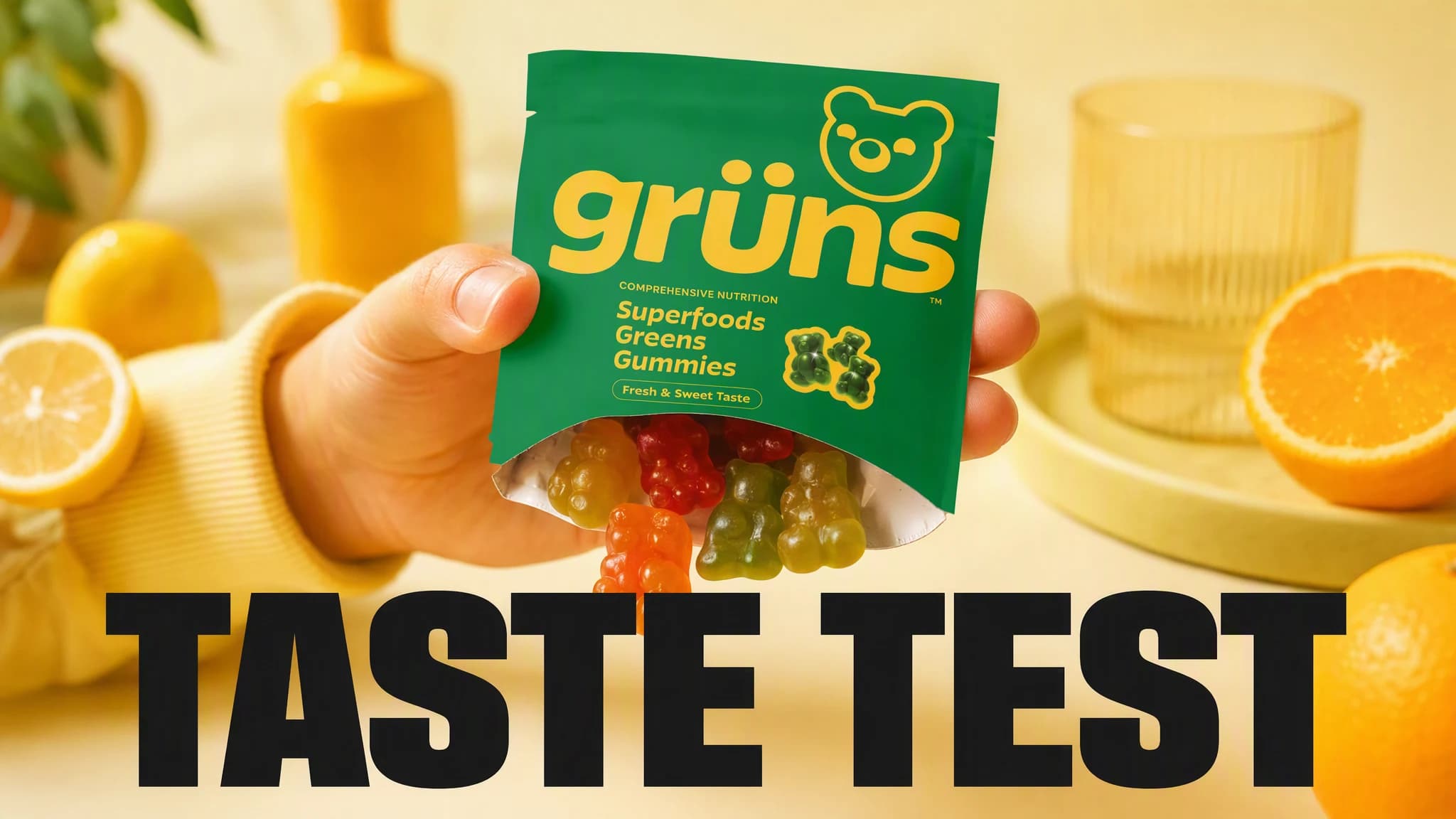
Physical product
A real gummy supplement pack held toward the camera with a playful hook.
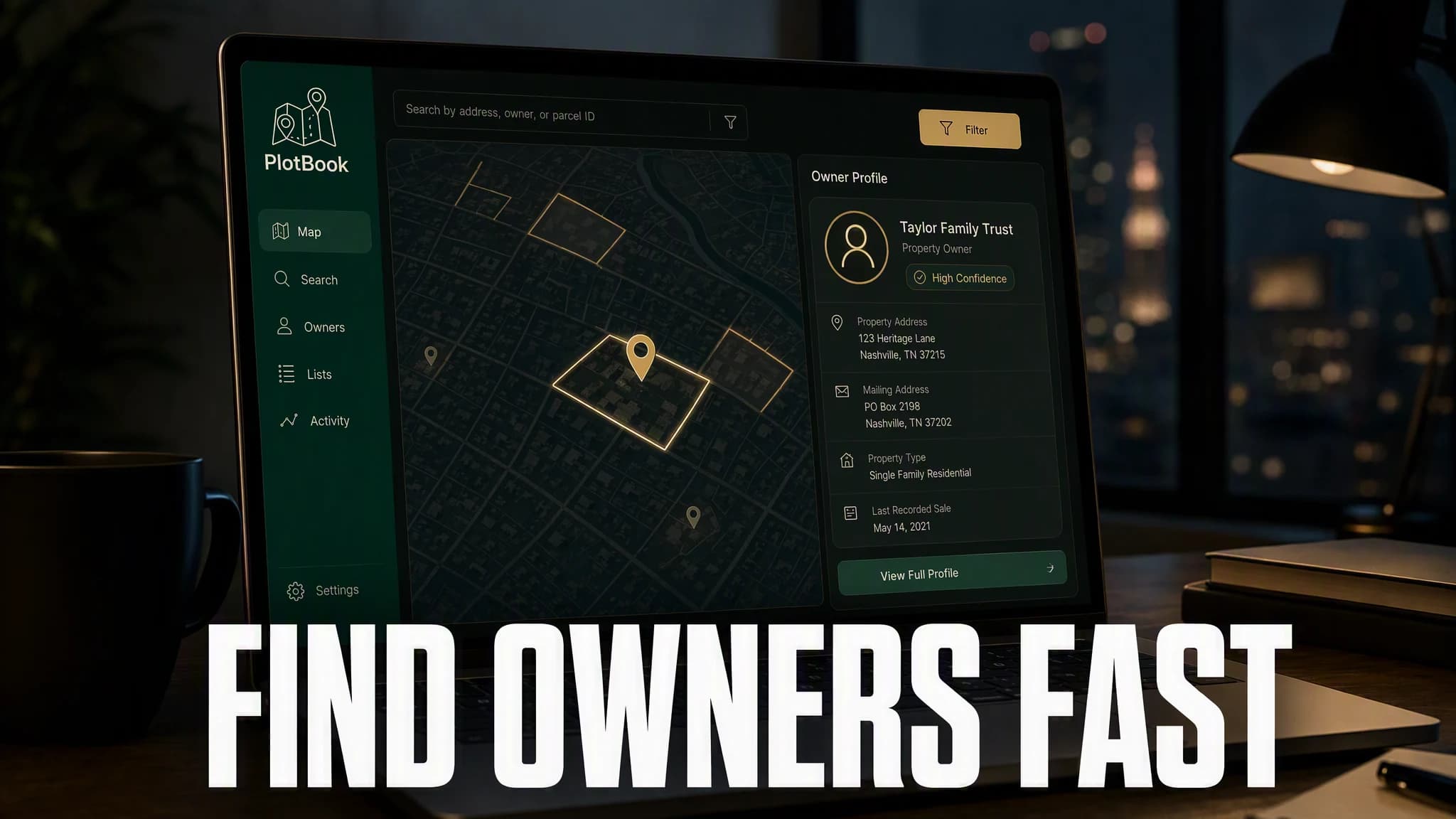
SaaS
A property intelligence dashboard explained through one clear promise instead of a feature list.
Continue the workflow
Carry the approved promise and visual direction into a short product video.
Adapt the strongest direction for paid-social placements.
Use supported Advibly actions from your connected agent environment.
FAQ
Advibly's image workflow can generate 16:9 thumbnail directions. Final results still need a human check for text, product accuracy, and platform fit.
Usually no. The thumbnail should add a visual promise or tension that works with the title, not duplicate every word.
This review page requires five distinct examples. The number you generate in-product depends on the model, settings, and testing plan.
Your first thumbnail starts here
Bring the video idea. Advibly helps turn it into clear, testable creative.
Two starter credits included