AI carousels, planned slide by slide.

Generate on-brand decks for LinkedIn, Instagram, and TikTok - from a single topic to export-ready slides.

3 platforms

LinkedIn, Instagram, and TikTok slideshows

3-5 slides

tight decks planned for mobile attention

PDF / ZIP

document export or platform-ready images

High quality

text-heavy slides rendered for legibility

Workflow

One idea in. A complete deck out.

Carousels need more than a pretty cover. Advibly plans the argument, generates each slide, and gives you the right export for each channel.

Topic

Audience

founders testing their first paid ad

Promise

avoid wasting budget on weak creative

Angle

5 mistakes that kill early ad tests

Tone

sharp, useful, founder-to-founder

01

Start with a useful idea.

Write a topic, lesson, launch angle, list, or story. Advibly turns it into a structured carousel brief.


Plan
Hook
Slide beats
Caption
Hashtags
Deck outlineready
01Stop guessing
02Test the hook
03Export the winner
02

Review the deck plan.

AI plans the hook, slide beats, caption, hashtags, and visual direction before spending credits on slides.

Export

LinkedIn

PDF document post

Instagram

ZIP of 4:5 images

TikTok

ZIP for photo mode

03

Generate and publish.

Create platform-sized slides, then export a LinkedIn PDF or image ZIP for Instagram and TikTok.

Save your brand once. Create from it everywhere.

Advibly turns your website, app, store, and brand assets into reusable context for every creative.

Sources
WebsiteStorefrontScreenshots
App listingLogoProduct shots
ColorsFontsBrand guide
Product shotsWebsiteLogo
01

Add your source.

Start with a website, app listing, store, screenshots, or brand files.

Brand memory

Brand system

One source of truth

Synced
Tone
Voice
Fonts
Colors
Audience
Aesthetic
02

Build brand memory.

Advibly turns your inputs into reusable product and brand context.

Outputs
Static AdUGC VideoCarousel
Product VisualLinkedIn PostCampaign
ScheduleStatic AdUGC Video
CampaignProduct VisualCarousel
03

Create on-brand.

Every ad, video, post, idea, and campaign starts from the same context.

The latest models, all in one place.

  • BestGPT Image 2
  • Nano Banana
  • NewWan 3.0
  • NewSeedance 2.5
  • NewFLUX 3
  • Kling 3
  • NewGemini Omni Flash
  • Seedance 2.0
  • NewNano Banana Lite
  • NewSeedream 5
  • NewHailuo 03
  • Grok Imagine
Creative control

Carousels planned for the swipe.

Advibly treats a carousel like a sequence, not a single poster. Each slide gets a job, a safe zone, and a format-specific export.

Pick the format by where it will be posted.

LinkedIn gets a value-first PDF document post. Instagram gets 4:5 swipeable images. TikTok gets a full-screen 9:16 photo-mode slideshow with safe zones baked in.

Platform router

LinkedIn

4:5 PDF document post

selected

Instagram

4:5 swipeable images

TikTok

9:16 photo-mode slideshow

Approve the logic before generating the slides.

Advibly plans the hook, narrative beats, visual direction, caption, and hashtags first, so the deck has a clear argument instead of five disconnected images.

Deck planapproved

Hook

Open with the painful mistake

Beat 01

Show why one test is enough

Beat 02

Explain what decides spend

CTA

Export the winner

1

Stop guessing

2

The hook decides the spend

3

Export the winner

Give every deck a distinct visual system.

The planner can choose editorial, diagram-driven, bold graphic, collage, native phone-photo, panorama, and other carousel styles that fit the brand and platform.

Visual directionsone per deck
01

bold color-blocked

02

editorial minimal

03

diagram driven

04

photo-dump collage

05

chunky text-on-photo

06

seamless panorama

Examples

Decks built to make people keep swiping.

Use carousels for lessons, teardown posts, launch stories, app explainers, listicles, and save-worthy brand education.

01
02
03

Founder mistakes

LinkedIn PDF

01
02
03

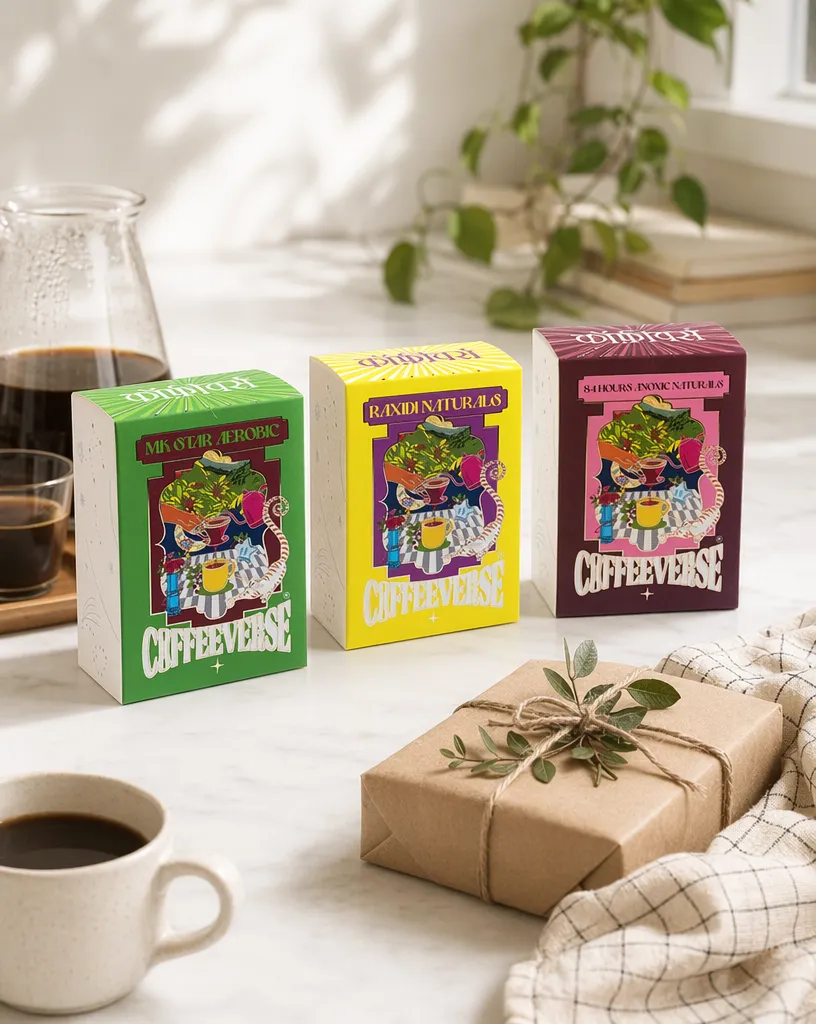
Coffee launch

Instagram 4:5

01
02
03

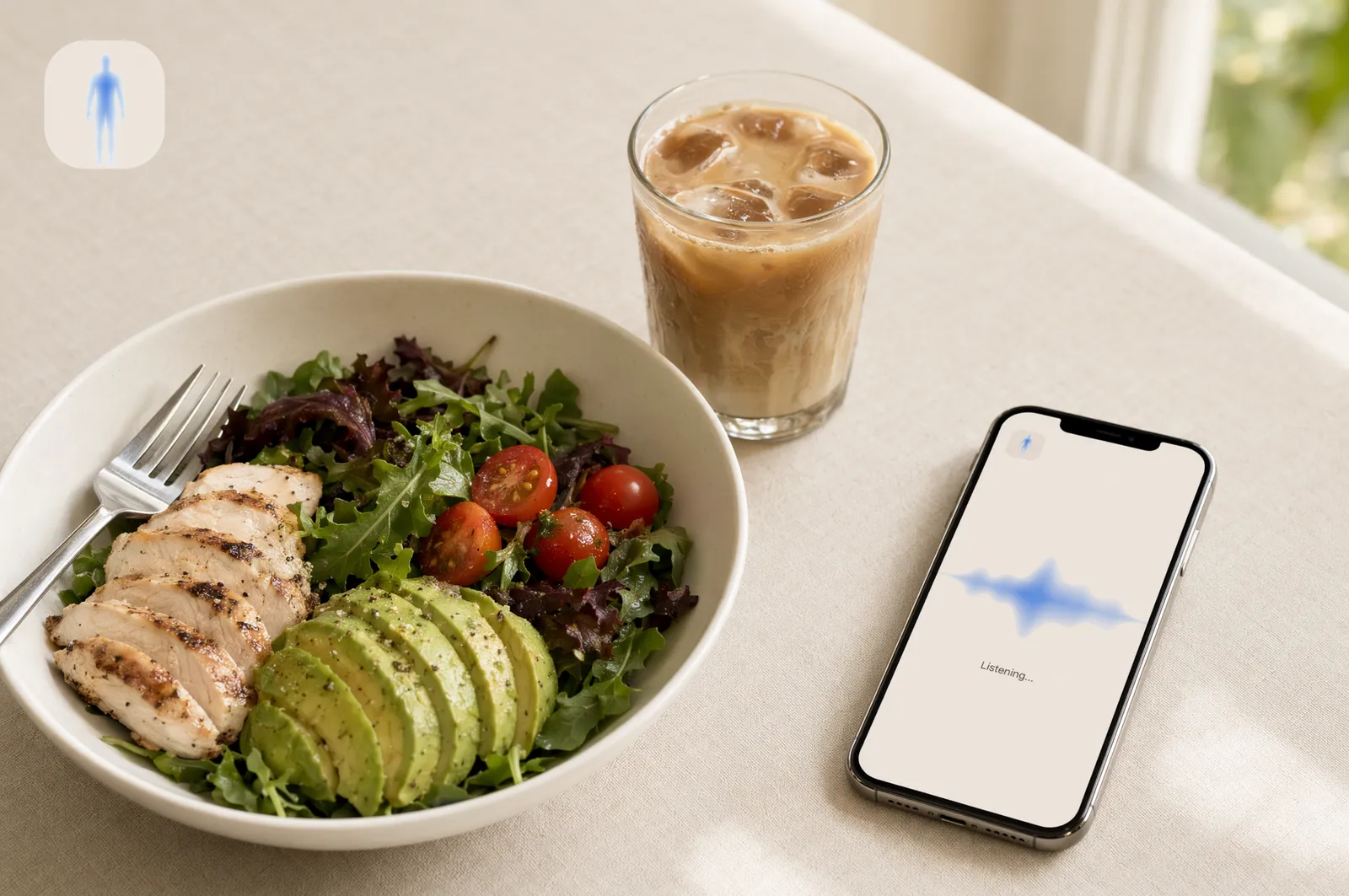
App install story

TikTok slideshow

FAQ

Carousel questions, answered.

The details behind deck planning, platform formats, exports, and brand-aware slide generation.

Which platforms can I generate carousels for?

Advibly currently supports LinkedIn carousels, Instagram carousels, and TikTok photo-mode slideshows. Auto mode can choose the best format from your brief.

How many slides can a deck have?

Generated decks currently use 3 to 5 slides, depending on the platform and brief. That keeps the sequence tight enough for mobile attention.

Can I review the deck before generating images?

Yes. Advibly plans the carousel first: hook, slide-by-slide beats, caption, hashtags, and visual direction. You confirm before slide generation starts.

What export formats are supported?

LinkedIn exports as a PDF document post. Instagram and TikTok export as a ZIP of images sized for the target platform.

Are the slides brand-aware?

Yes. Advibly uses your saved brand context, including products, positioning, tone, palette, and style guidance, when planning and rendering the deck.

Can I use the carousels commercially?

Yes. Generated carousel slides are made for commercial use across organic social, paid campaigns, launch posts, and content marketing. Review claims and platform compliance before publishing.

Get started

Turn your next idea into a swipeable deck.

Start with a topic, review the plan, and generate a carousel sized for the platform where it will live.