GPT Image 2.5 Sunburst and Flare, GPT Image 2, and more
4K
high-resolution output on supported models
11 ratios
from square to vertical, feed, and cinematic
4 variants
batch creative directions from one brief
Workflow
Product brief in. Ad images out.
Move from brand and product context to polished static ads without rebuilding the same prompt scaffolding every time.
Brief
source
Product
Brand kit
Audience
Offer
01
Start with product context.
Attach a product, URL, brand kit, or reference image so the ad starts from something real.
Direction
Headline
Single-estate coffee, in every pour
Scene
premium cafe flat-lay with product in focus
Style
airy editorial, clean type, warm daylight
CTA
Shop the launch
02
Give the model art direction.
Describe the scene, headline, composition, offer, and audience. Advibly keeps the brand context attached.
Variants
pick
03
Generate, compare, and export.
Batch up to four directions, keep the winner, resize for placement, and download ad-ready creative.
Save your brand once. Create from it everywhere.
Advibly turns your website, app, store, and brand assets into reusable context for every creative.
Sources
WebsiteStorefrontScreenshots
WebsiteStorefrontScreenshots
App listingLogoProduct shots
App listingLogoProduct shots
ColorsFontsBrand guide
ColorsFontsBrand guide
Product shotsWebsiteLogo
Product shotsWebsiteLogo
01
Add your source.
Start with a website, app listing, store, screenshots, or brand files.
Brand memory
Brand system
One source of truth
Synced
Tone
Voice
Fonts
Colors
Audience
Aesthetic
02
Build brand memory.
Advibly turns your inputs into reusable product and brand context.
Outputs
Static AdUGC VideoCarousel
Static AdUGC VideoCarousel
Product VisualLinkedIn PostCampaign
Product VisualLinkedIn PostCampaign
ScheduleStatic AdUGC Video
ScheduleStatic AdUGC Video
CampaignProduct VisualCarousel
CampaignProduct VisualCarousel
03
Create on-brand.
Every ad, video, post, idea, and campaign starts from the same context.
The latest models, all in one place.
BestGPT Image 2.5 Sunburst
Nano Banana
NewGPT Image 2.5 Flare
NewWan 3.0
NewSeedance 2.5
GPT Image 2
NewFLUX 3
Kling 3
NewGemini Omni Flash
Seedance 2.0
NewNano Banana Lite
NewSeedream 5
NewHailuo 03
Grok Imagine
Creative control
Static ads that keep the product sharp.
Advibly gives the image model the brand context, product source, and format constraints it needs to create usable paid-social assets.
Route each prompt to the right image model.
Reach for GPT Image 2.5 Sunburst when the ad has to be the best it can be, Flare when you are iterating and want it now, GPT Image 2 for crisp text and layout, Nano Banana 2 for high-end generation, and Grok Imagine for broader style exploration.
Image model router
AI
GPT Image 2.5 Sunburst
the best image quality here
selected
AI
GPT Image 2.5 Flare
the fastest, same rich texture
Nano Banana 2
state-of-the-art generation
Grok Imagine
style exploration
Refine ads with reference-aware edits.
Upload reference images, keep the product consistent, then revise the scene, copy, lighting, or composition without starting from scratch.
draft
refined
edit
cleaner type, more whitespace
Export the shape your placement needs.
Generate square, vertical, portrait, landscape, cinematic, and auto-sized images, with 1K, 2K, and 4K output where supported.
Sizesup to 4K
1:1
Feed
9:16
Story
4:5
Social
16:9
Display
Examples
Static ads with enough detail to inspect closely.
Product-forward images for launch campaigns, app installs, ecommerce promos, creator briefs, and landing-page visuals.
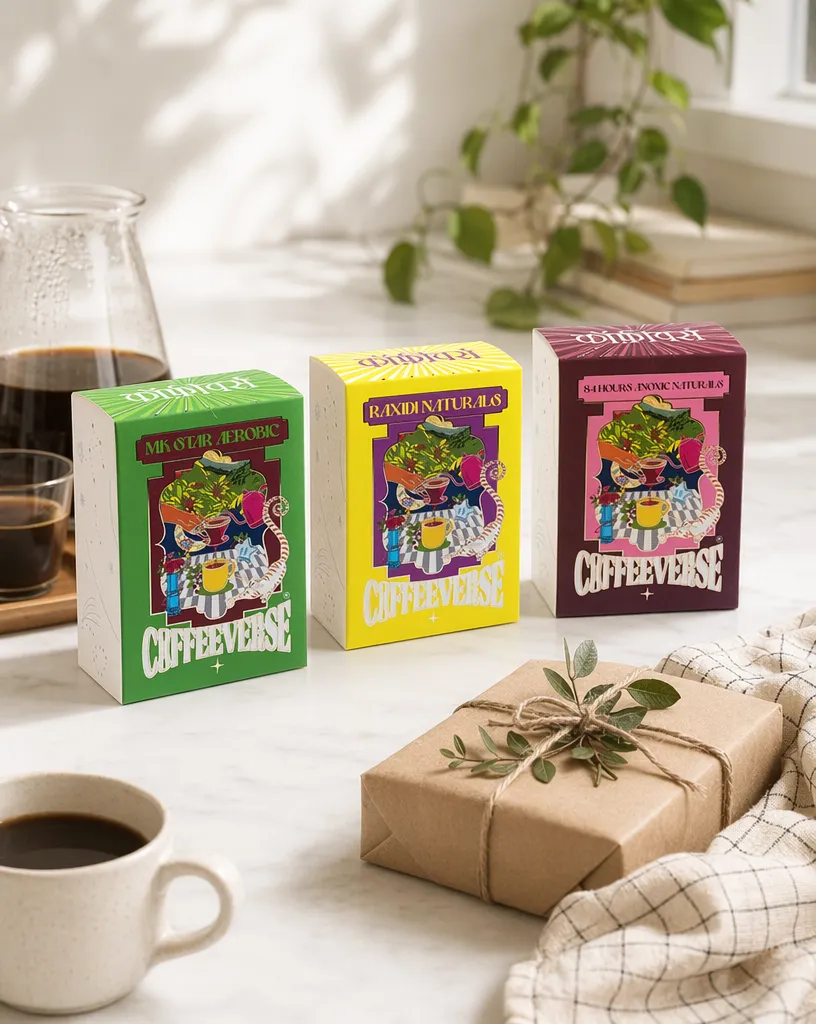
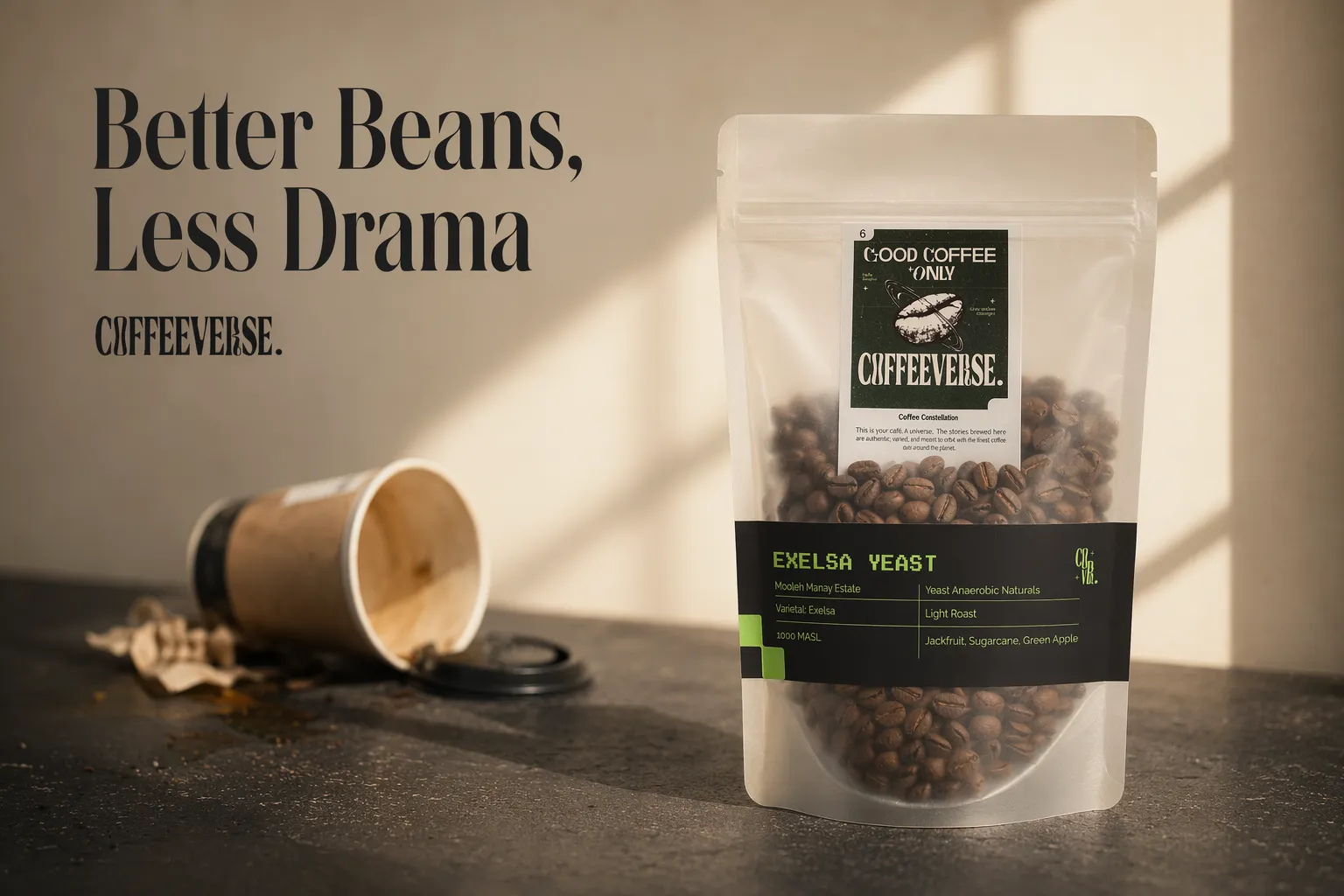
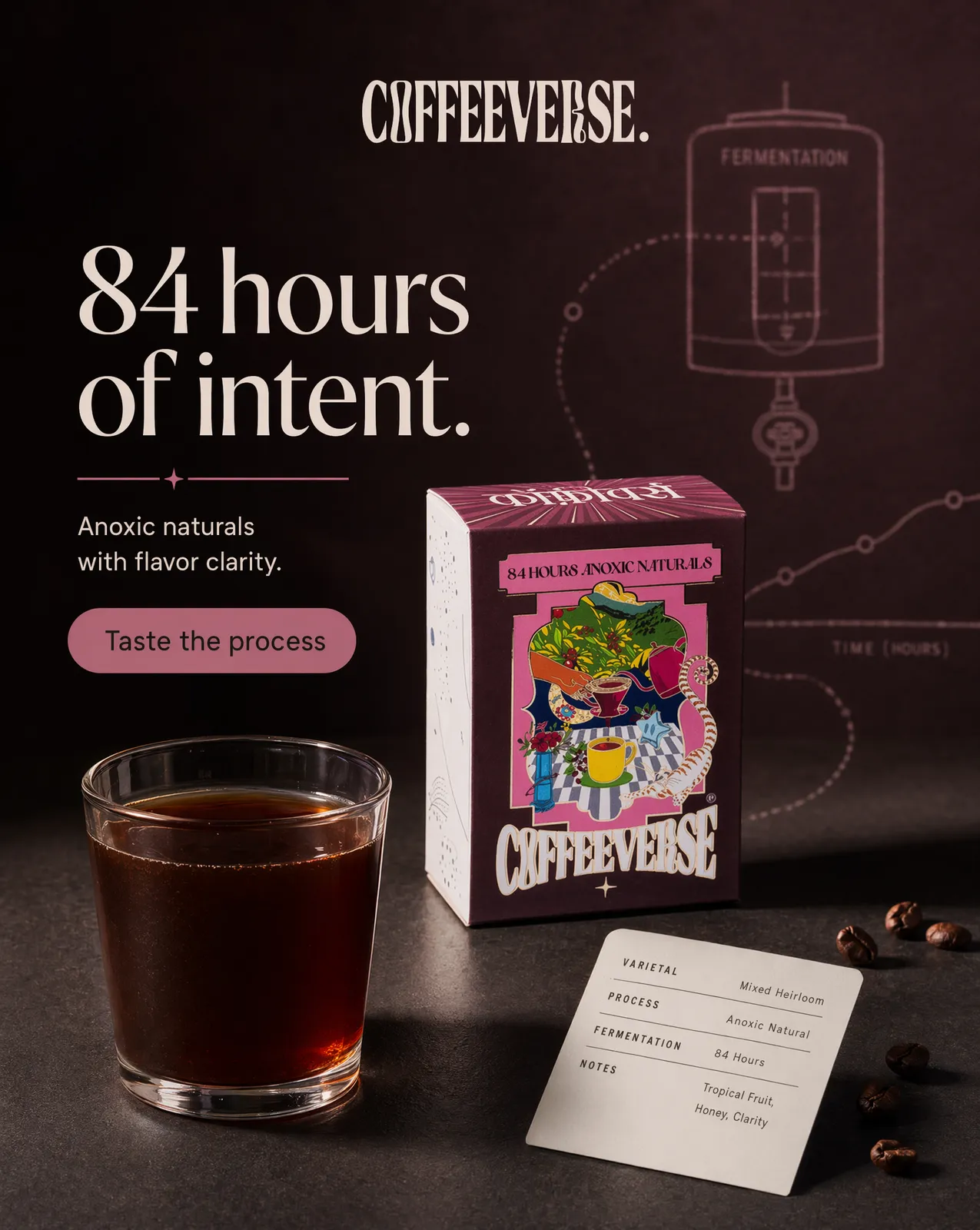
coffee launch
Coffeeverse
coffee launch
app install
stupidlyfit
app install
fitness app
Gymnerds
fitness app
reading app
PlotBook
reading app
model launch
Vanikya
model launch
flat-lay
Coffeeverse
flat-lay
FAQ
Image ad questions, answered.
The details behind model choice, references, format control, and commercial use.
Which image models can I use?
Advibly supports GPT Image 2.5 Sunburst and Flare, GPT Image 2, Nano Banana 2, Nano Banana Lite, Seedream 5, and Grok Imagine for image generation, with model-specific controls for aspect ratio, resolution, quality, and references.
Can I generate ads with readable text?
Yes. GPT Image 2 is the default for ads with headlines, labels, product names, and other precise text because it handles typography and layout especially well.
Can I upload product or reference images?
Yes. Use reference images to preserve product details, guide composition, match a campaign style, or edit an existing generated ad.
What sizes are supported?
The image workflow supports 11 aspect ratios, including square, portrait, 4:5 social, 9:16 mobile, landscape, widescreen, cinematic, and auto. Resolution support depends on the selected model.
How many images can I generate at once?
You can batch up to four variants from one brief, then compare them and continue from the strongest direction.
Can I use the images in paid ads?
Yes. Generated image ads are made for commercial use across paid social, ecommerce, landing pages, and organic campaigns. Review platform and category compliance before launch.
Get started
Turn your next product brief into a static ad.
Start from your brand, generate polished image variants, and export the formats your campaign needs.

 source
 pick
pick
 Nano Banana
 Wan 3.0
 Seedance 2.5
 FLUX 3
 Kling 3
 Hailuo 03
 Grok Imagine
 draft
draft app install
 fitness app
 reading app
 model launch