
01 / ADD THE SCRIPT OR THE TOPICLocked
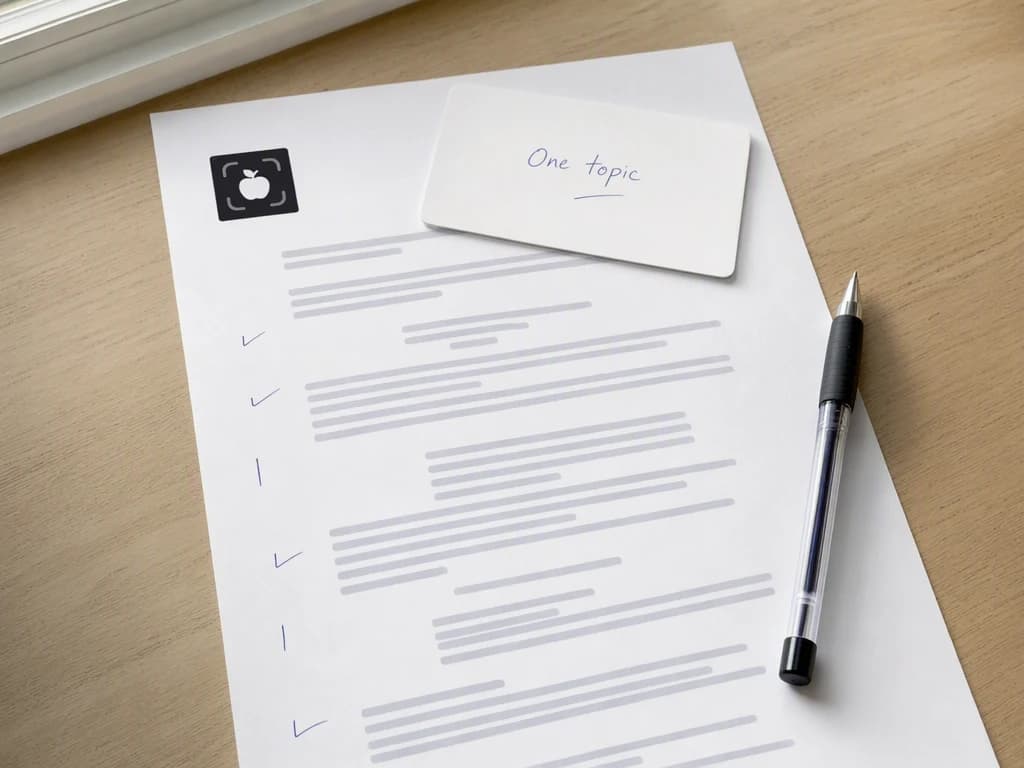
Start with something already true.
Bring an approved script, a topic, or the product story, then name the audience and the placement the cut has to serve.
ScriptTopicProduct story
AI FACELESS VIDEO GENERATOR
Turn a script or topic into a scene-planned video with generated visuals, voice, captions, pacing, and one complete final cut, no presenter shoot required.
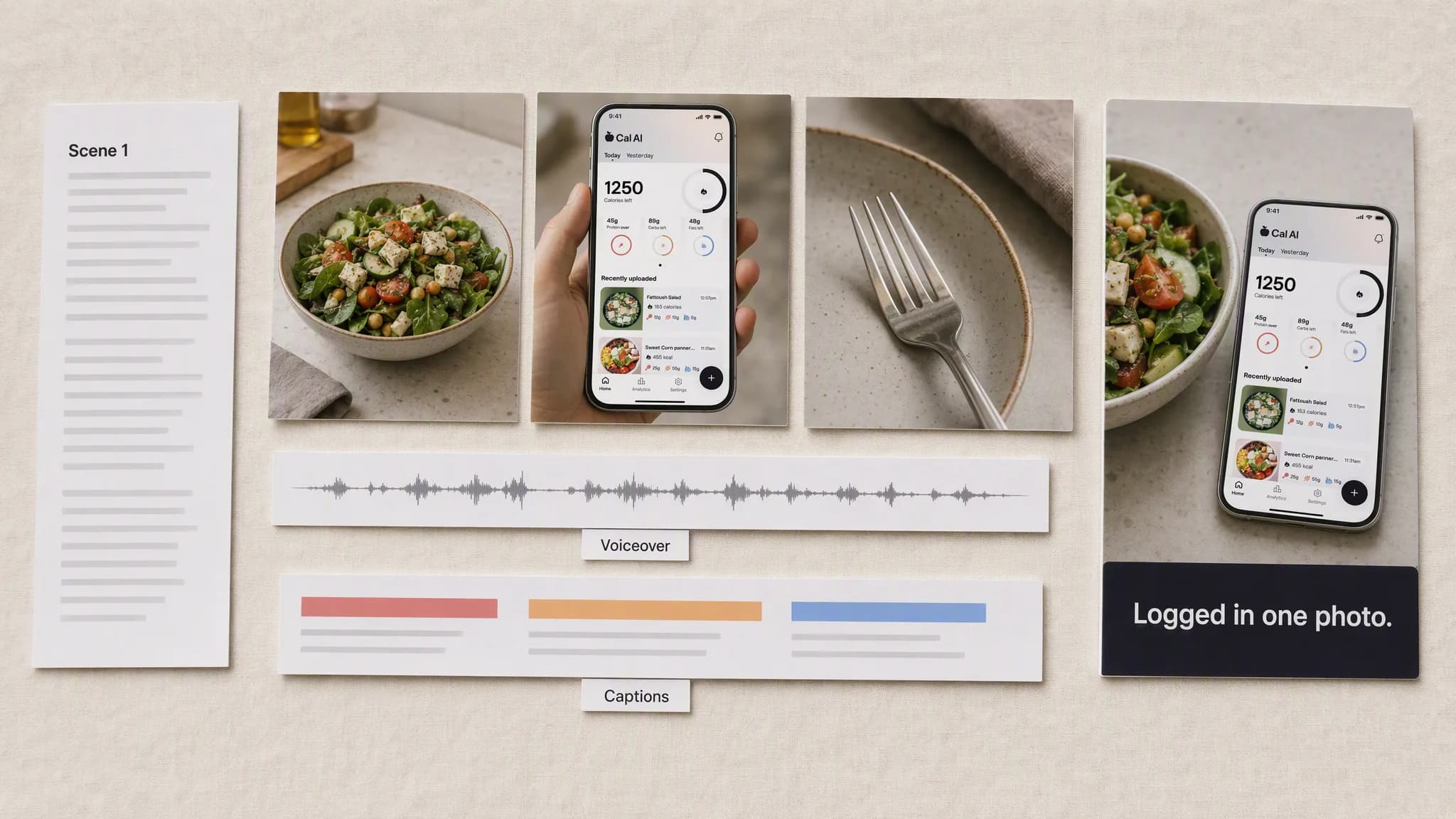
Illustrative composite: the script, the scenes, the voiceover and caption layers, and the finished frame, arranged on one board.
Grounded
product and brand context stay attached
Outcome-led
built specifically for faceless video production
Complete
a reviewable faceless video, not a loose draft
From script to final cut
Every layer is planned before anything renders: what each scene shows, what the narrator says over it, and what the caption holds on screen while they say it.
One continuous production
Script → Scenes → Cut
Bring an approved script, a topic, or the product story, then name the audience and the placement the cut has to serve.
“Open on the plate, hold two seconds. Second scene is the phone over it. Land on the empty plate with the caption still on screen. No presenter anywhere.”

Create the scenes, review each one against the narration it carries, and assemble the approved sequence into one cut.
Advibly turns your website, app, store, and brand assets into reusable context for every creative.
Start with a website, app listing, store, screenshots, or brand files.
Brand system
One source of truth
Advibly turns your inputs into reusable product and brand context.
Every ad, video, post, idea, and campaign starts from the same context.
Where the work happens
Advibly keeps the source, brand, and intended placement attached while you create the faceless video.
The hook, the middle, and the landing are decided before generation, so the cut arrives as a story rather than a narration paragraph with pictures behind it.
Every scene is planned against the line it carries, and real product or interface references stay attached so the visuals prove what the narrator is saying.
Voiceover, on-screen captions, and the length of each hold are produced with the scenes, so the cut reads correctly with the sound off.
Outcome controls
Choose the shape of the story, from a product explainer to a teaching list to an editorial piece.
Decide what each scene shows and which real references it has to stay faithful to.
Set the narration, the caption style, and how long each scene holds before the cut.
Three faceless formats
Three different shapes of narrated video, and not one of them needs a presenter, a studio, or a shoot day.
Each panel shows one finished cut as a frame strip on a single canvas. The frames were generated in Advibly with GPT Image 2 so a finished video can be shown as a still on this page; in the app the same scene plan runs through the video model you pick.
 16:9
16:9A feature story carried by real interface proof, with the caption doing the work the presenter would have done.
 9:16
9:16A structured teaching sequence where every scene change lands on a numbered step.
 16:9
16:9Narration, generated visuals, and captions in one coherent cut, shot darker and slower on purpose.
Across categories
A coffee bag, a backyard pool, and a software dashboard all narrate perfectly well without anyone standing in front of them.
Physical product
A packaged product carried by the scene and the caption, with nobody in frame.
Local service
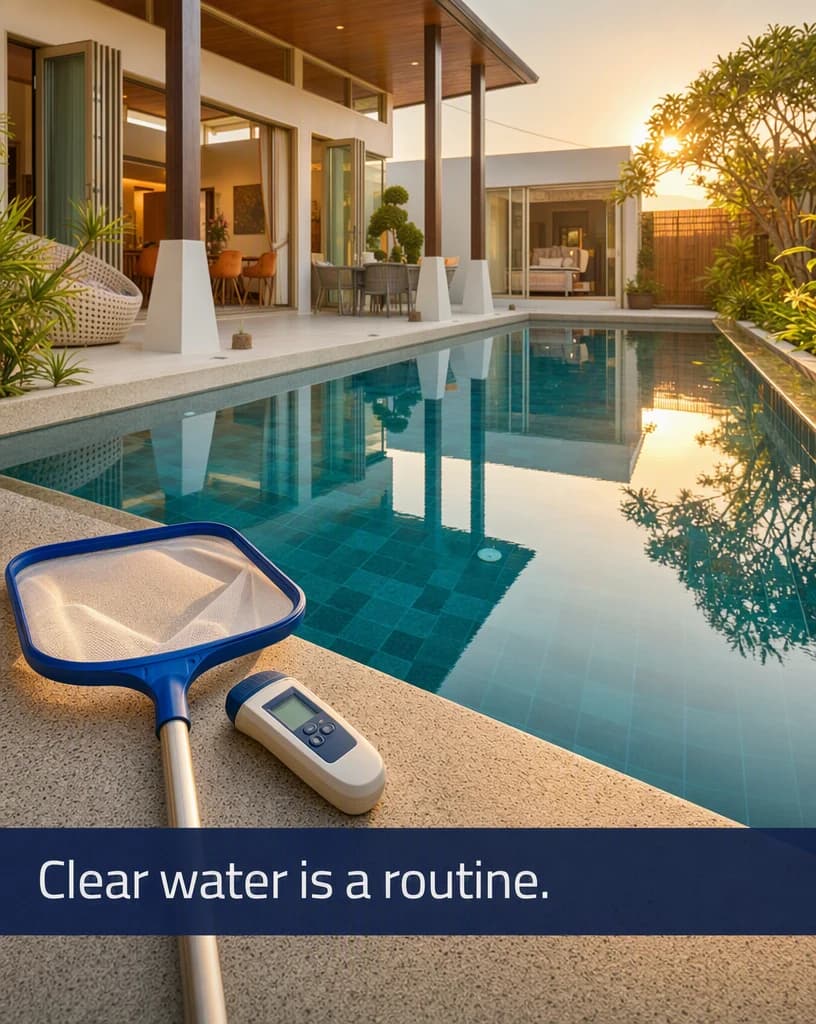
A local service explained by the result rather than by a technician talking to camera.
Software
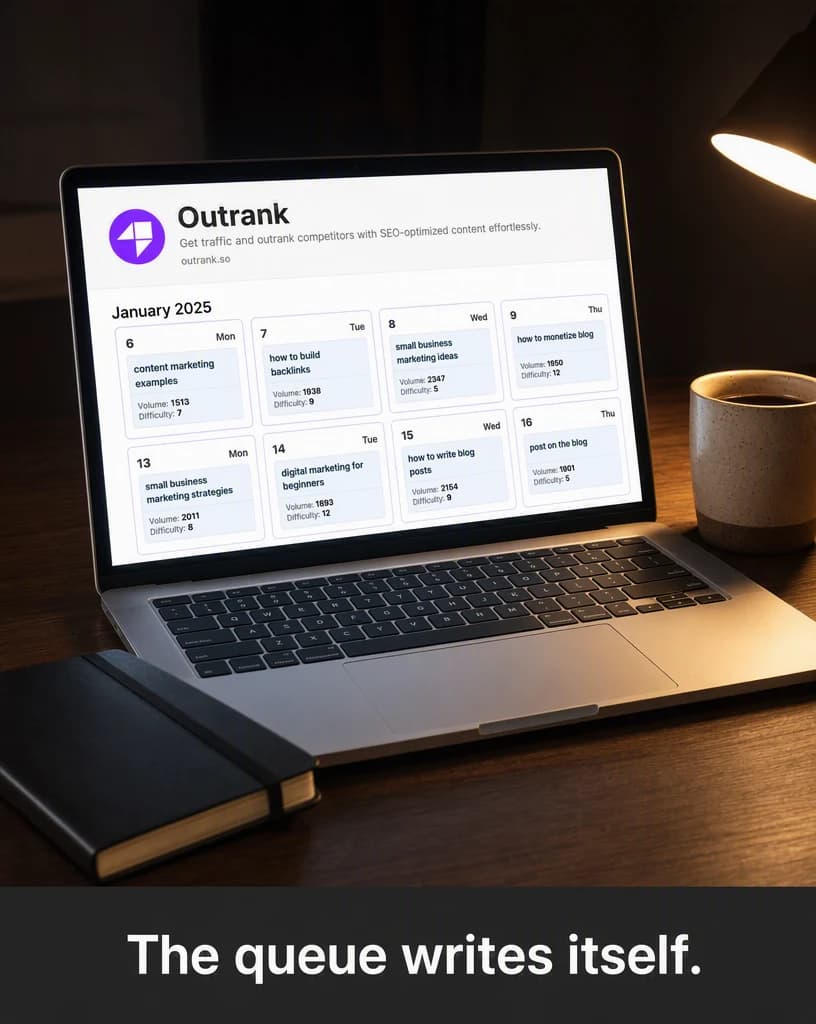
An interface shown honestly, with the narration doing the explaining over it.
Continue the workflow
Build the hook, scenes, voiceover, captions, and CTA first.
Use a presenter-led UGC format when the story benefits from a face.
Connect through Advibly MCP for available creative actions.
FAQ
Start with an approved script, topic, or product story, the intended audience, the final placement, and any facts or visual details the result must preserve.
Yes. Select the relevant saved brand and product context, then add only the instructions specific to this outcome.
Yes. New accounts include two starter credits. The live workflow shows the exact generation cost before you run it.
Your next cut starts here
Bring an approved script, topic, or product story. Direct the outcome. Leave with a finished faceless video.
Two starter credits included