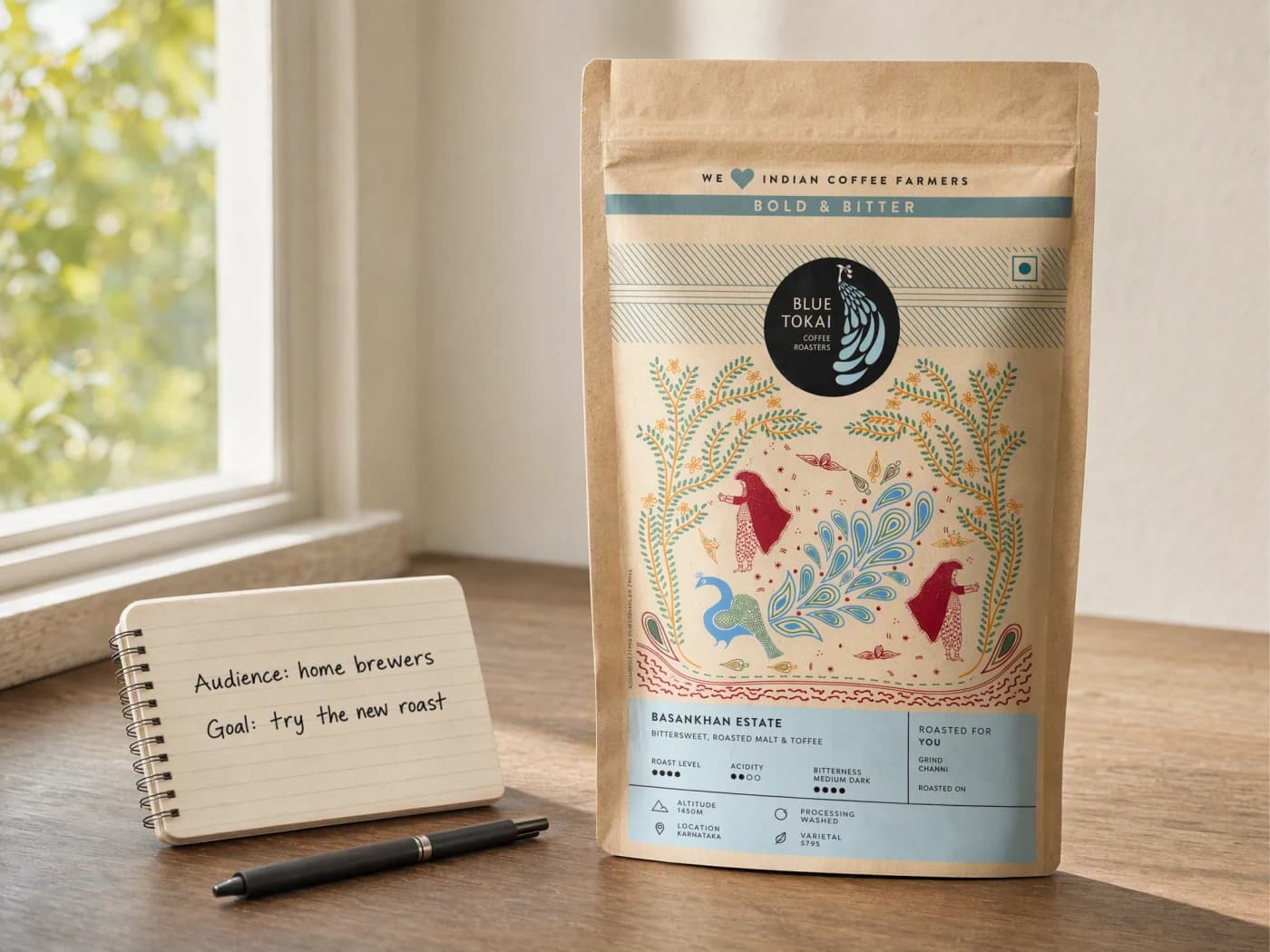
Start from what is already true about the product.
Add the product truth, the audience, and one video goal. Advibly carries in the saved brand and product context automatically, so the script never has to guess at either.
VIDEO SCRIPT GENERATOR
Turn a product, audience, and video goal into a production-ready script with the hook, scene plan, voiceover, on-screen text, and CTA already connected.

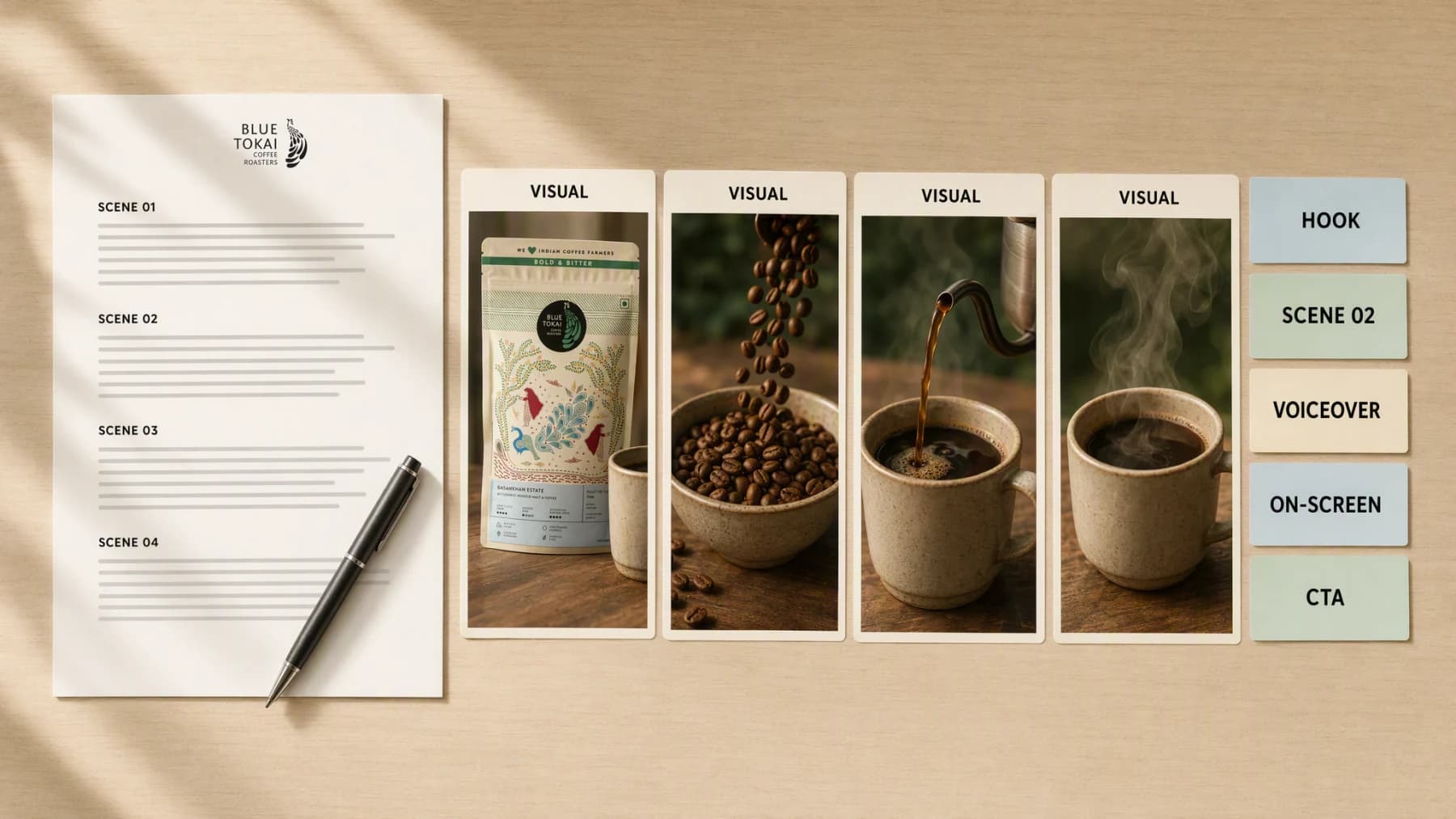
Illustrative composite: the script page, the scene cards, and the labelled hook, voiceover, on-screen text, and CTA fields arranged on one board.
Grounded
product and brand context stay attached
Outcome-led
built specifically for video scripting
Complete
a reviewable production-ready video script, not a loose draft
From input to script
Every field in the finished script traces back to something you supplied, the product, the audience, or the one goal for the video, so the document you review is grounded rather than generic.
One continuous scripting pass
Source → Direction → Script

Add the product truth, the audience, and one video goal. Advibly carries in the saved brand and product context automatically, so the script never has to guess at either.
“The hook opens on the aroma before the pour. Scene two is the grind. Voiceover stays short. The CTA lands on the new roast.”


Generate the script, review it against the real placement it was written for, and keep only the version that is ready to shoot.
Advibly turns your website, app, store, and brand assets into reusable context for every creative.
Start with a website, app listing, store, screenshots, or brand files.
Brand system
One source of truth
Advibly turns your inputs into reusable product and brand context.
Every ad, video, post, idea, and campaign starts from the same context.
Past the blank page
Advibly keeps the product, the brand, and the intended placement attached while the script comes together, so nothing has to be re-explained later in production.
Set the opening line and the promise it makes as part of the brief itself, rather than fixing a weak hook after the fact.
Break the video into scenes that stay clear enough to survive the cut to a final format.
Write the voiceover and the closing CTA together, so the last line lands on the same idea the hook opened with.
Outcome controls
Choose the right opening line and promise for this product, this audience, and this placement.
Decide how many beats the video needs and what each one has to show.
Set the tone of the voiceover and the single next action the CTA should ask for.
Script, scene by scene
Each panel is a complete document, not a decorative mock-up: a hook, a scene plan, a voiceover line, on-screen text, and a CTA, all connected to the same product.
The script documents and their scene stills were generated in Advibly with GPT Image 2 so a finished script can be shown as a page on this site; in the app the same fields are written text you edit before it moves into production.
Short-formA hook, four visual beats, a voiceover line, on-screen text, and a CTA, written for a vertical cut.
ExplainerA demonstration script that only claims what the visuals in each beat can actually prove.
FacelessA narration-led script with a scene intent note for every beat, written without a presenter on camera.
Across categories
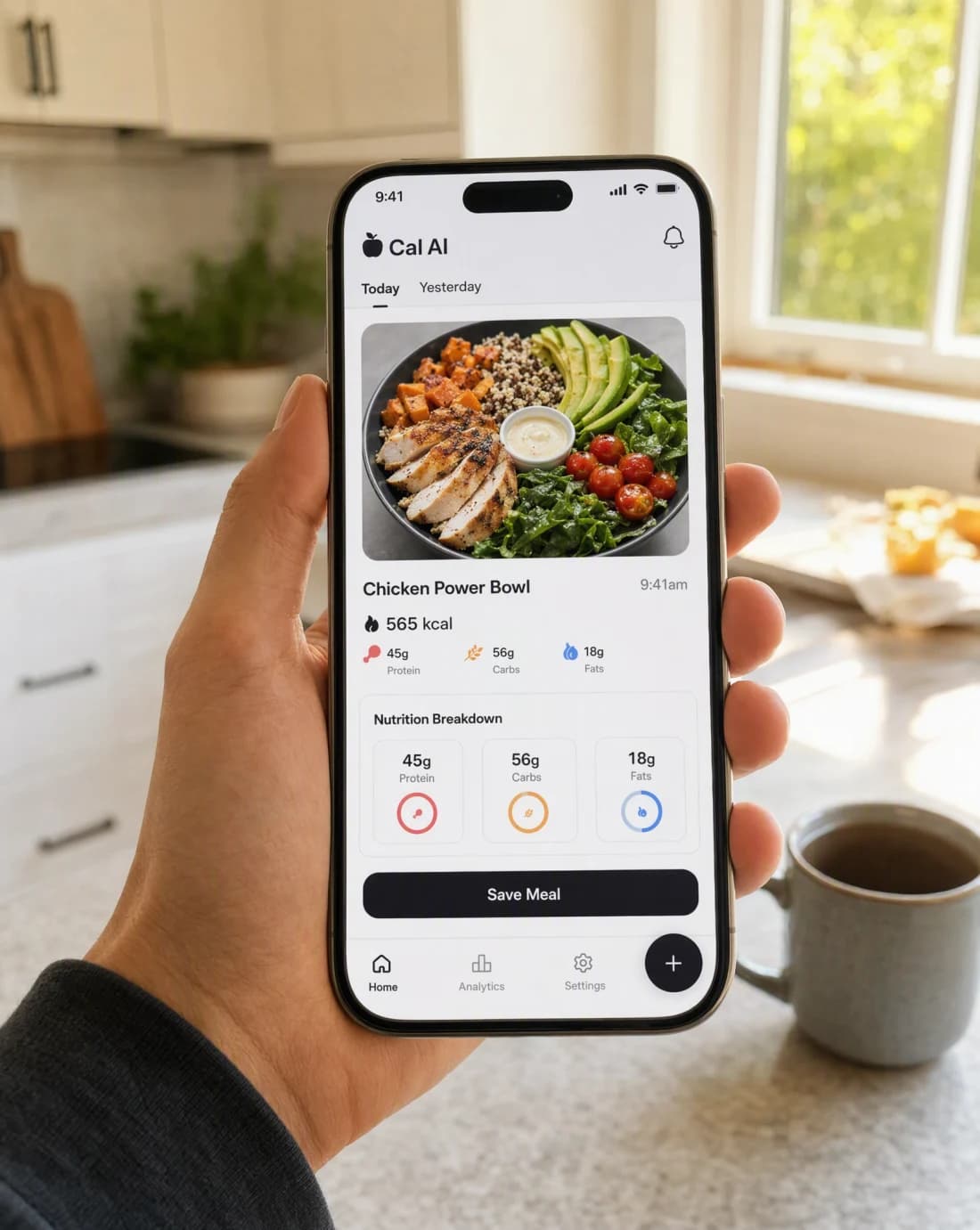
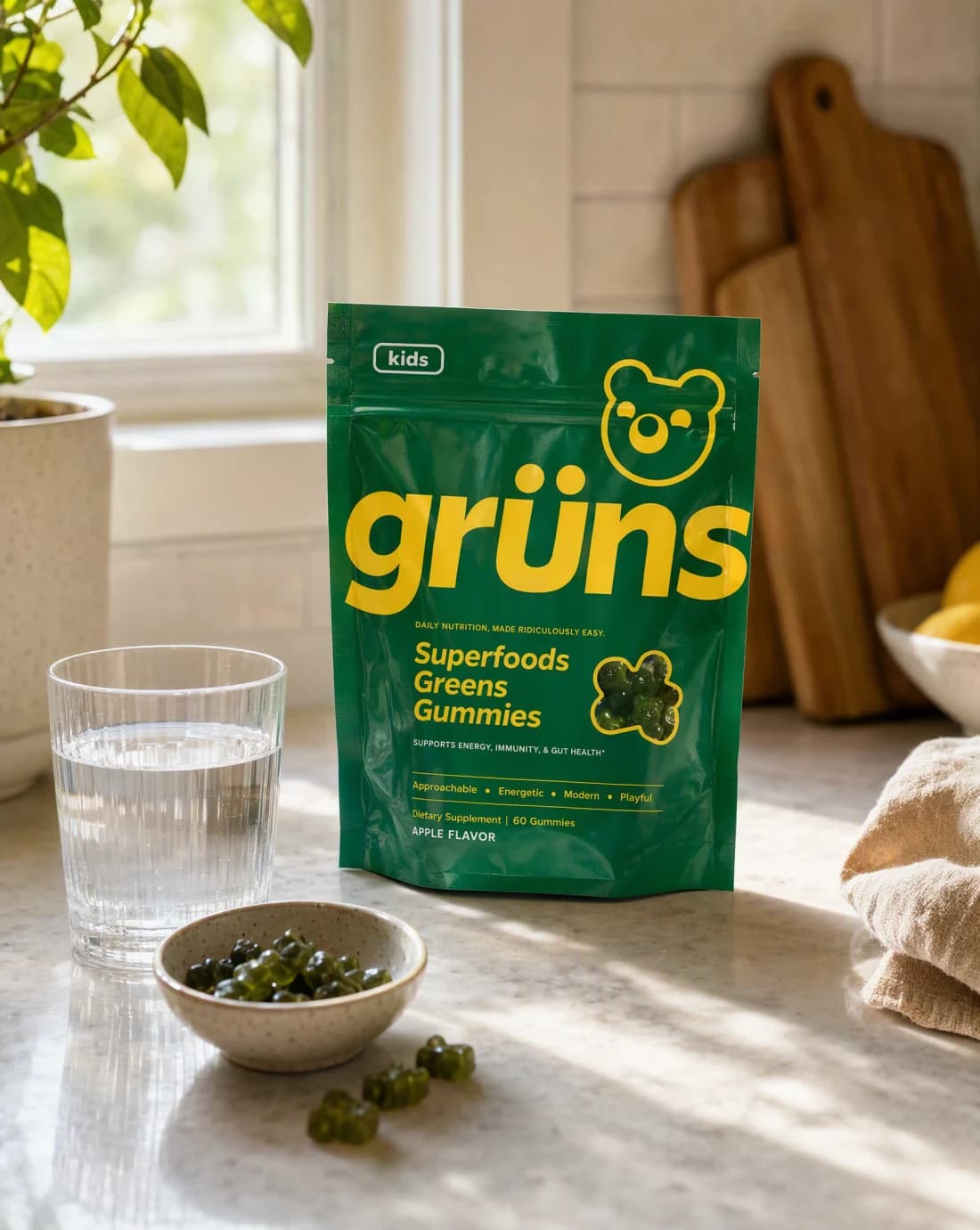
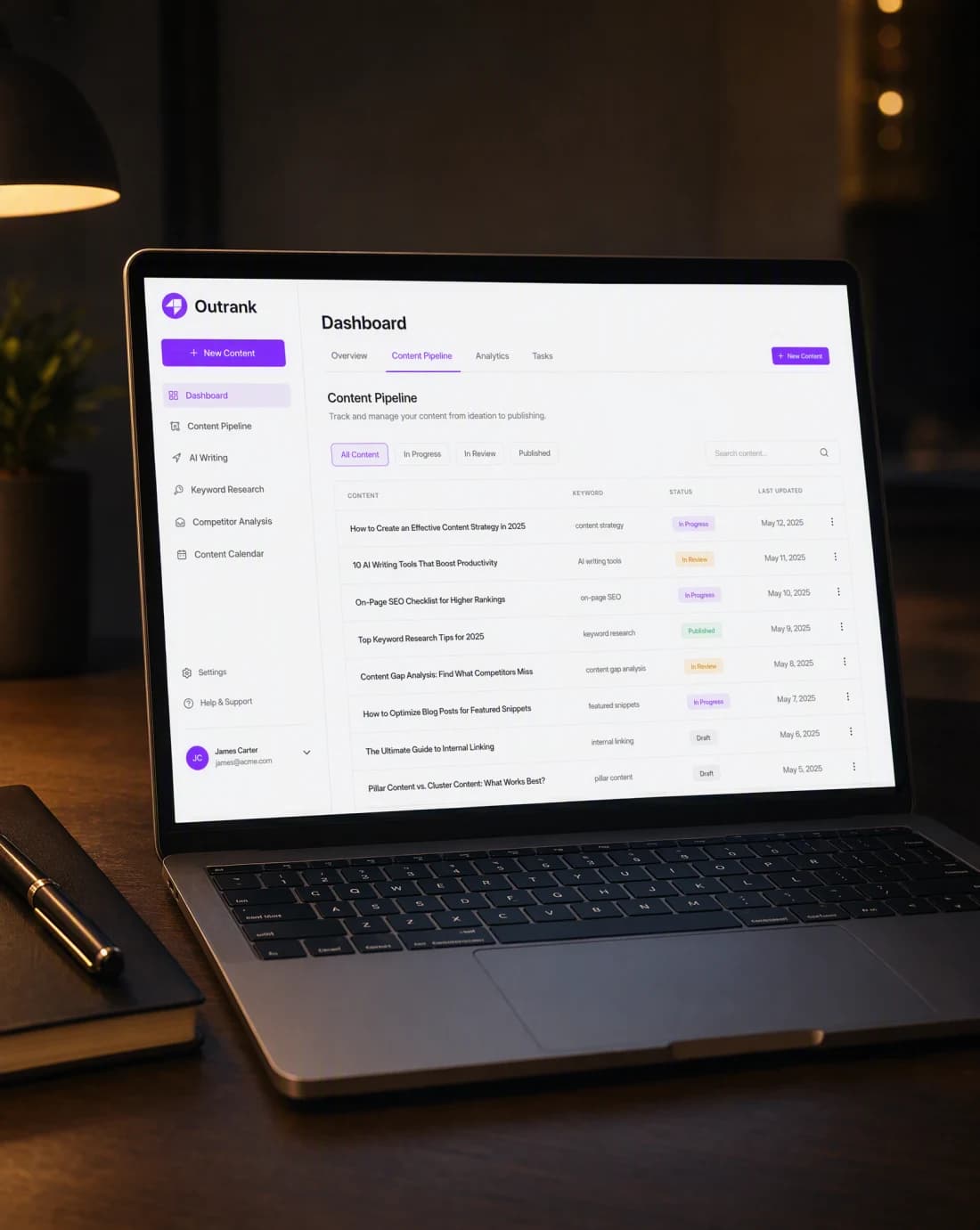
A calorie-tracking app, a supplement pouch, and a content platform each need a different hook and a different proof beat. What stays constant is that every scene still has to earn its place in the script.

Mobile app
A real app screen framed so the exact result a script line would describe stays readable.

Physical product
A physical product shot as a moment in a real room, the kind of scene a script beat can point to.

Software
An interface shot with mood and intent, the way a feature explainer script needs it to read.
Continue the workflow
FAQ
Start with product truth, audience, and one video goal, the intended audience, the final placement, and any facts or visual details the result must preserve.
Yes. Select the relevant saved brand and product context, then add only the instructions specific to this outcome.
Yes. New accounts include two starter credits. The live workflow shows the exact generation cost before you run it.
Your next script starts here
Bring product truth, audience, and one video goal. Direct the outcome. Leave with a finished production-ready video script.
Two starter credits included