
01 / ADD THE APPROVED SCRIPTLocked
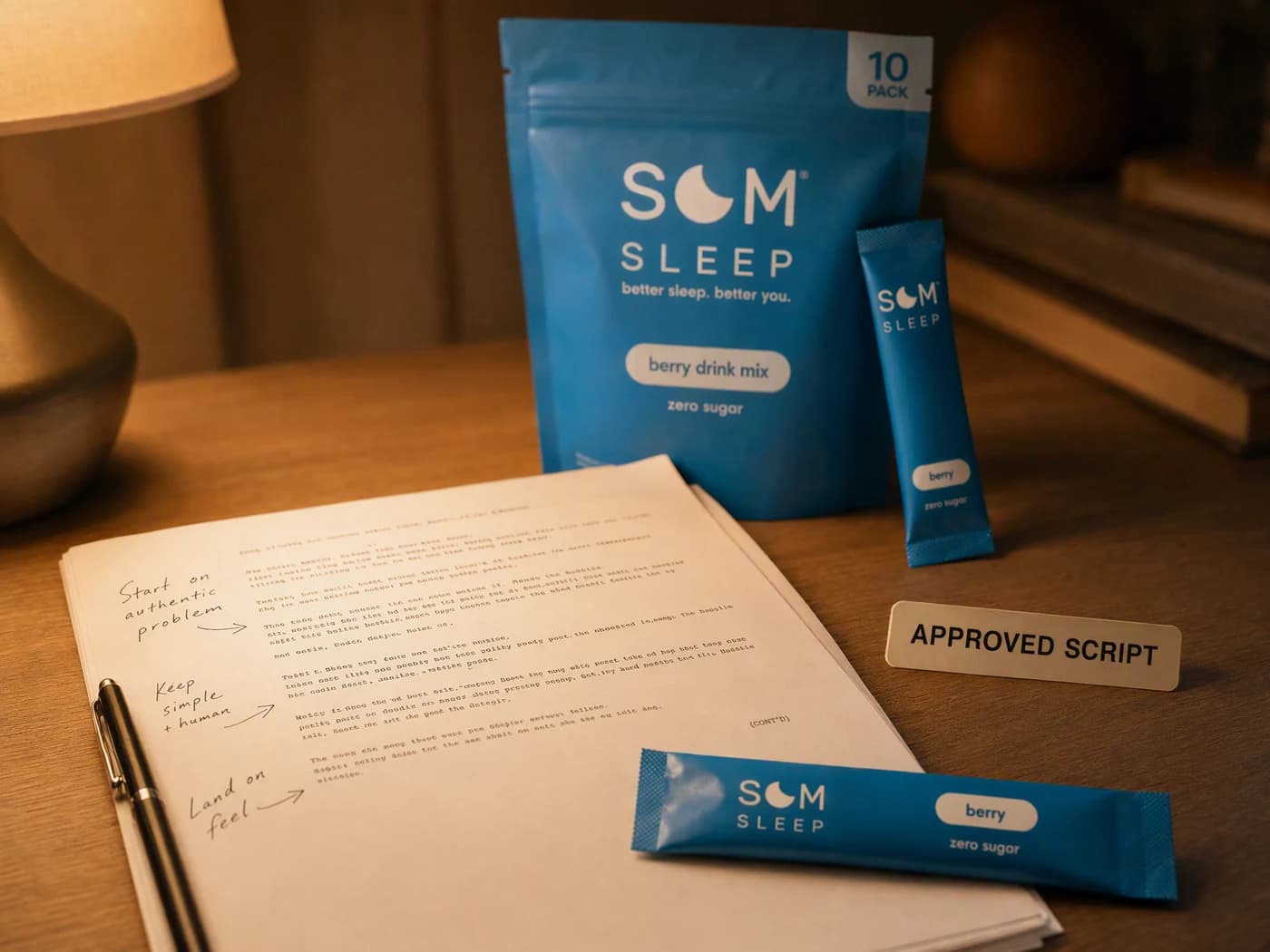
Start from copy that is already true.
Use the narration, dialogue, or scene copy that already reflects the product truth.
NarrationDialogueScene copy
SCRIPT TO VIDEO GENERATOR
Turn an approved script into a storyboard, generated scenes, voice, captions, and one assembled video workflow inside Advibly.
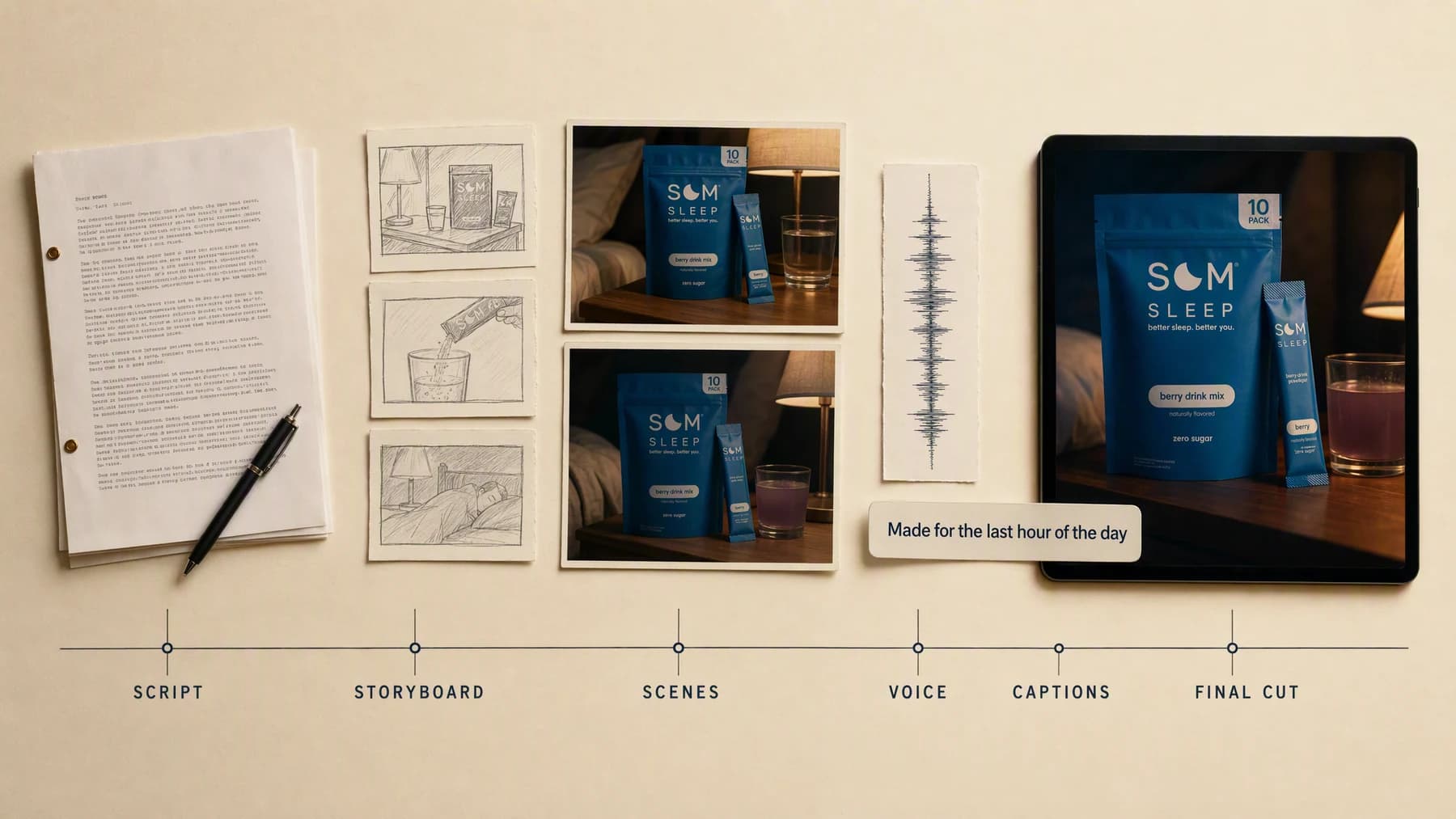
Illustrative composite: the script, the storyboard, the generated scenes, and the final frame arranged on one board.
Script to scenes
structured before generation
Voice + captions
where the workflow supports them
One final cut
assembled for review
From page to cut
Every scene is tied back to a line you already approved, so the cut you review is the script you signed off rather than a loose interpretation of it.
One continuous production run
Script → Storyboard → Cut
Use the narration, dialogue, or scene copy that already reflects the product truth.
“Line one is the bedside wide. Line two is the pour, held for three seconds. Line three lands on the pack with the caption on screen.”
Create the components, review each scene, and stitch the approved sequence into one video.
Advibly turns your website, app, store, and brand assets into reusable context for every creative.
Start with a website, app listing, store, screenshots, or brand files.
Brand system
One source of truth
Advibly turns your inputs into reusable product and brand context.
Every ad, video, post, idea, and campaign starts from the same context.
Past the page
Advibly carries the writing into the production steps that usually get split across several tools.
Approve the scene logic and visual direction before generating every component.
Use suitable actors, visuals, voices, and models for the script's format.
Check pacing, captions, audio, product accuracy, and the final CTA together.
Outcome controls
Decide which sentence belongs to each visual beat.
Match narration speed and pauses to what the viewer needs to see.
Keep product, subject, style, and framing coherent from scene to scene.
Script, storyboard, cut
Each panel keeps the three stages side by side, so you can read the line, see the board it became, and check the frames it produced.
Each panel shows one production run as a frame strip on a single canvas. The frames were generated in Advibly with GPT Image 2 so a finished cut can be shown as a still on this page; in the app the same storyboard runs through the video model you pick.
 Explainer
A short script becomes a clear feature-led scene sequence.
 Faceless
Narration moves through sourced visuals, captions, and controlled transitions.
 Creator
A product script becomes a creator-style hook, demo, proof, and CTA.
Across categories
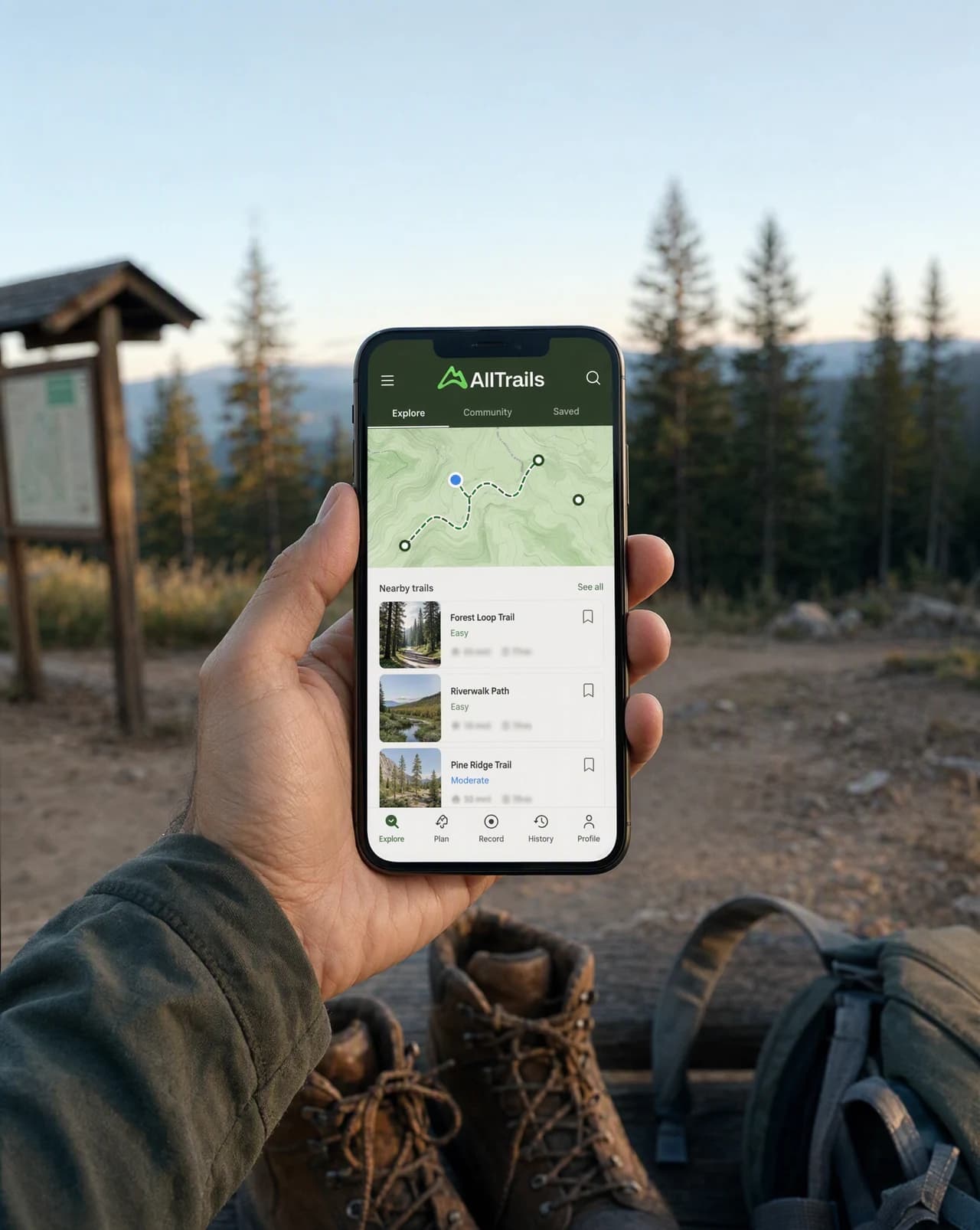
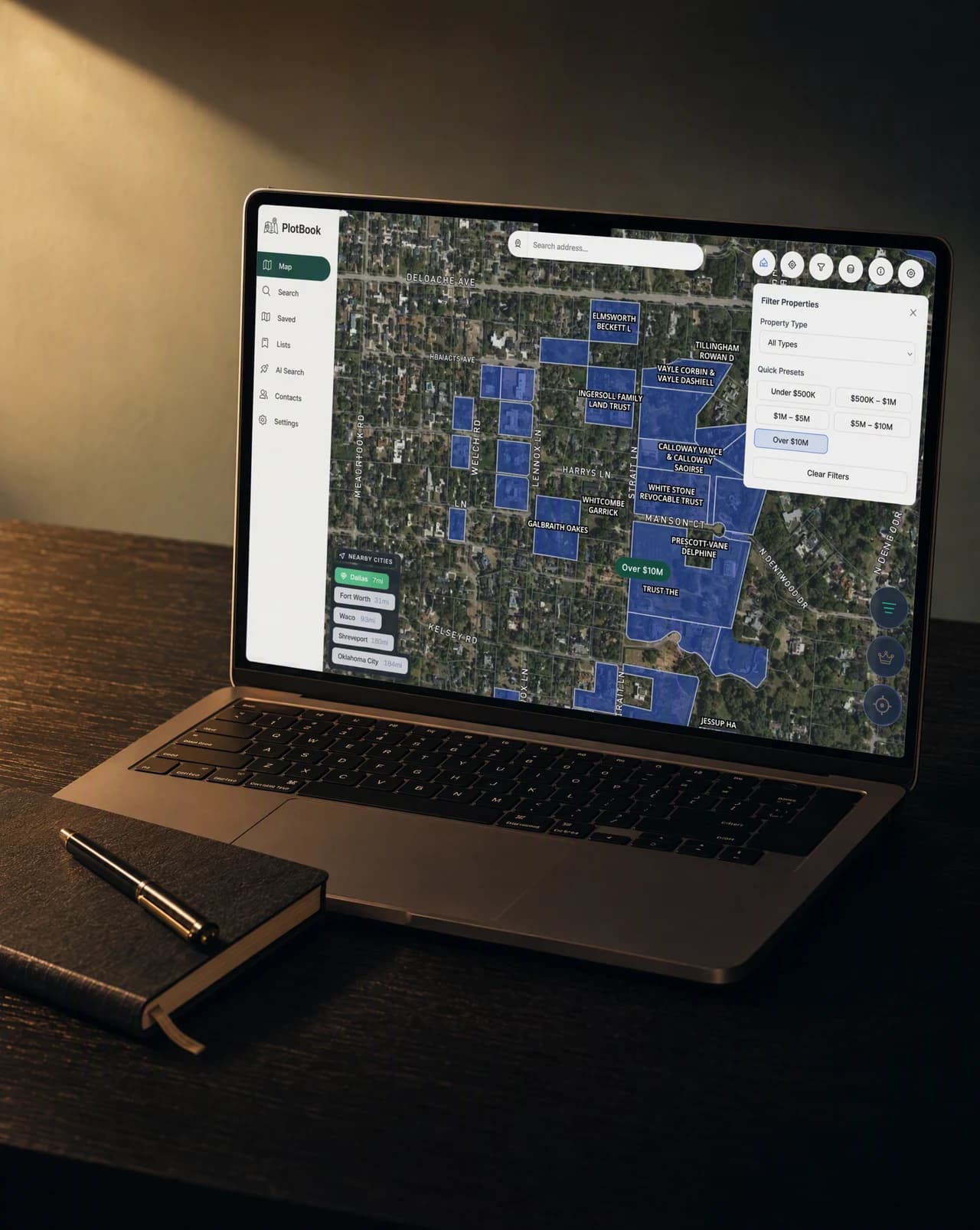
A trail app, a planning tool and a finished pool all need a different shot list. What does not change is that every scene has to answer the line of script it came from.
Mobile app
A real app screen framed so the moment in the script stays readable.
Software
An interface shot as a scene rather than as a screenshot.
Local service
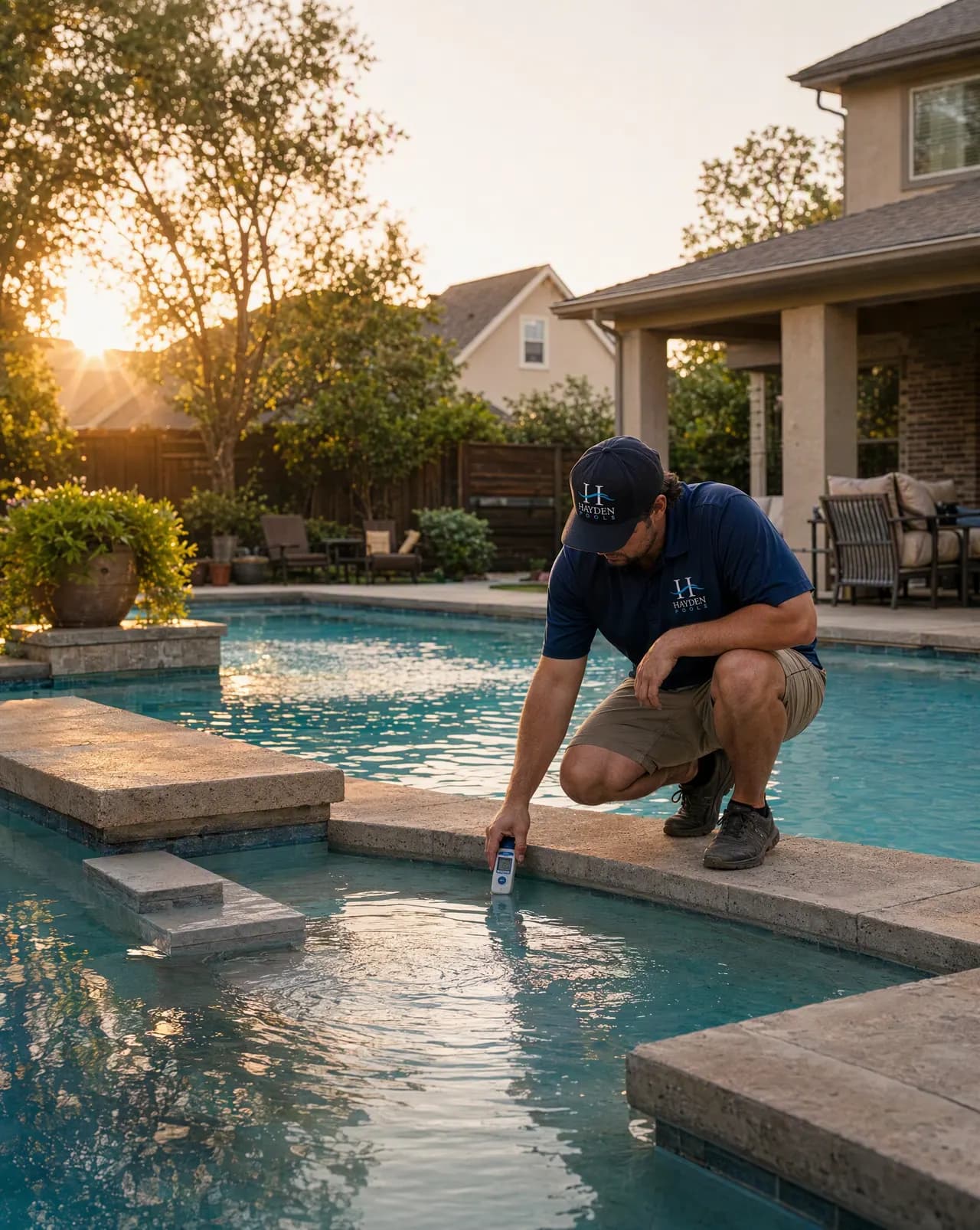
A service outcome shot honestly, because the result is the argument.
Continue the workflow
FAQ
Advibly can help with script-led workflows, but this page focuses on taking an approved script into production. Use the Video Script page when the writing itself is the starting job.
Supported skills and video workflows can include voice and captions. Confirm the selected workflow's current controls before generation.
No. The suitable model and production method depend on the scenes, subject, motion, voice, and final format.
Your script starts production here
Plan the scenes, generate the components, and review one complete cut in Advibly.
Two starter credits included