
01 / ADD THE REAL PRODUCT PHOTOLocked

Start from the object itself.
Add one clear product photo and the listing or campaign context each shot needs to serve.
Product photoAudiencePlacement
AI PRODUCT PHOTOGRAPHY
Turn real product images into a complete photography set for listings, campaigns, social posts, and launches, without rebuilding the product in every scene.
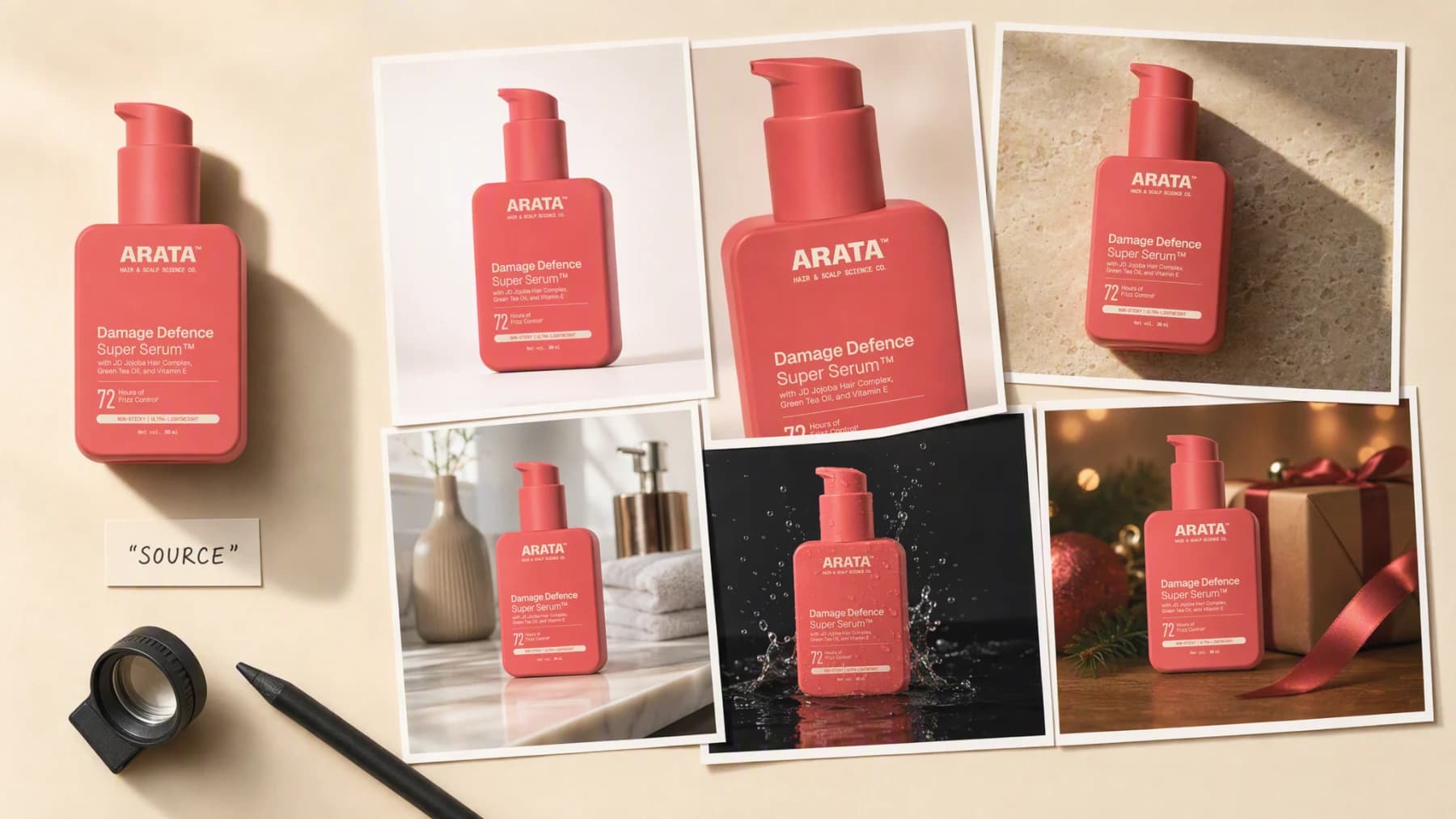
Illustrative composite: the source product photo and the six finished photographs it produced, arranged on one proof sheet.
Grounded
product and brand context stay attached
Outcome-led
built specifically for product photography
Complete
a reviewable photography set, not a loose draft
From product to proof sheet
The product, the brand, and the intended placement stay attached to every frame, so what comes back reads as one photographer's shoot rather than six unrelated renders.
One continuous photography session
Source → Direction → Photographs
Add one clear product photo and the listing or campaign context each shot needs to serve.
“Cap and label sharp on white for the listing. Same bottle on stone with a hard raking shadow for the lookbook. Same bottle again against water for the launch frame.”


Create the photography set, review each shot at its real placement, and keep only the frames that earn a spot in the set.
Advibly turns your website, app, store, and brand assets into reusable context for every creative.
Start with a website, app listing, store, screenshots, or brand files.
Brand system
One source of truth
Advibly turns your inputs into reusable product and brand context.
Every ad, video, post, idea, and campaign starts from the same context.
Where the work happens
Advibly keeps the source, brand, and intended placement attached while you create the photography set.
The cap, the label print, and the exact color stay attached through every shot, so a macro close-up and a lifestyle scene still read as the same bottle.
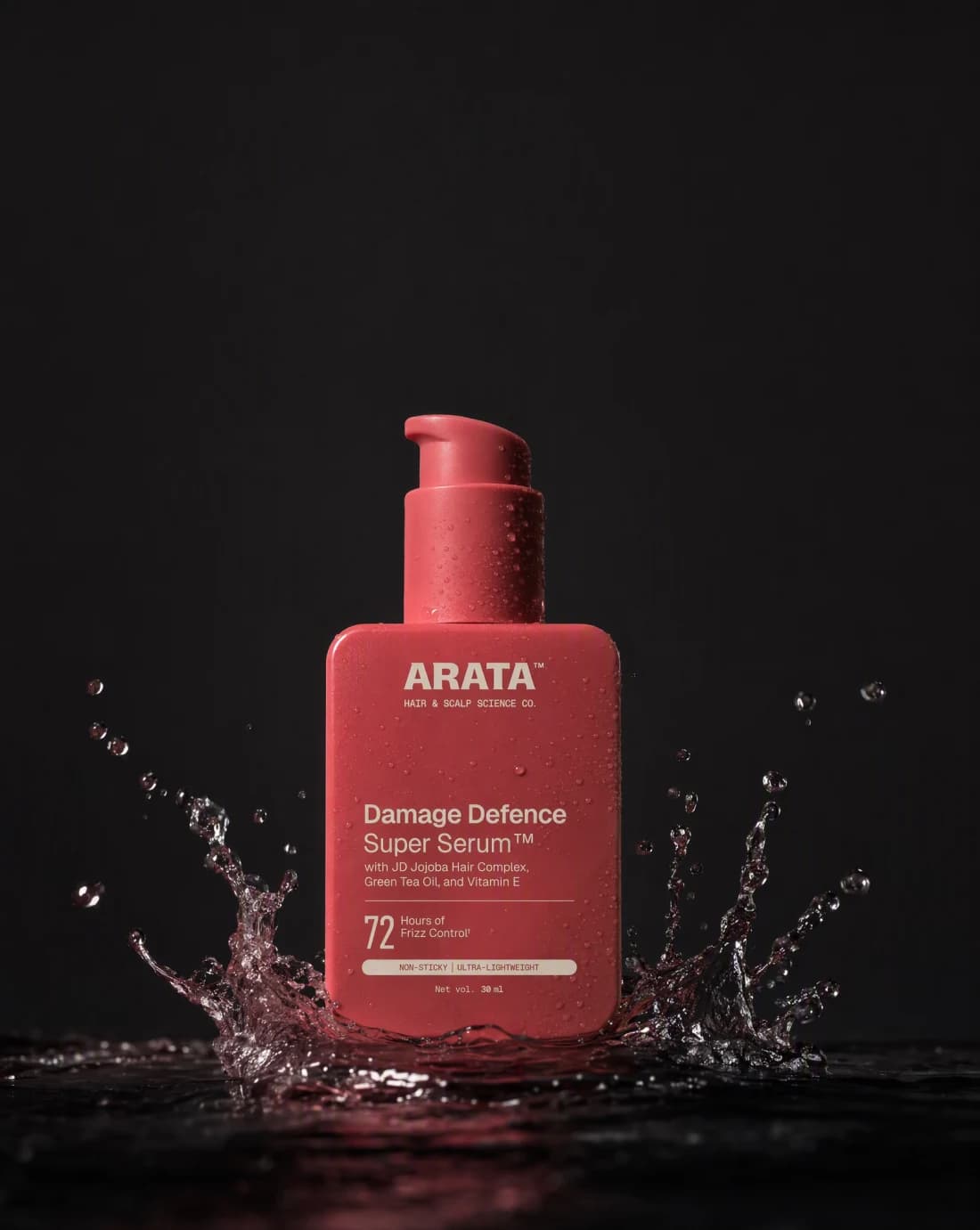
Choose the light, the surface, and the mood for each shot before generation, from a soft studio sweep to a moody water-splash campaign frame.
Review each photograph at the crop it will actually run: square for the listing, portrait for the campaign, wide for the launch board.
Outcome controls
Pick the lighting system and surface for this shot, from a clean white sweep to a raking light on stone.
Lock the cap, label, and color so every photograph in the set still matches the object on the shelf.
Crop and compose for where the photograph actually runs: listing tile, campaign frame, or social post.
Studio and campaign jobs
Each photograph proves a different job, from the honest listing shot to the moment built for a launch headline, all from the same bottle.
These photographs were generated in Advibly with GPT Image 2 from one saved product photo. Review every shot against your own packaging and lighting standards before it goes live.
 Studio
The honest listing shot: even top light, a true shadow, nothing to distract from the label.
 Studio
A close, sharp read on the cap and the label edge, proof the print survives inspection.
 Studio
A considered plaster and stone set with one hard light and a long shadow, built for a lookbook rather than a plain sweep.
CampaignReal window light, a folded towel, a lived-in bathroom counter, the product placed the way it actually sits at home.
CampaignA dark, dramatic launch frame with a live water splash and open space held clear for a headline.
CampaignWarm evening light and gifting props framing the bottle without ever covering the label.
Across categories
A build kit, a coffee bag, and a plated dish do not share a shelf, but each still needs its own honest light, its own set, and its own proof shot.
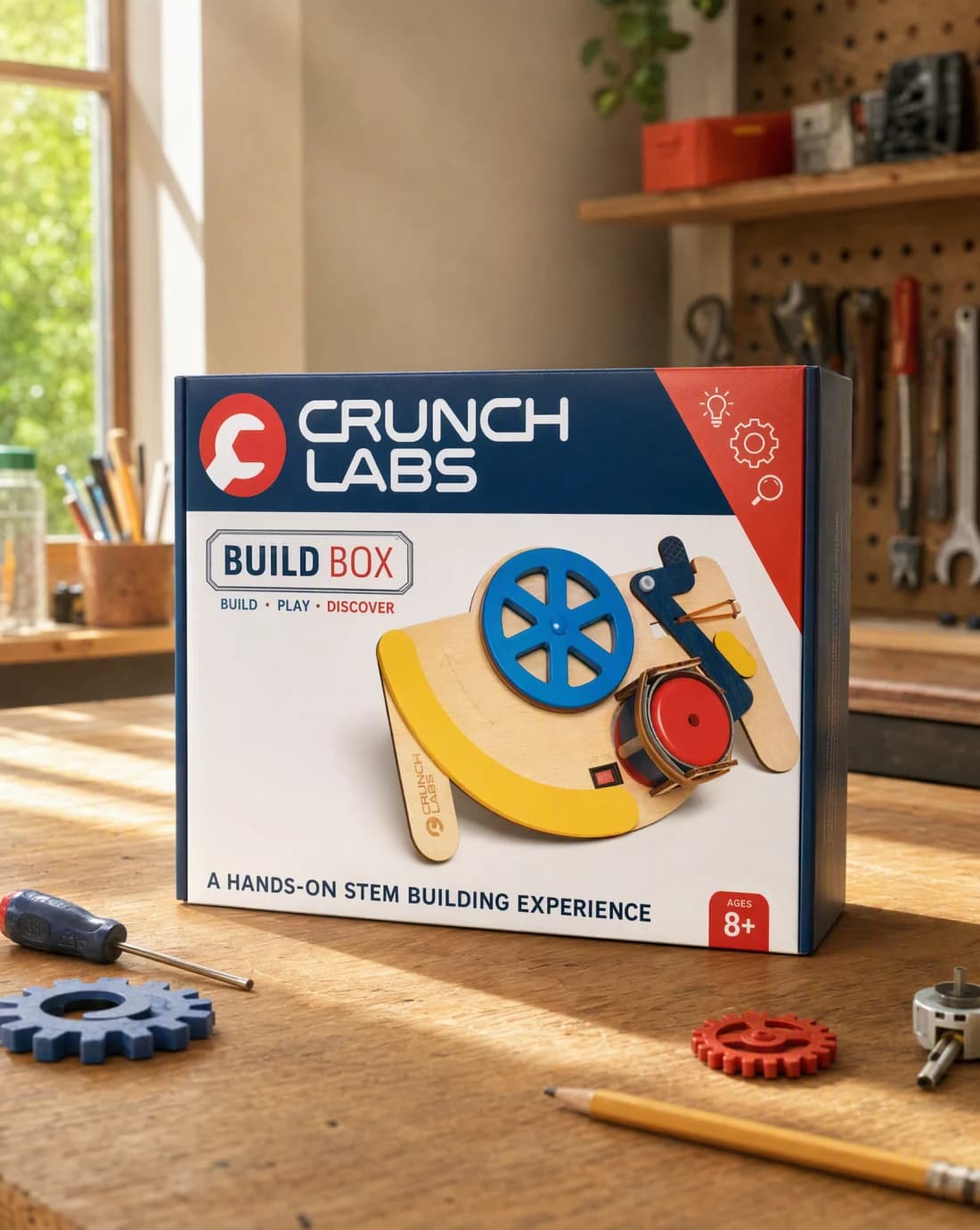
Kit product
A build kit photographed where it actually gets opened, daylight and real tools around it.
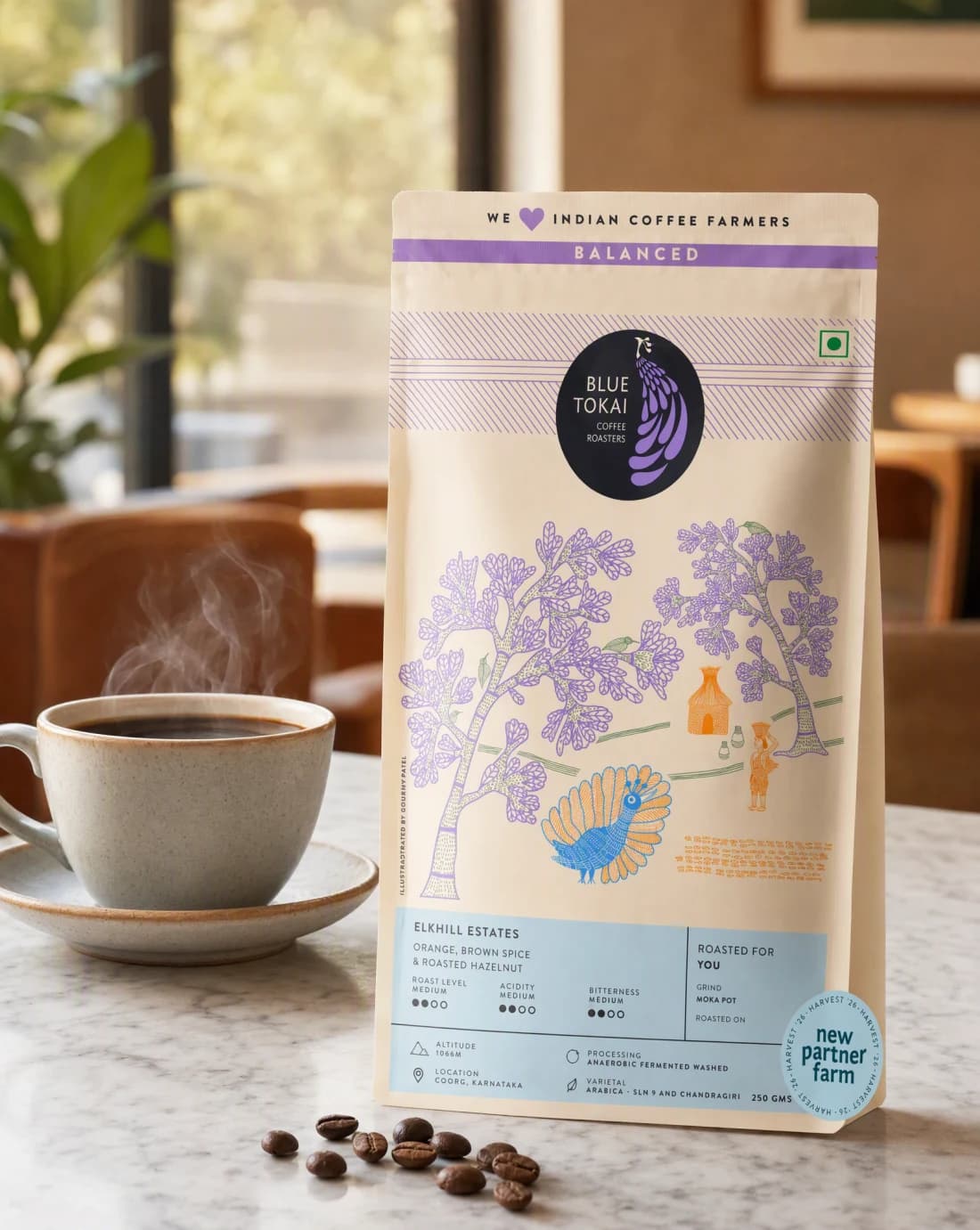
Coffee
A coffee bag photographed in its own cafe, steam and beans doing the proof work.
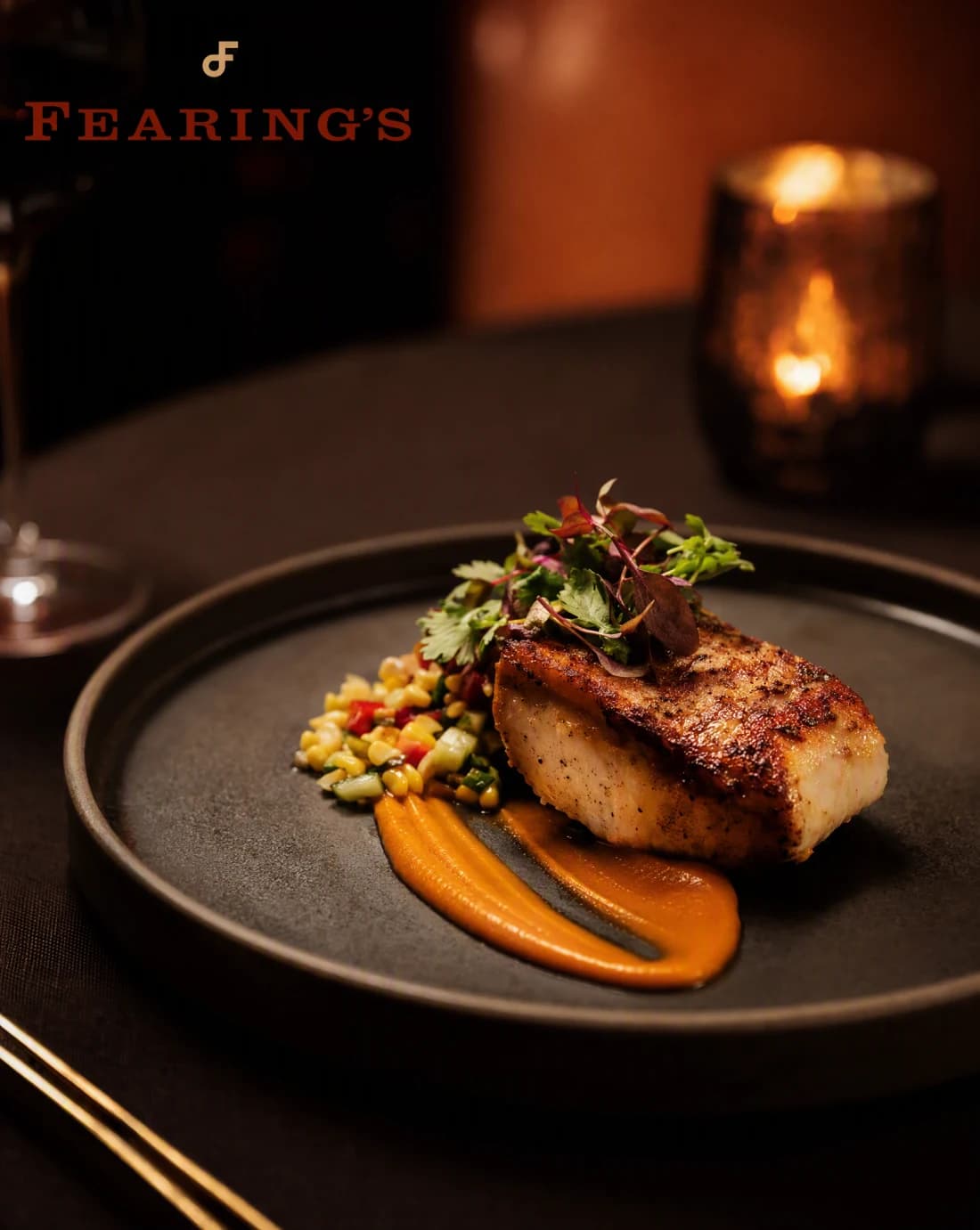
Hospitality
A plated dish lit the way the dining room actually looks, not the way a studio would flatten it.
Continue the workflow
FAQ
Start with clear product images and campaign context, the intended audience, the final placement, and any facts or visual details the result must preserve.
Yes. Select the relevant saved brand and product context, then add only the instructions specific to this outcome.
Yes. New accounts include two starter credits. The live workflow shows the exact generation cost before you run it.
Your next photography set starts here
Bring clear product images and campaign context. Direct the outcome. Leave with a finished product photography set.
Two starter credits included