
01 / REAL APP SCREENSLocked
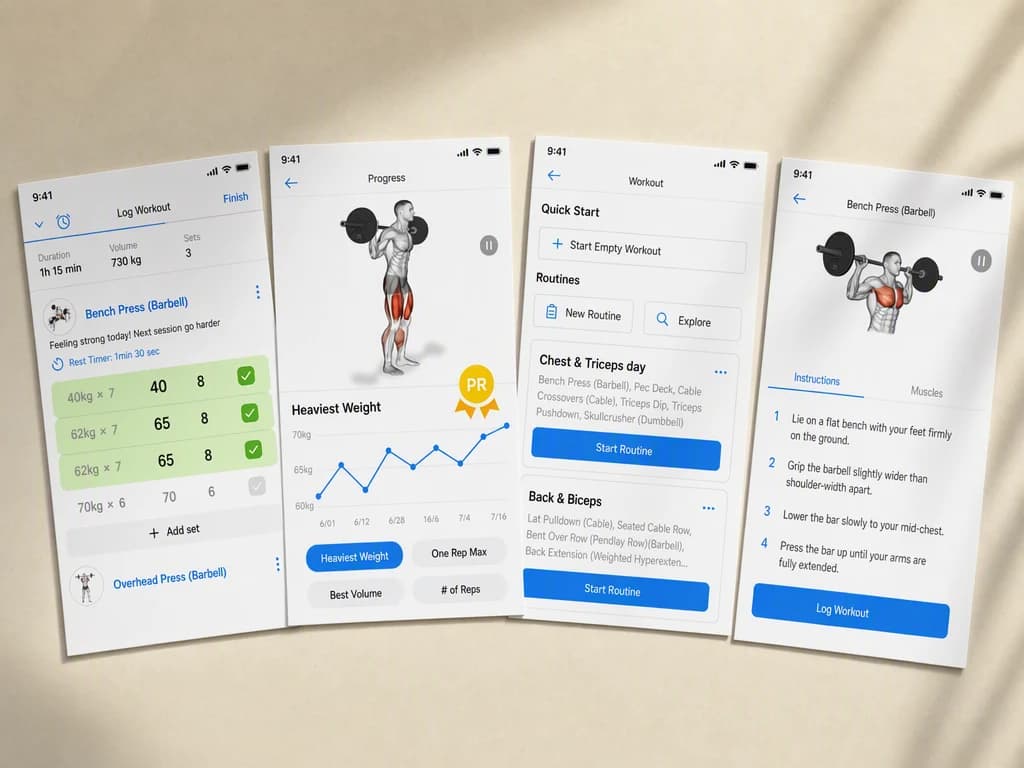
Start with the real source.
Add real app screens and listing context. Then choose the audience, placement, and result the App Store screenshot set must deliver.
App screensAudiencePlacement
APP STORE SCREENSHOT GENERATOR
Turn real app screens into a complete listing sequence with a clear promise, consistent visual system, and the right story for every swipe.
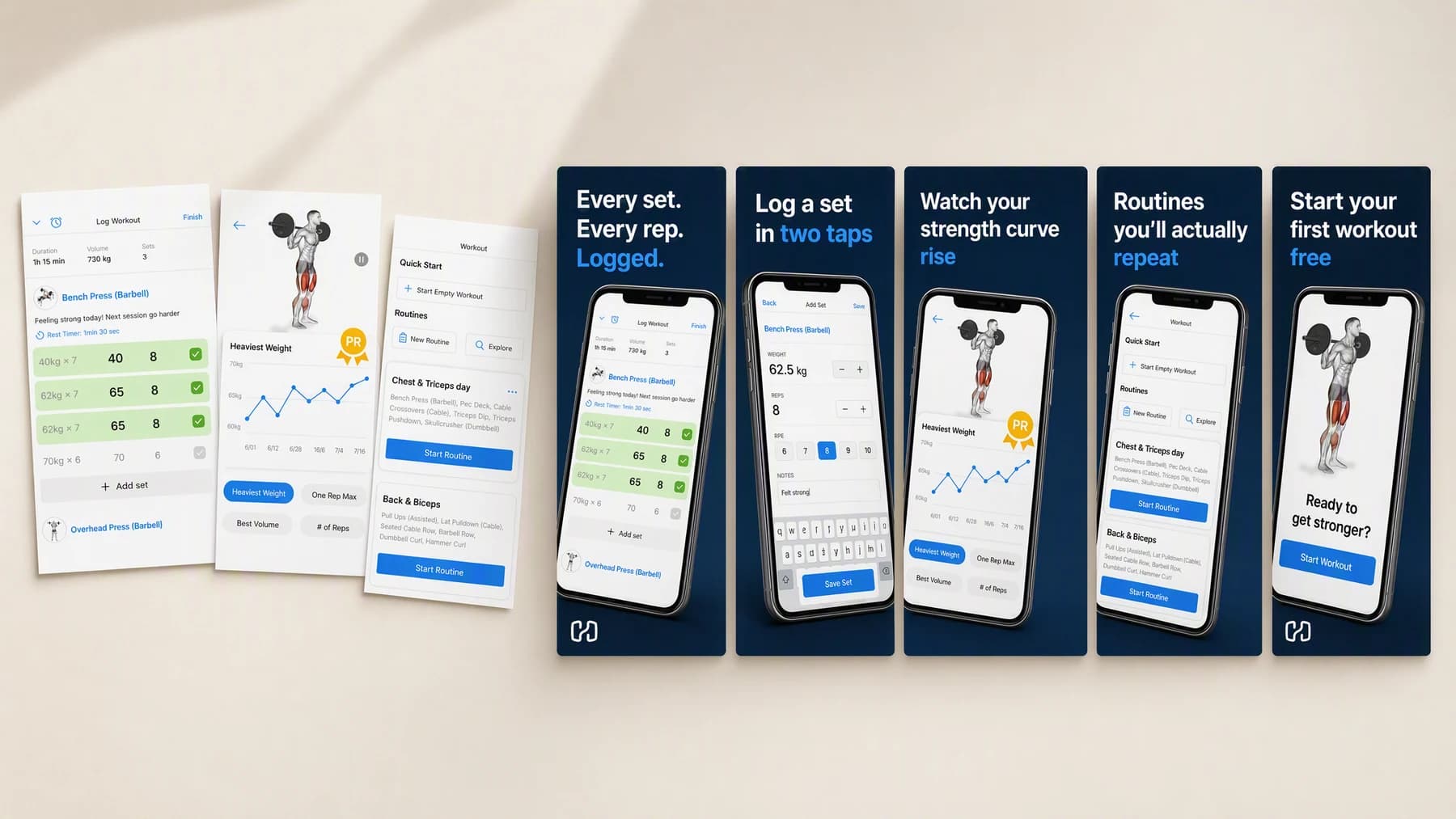
Illustrative composite: raw exported app screens on the left, and the finished five-frame listing sequence generated from them on the right, arranged on one board.
Grounded
product and brand context stay attached
Outcome-led
built specifically for store-listing conversion
Complete
a reviewable App Store screenshot set, not a loose draft
From screens to listing
The app, the audience, the placement and the promise stay attached to every frame, so you are reviewing one listing story rather than five unrelated tiles.
One continuous listing run
Screens → Sequence → Store frames
Add real app screens and listing context. Then choose the audience, placement, and result the App Store screenshot set must deliver.
“Open on the promise, then logging, then progress, then routines. Keep one headline system across all five. Close on the free trial.”
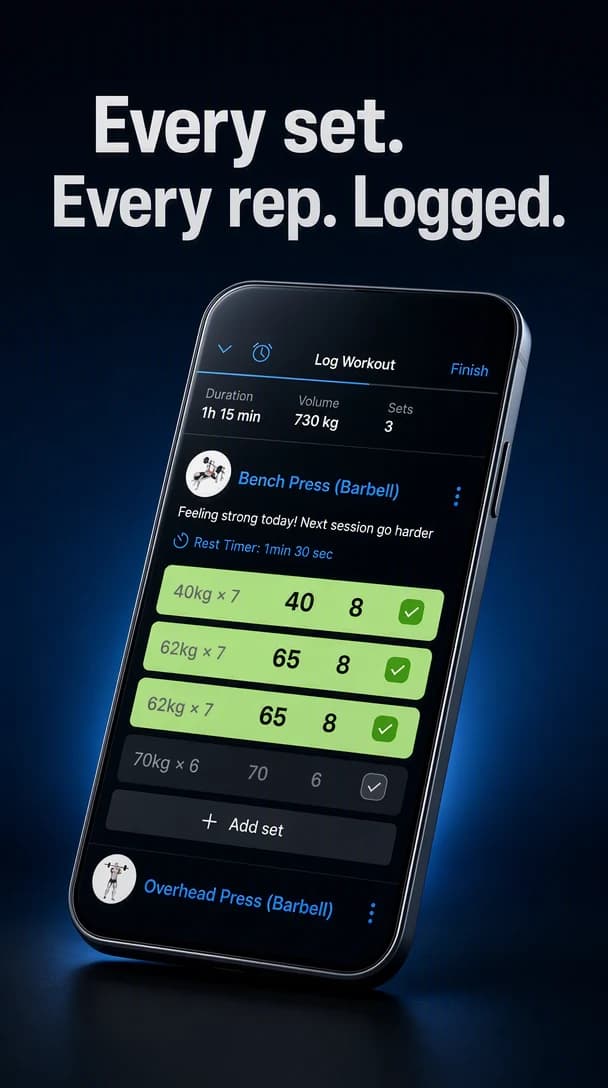
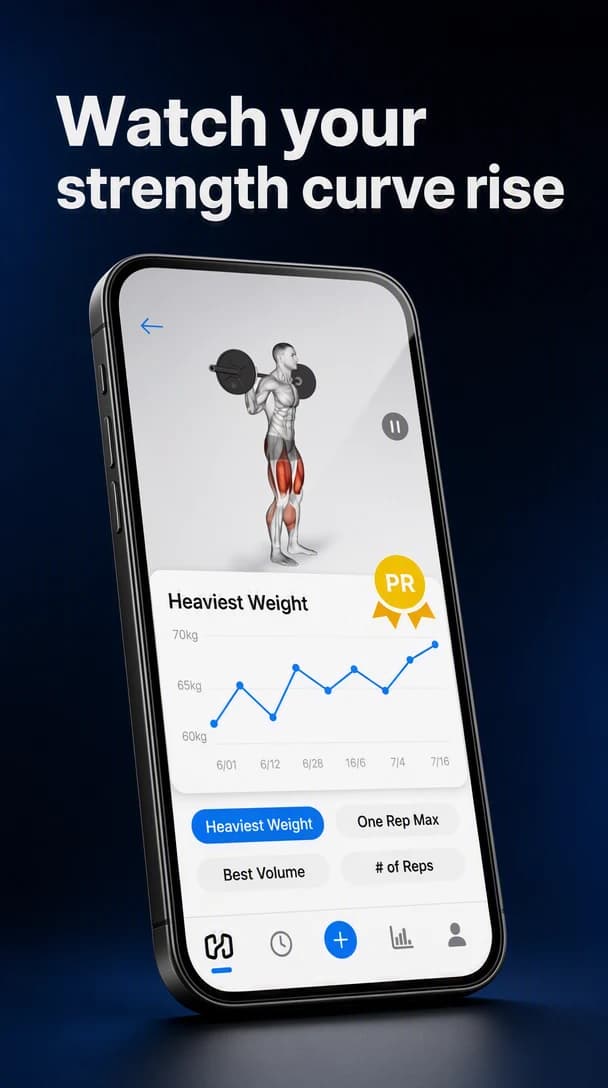
Create the App Store screenshot set, review it at its real placement, and keep only the version that works.
Advibly turns your website, app, store, and brand assets into reusable context for every creative.
Start with a website, app listing, store, screenshots, or brand files.
Brand system
One source of truth
Advibly turns your inputs into reusable product and brand context.
Every ad, video, post, idea, and campaign starts from the same context.
Where the work happens
Advibly keeps the source, brand, and intended placement attached while you create the App Store screenshot set.
Make the screenshot sequence an explicit part of the brief instead of repairing it after generation.
Control feature hierarchy around the outcome the viewer should understand.
Review store-safe composition in the context where the finished work will appear.
Outcome controls
Choose the right screenshot sequence for this product, audience, and placement.
Keep feature hierarchy clear enough to survive the final format.
Use store-safe composition to connect the creative to one next action.
Listing jobs
Each example proves a different job with a complete output, not a decorative mock-up.
These frames were generated in Advibly with GPT Image 2 from a saved brand and the app's own screenshots. Store listings still need your real screens and your own review before you upload them.
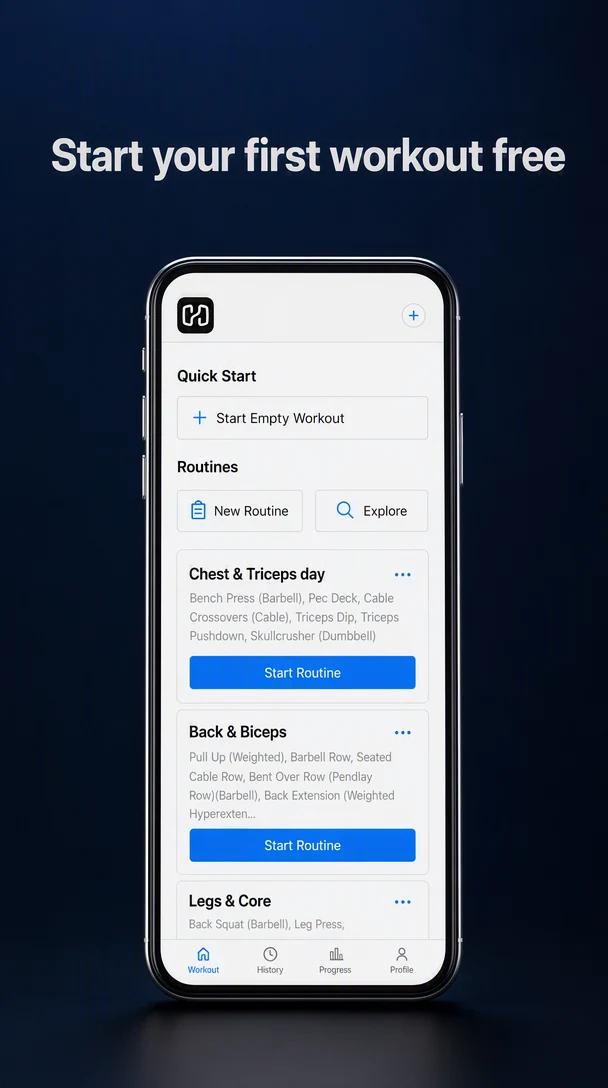
Fitness appStart with the buyer's job and reveal the strongest product proof across five screens.
 Nutrition app
Give each core feature one clean frame while maintaining a single visual system.
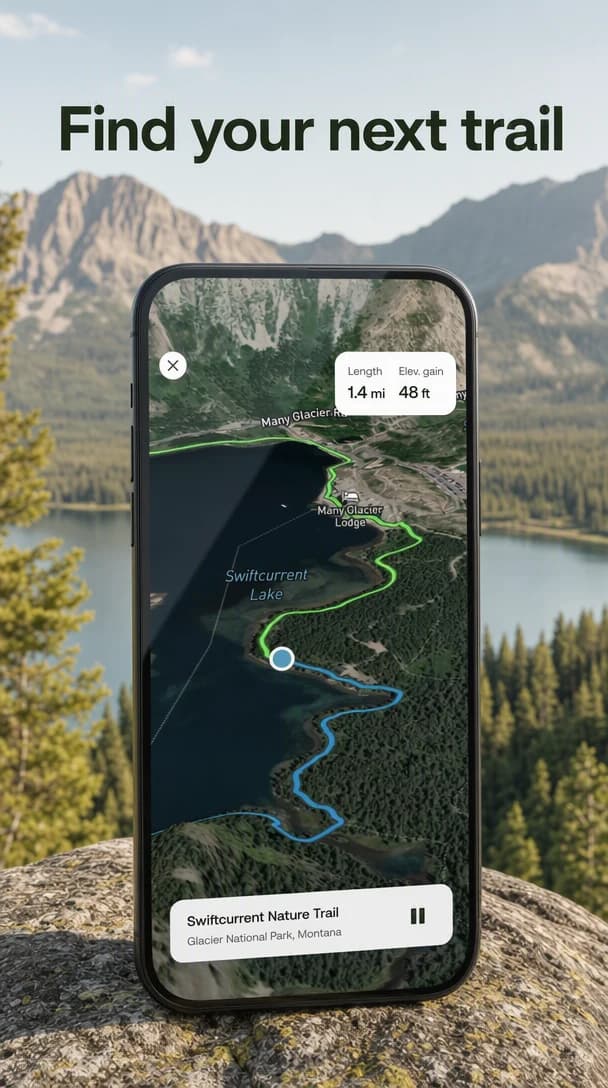 Outdoor app
Adapt the story for the buyer and conventions of a specific app category.
Complete sets
A listing is judged as a swipe, not as a single tile. These are two finished sets in full, front to back, exactly as a shopper would meet them.
Ten frames generated in Advibly with GPT Image 2, from two saved app brands and their own product screenshots.
Problem to payoff, closing on the free first workout.
01The promise, before any feature.
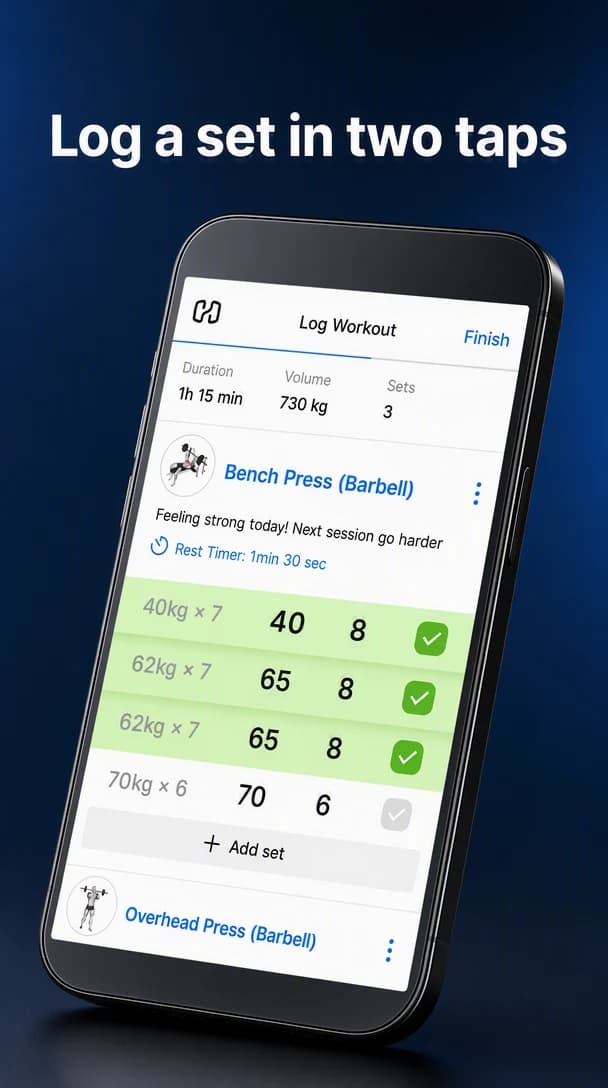 02
02The core action, made to look effortless.
03The payoff a lifter actually wants.
 04
04The reason it becomes a habit.
05One clear next action.
Feature-led, in a completely different visual world.
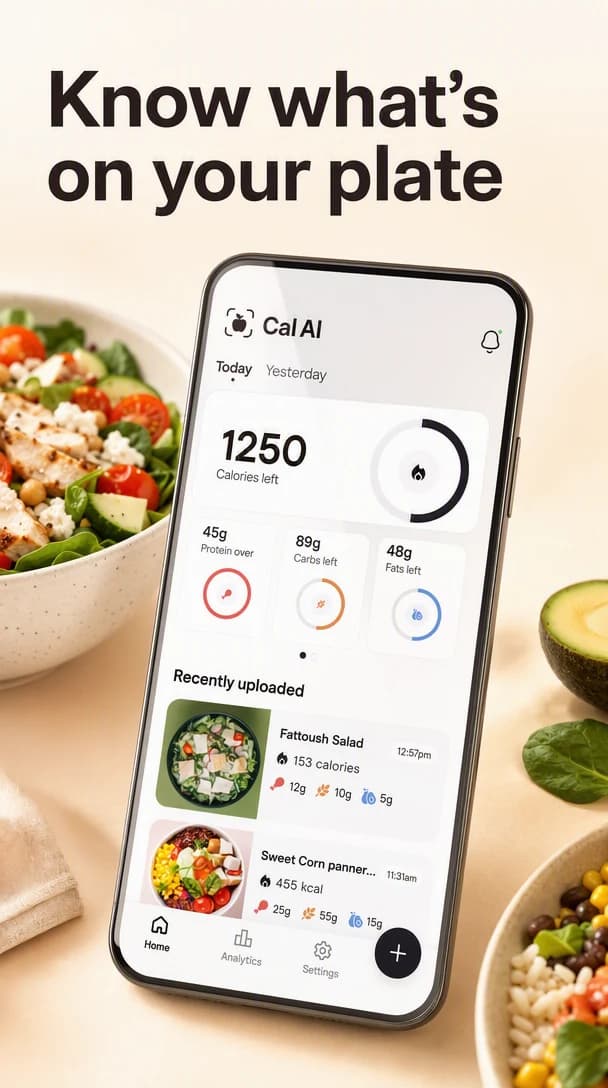 01
01A plain-language promise for a crowded category.
02The one feature that sells the app.
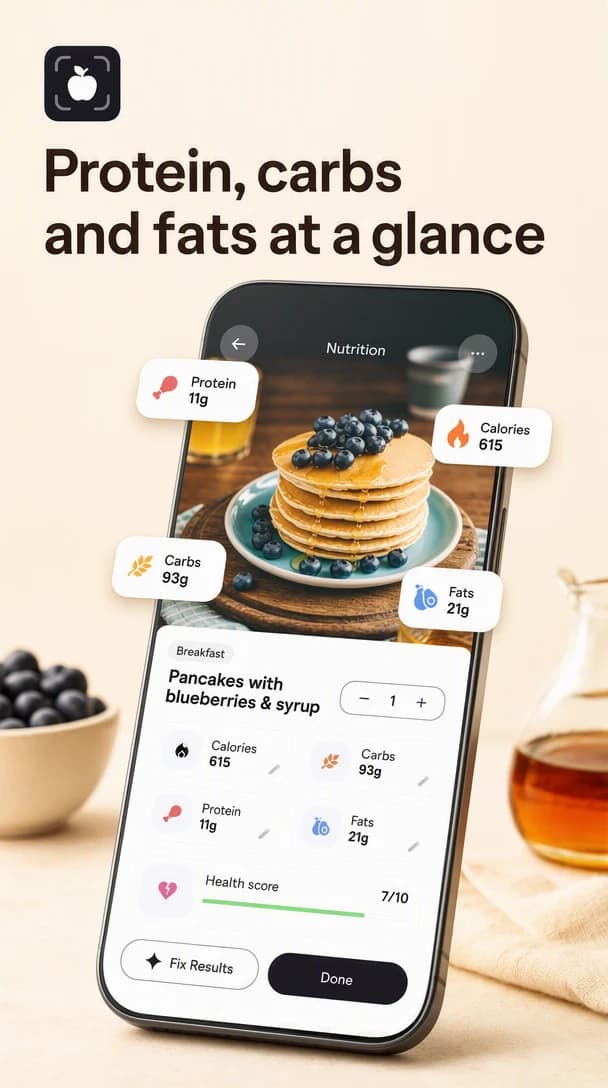 03
03What the buyer gets back.
 04
04The retention argument.
 05
05The close, with nothing competing.
Across app categories
A trail app and a calorie tracker do not sell the same way. Ground each listing in the real screen, then let the promise, palette, and pacing change around it.
Outdoor app
A real map screen carried into daylight and landscape.
Fitness app
A dark, athletic system built around one repeated action.
Nutrition app
A bright, food-forward system built around what the buyer eats.
Continue the workflow
FAQ
Start with real app screens and listing context, the intended audience, the final placement, and any facts or visual details the result must preserve.
Yes. Select the relevant saved brand and product context, then add only the instructions specific to this outcome.
Yes. New accounts include two starter credits. The live workflow shows the exact generation cost before you run it.
Your listing story starts here
Bring real app screens and listing context. Direct the outcome. Leave with a finished App Store screenshot set.
Two starter credits included