
01 / CLEAN PRODUCT IMAGELocked
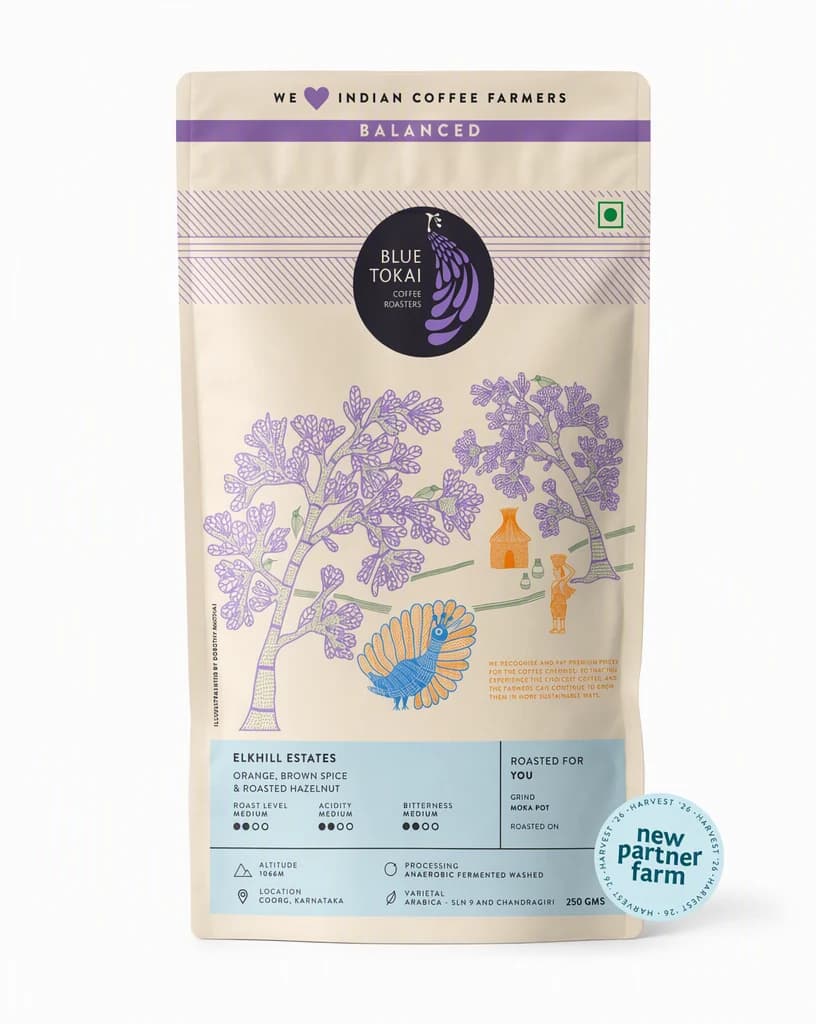
Start with the real source.
Add a clean product image. Then choose the audience, placement, and result the product background set must deliver.
ProductAudiencePlacement
AI BACKGROUND GENERATOR
Keep the product. Replace the setting. Create studio, lifestyle, and campaign backgrounds designed for the final placement.
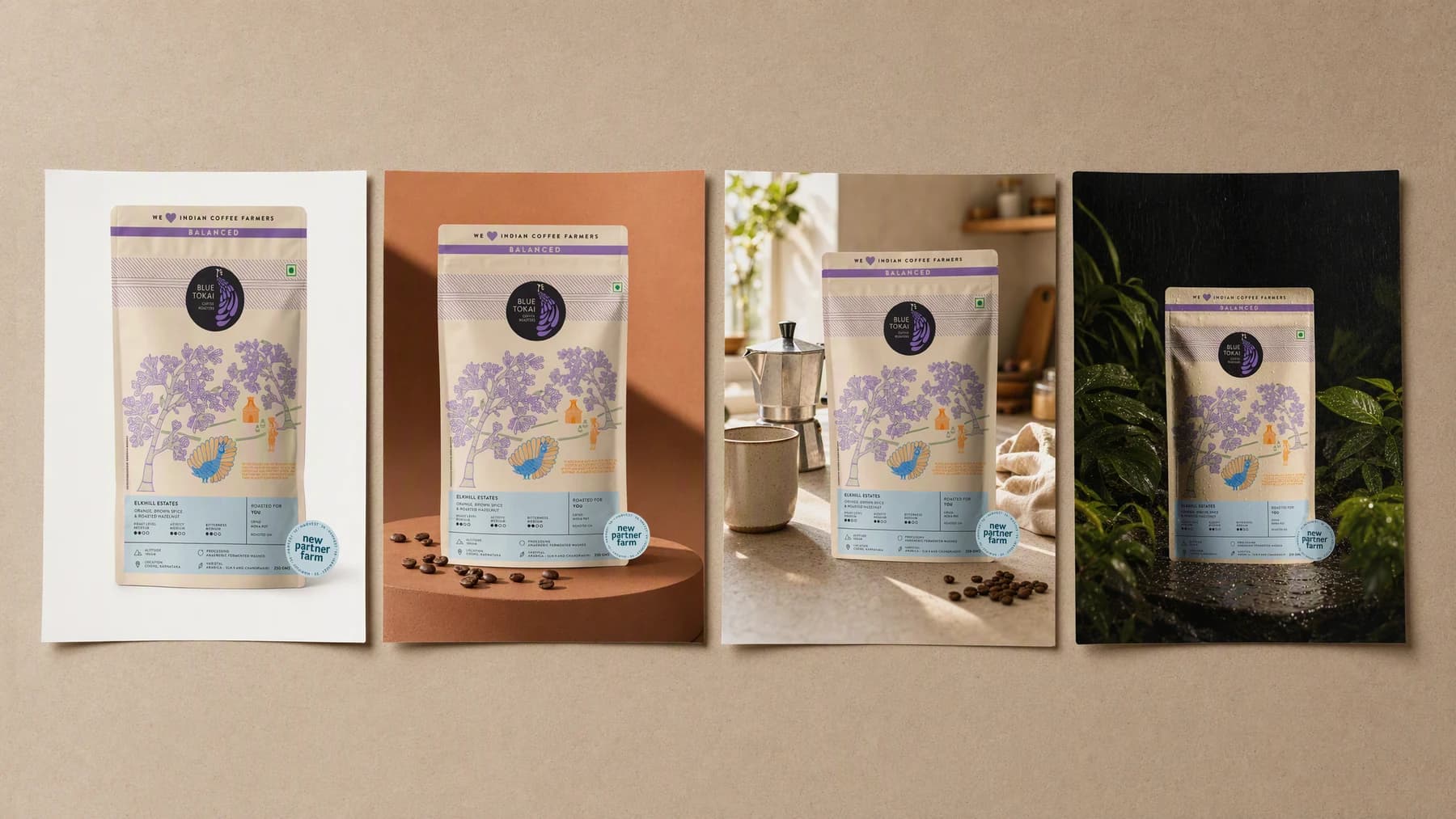
Illustrative composite: the plain source photo beside three generated scenes of the same pack, arranged on one board.
Grounded
product and brand context stay attached
Outcome-led
built specifically for product background creation
Complete
a reviewable product background set, not a loose draft
From flat photo to finished scene
The pack, its label, and its edges stay exactly as photographed. Only the world around them changes, which is why the set still looks like one product when it lands on the listing, the feed, and the ad.
One product, every setting
Product → Direction → Backgrounds
Add a clean product image. Then choose the audience, placement, and result the product background set must deliver.
“Keep the pack exactly as shot. Move it to wet slate at night, one hard warm key, and leave the top third empty for the offer.”
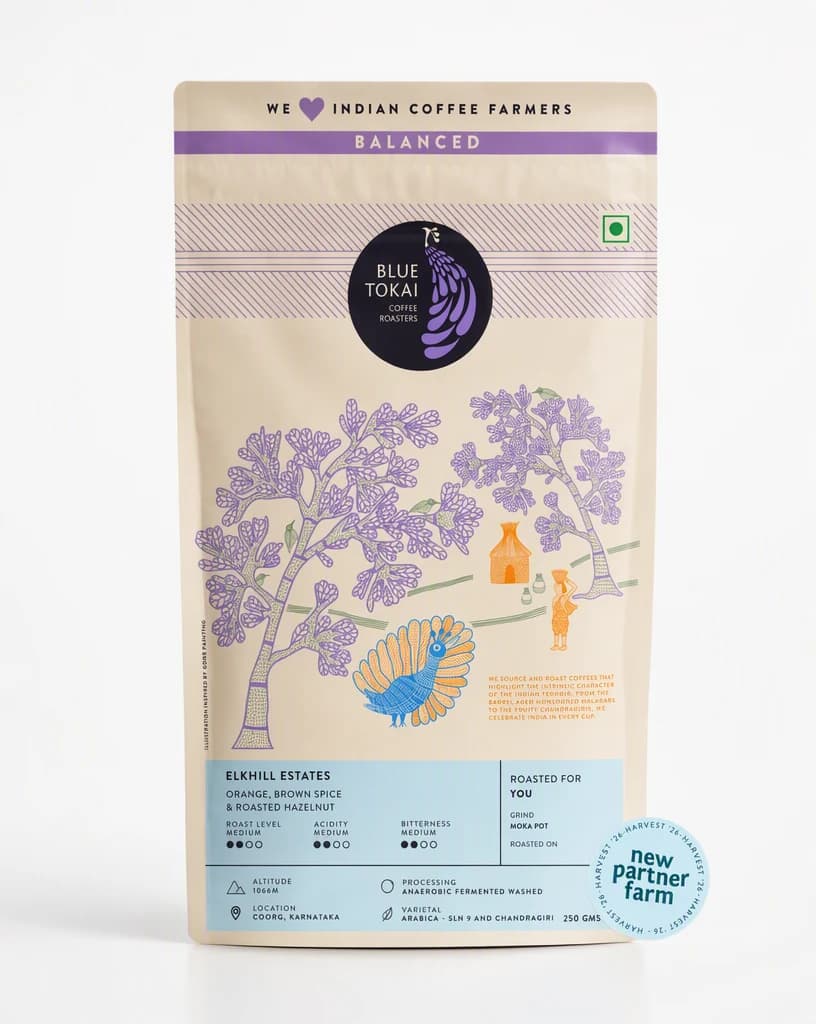
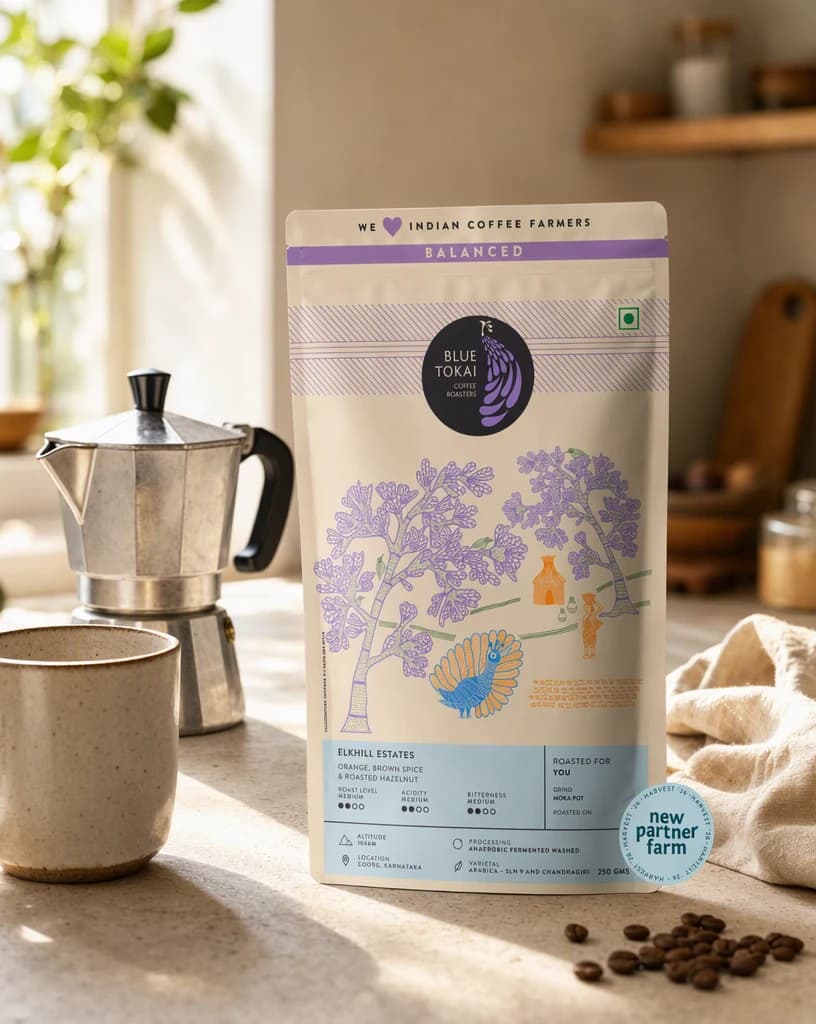
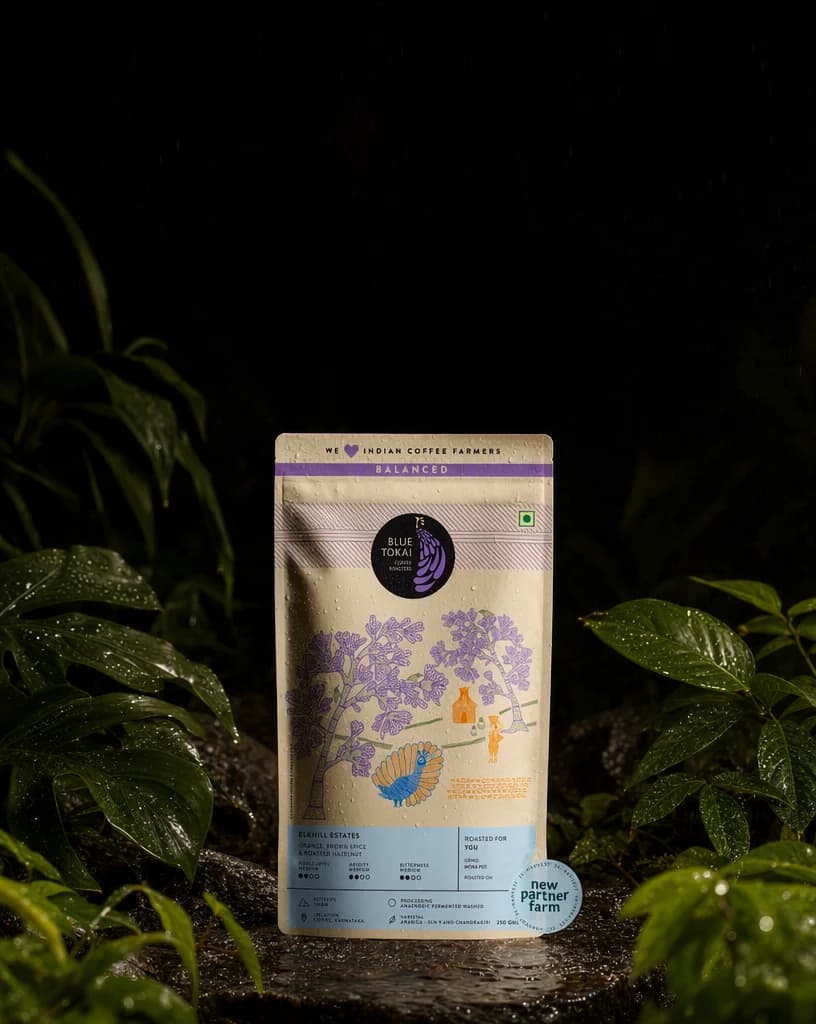
Create the product background set, review it at its real placement, and keep only the version that works.
Advibly turns your website, app, store, and brand assets into reusable context for every creative.
Start with a website, app listing, store, screenshots, or brand files.
Brand system
One source of truth
Advibly turns your inputs into reusable product and brand context.
Every ad, video, post, idea, and campaign starts from the same context.
Where the work happens
Advibly keeps the source, brand, and intended placement attached while you create the product background set.
Make product edge fidelity an explicit part of the brief instead of repairing it after generation.
Control scene and lighting around the outcome the viewer should understand.
Review message space in the context where the finished work will appear.
Outcome controls
Choose the right product edge fidelity for this product, audience, and placement.
Keep scene and lighting clear enough to survive the final format.
Use message space to connect the creative to one next action.
Background jobs
Each example proves a different job with a complete output, not a decorative mock-up. Two studio surfaces, two lifestyle scenes, two campaign worlds, one unchanged pack.
Six backgrounds generated in Advibly with GPT Image 2, from one saved brand and one real product photo.
StudioCreate clean surfaces, shadows, and color fields for listings and catalogues.
 Studio
Keep the catalogue discipline and still give the shot an art direction.
LifestylePlace the product in a believable context matched to its buyer and use.
 Lifestyle
Change the weather and the hour without changing the product.
CampaignBuild a stronger art direction while preserving room for the offer and CTA.
 Campaign
Move the same pack into a seasonal story the calendar already needs.
Across categories
A workout app, a supplement pack, and a piece of software all have the same problem: the subject is right and the setting is wrong. Keep the real screen or the real pack, then rebuild everything around it.
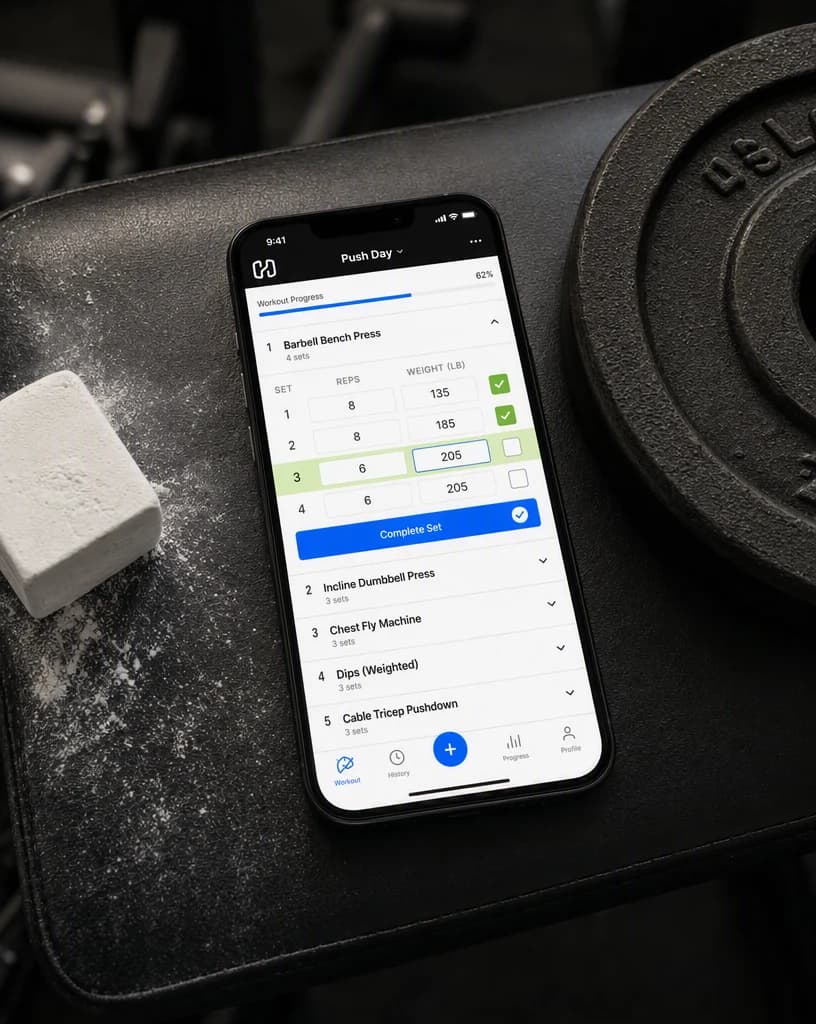
Mobile app
The actual screen, moved into the room where people open it.
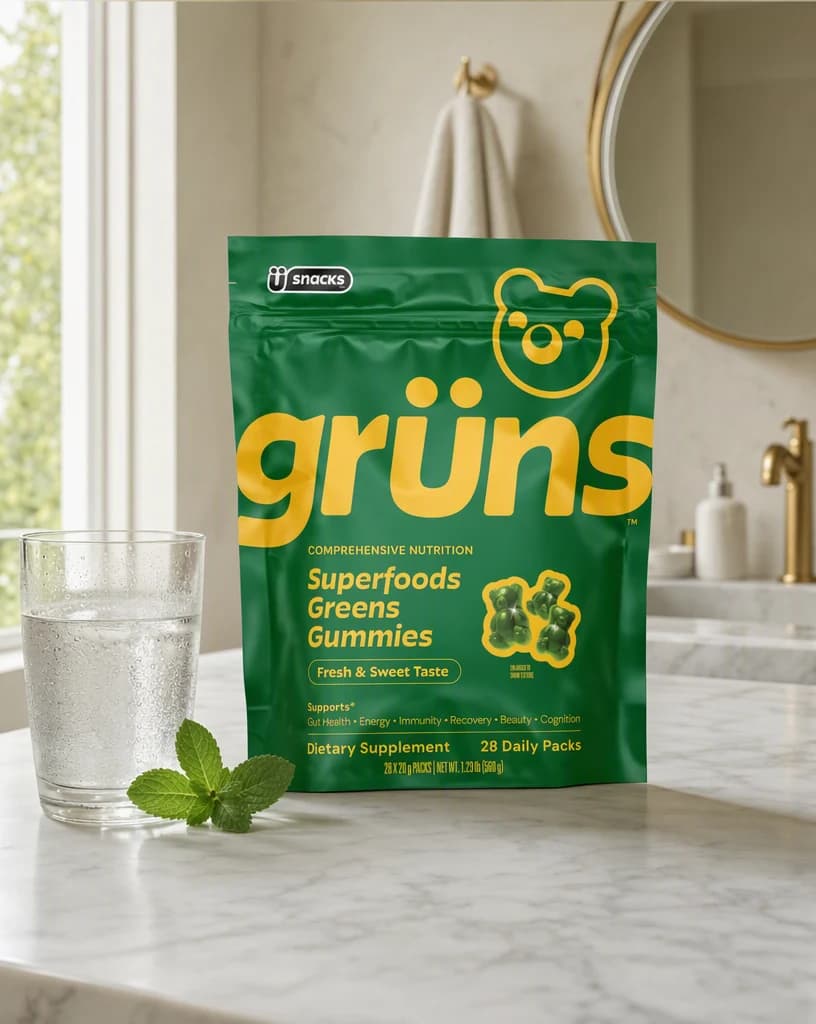
Physical product
A supplement pack lifted out of the studio and into a morning.
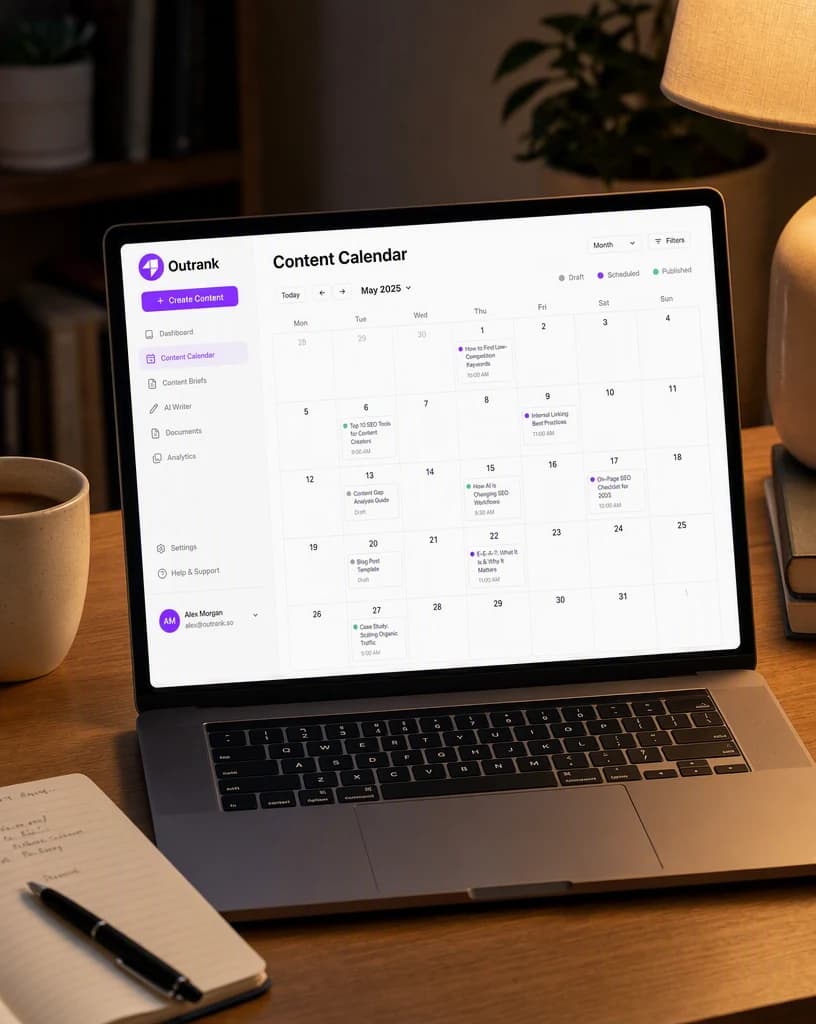
Software
An interface given a desk, an hour, and a reason to be there.
Continue the workflow
FAQ
Start with a clean product image, the intended audience, the final placement, and any facts or visual details the result must preserve.
Yes. Select the relevant saved brand and product context, then add only the instructions specific to this outcome.
Yes. New accounts include two starter credits. The live workflow shows the exact generation cost before you run it.
Your next product scene starts here
Bring a clean product image. Direct the outcome. Leave with a finished product background set.
Two starter credits included