
01 / THE POINT OF VIEWLocked
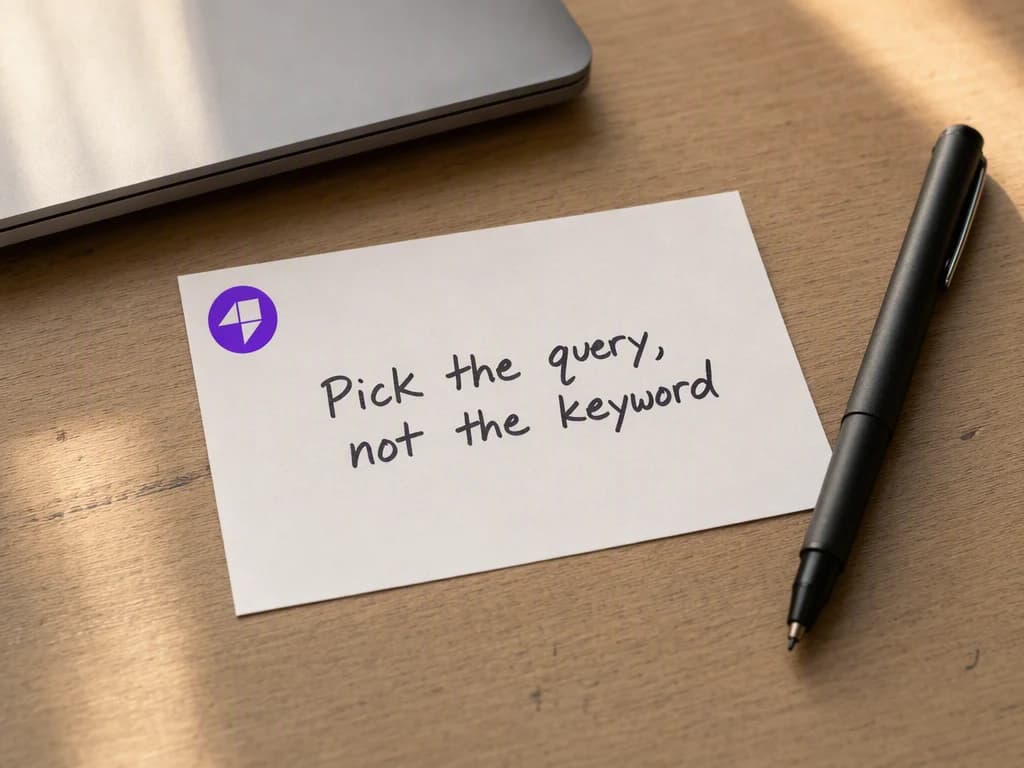
Start with the real source.
Add one idea, argument, or proof point. Then choose the audience, placement, and result the LinkedIn carousel must deliver.
The claimAudienceClosing action
LINKEDIN CAROUSEL GENERATOR
Turn one useful point of view into a complete LinkedIn document carousel with a strong cover, logical slide progression, and a final action.
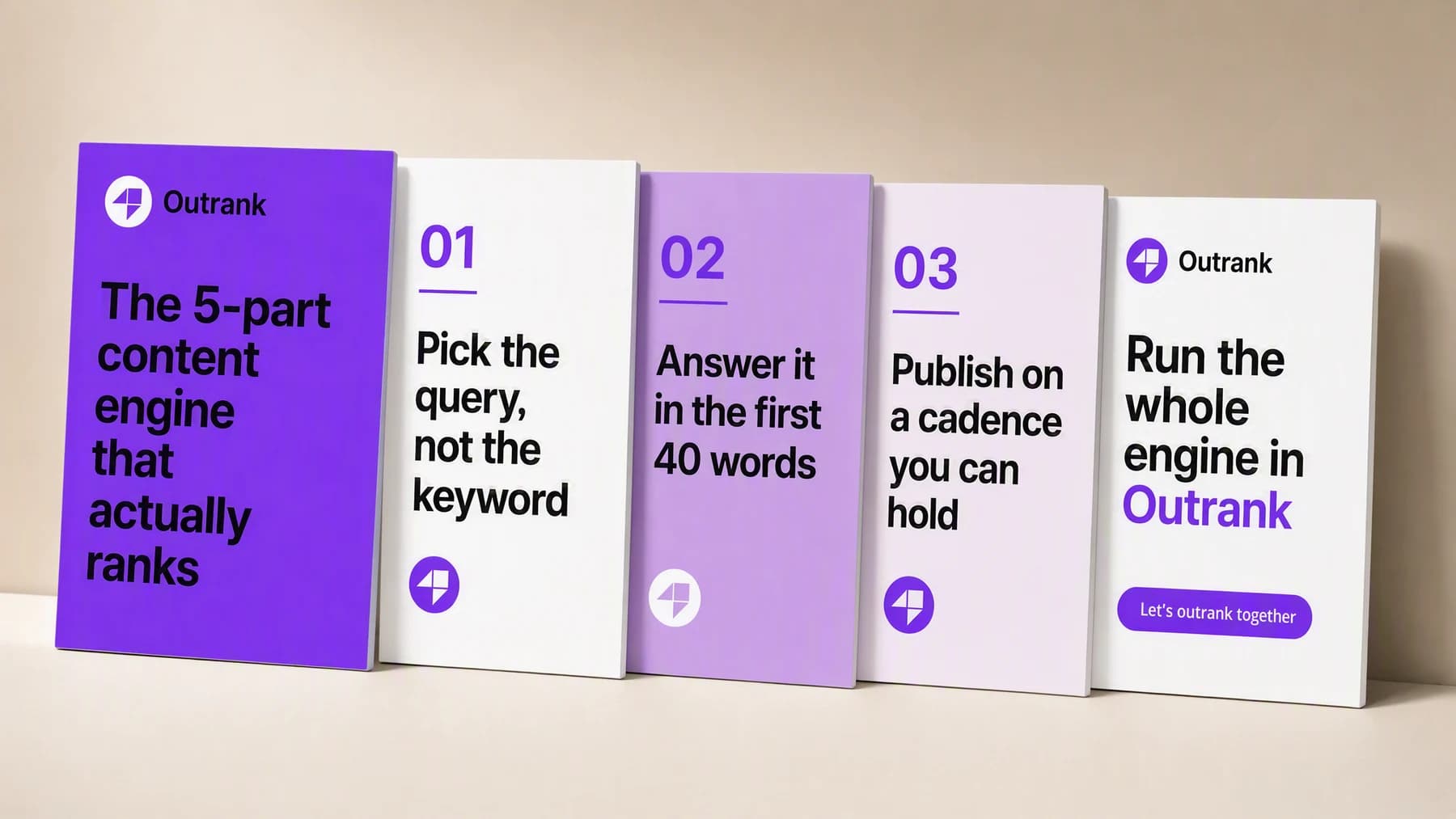
Illustrative composite: the five slides of a single generated LinkedIn deck, arranged in reading order on one board.
Grounded
product and brand context stay attached
Outcome-led
built specifically for LinkedIn thought leadership
Complete
a reviewable LinkedIn carousel, not a loose draft
From idea to deck
The argument, the audience and the closing action stay attached to every slide, so you are reviewing one continuous case rather than five disconnected cards.
One continuous deck run
Idea → Slide order → Finished deck
Add one idea, argument, or proof point. Then choose the audience, placement, and result the LinkedIn carousel must deliver.
“Cover carries the promise. Three slides carry the argument, one idea each. Last slide asks for one thing and nothing else.”
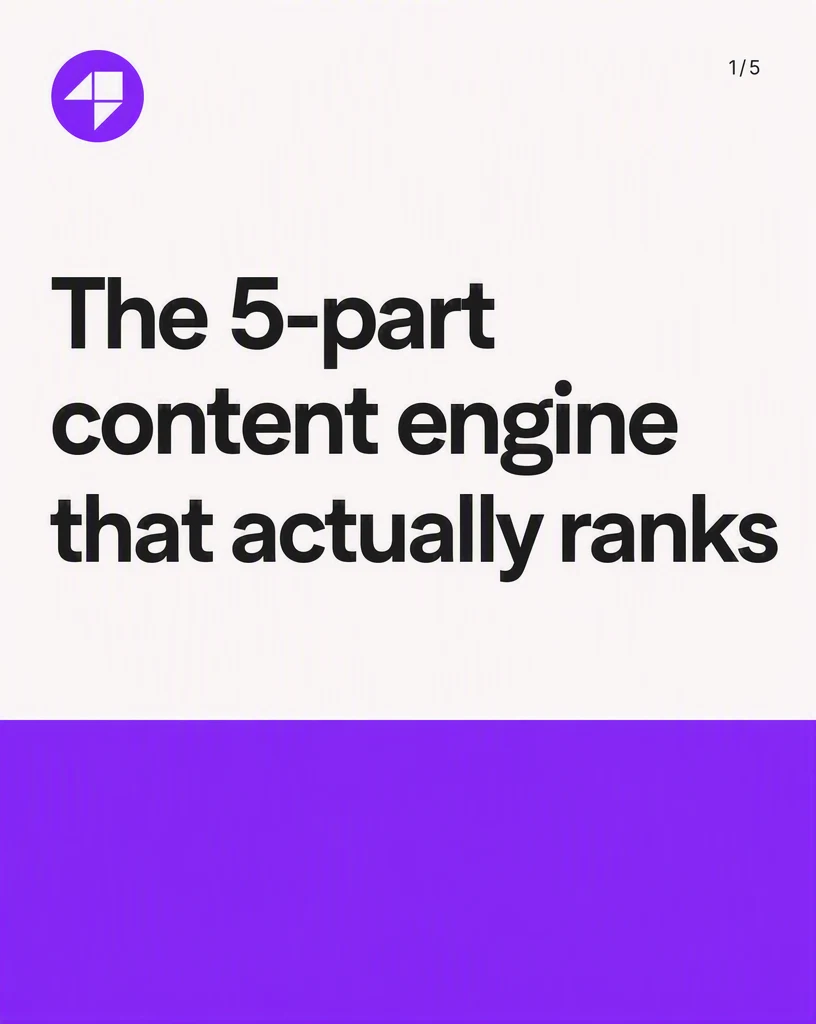

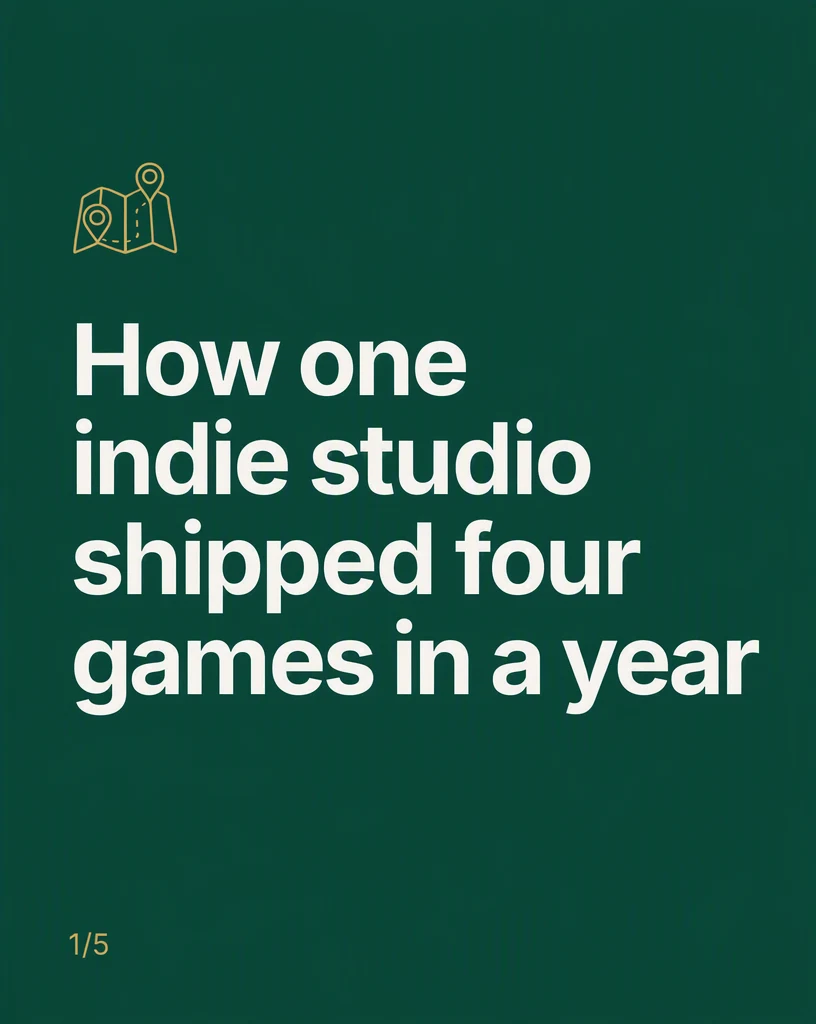
Create the LinkedIn carousel, review it at its real placement, and keep only the version that works.
Advibly turns your website, app, store, and brand assets into reusable context for every creative.
Start with a website, app listing, store, screenshots, or brand files.
Brand system
One source of truth
Advibly turns your inputs into reusable product and brand context.
Every ad, video, post, idea, and campaign starts from the same context.
Where the work happens
Advibly keeps the source, brand, and intended placement attached while you create the LinkedIn carousel.
Make the cover promise an explicit part of the brief instead of repairing it after generation.
Control the slide-by-slide argument around the outcome the viewer should understand.
Review the closing action in the context where the finished work will appear.
Outcome controls
Choose the right cover promise for this product, audience, and placement.
Keep the slide-by-slide argument clear enough to survive the final format.
Use the closing action to connect the creative to one next action.
Deck jobs
Each example proves a different job with a complete output, not a decorative mock-up.
These slides were generated in Advibly with GPT Image 2 from saved brands and one written argument each. The full decks they belong to are shown below.
FounderTurn one sharp observation into a concise, credible five-slide argument.
FrameworkTeach a repeatable method with one idea per slide.
Case studyMove from problem through decision and evidence to a useful conclusion.
Complete decks
A carousel is judged as a swipe, not as a cover. These are two finished decks in full, in the order a reader meets them.
Ten slides generated in Advibly with GPT Image 2, from two saved brands and one written argument each.
A repeatable method, one step per slide.
CoverThe promise, stated as a number.
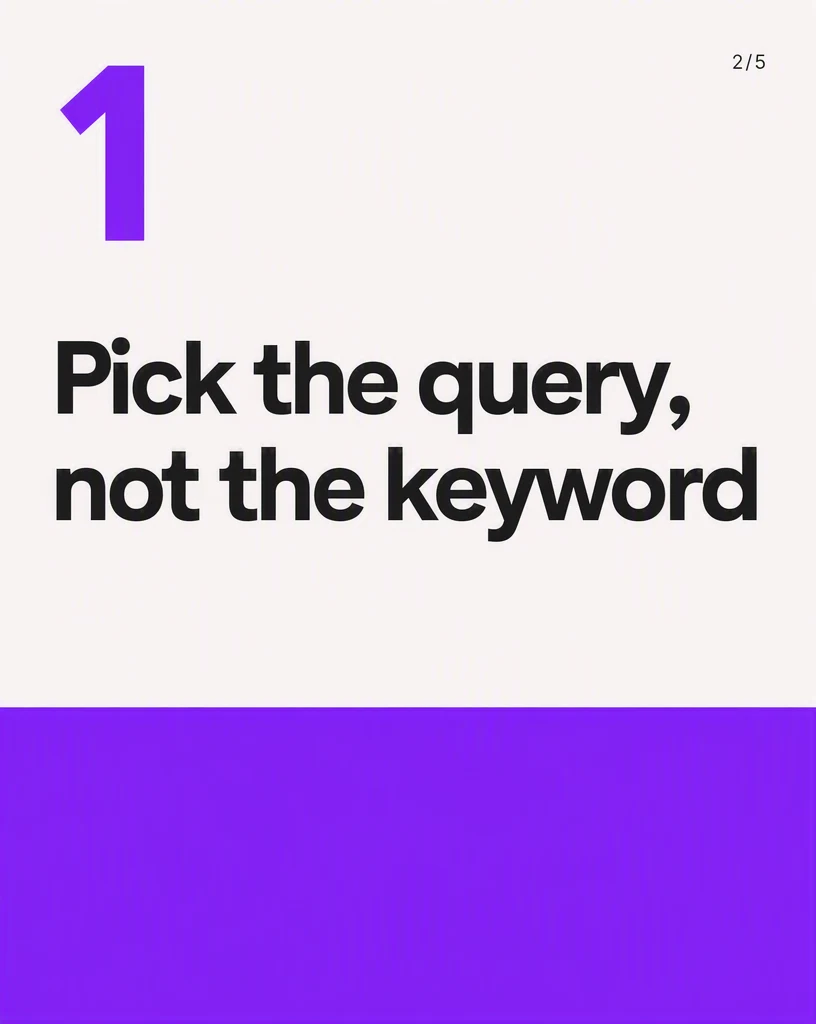 02
02The first idea, on its own.
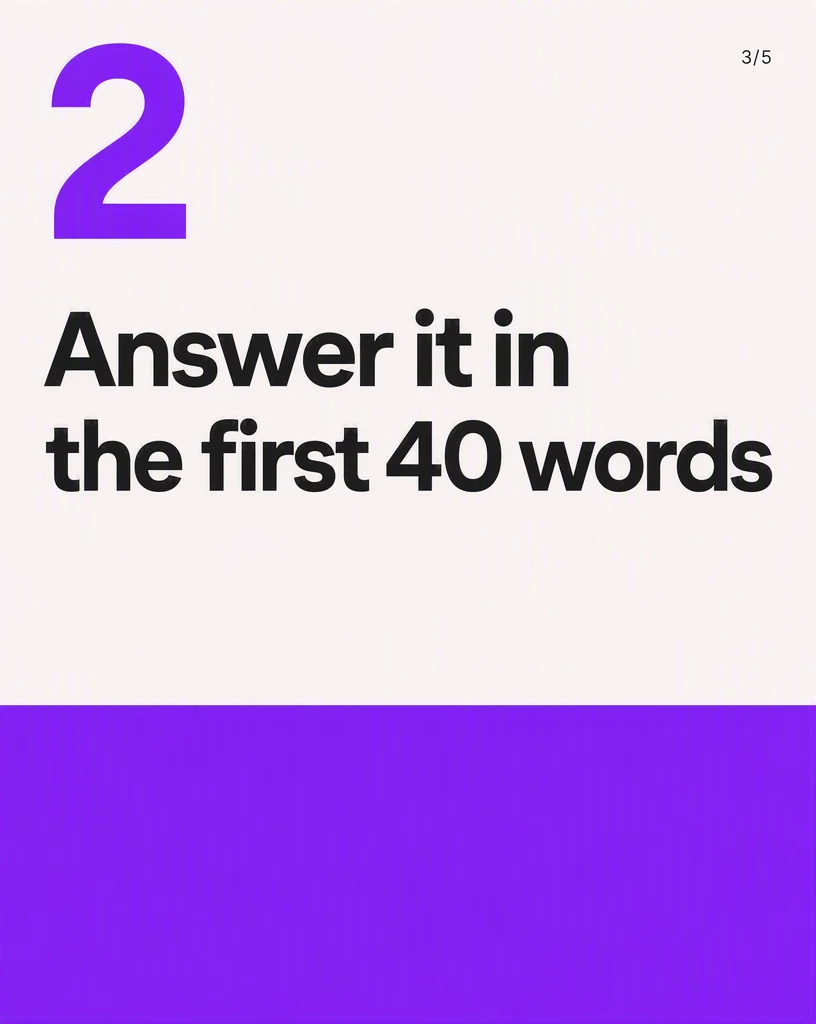 03
03The second idea, same system.
 04
04The third idea, still one per slide.
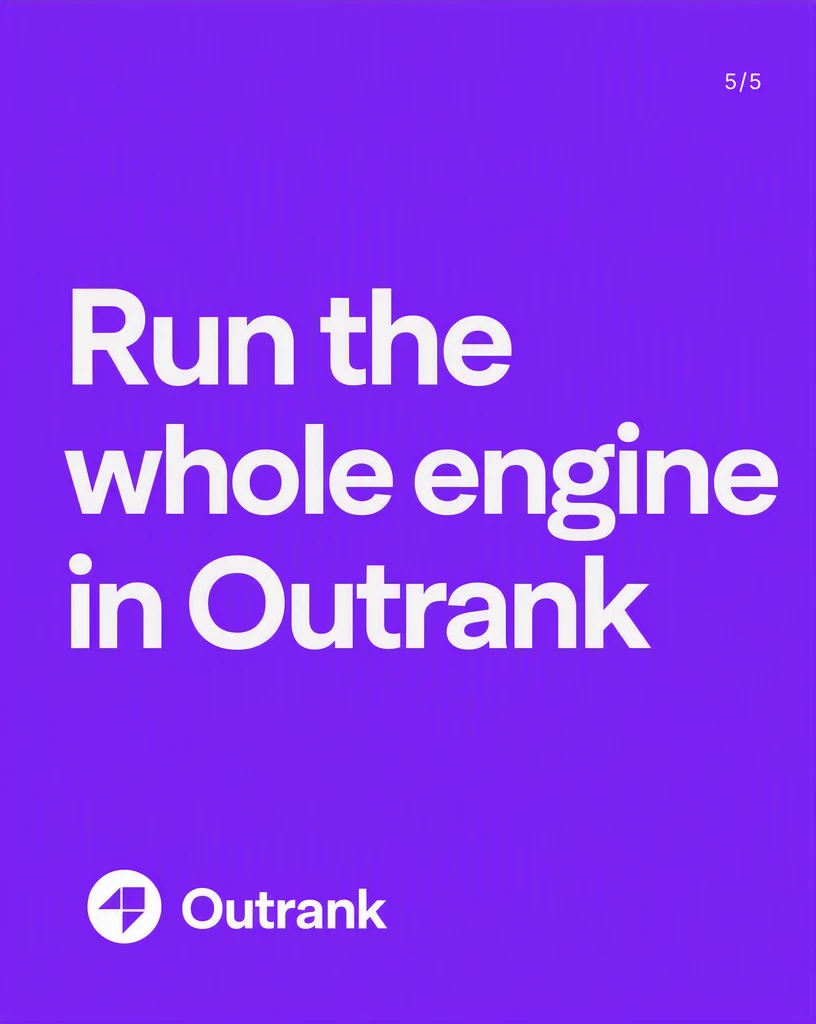 Close
CloseOne action, nothing else on the slide.
One observation, argued down to a single conclusion.
CoverA claim only this founder could make.
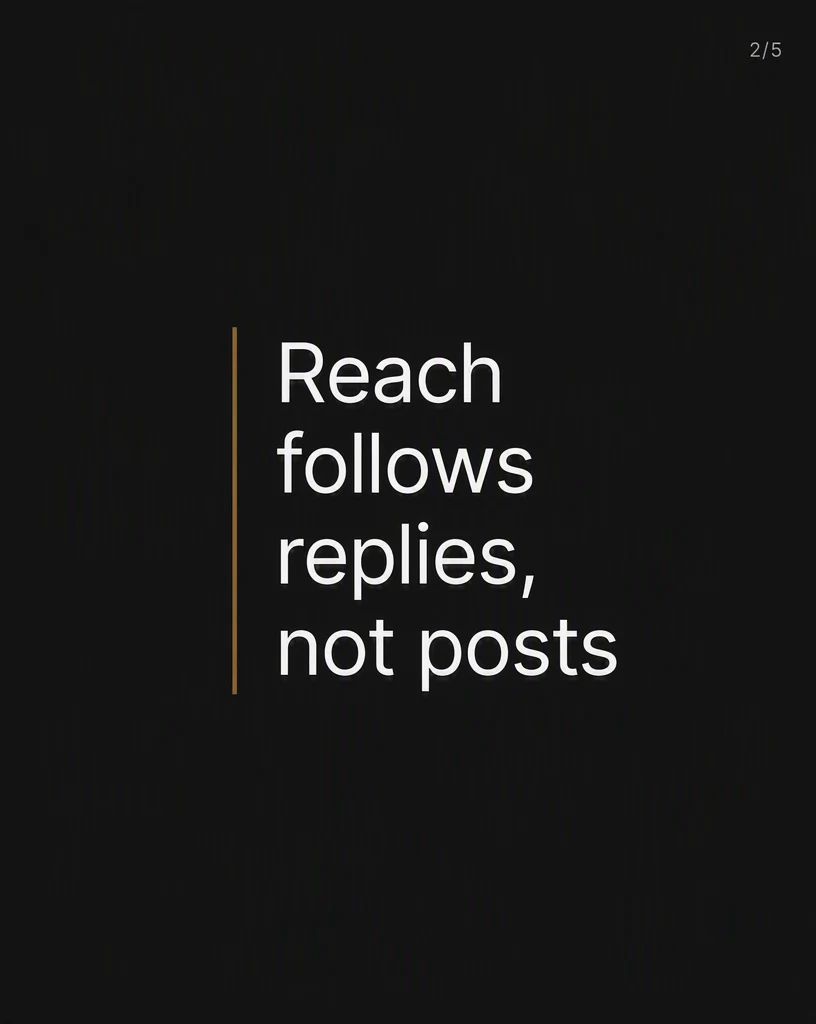 02
02The counterintuitive part, up front.
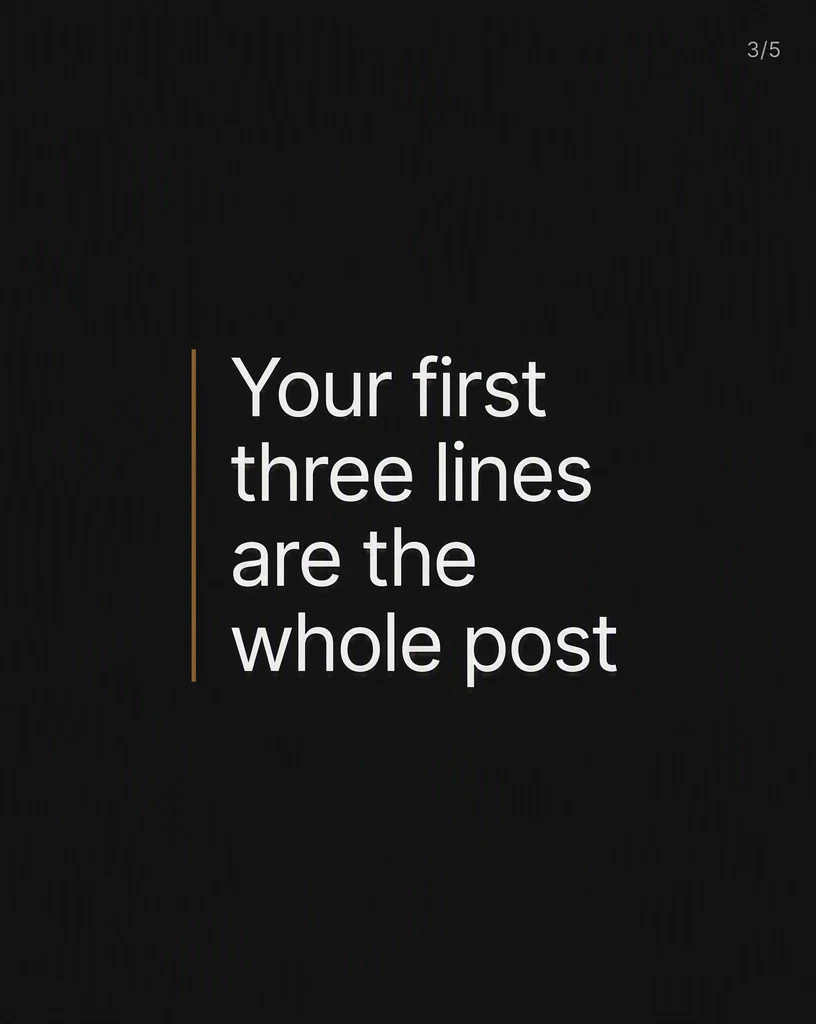 03
03The practical consequence.
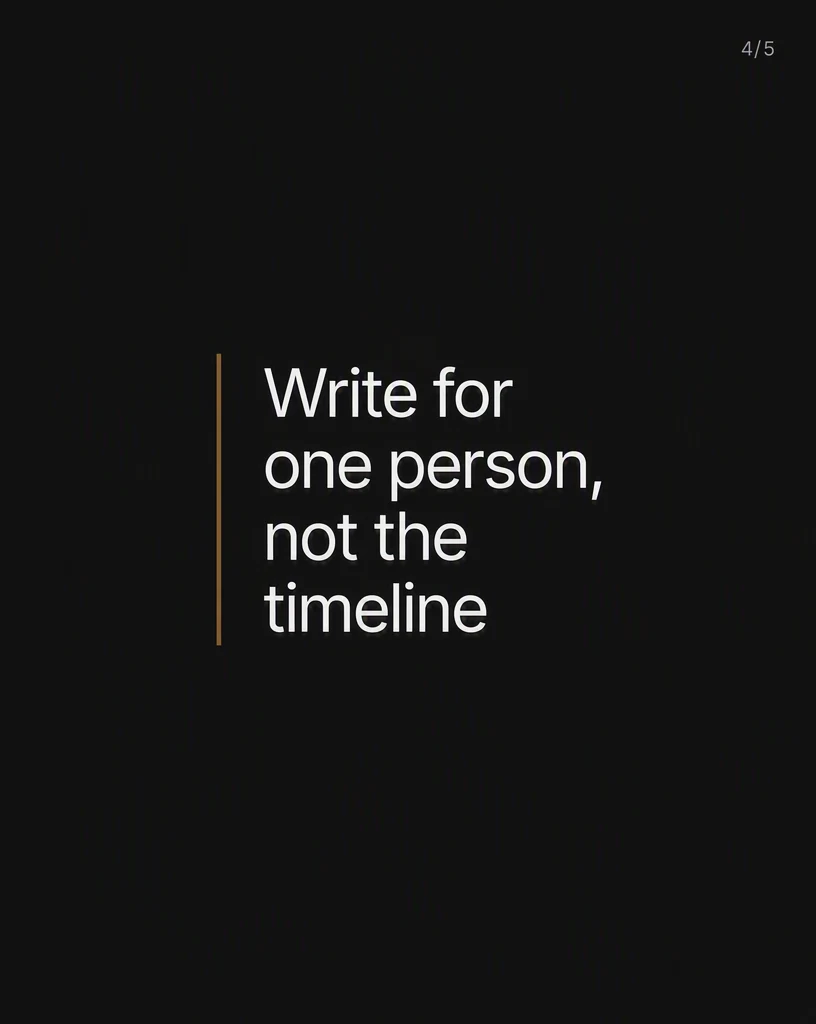 04
04The rule that makes it repeatable.
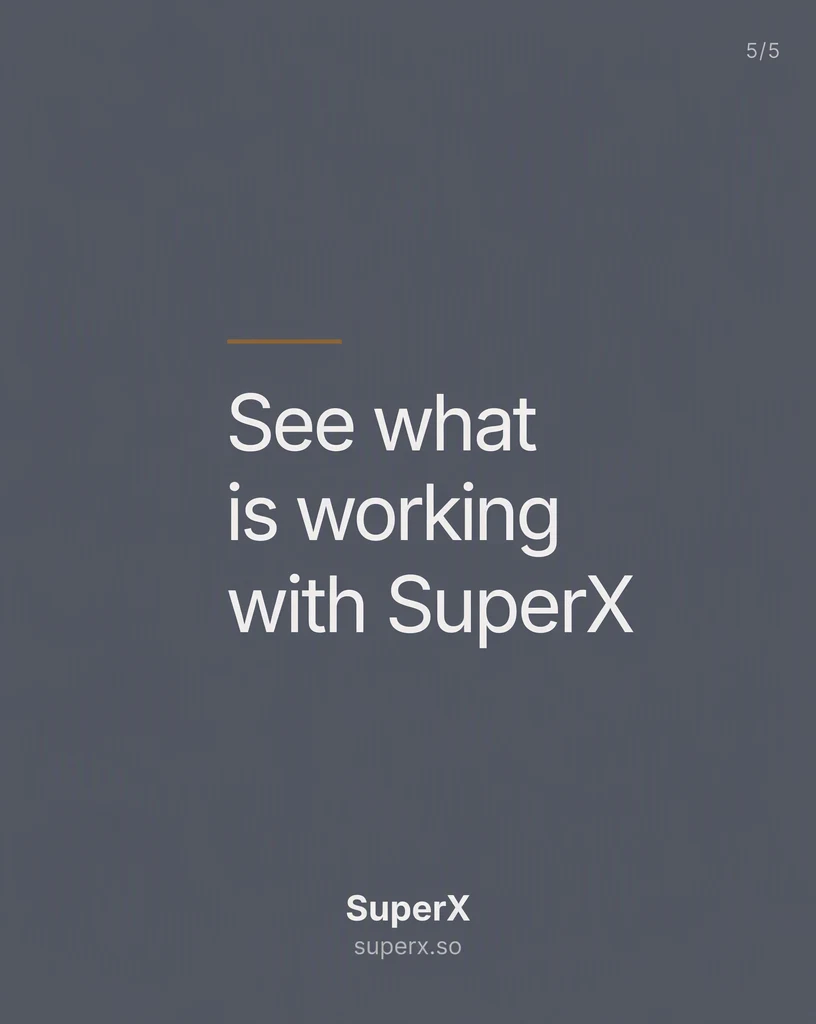 Close
CloseThe close, earned rather than announced.
Across categories
A software case study, a roaster's craft story, and a contractor's buying guide are all document posts. Ground each deck in the real business, then let the argument and the art direction change around it.
Software
A shipped-work story told in five slides instead of a press release.
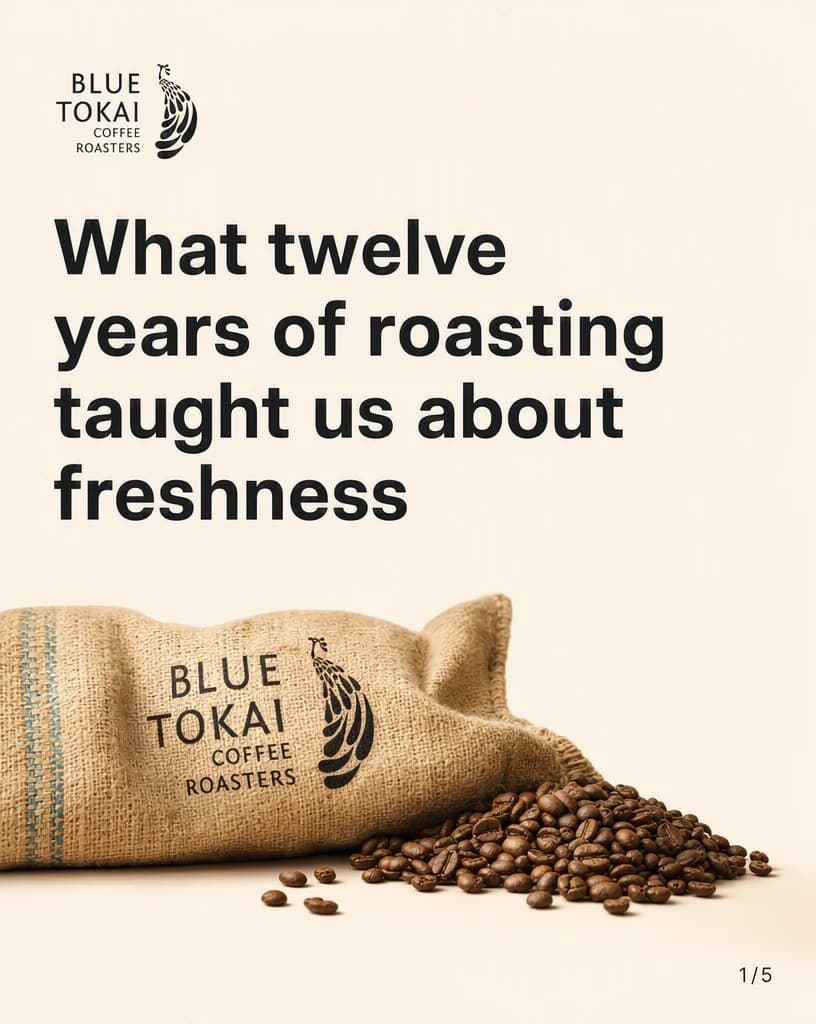
Physical product
A physical-product brand teaching the thing it knows best.

Service business
A local service business answering the question buyers ask first.
Continue the workflow
FAQ
Start with one idea, argument, or proof point, the intended audience, the final placement, and any facts or visual details the result must preserve.
Yes. Select the relevant saved brand and product context, then add only the instructions specific to this outcome.
Yes. New accounts include two starter credits. The live workflow shows the exact generation cost before you run it.
Your next document post starts here
Bring one idea, argument, or proof point. Direct the outcome. Leave with a finished LinkedIn carousel.
Two starter credits included