
01 / ATTACH THE REAL SOURCELocked
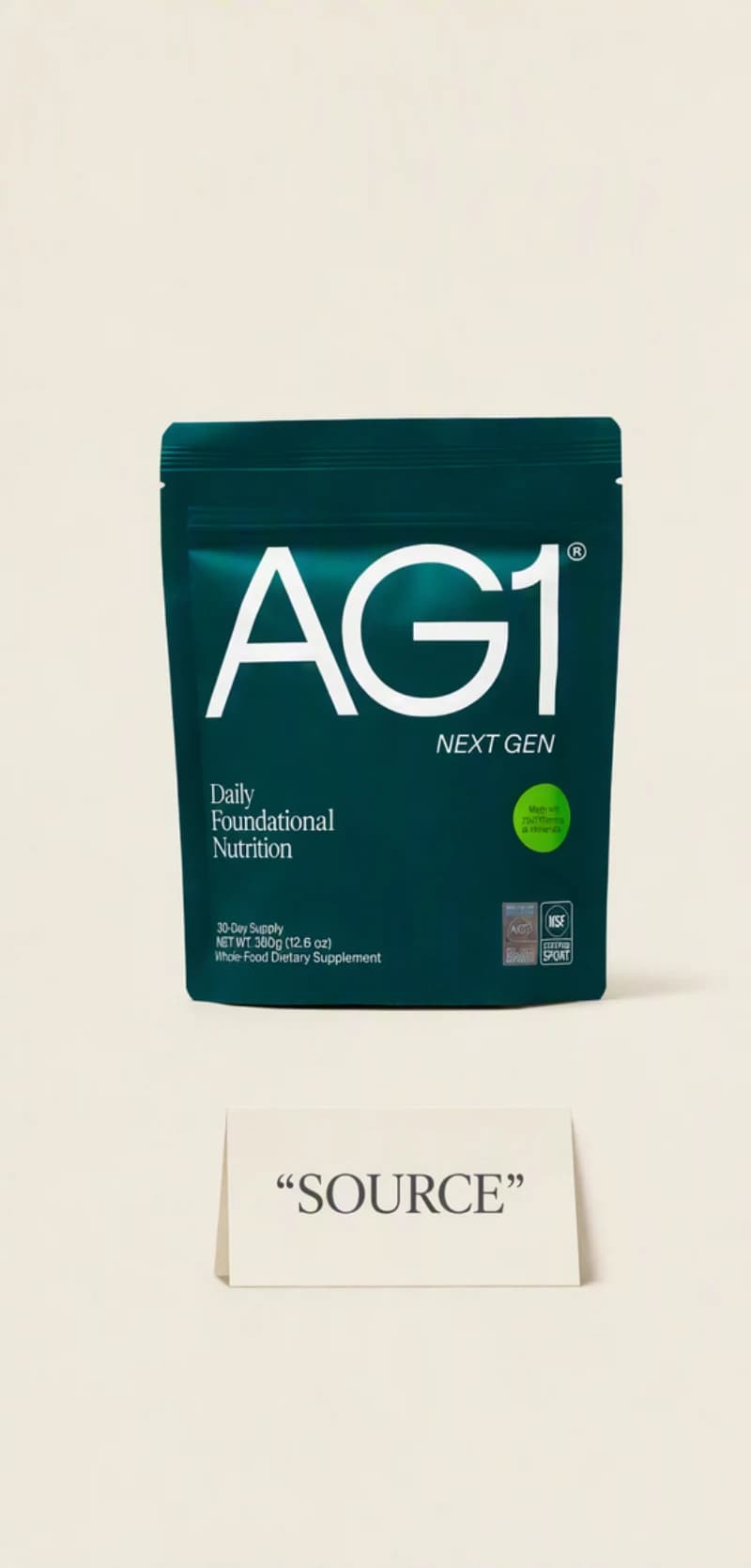
Start from the product you actually sell.
Attach a real product photo or a product URL, then choose the audience and placement each direction has to serve.
Product photoProduct URLSaved brand
AI PRODUCT IMAGE GENERATOR
Create polished product images from a real source, saved brand, and clear placement, then keep the strongest direction moving across the campaign.
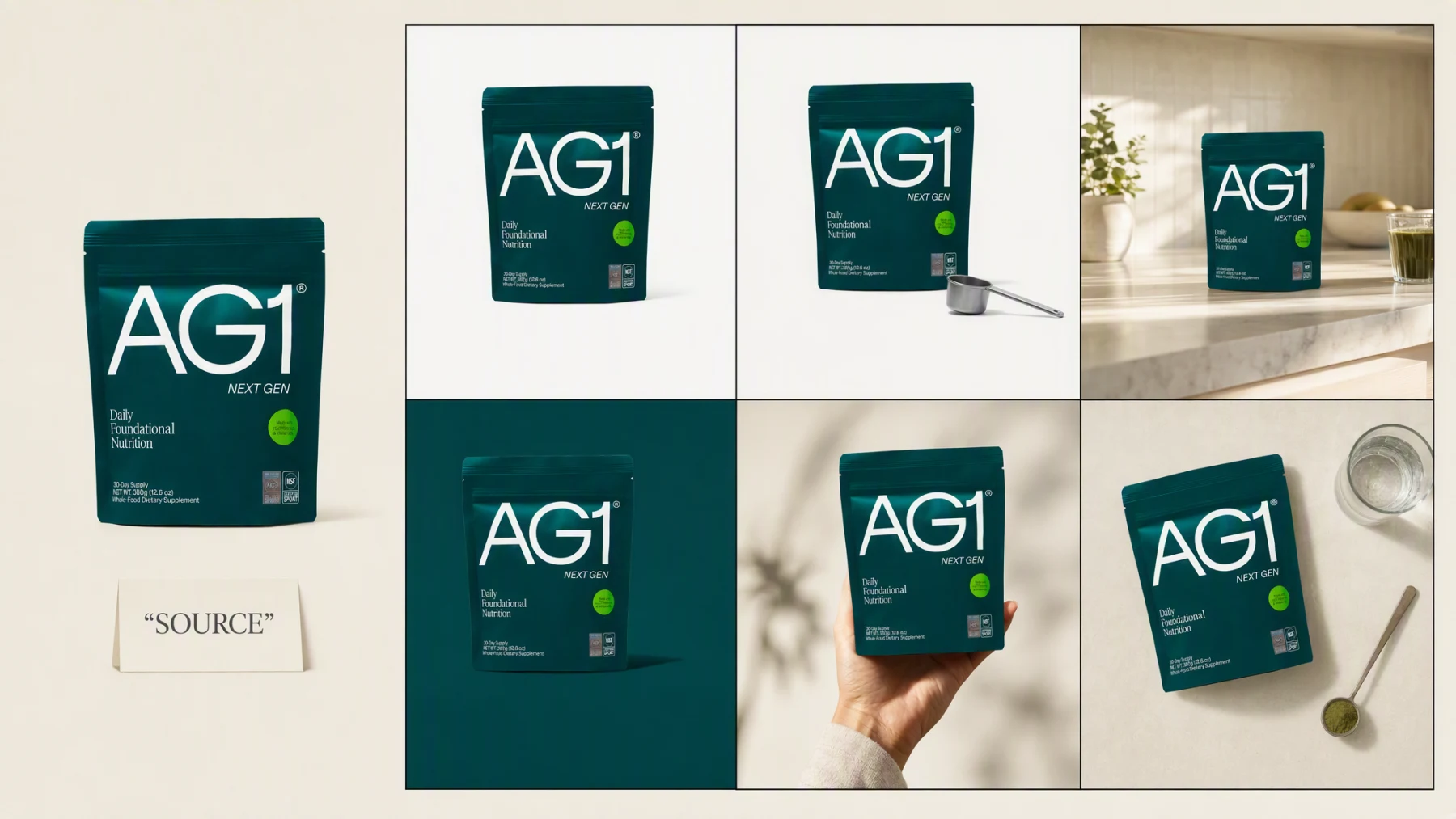
Illustrative composite: the product source beside six generated directions of the same pouch, arranged on one board.
Grounded
product and brand context stay attached
Outcome-led
built specifically for direction and placement
Complete
a reviewable product image set, not a loose draft
From source to direction
A catalog tile and a campaign hero fail for opposite reasons if they are briefed separately. Both start from the same source here, so the product reads the same on a grid as it does on a billboard.
One continuous direction run
Source → Direction → Placement
Attach a real product photo or a product URL, then choose the audience and placement each direction has to serve.
"This one is for the catalog grid, keep it plain. This one is for the counter campaign, leave room at the top. This one is for the feed, leave space for a caption."
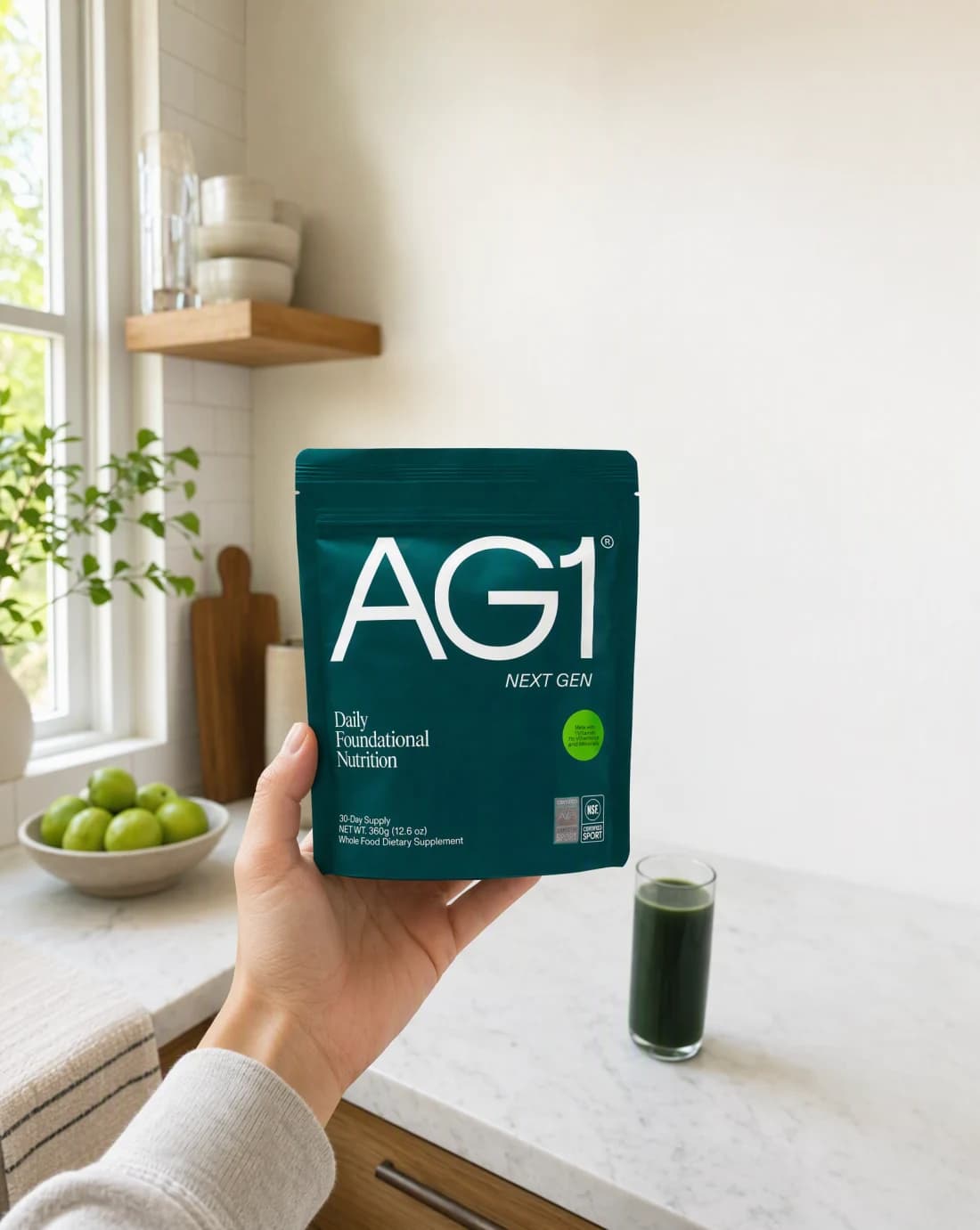
Generate every direction from the same source, compare them at their real placement, and carry the strongest one into the next campaign asset.
Advibly turns your website, app, store, and brand assets into reusable context for every creative.
Start with a website, app listing, store, screenshots, or brand files.
Brand system
One source of truth
Advibly turns your inputs into reusable product and brand context.
Every ad, video, post, idea, and campaign starts from the same context.
Beyond one image
The same accurate product, art direction, and intended placement carry through every generation, so a catalog tile and a campaign hero can share one source without contradicting each other.
The product's real shape, color, and label carry through every direction instead of drifting from one generation to the next.
Each direction sets its own framing, lighting, and negative space around what that placement needs to say.
Every image is judged against where it will actually run, a catalog grid, a campaign hero, or a feed post, not a generic mockup.
Outcome controls
Lock the product facts that have to survive every direction before generation starts.
Choose the framing, lighting, and mood each placement calls for.
Set the negative space a catalog tile, campaign hero, or social frame actually needs.
Placement jobs
Each pair keeps the product identical while changing what the placement is actually for: a catalog tile has to read at a glance, a campaign frame has to leave room for a headline, a social frame has to feel native to the feed.
These images were generated in Advibly with GPT Image 2, from one real product photo and one saved brand.
 Catalog
A plain, evenly lit shot sized to read clearly in a grid, with no ambiguity about what the buyer is looking at.
 Catalog
The same product shown next to a familiar scoop so shoppers can judge real size and finish.
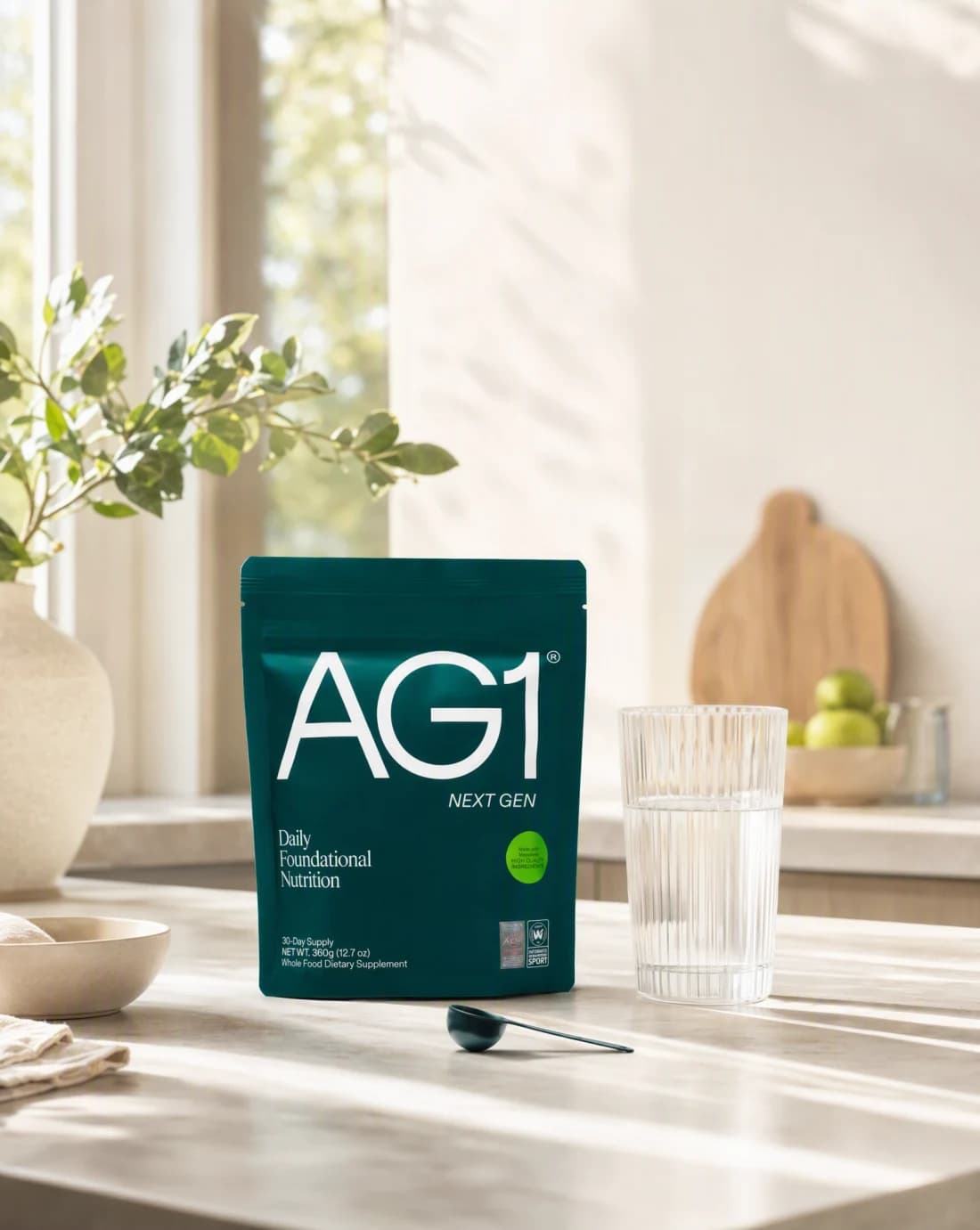
CampaignA believable morning setting with open daylight space held clear for a headline.
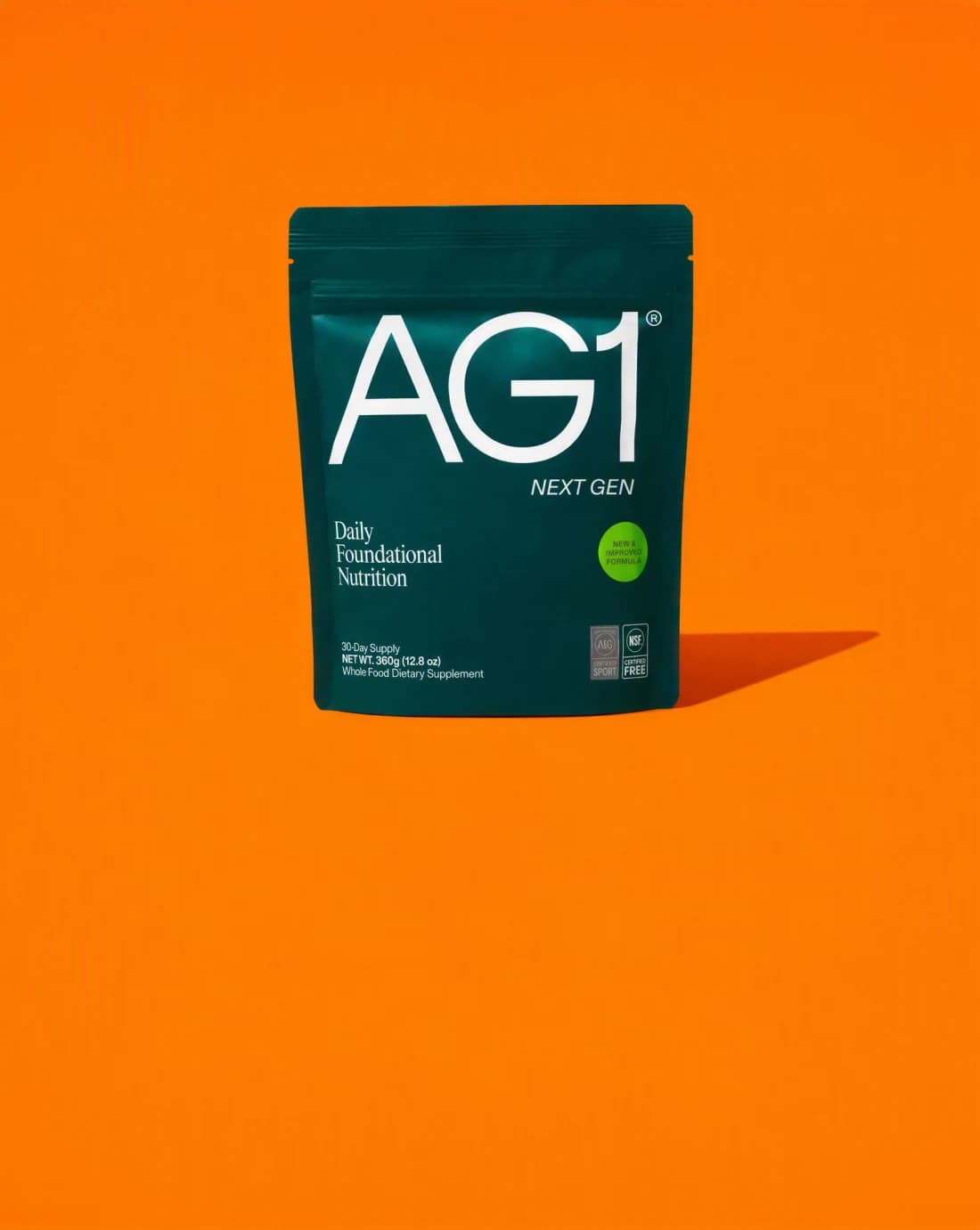
CampaignA graphic studio set with a hard shadow and dedicated space for the offer or message.
SocialA handheld framing with space kept clear for a caption or sticker where the platform expects one.
 Social
An overhead arrangement with a couple of honest props, composed evenly for a social grid.
Across categories
A running app, a bedside supplement, and a creator dashboard each need a different scene, but the same discipline applies: the real product or interface stays the subject, and the scene is built around where the image will actually run.
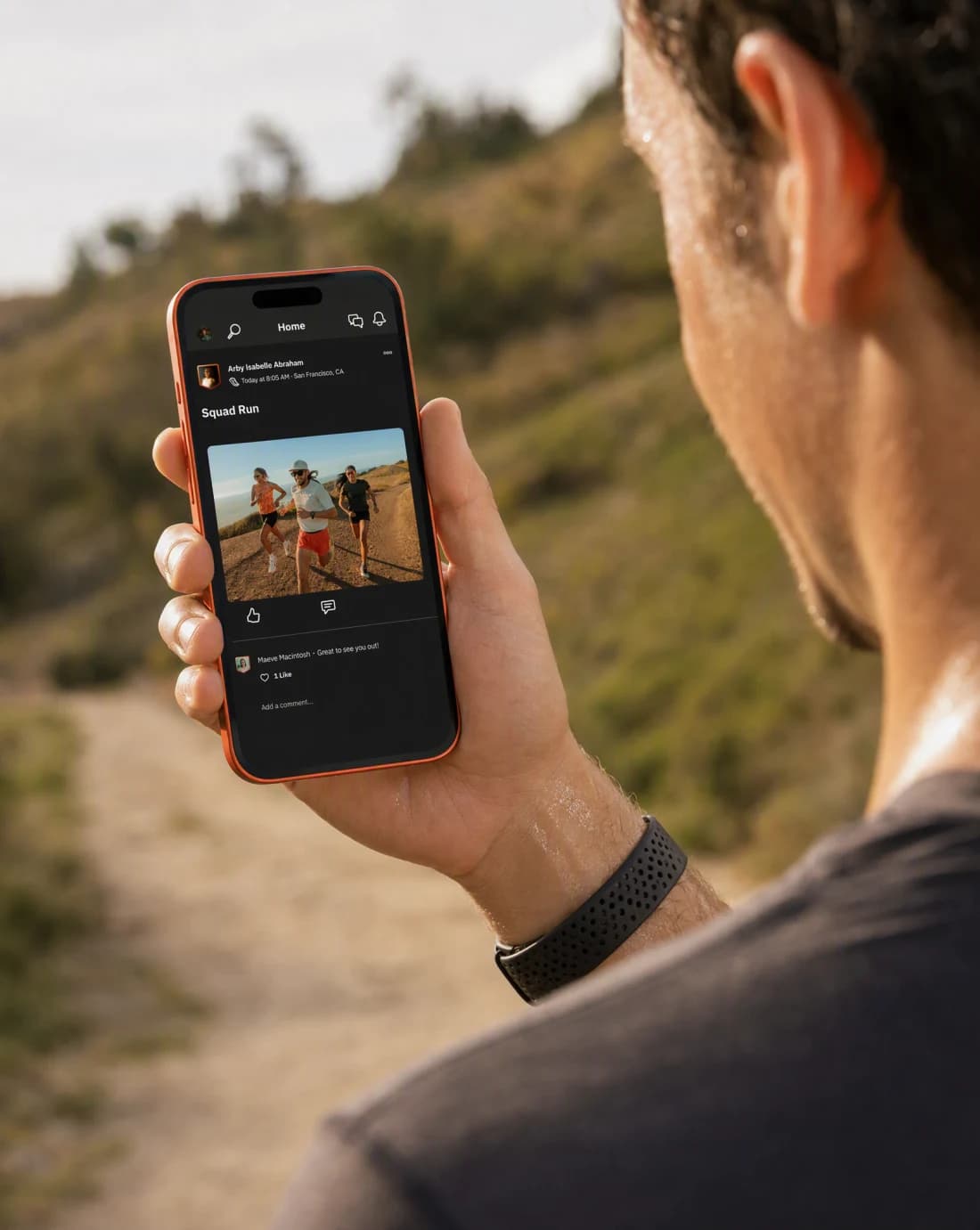
Mobile app
A real Strava screen held up outdoors, framed so the feed post stays legible in a believable moment.
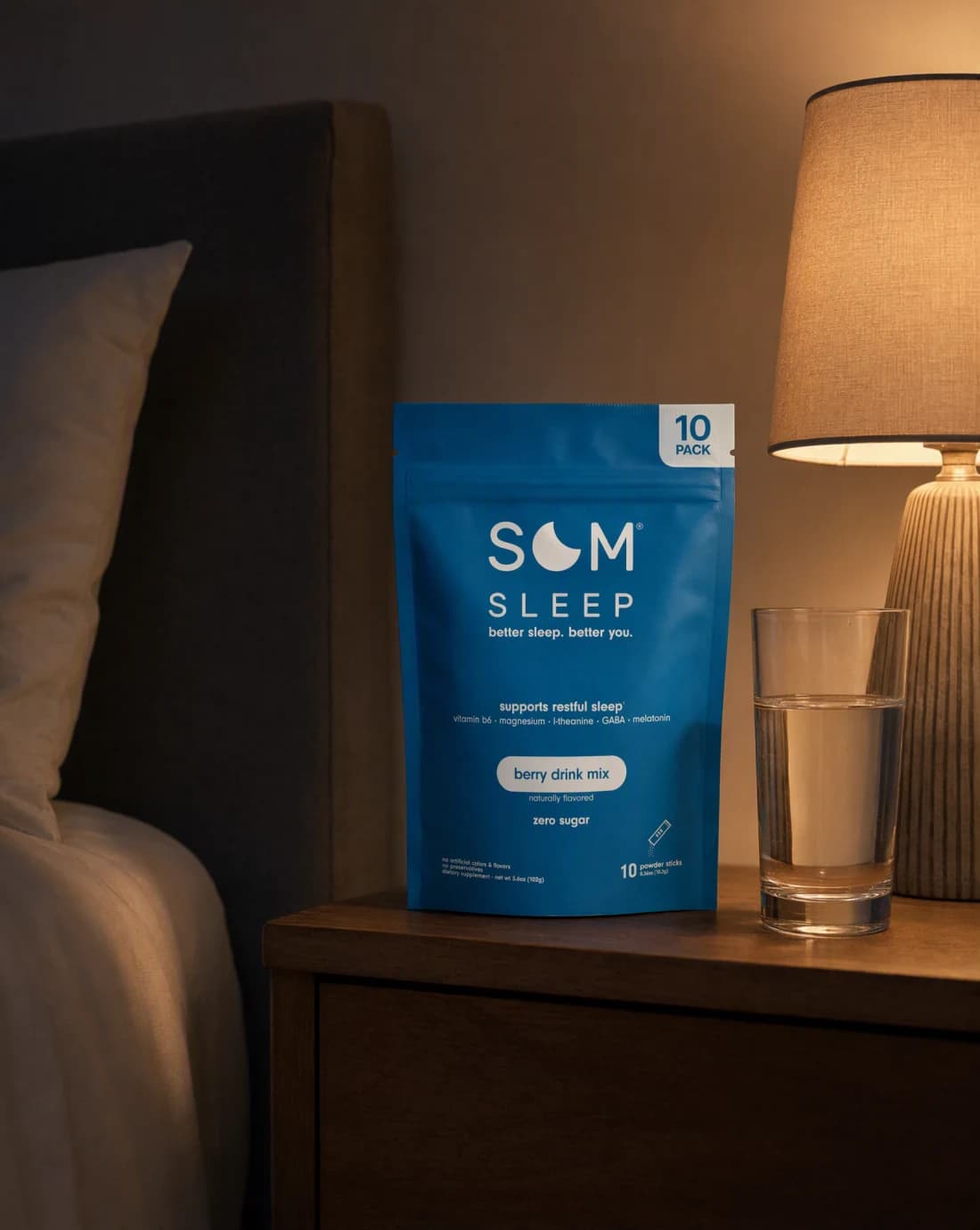
Physical product
A real Som Sleep pack placed in a dim, warm-lit bedroom scene built for a nighttime routine.

Software
The real SuperX dashboard on a laptop, lit like a moody desk setup instead of a flat screenshot.
Continue the workflow
FAQ
Start with a product image or product URL, the intended audience, the final placement, and any facts or visual details the result must preserve.
Yes. Select the relevant saved brand and product context, then add only the instructions specific to this outcome.
Yes. New accounts include two starter credits. The live workflow shows the exact generation cost before you run it.
Your product, every placement
Bring a product image or product URL. Direct the outcome. Leave with a finished product image set.
Two starter credits included