
01 / PRODUCT OR ANGLELocked
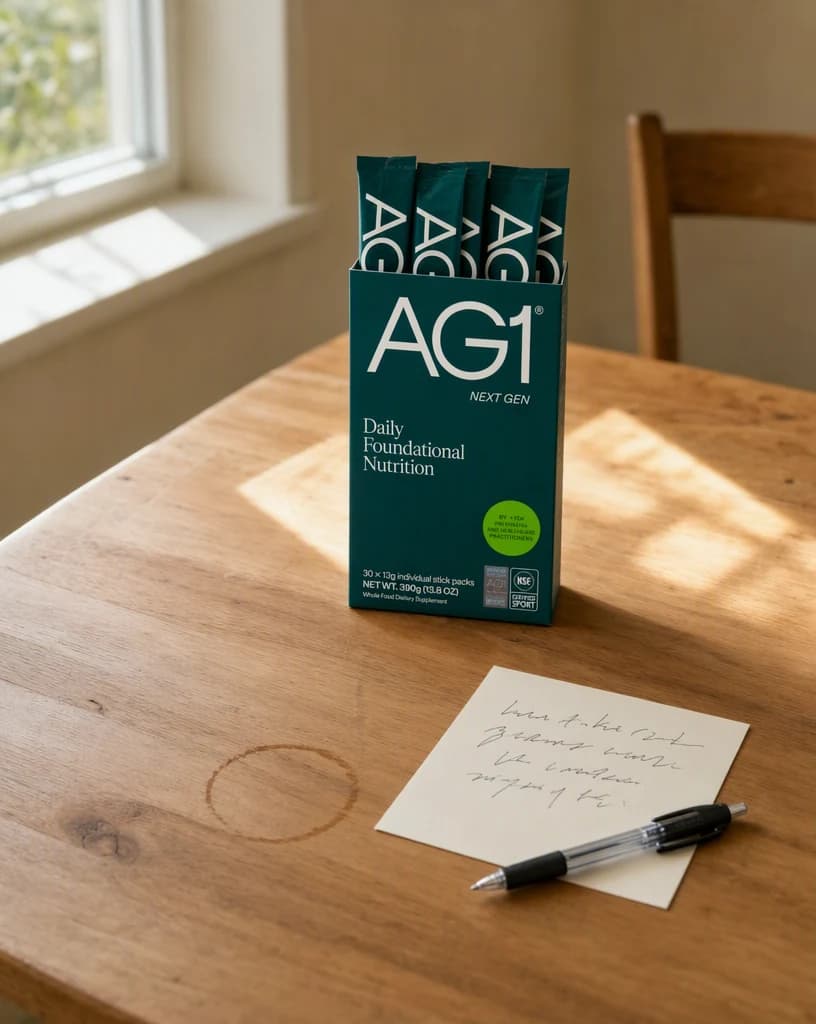
Start with the real source.
Add a product, campaign angle, or content idea. Then choose the audience, placement, and result the Instagram post must deliver.
ProductAngleAudience
INSTAGRAM POST GENERATOR
Turn one product or campaign idea into a complete Instagram post: creative, caption, CTA, and publishing plan included.
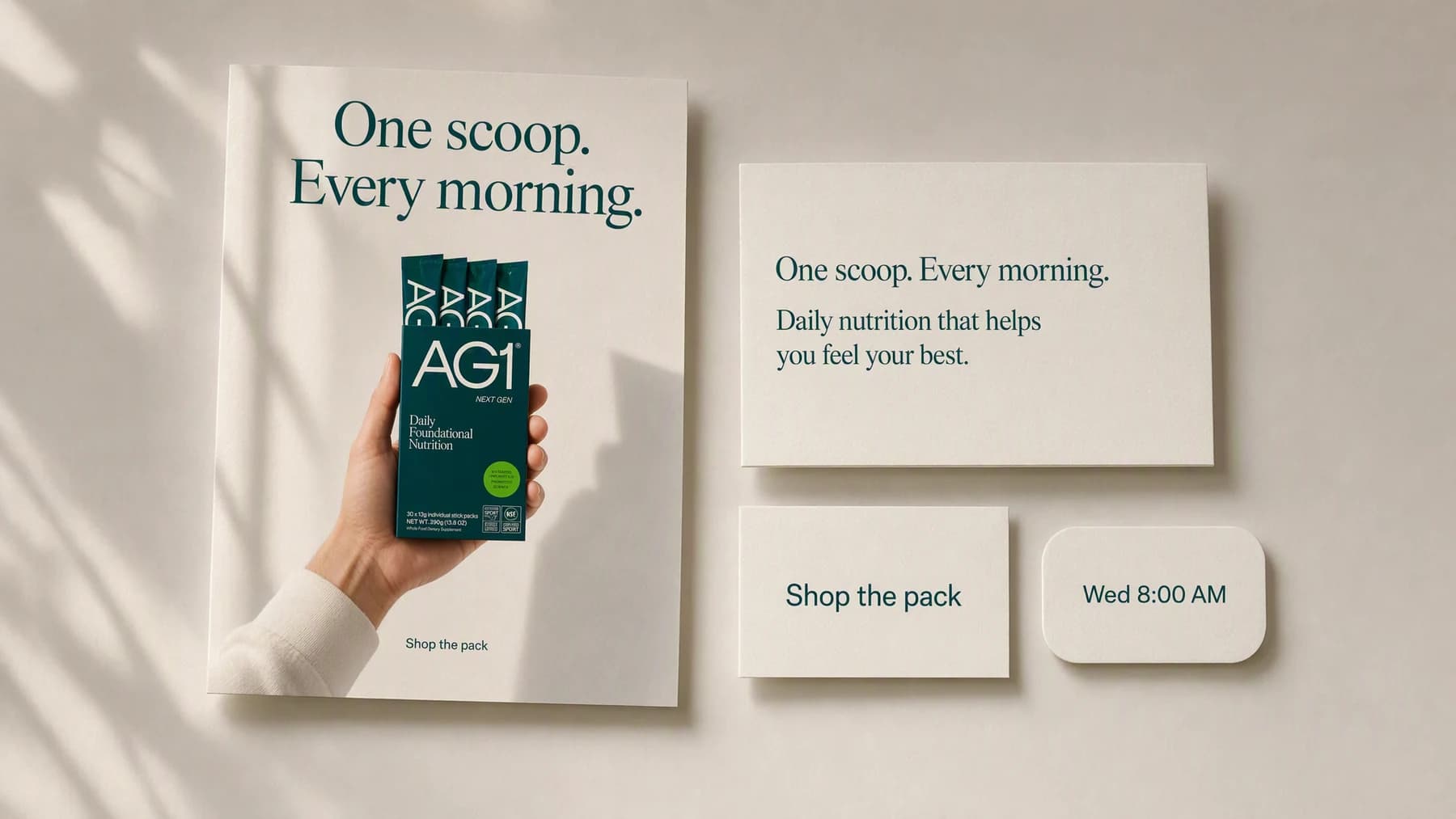
Illustrative composite: one generated post visual laid out beside its caption, call to action, and publishing time.
Grounded
product and brand context stay attached
Outcome-led
built specifically for Instagram post creation
Complete
a reviewable Instagram post, not a loose draft
From angle to post
A caption written away from the image usually fights it. Here the visual, the words, and the ask are decided together, so the post arrives finished instead of assembled.
One post, end to end
Angle → Direction → Post
Add a product, campaign angle, or content idea. Then choose the audience, placement, and result the Instagram post must deliver.
“Product in hand, benefit in the top third, one ask at the bottom. Write the caption to the same promise the image makes.”
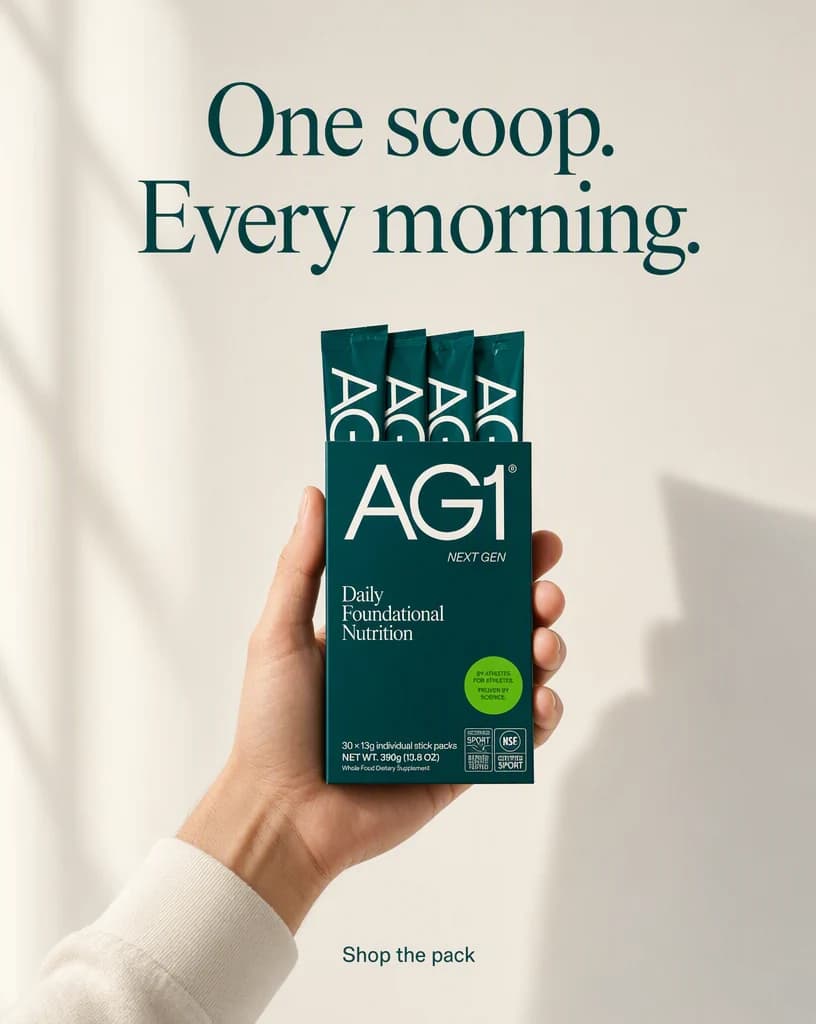
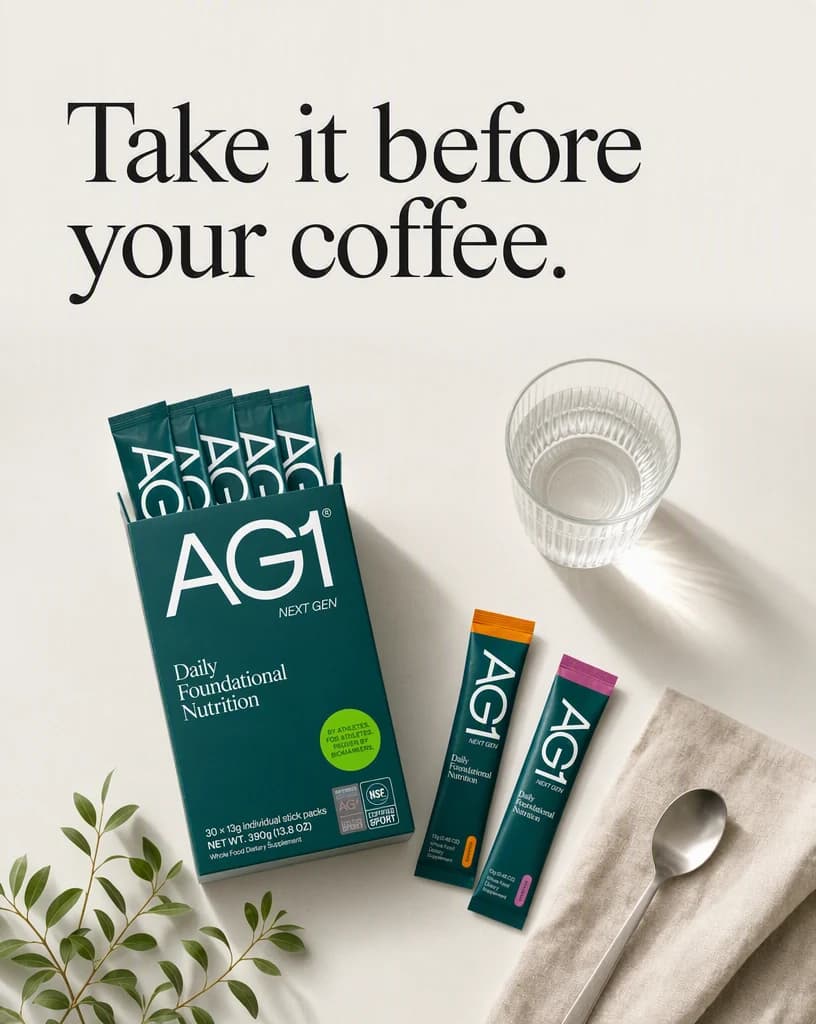
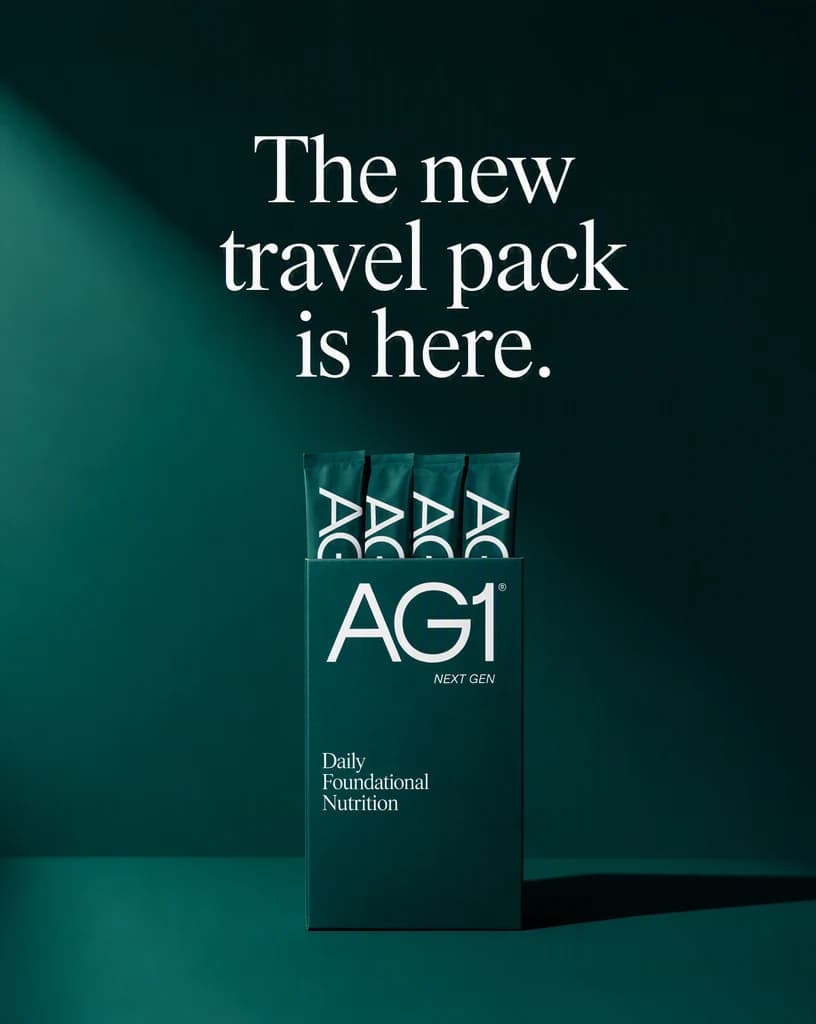
Create the Instagram post, review it at its real placement, and keep only the version that works.
Advibly turns your website, app, store, and brand assets into reusable context for every creative.
Start with a website, app listing, store, screenshots, or brand files.
Brand system
One source of truth
Advibly turns your inputs into reusable product and brand context.
Every ad, video, post, idea, and campaign starts from the same context.
Where the work happens
Advibly keeps the source, brand, and intended placement attached while you create the Instagram post.
Make the feed-stopping visual an explicit part of the brief instead of repairing it after generation.
Control caption structure around the outcome the viewer should understand.
Review the publishing moment in the context where the finished work will appear.
Outcome controls
Choose the right feed-stopping visual for this product, audience, and placement.
Keep caption structure clear enough to survive the final format.
Use the publishing moment to connect the creative to one next action.
Post jobs
Each example proves a different job with a complete output, not a decorative mock-up.
These posts were generated in Advibly with GPT Image 2, from one saved brand and its real product photos. Every frame on this page is a still image.
ProductPair a clear product visual with a benefit-led caption and specific CTA.
EducationalTeach one useful idea without losing the product connection.
LaunchMake the announcement, proof, and next action clear at a glance.
The whole week
A feed is judged as a run, not as one image. These four were created from the same brand and the same product library, which is why they still look related when they sit next to each other.
Four posts generated in Advibly with GPT Image 2, from one saved brand and its real product photos.
Product, education, launch, and community, in posting order.
01The benefit, said once.
02Useful before it is commercial.
03The loudest frame of the week.
 04
04Points at real reviews instead of quoting one.
Across categories
A calorie tracker, a coffee roaster, and a restaurant all get the same four by five. Ground each post in the real screen, pack, or room, then let the light and the ask change around it.
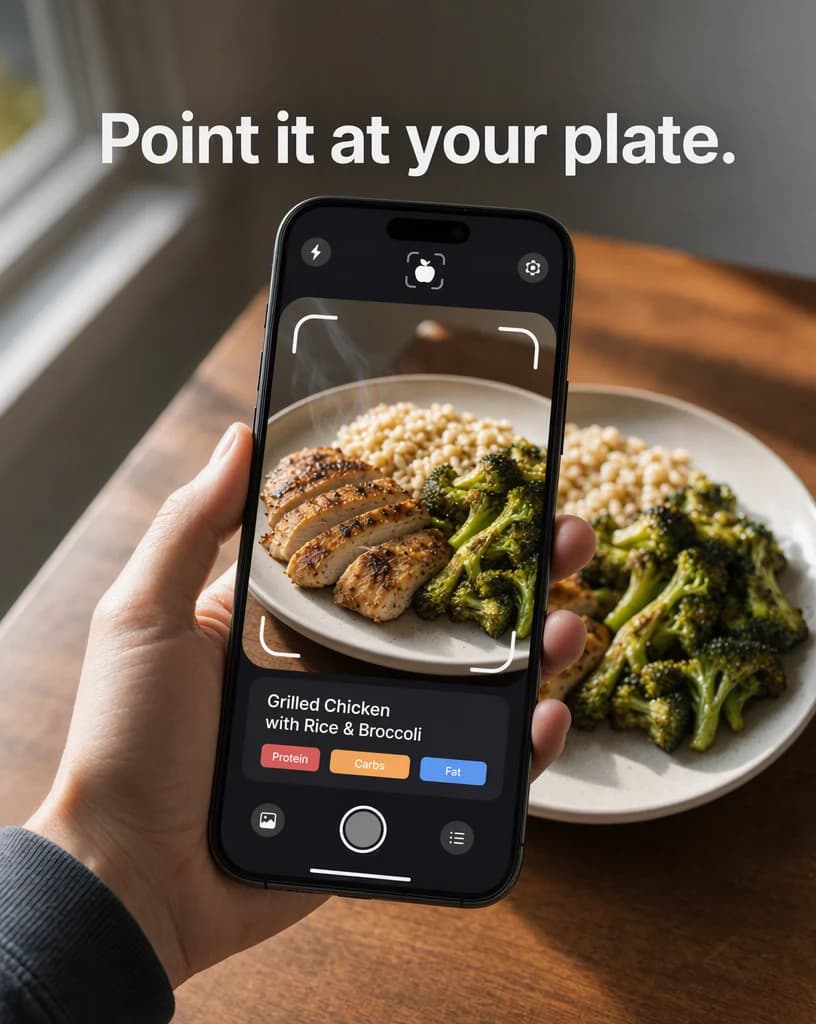
Mobile app
A real scanning screen held over the thing it is scanning.
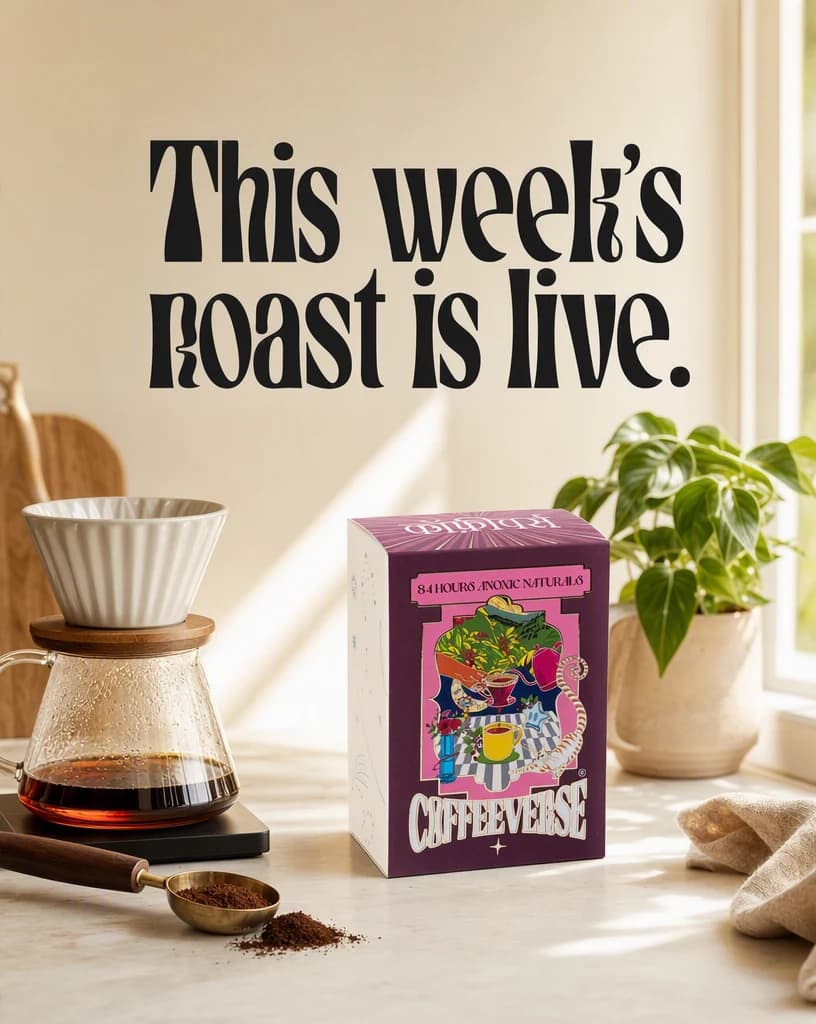
Physical product
A weekly drop that gives the post a reason to exist today.
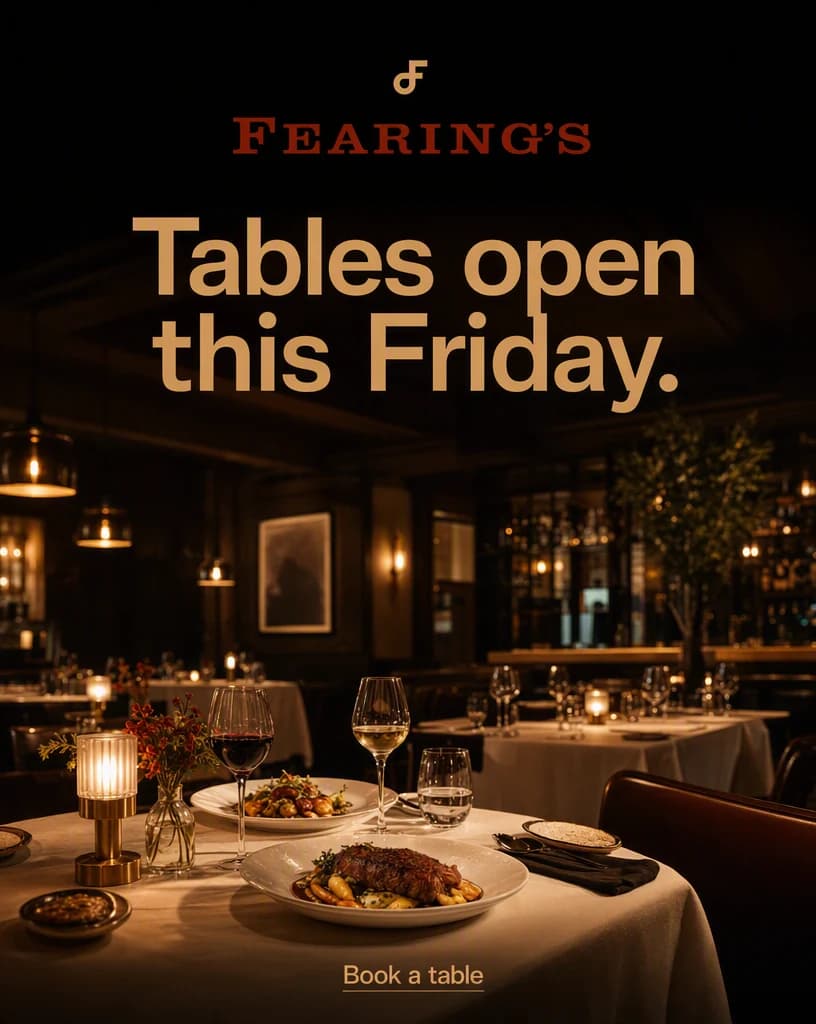
Restaurant
A local business asking for the reservation it actually wants.
Continue the workflow
FAQ
Start with a product, campaign angle, or content idea, the intended audience, the final placement, and any facts or visual details the result must preserve.
Yes. Select the relevant saved brand and product context, then add only the instructions specific to this outcome.
Yes. New accounts include two starter credits. The live workflow shows the exact generation cost before you run it.
Your next post starts here
Bring a product, campaign angle, or content idea. Direct the outcome. Leave with a finished Instagram post.
Two starter credits included