
01 / PRODUCT AND STORELocked
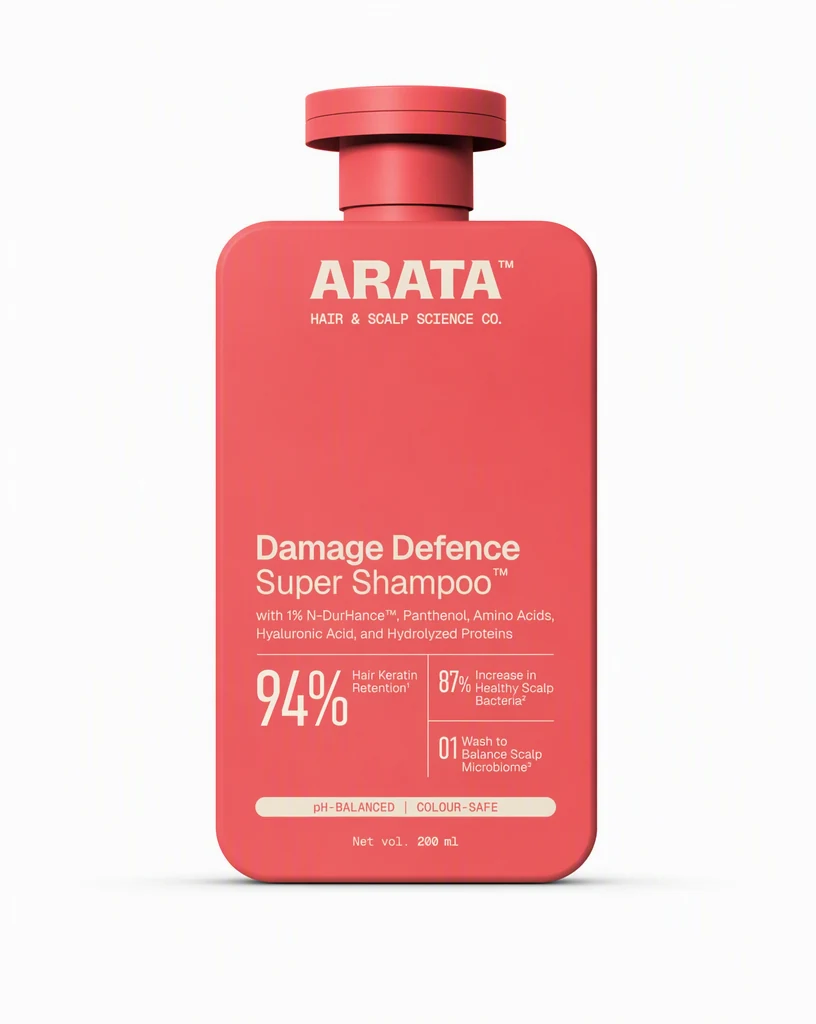
Start with the real source.
Add authoritative product images and store context. Then choose the audience, placement, and result the ecommerce photography set must deliver.
ProductStorePlacement
ECOMMERCE PRODUCT PHOTOGRAPHY
Create consistent listing, detail, lifestyle, and campaign photography from the product images you already have.
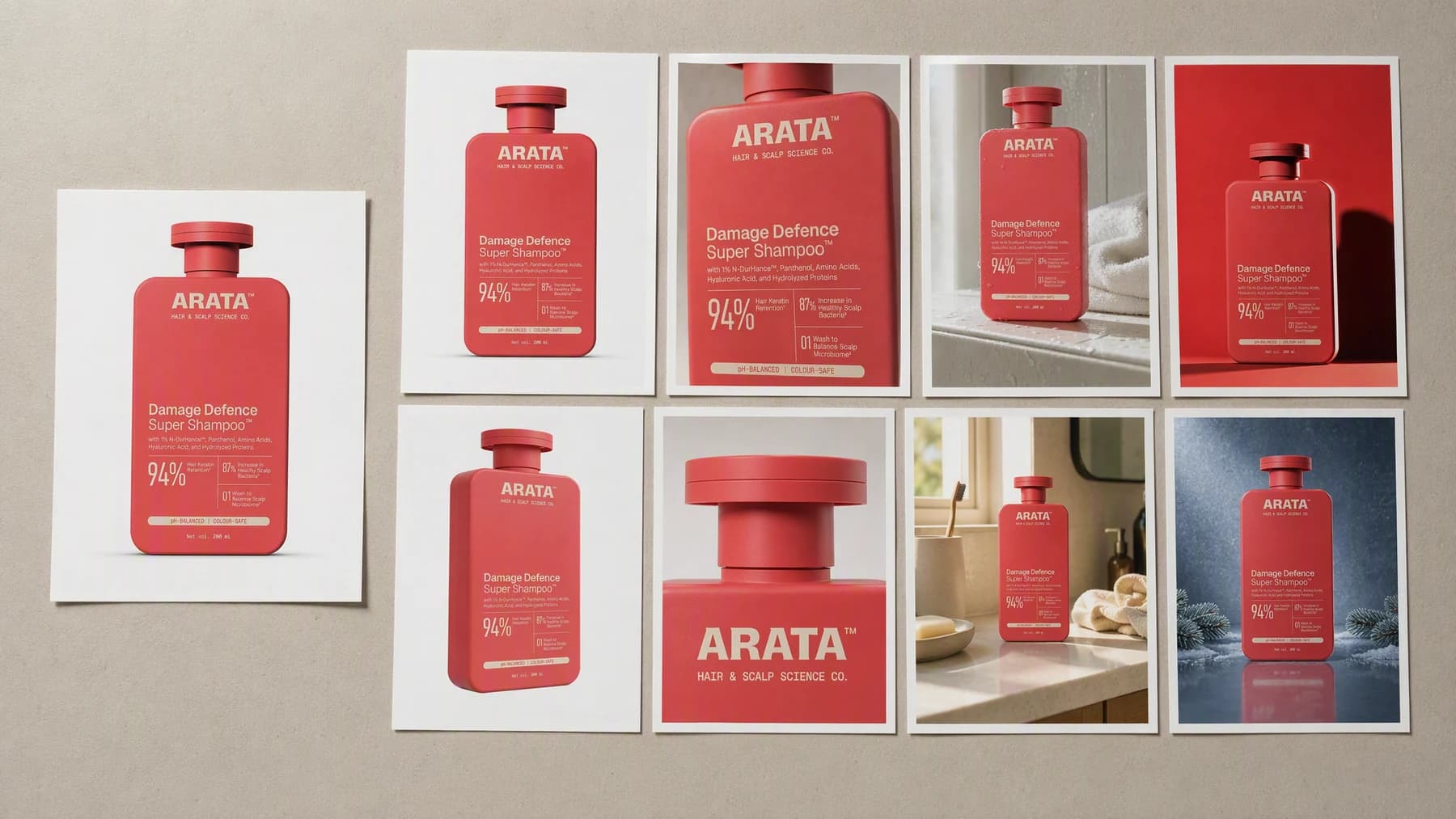
Illustrative composite: the plain source photo beside the eight generated images of the same bottle, laid out as one contact sheet.
Grounded
product and brand context stay attached
Outcome-led
built specifically for ecommerce merchandising
Complete
a reviewable ecommerce photography set, not a loose draft
From one photo to a full set
A listing shot and a campaign shot fail for opposite reasons. Both are briefed here from the same source, so the label reads the same on the product page as it does in the ad.
One product, every surface
Product → Direction → Set
Add authoritative product images and store context. Then choose the audience, placement, and result the ecommerce photography set must deliver.
“Label unchanged in every frame. White and shadowless for the listing, wet tile for the shelf, hard rim light for the campaign.”
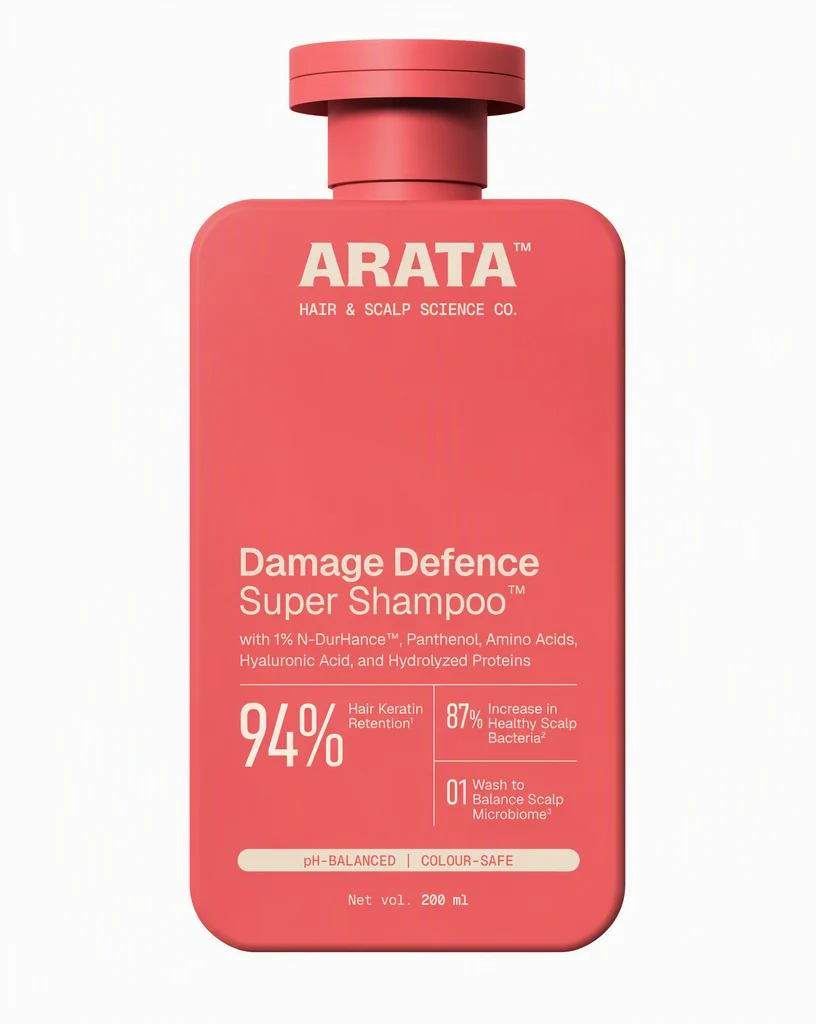


Create the ecommerce photography set, review it at its real placement, and keep only the version that works.
Advibly turns your website, app, store, and brand assets into reusable context for every creative.
Start with a website, app listing, store, screenshots, or brand files.
Brand system
One source of truth
Advibly turns your inputs into reusable product and brand context.
Every ad, video, post, idea, and campaign starts from the same context.
Where the work happens
Advibly keeps the source, brand, and intended placement attached while you create the ecommerce photography set.
Make listing accuracy an explicit part of the brief instead of repairing it after generation.
Control merchandising context around the outcome the viewer should understand.
Review the channel-specific crop in the context where the finished work will appear.
Outcome controls
Choose the right listing accuracy for this product, audience, and placement.
Keep merchandising context clear enough to survive the final format.
Use the channel-specific crop to connect the creative to one next action.
Photography jobs
Each example proves a different job with a complete output, not a decorative mock-up.
These photographs were generated in Advibly with GPT Image 2, from one saved brand and one real product photo.
ListingKeep the product clean, accurate, and easy to inspect.
 Detail
Bring texture, construction, or a specific benefit closer.
LifestyleShow the product in a credible use context.
CampaignCreate an expressive visual for paid, email, or launch creative.
The square set
Product pages, marketplace tiles, and ad units mostly want a square. These are the second frame for each job, generated square rather than cropped down from a vertical.
Four more photographs generated in Advibly with GPT Image 2, from the same saved brand and the same product photo.
Listing, detail, lifestyle, and campaign, all one by one.
 01
01Second listing angle, same white.
 02
02Close enough to see the finish.
 03
03Where it actually gets used.
 04
04The loud one, for paid and email.
Across categories
A drink, a build kit, and a canvas bag are three separate photography problems: condensation, small parts, and fabric weave. Each one starts from the store's own product photo.
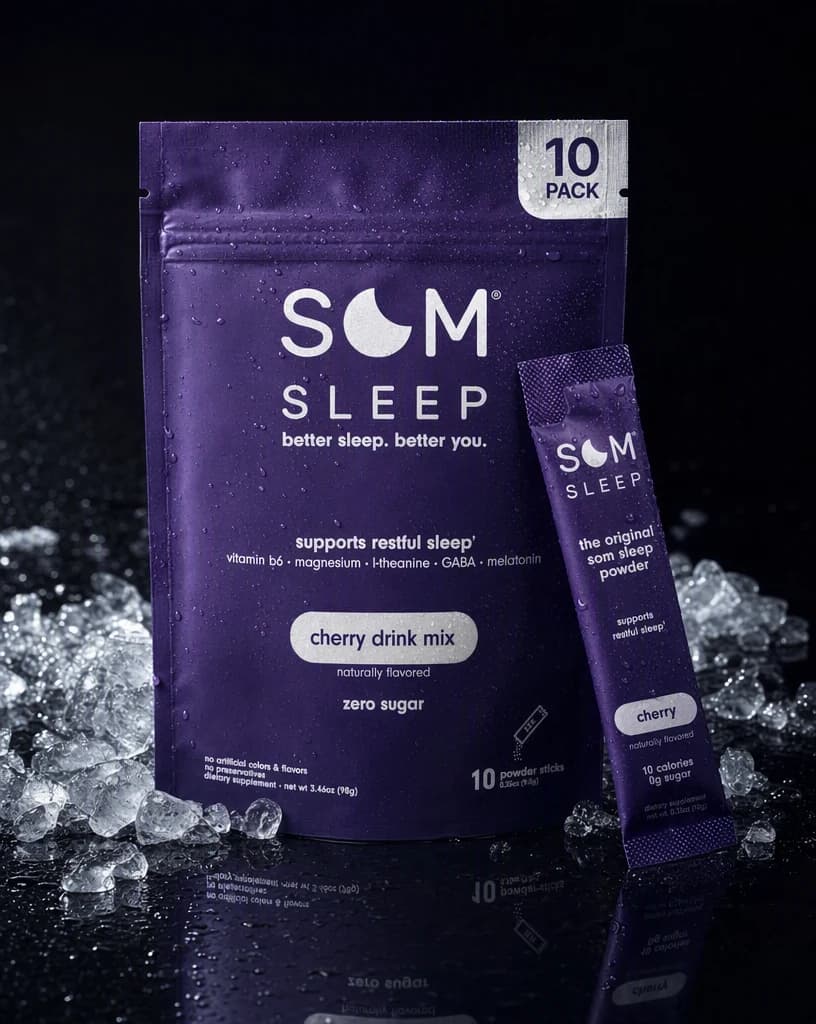
Beverage
Cold, wet, and reflective, which is where most product shots fall apart.
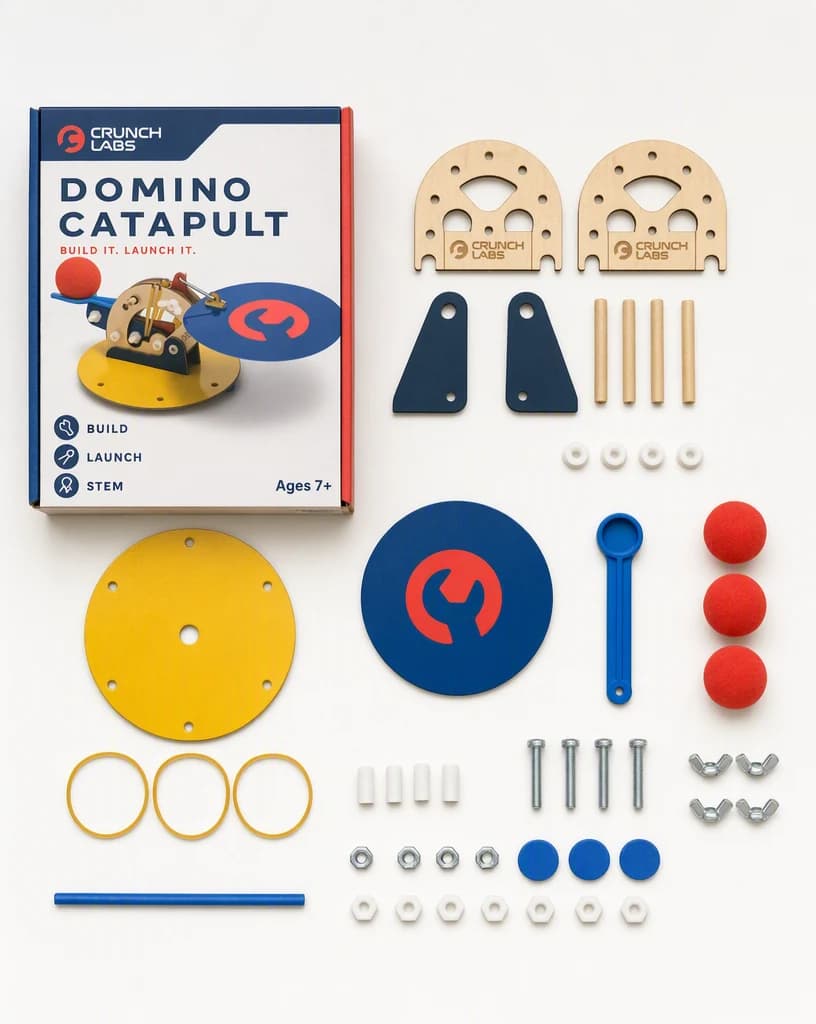
Hard goods
A build laid out so a buyer can count what is in the box.
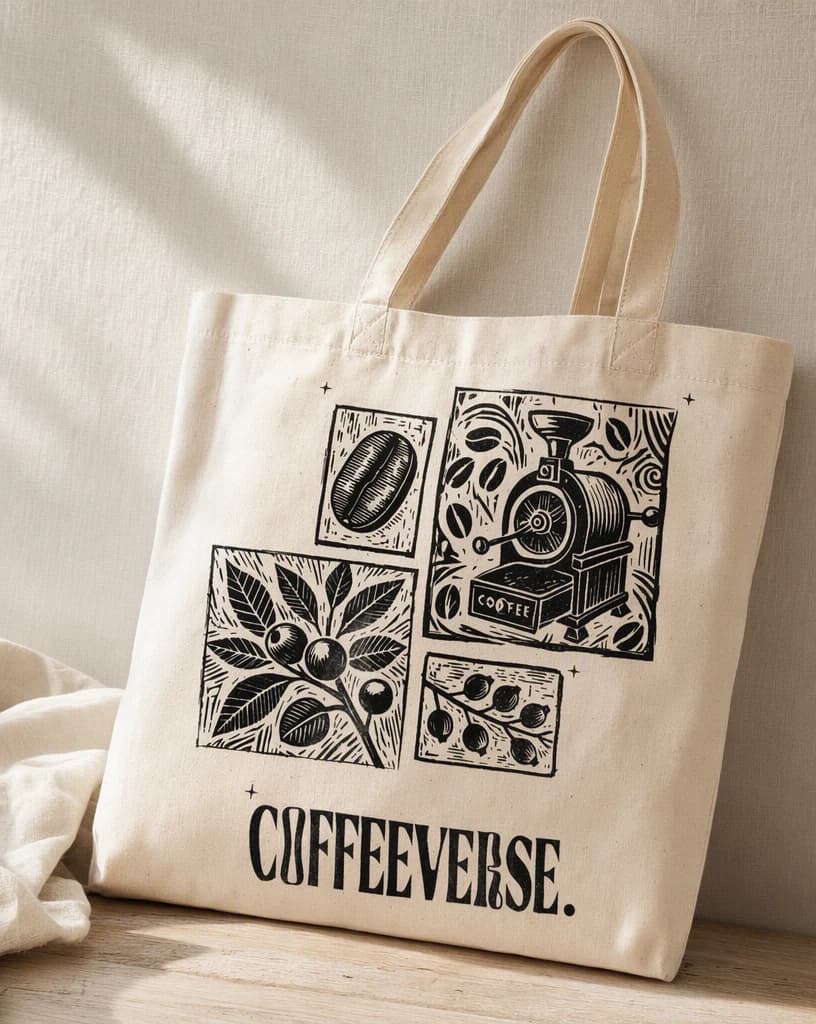
Accessory
Fabric texture and printed artwork both readable in one frame.
Continue the workflow
FAQ
Start with authoritative product images and store context, the intended audience, the final placement, and any facts or visual details the result must preserve.
Yes. Select the relevant saved brand and product context, then add only the instructions specific to this outcome.
Yes. New accounts include two starter credits. The live workflow shows the exact generation cost before you run it.
Your next product set starts here
Bring authoritative product images and store context. Direct the outcome. Leave with a finished ecommerce photography set.
Two starter credits included