
01 / ADD THE IMAGELocked
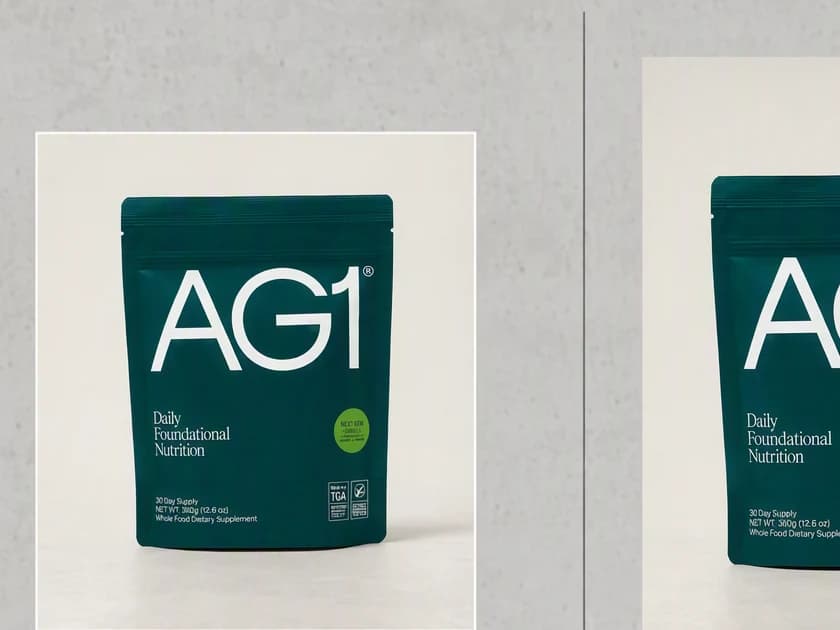
Start from what you already have.
Use a product shot, app screen, campaign visual, or approved creative.
ProductApp screenCampaign art
IMAGE TO VIDEO GENERATOR
Upload a product image, choose the motion and framing, and turn it into a short video for ads, Reels, TikTok, Shorts, or landing pages.
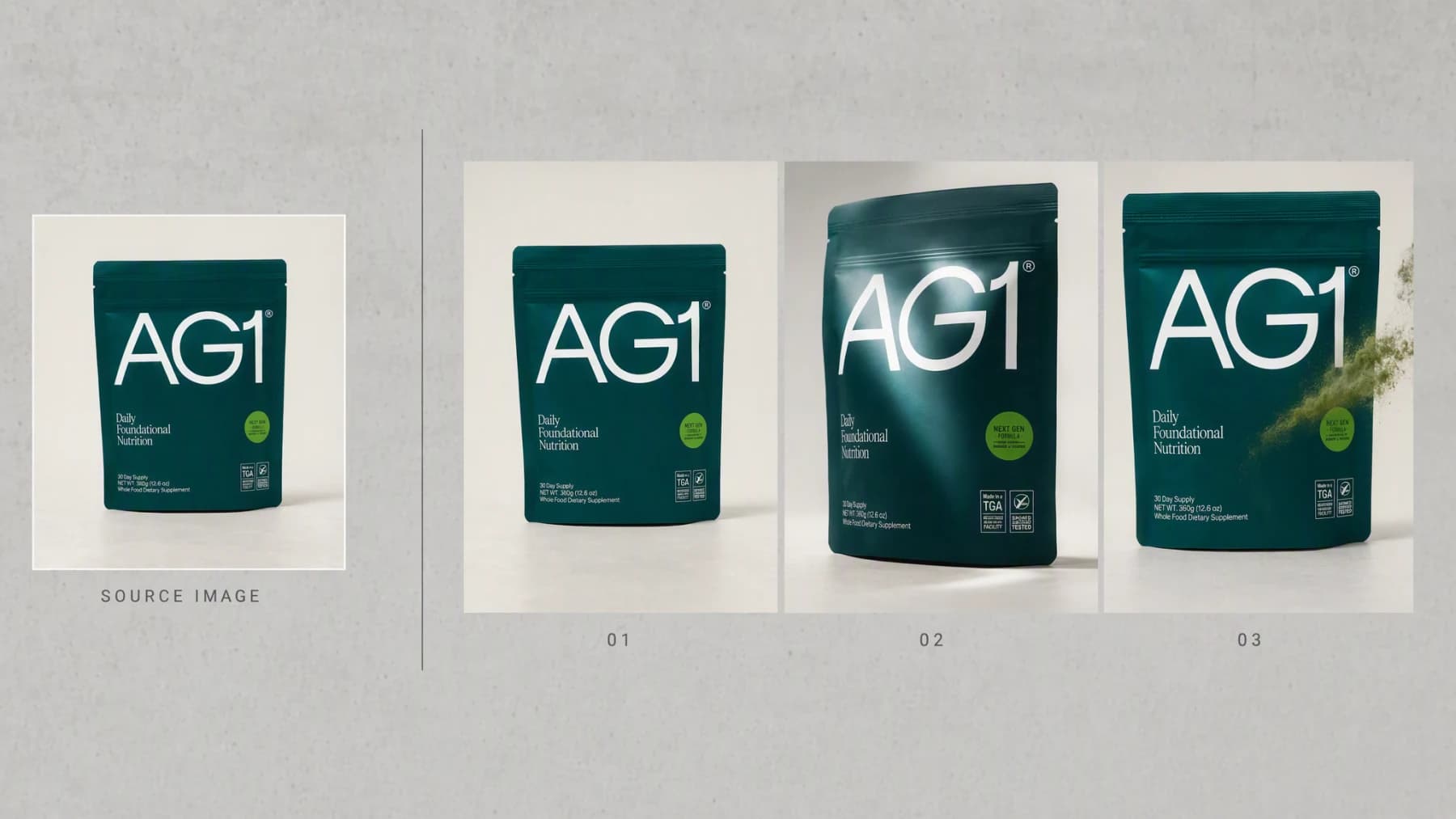
Illustrative composite: the source photograph beside three frames from the clip it produced, arranged on one board.
1 image
starts the motion brief
10 video models
selectable for the same source
9:16, 1:1, 16:9
vertical, square, and landscape
From still to clip
The source image stays the anchor through every step, so the clip you review is the product you approved rather than a scene that drifted away from it.
One continuous creative run
Image → Motion → Clip
Use a product shot, app screen, campaign visual, or approved creative.
“Slow push in. The pouch turns a few degrees. Powder drifts past. Land square on the front label.”
Inspect product fidelity and motion, then export what works.
Advibly turns your website, app, store, and brand assets into reusable context for every creative.
Start with a website, app listing, store, screenshots, or brand files.
Brand system
One source of truth
Advibly turns your inputs into reusable product and brand context.
Every ad, video, post, idea, and campaign starts from the same context.
What the motion is for
The source image remains the visual anchor. The useful job is adding controlled movement, not replacing the product with an unrelated scene.
Add a reveal, turn, pour, texture movement, or camera push where the source supports it.
Turn an approved app screen into a focused feature moment or launch clip.
Generate for the placement you need instead of cropping a landscape result after the fact.
Outcome controls
Describe the product action or transformation that carries the idea.
Set a push, orbit, pan, reveal, or steady product-focused frame.
Protect the product, logo, interface, or CTA moment the viewer should remember.
Before and after
Use real before-and-after pairs so the page proves the exact outcome.
Each panel pairs the source image with frames from the clip it produced. The frames were generated in Advibly with GPT Image 2 so they can be shown as stills on this page; in the app the same source runs through the video model you pick.
 1:1
1:1A tabletop product shot becomes a subtle looping feed creative.
 9:16
9:16A static campaign image becomes a 9:16 launch reveal for Reels and TikTok.
 16:9
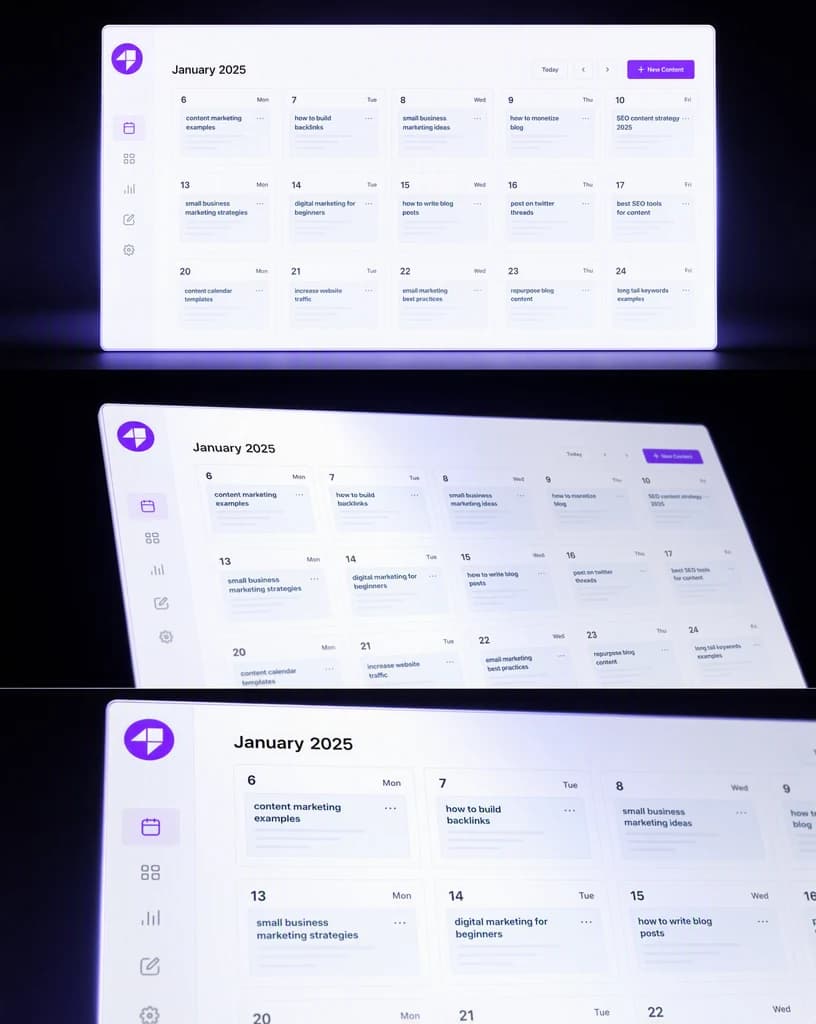
16:9An app screenshot gains controlled interface motion for a product page or YouTube.
Across categories
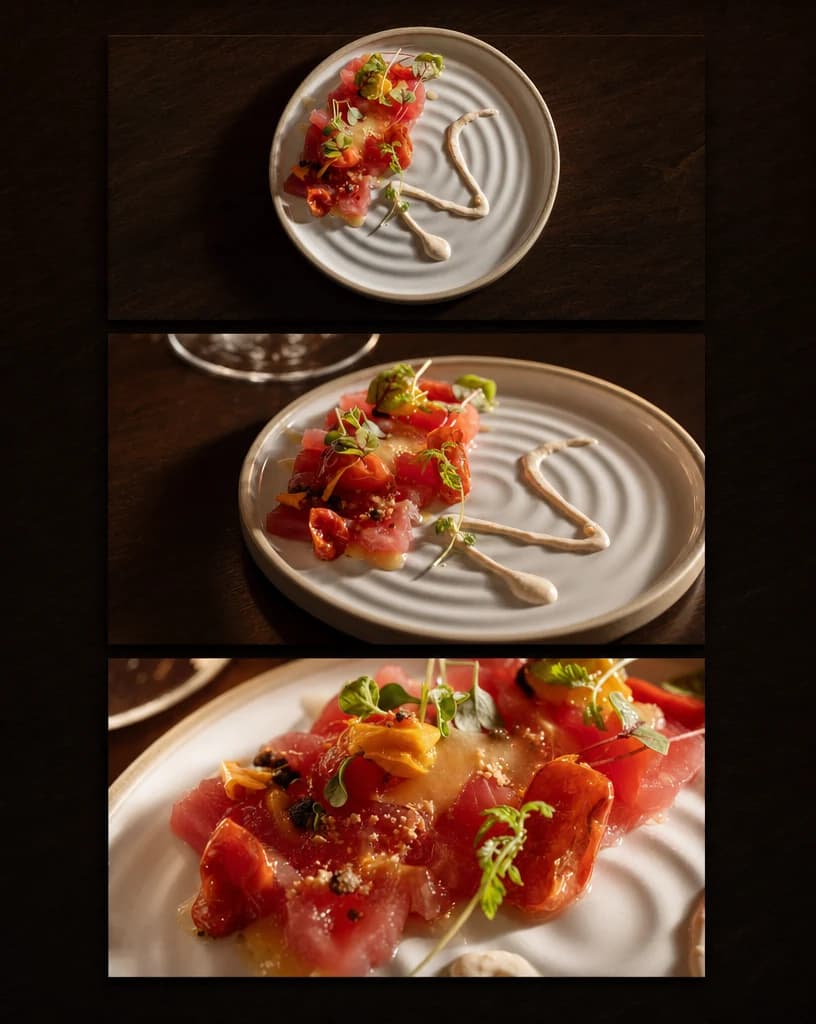
A software panel, a plated dish and a coffee pack each need a different move. What does not change is that the clip has to end up looking like the thing you photographed.
Software
A real planning screen carried through one tilt and push without losing its layout.
Hospitality
One plated dish moved from overhead to a close shot under warm service light.
Physical product
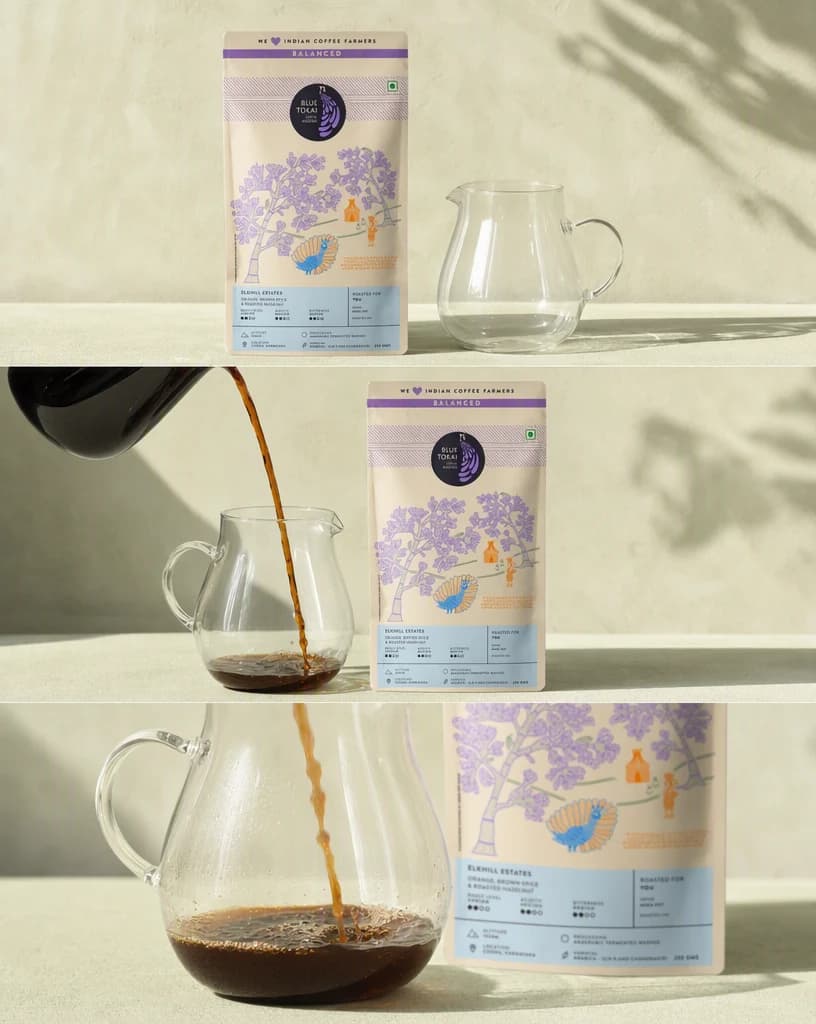
A pack that stays square to the lens while the action happens in front of it.
Continue the workflow
FAQ
Use a clear, high-quality source where the product or interface is easy to identify. Complicated text and tiny details need extra review.
Yes. Available ratios depend on the selected workflow and model, with vertical, square, and landscape options supported across the current video experience.
No. You can review the workflow and examples publicly, then create an account to generate. New accounts include two starter credits.
Your first clip starts here
Add the image, direct the motion, and generate the first clip in Advibly.
Two starter credits included