
01 / SOURCELocked
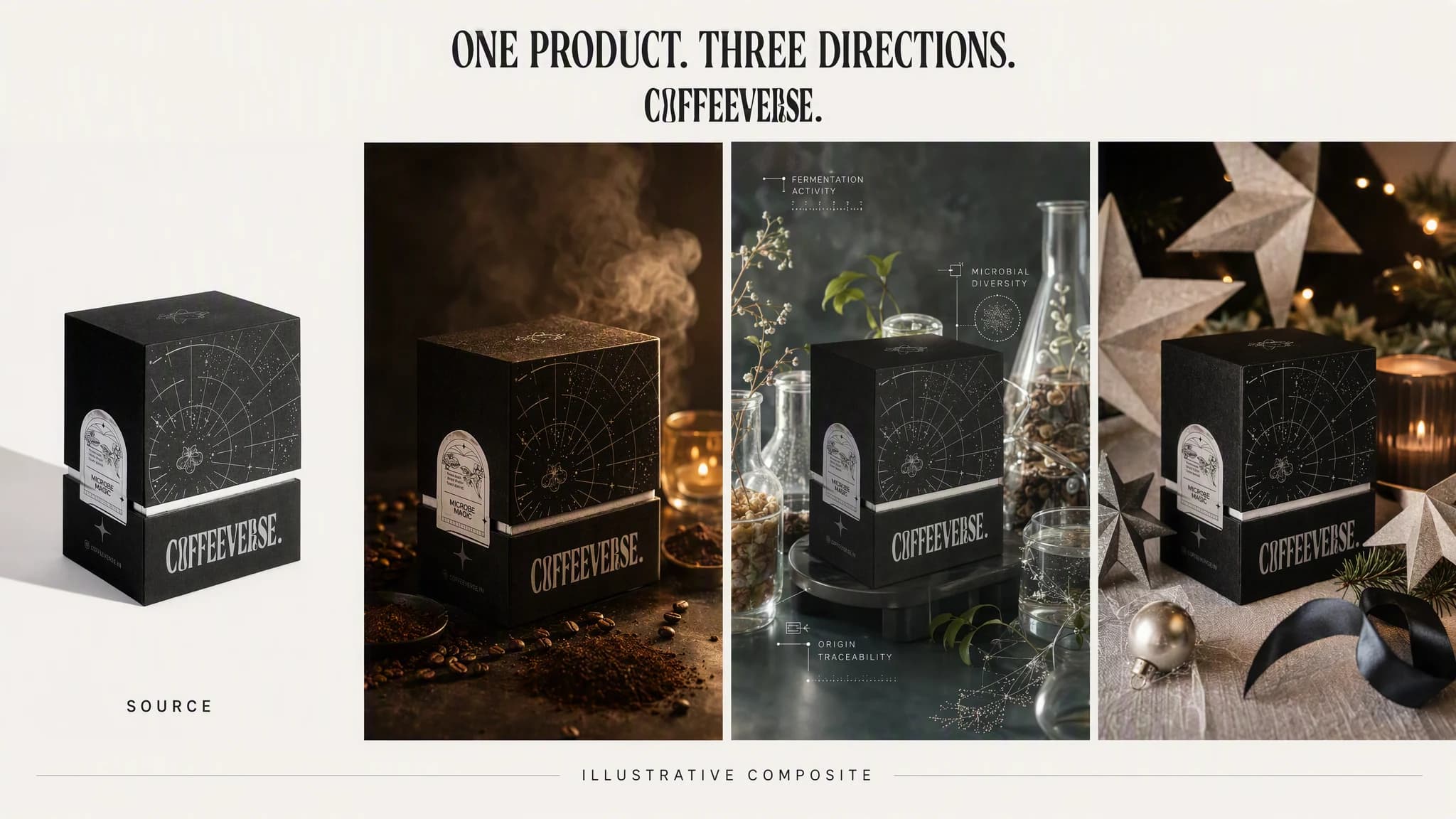
Start with what is real.
Product image, brand context, and campaign job enter as one grounded source.
ProductBrandPlacement
Create expressive product and campaign images with Grok Imagine while your product, audience, references, and brand stay connected in Advibly.
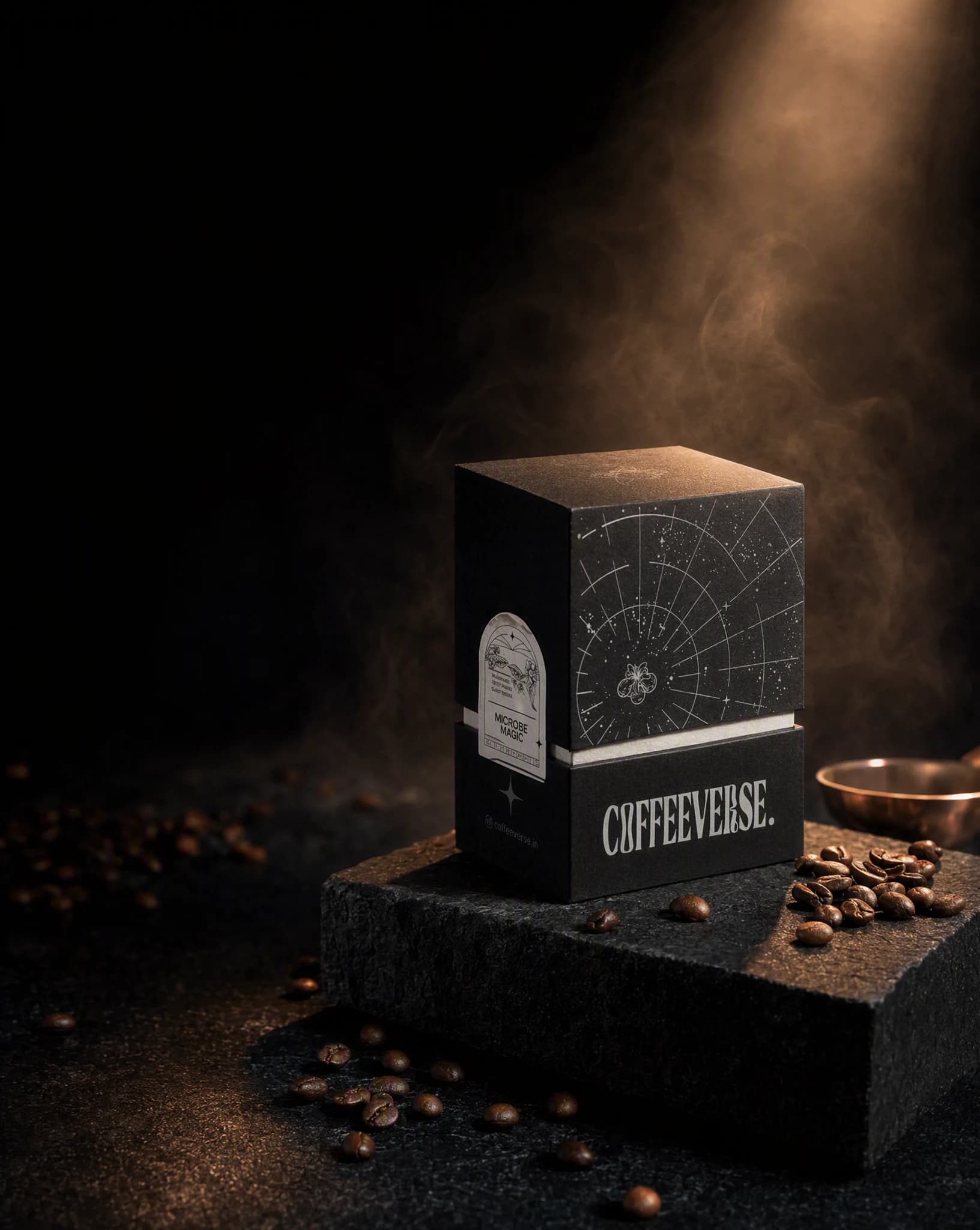
Direction 01
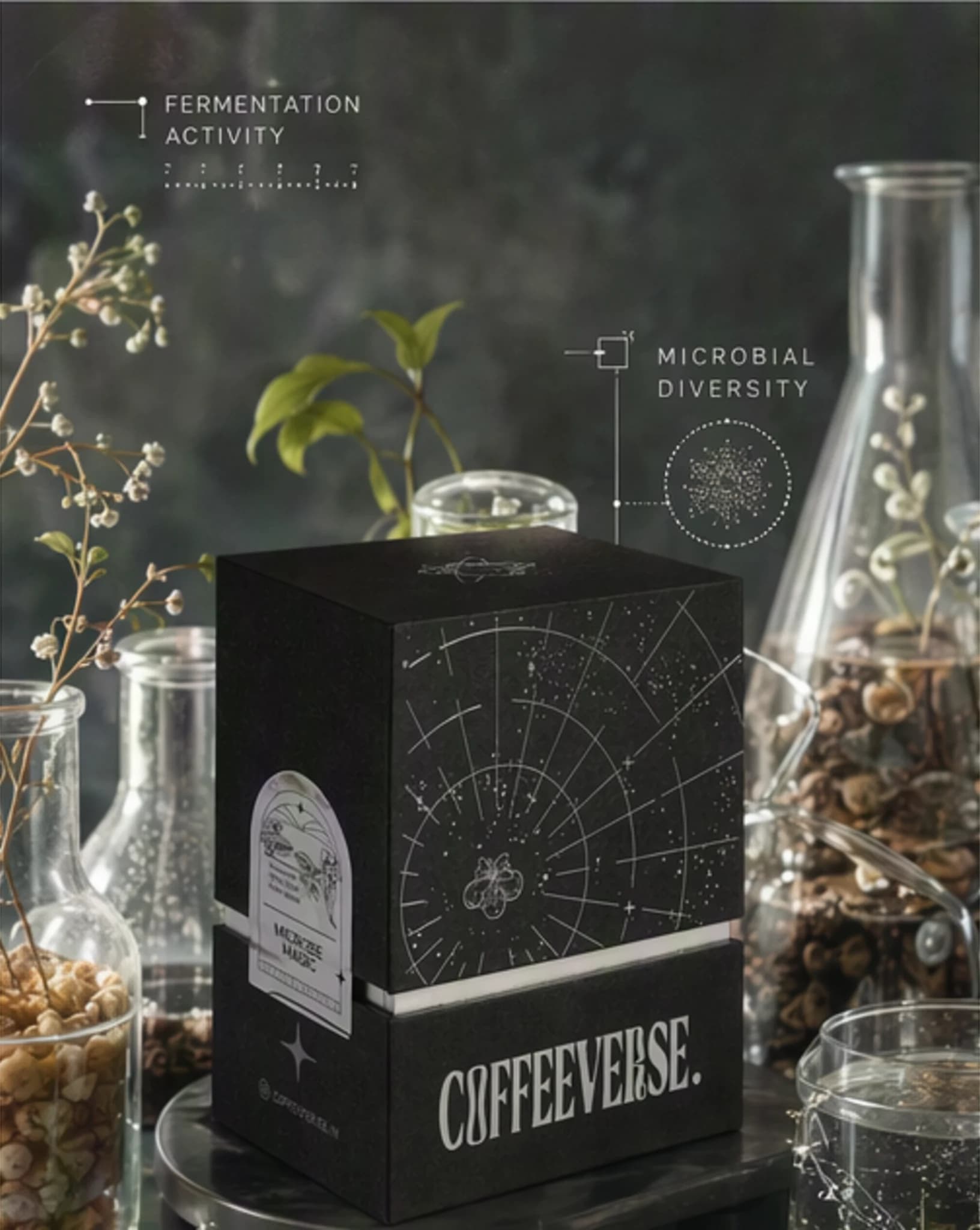
Direction 02
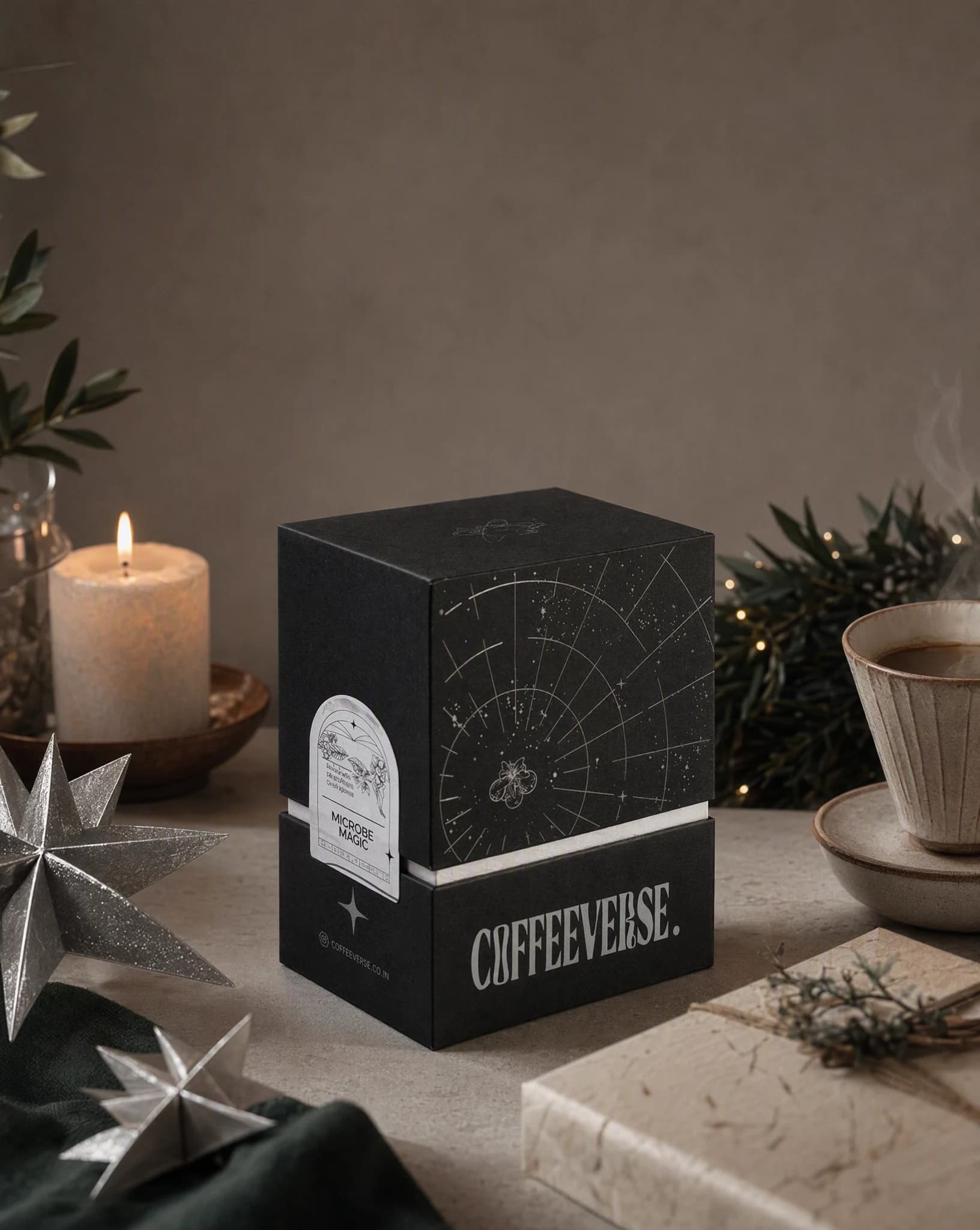
Direction 03
Grok Imagine
model inside Advibly
Up to 4
directions from one brief
11 ratios
social and campaign placements
From source to directions
One connected workspace carries the product, the art direction, and every generated option, so comparison happens with the same brief still attached.
One continuous creative run
Source → Direction → Options
Product image, brand context, and campaign job enter as one grounded source.
“Low-lit launch scene. Warm mineral surfaces. Keep the pack readable. Leave space for the offer.”
Compare art direction, not three disconnected prompts.
Advibly turns your website, app, store, and brand assets into reusable context for every creative.
Start with a website, app listing, store, screenshots, or brand files.
Brand system
One source of truth
Advibly turns your inputs into reusable product and brand context.
Every ad, video, post, idea, and campaign starts from the same context.
Where it fits
Keep the model focused on expressive scenes and style exploration without turning the workflow into a catalogue of every model.
Push lighting, environments, materials, and campaign mood from one grounded brief.
Work from real product inputs instead of rebuilding context in a separate model tab.
If typography or strict reconstruction matters more, test the same brief with another suitable image model in Advibly.
Outcome controls
Generate square, portrait, vertical, landscape, or cinematic compositions.
Keep the authoritative product image, required details, and message space visible in the brief.
Adjust the scene or composition without rebuilding the product explanation.
Campaign examples
The same authoritative product source, moved through three distinct and usable visual directions.
These examples were generated in Advibly with GPT Image 2. The same product, brand context, and brief run on Grok Imagine from the same workspace.
Launch sceneA coffee product in a low-lit launch scene with space for the offer.
Feature worldA real product placed inside a surreal but legible environment built around one feature.
SeasonalA product restaged for a seasonal moment without losing its recognisable details.
Across categories
Product fidelity matters differently for an app, a physical product, and a SaaS interface. Ground each direction in the right source, then let the visual world change around it.
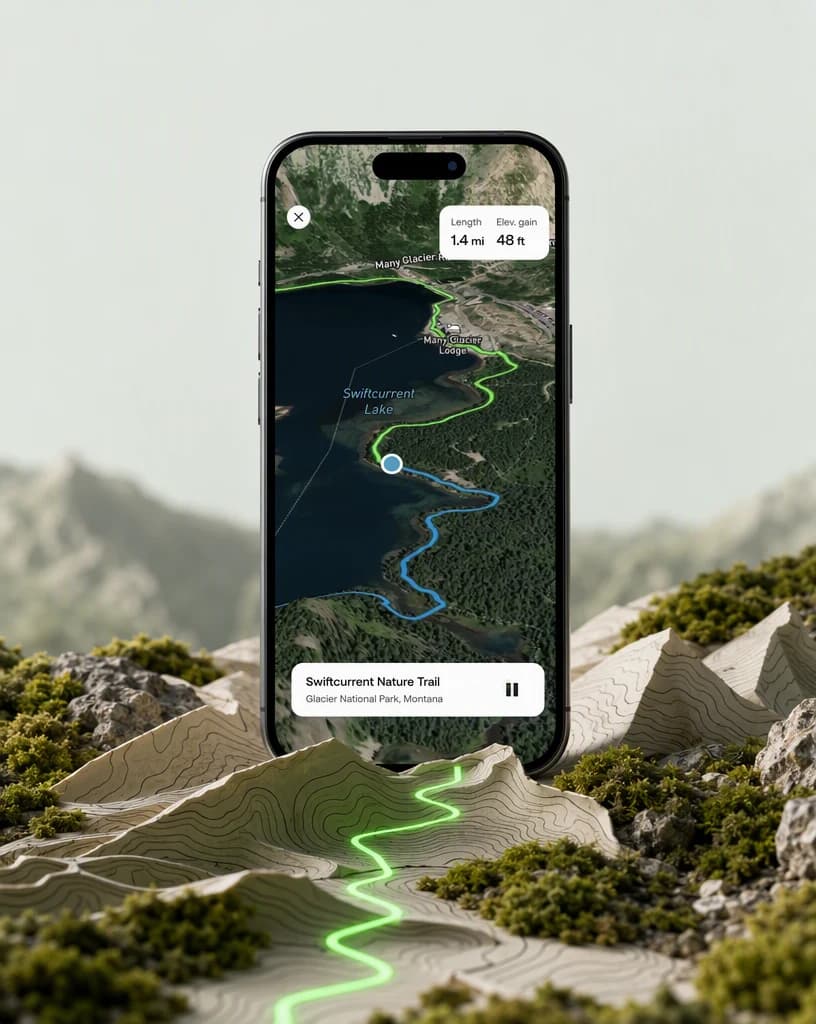
Mobile app
A real navigation screen carried into a tactile topographic campaign scene.
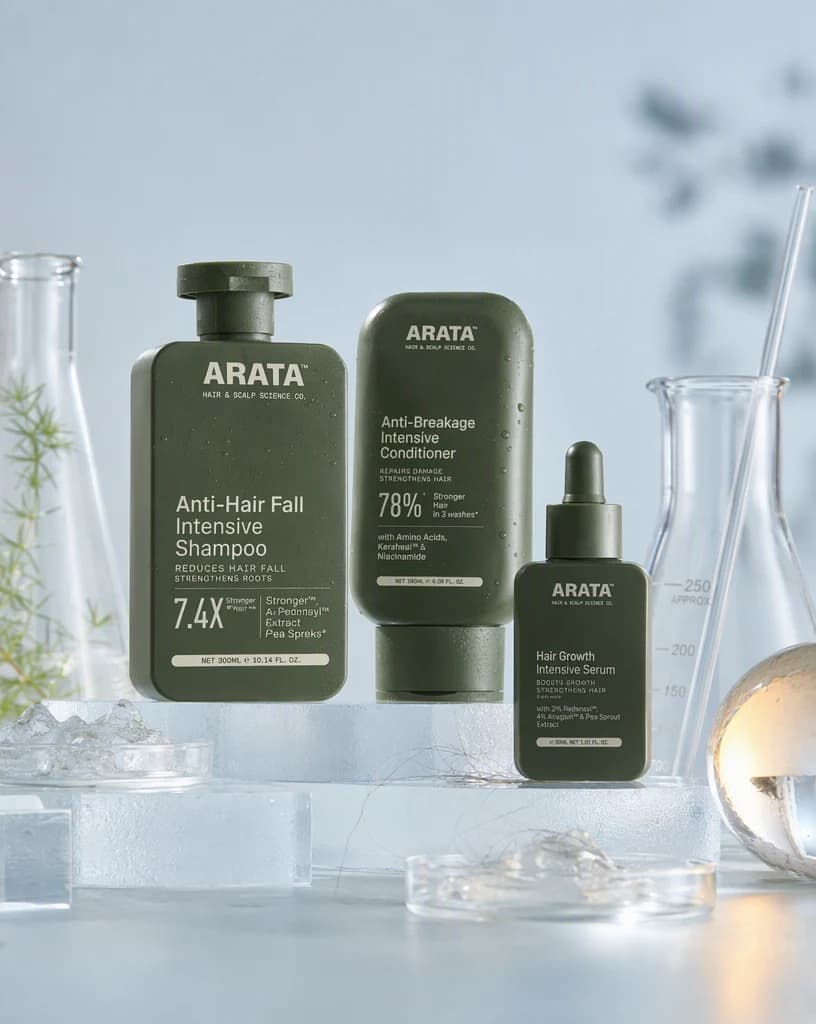
Physical product
Physical products staged with the materials and visual language of their category.

Software
A real dark-mode product interface expanded into a dimensional campaign system.
Continue the workflow
FAQ
Yes. Grok Imagine is part of Advibly's current image-model set. Model availability can change, so the live selector remains the final authority.
No. Select the relevant saved brand and product context, then focus the request on this image's scene and campaign job.
Yes. You can try the Grok Imagine generator for free when you create an Advibly account. Every new account includes two free starter credits, and you will see the exact credit cost before each generation.
Your first direction starts here
Start from a real product, app screen, or interface. Keep the context attached while you explore what the campaign could become.
Two starter credits included