
01 / PICK THE REEL JOBLocked
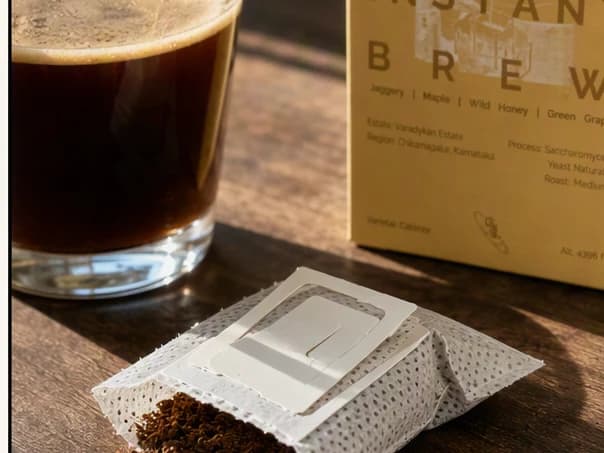
Start from the product you already have.
Choose a demo, reveal, objection, routine, offer, or launch moment for the same product.
DemoObjectionOffer
AI REEL MAKER
Turn a product, URL, image, or campaign angle into a vertical Reel with a clear hook, fast visual sequence, captions, and next step.
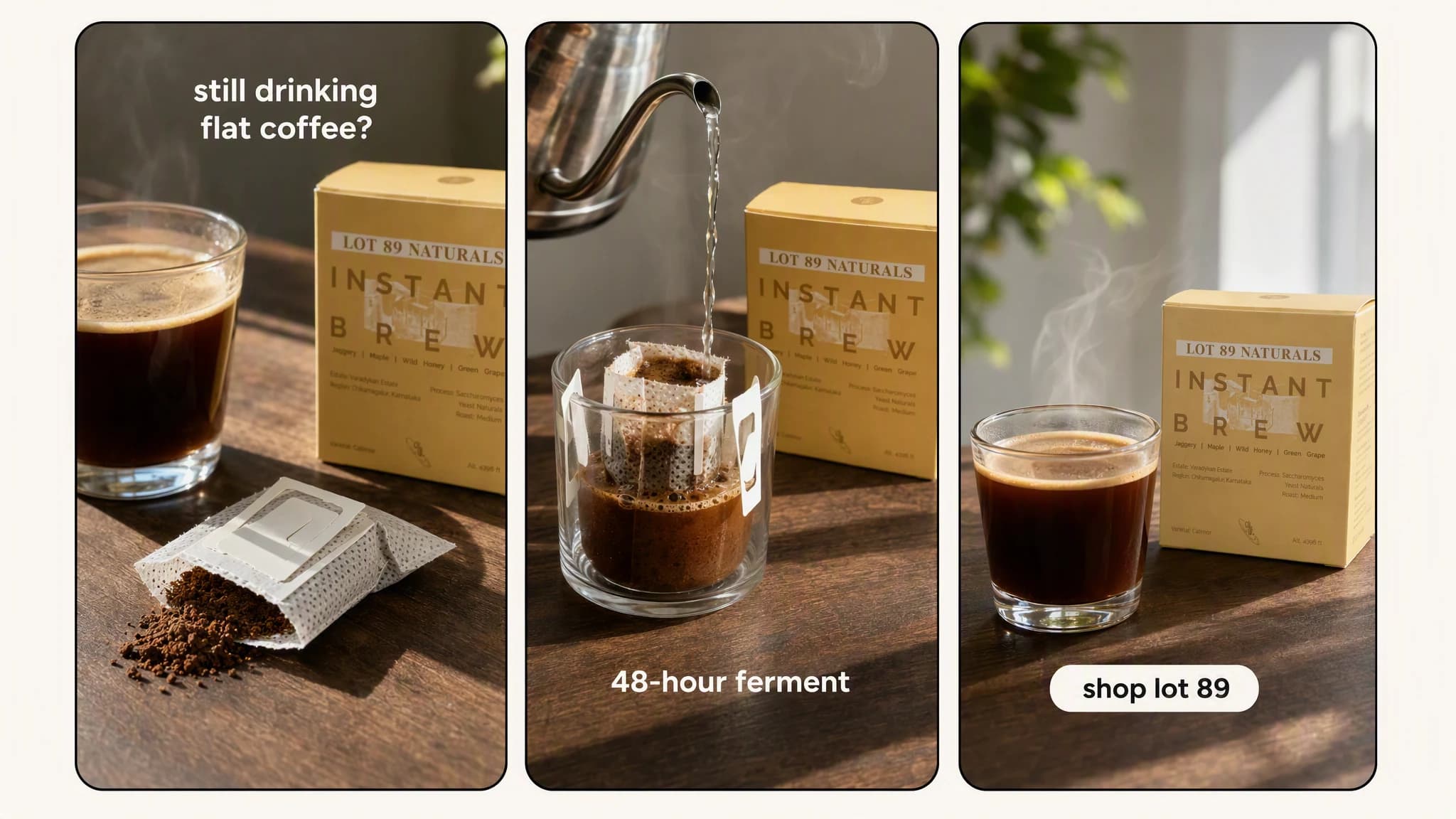
Illustrative composite: hook, product proof, and call-to-action frames from one Reel sequence, arranged as three panels on one board.
9:16
vertical-first output
Hook to CTA
complete short-form structure
Product grounded
brand and offer stay attached
From angle to Reel
The product stays the anchor through every step, so the Reel you review is the story you approved, not a generic clip.
One continuous Reel build
Angle → Beats → Reel
Choose a demo, reveal, objection, routine, offer, or launch moment for the same product.
“Open on the problem. Three quick proof beats. Land on the offer with a clear CTA.”
Review each Reel on mobile, then export the version that earns attention.
Advibly turns your website, app, store, and brand assets into reusable context for every creative.
Start with a website, app listing, store, screenshots, or brand files.
Brand system
One source of truth
Advibly turns your inputs into reusable product and brand context.
Every ad, video, post, idea, and campaign starts from the same context.
Build for the feed
A Reel is not a landscape video cropped vertically. The hook, framing, text, pace, and CTA need to be planned for the feed.
Show the problem, surprising result, or most useful product moment immediately.
Use short scenes and readable captions instead of asking one shot to explain everything.
Give the viewer one clear action that follows from the creative.
Outcome controls
Choose demo-first, objection-led, founder-style, routine, or offer-driven.
Control the number of beats, pace, captions, and product emphasis.
Keep the product source fixed while testing different openings and offers.
Reel formats
Each example should demonstrate a different reason to keep watching.
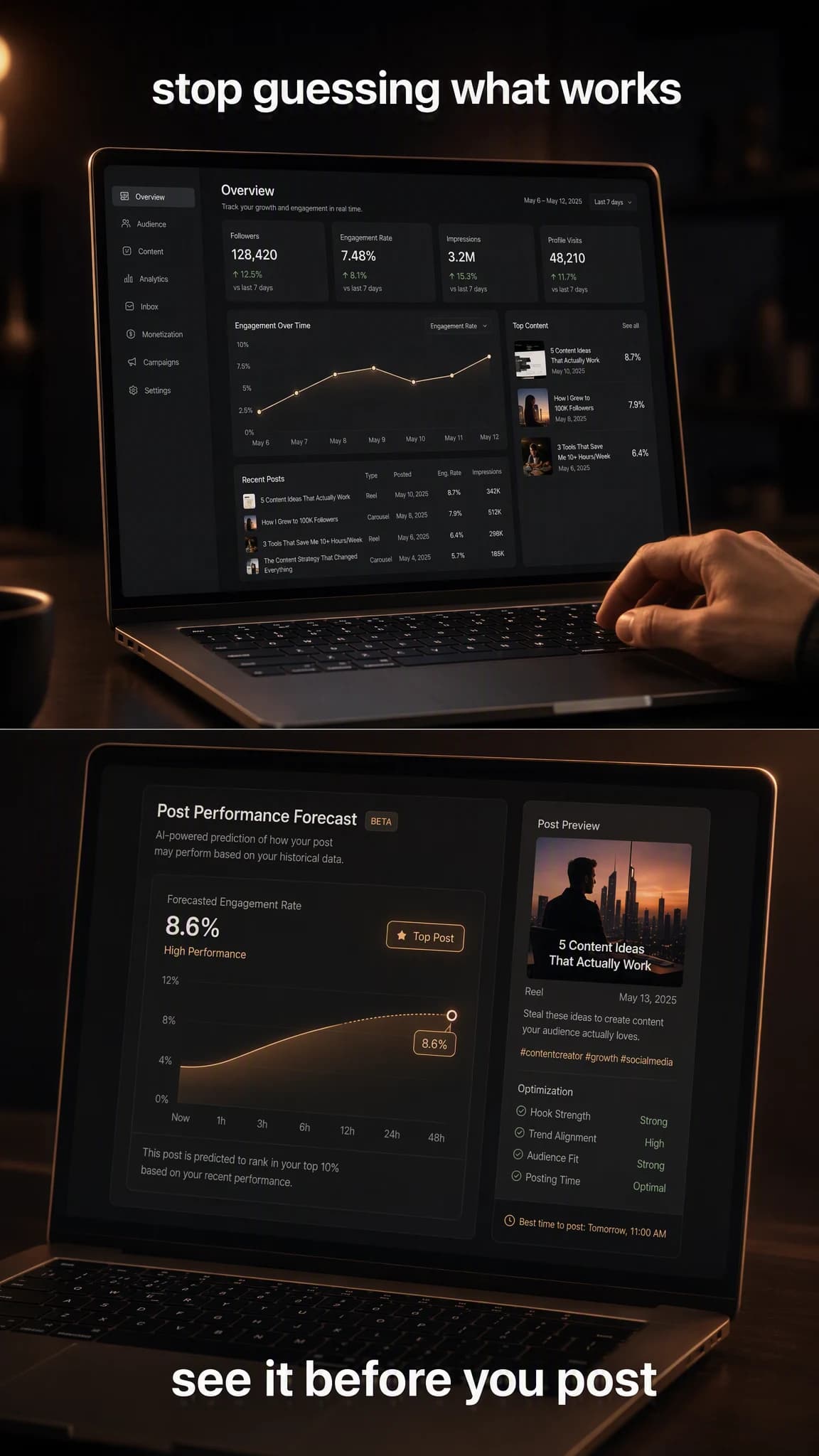
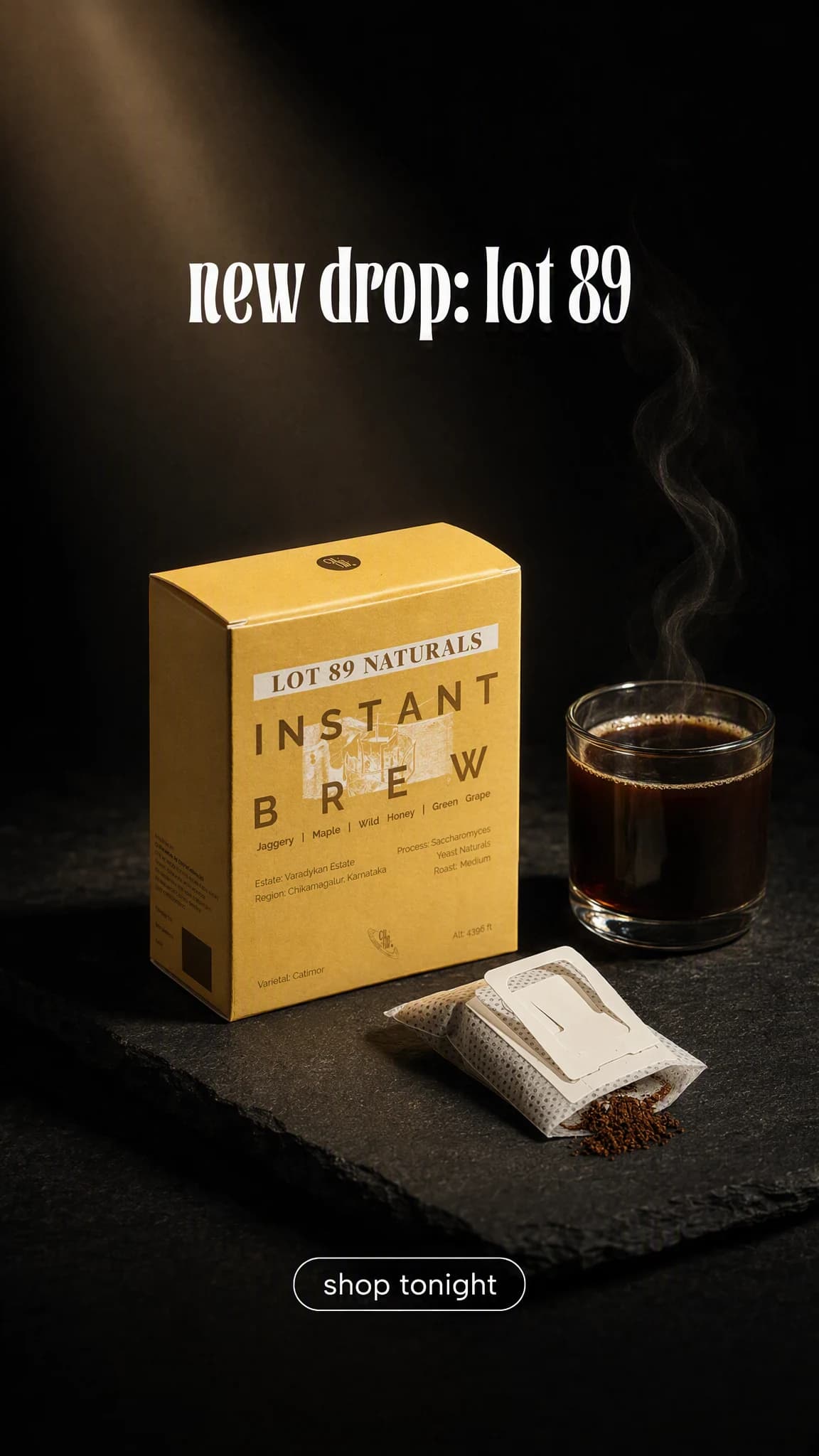
Each board shows the hook, proof, and CTA frames from one finished Reel. The frames were generated in Advibly with GPT Image 2 so they can be shown as stills on this page; in the app the same product runs through the Reel workflow you direct.
 Problem-solution
Open on the pain, show the product in action, and close on the result.
 Three-feature
Move through three visual proof points with short captions.
 Offer-led
Lead with the product and offer, then give just enough proof to act.
Across categories
A workout app, a pool service, and a growth dashboard each need a different hook. What stays the same is a Reel built for the first second and the final action.
Mobile app
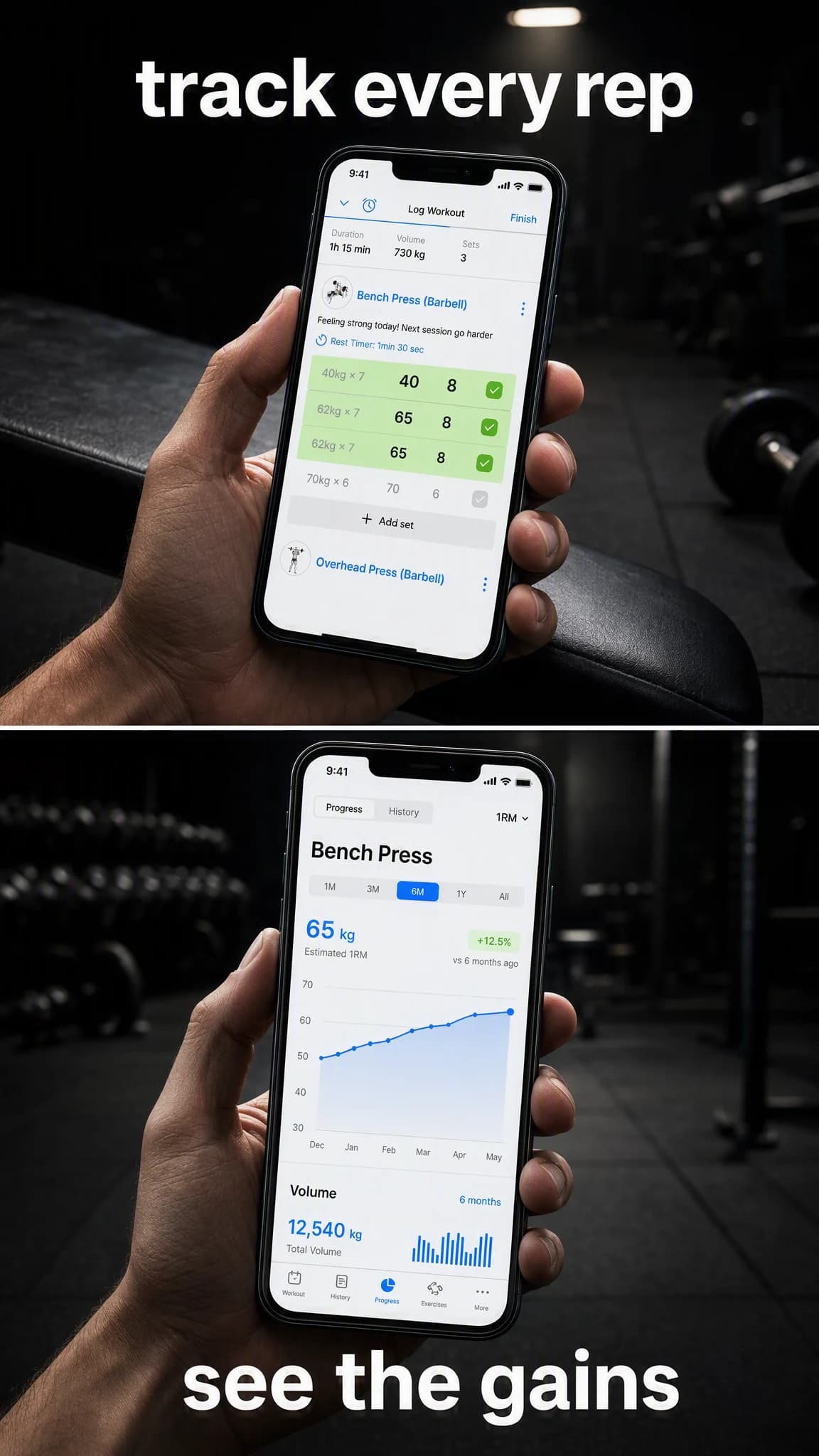
A real workout screen carried through a hook and a progress beat without losing its layout.
Local service
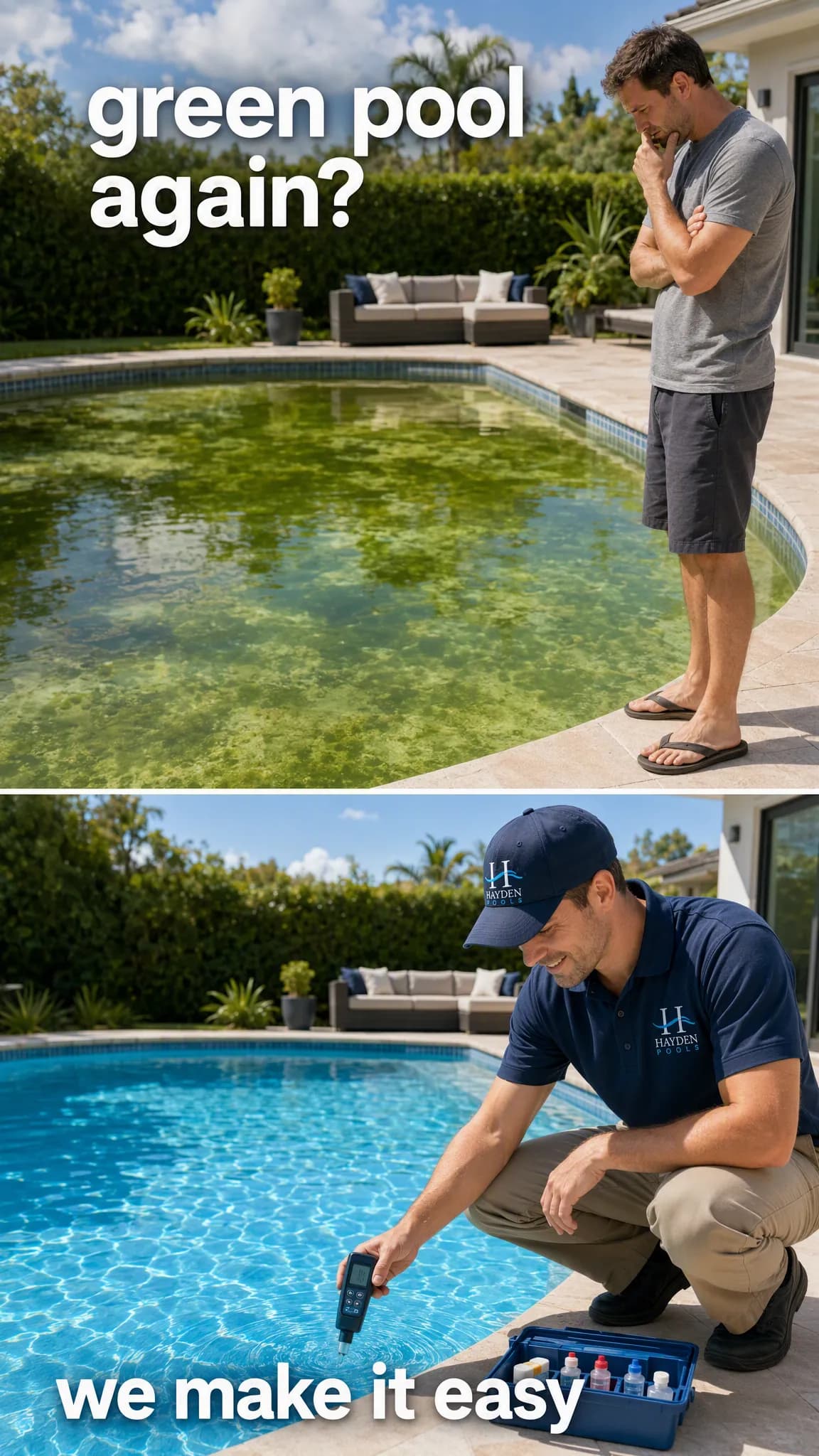
A real service visit turned into a before-and-after Reel that closes on trust.
SaaS
A real dashboard becomes a Reel that shows the forecast before it shows the pitch.
Continue the workflow
FAQ
Advibly can generate vertical short-form videos suitable for Reels. You remain responsible for reviewing the final asset and publishing it to the correct account.
Yes. A website, store, product page, images, screenshots, or saved brand context can ground the Reel brief.
Advibly's Publish workflow supports connected social scheduling and publishing. Confirm the live channel support before relying on a specific destination.
Your first Reel starts here
Start with the product. Advibly helps plan and generate the vertical story.
Two starter credits included