
 1
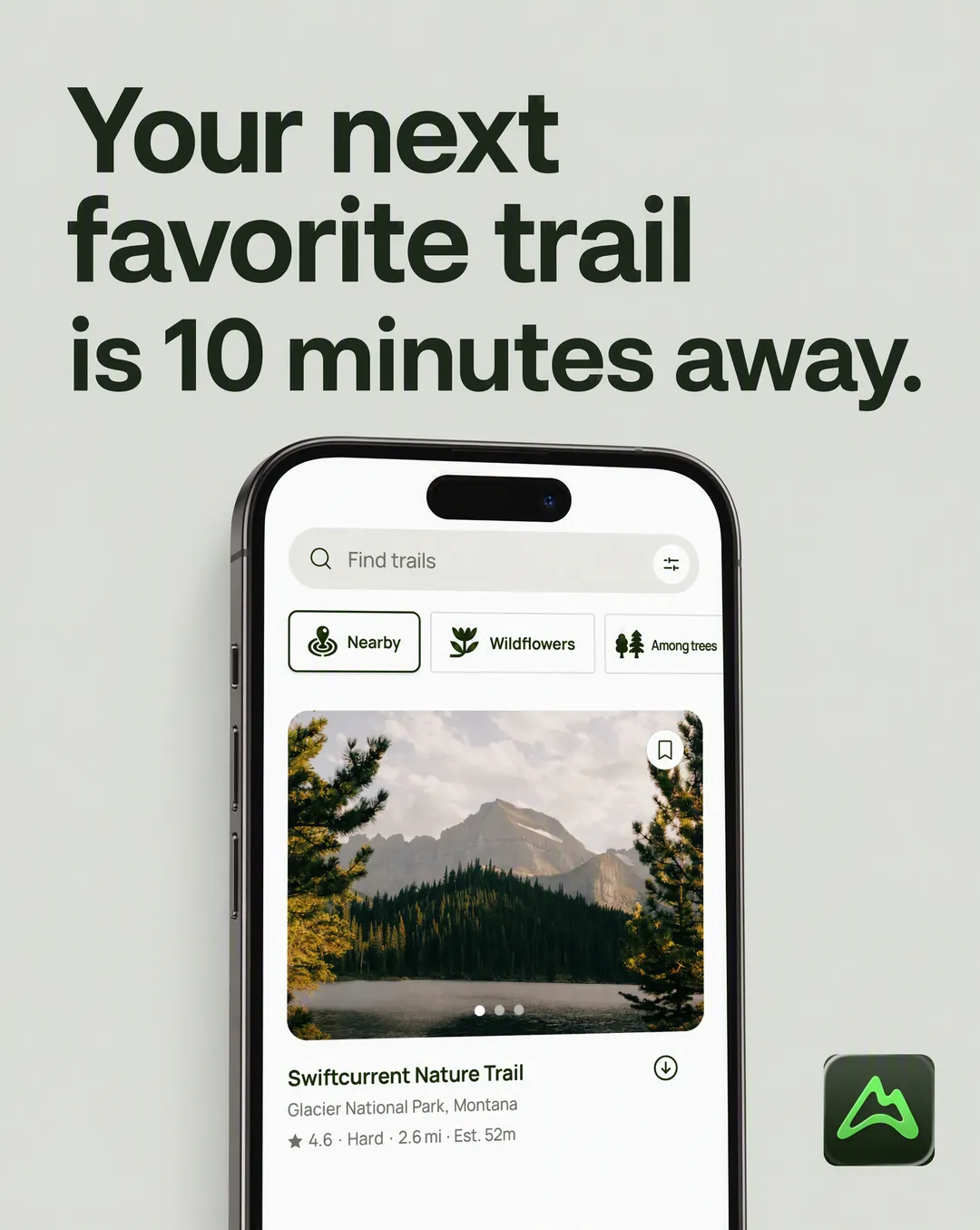
1Headline statement
One claim carries the whole ad. Product underneath, nothing else in the frame.
Sourced from: Brand brief, Angles
Give your agent a brand and a number. It comes back with a batch of finished static ads spread across fifteen layouts, every headline traced to a review, a rating or the brand’s own research. Every ad on this page came from one run for AllTrails.
npx skills add advibly/skills -s static-adsFree and open source.







The skill fires on natural requests like these. No commands to memorize.
Every ad below is the same brand, the same research and the same batch, run through a different layout. That is the whole idea: template diversity is angle diversity, and the winner is rarely the one you would have picked by hand. Each tile names the source its copy came from.
1One claim carries the whole ad. Product underneath, nothing else in the frame.
Sourced from: Brand brief, Angles
 2
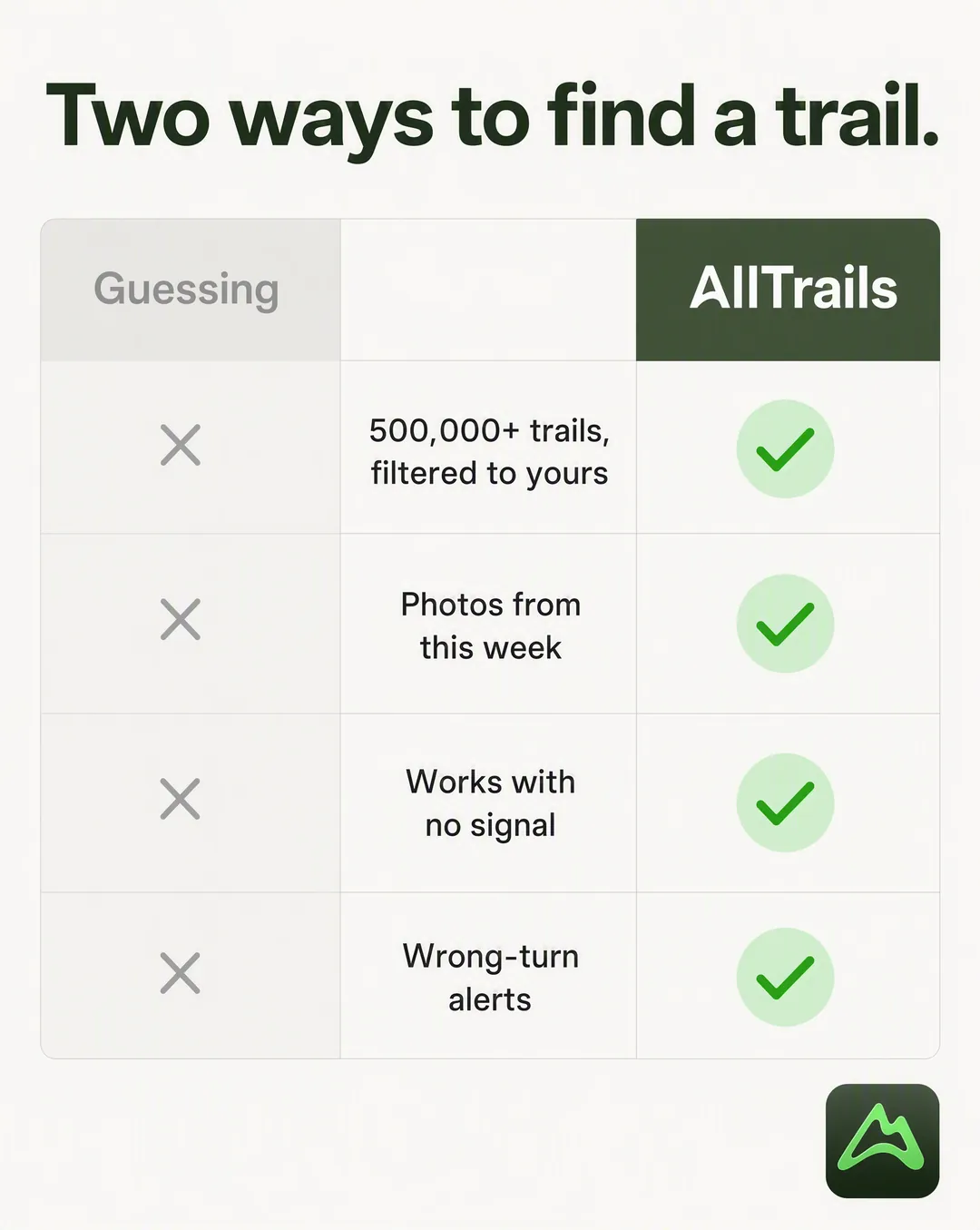
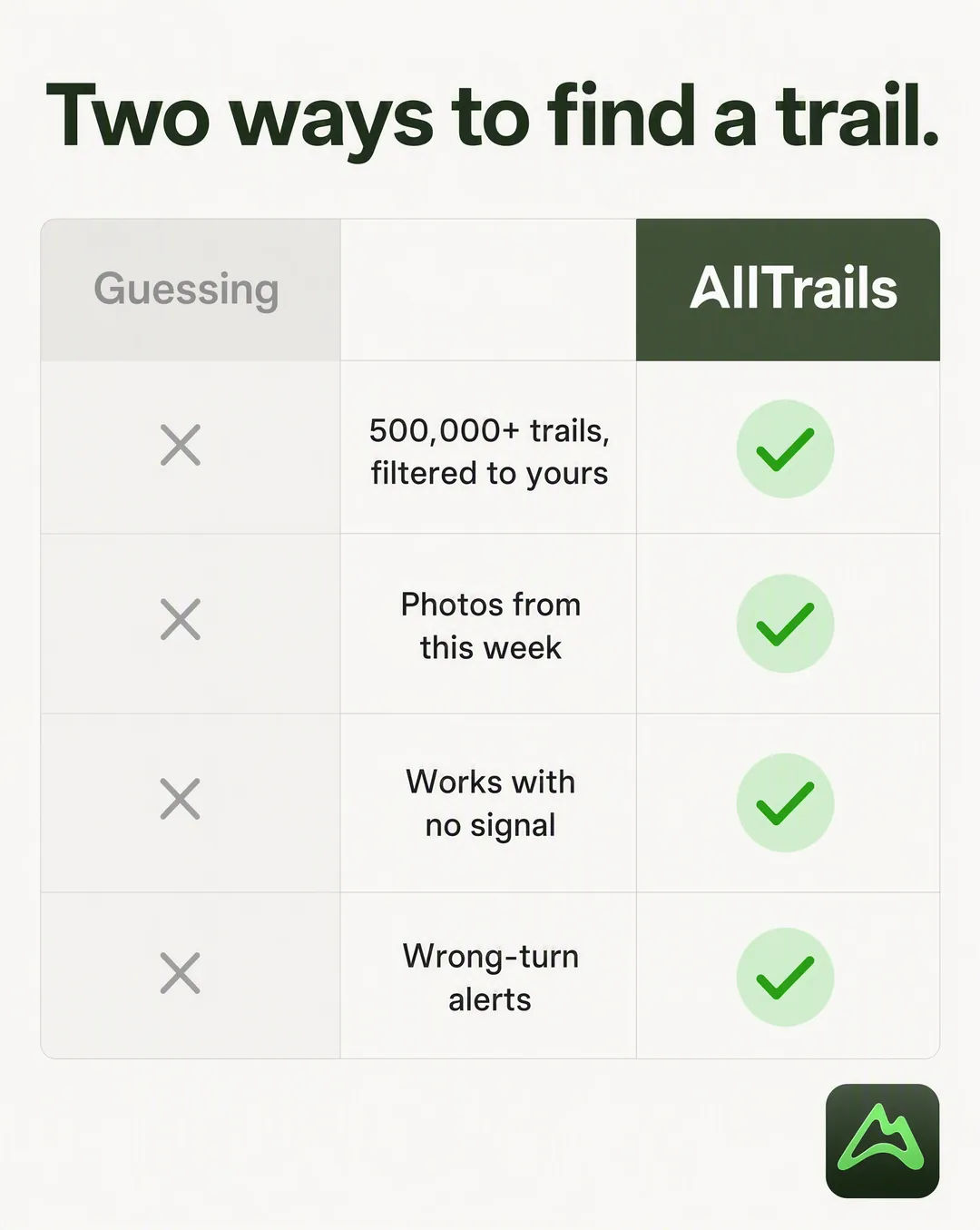
2Two columns, four rows. The old way greyed out, the brand in full colour.
Sourced from: Store feature list, no competitor named
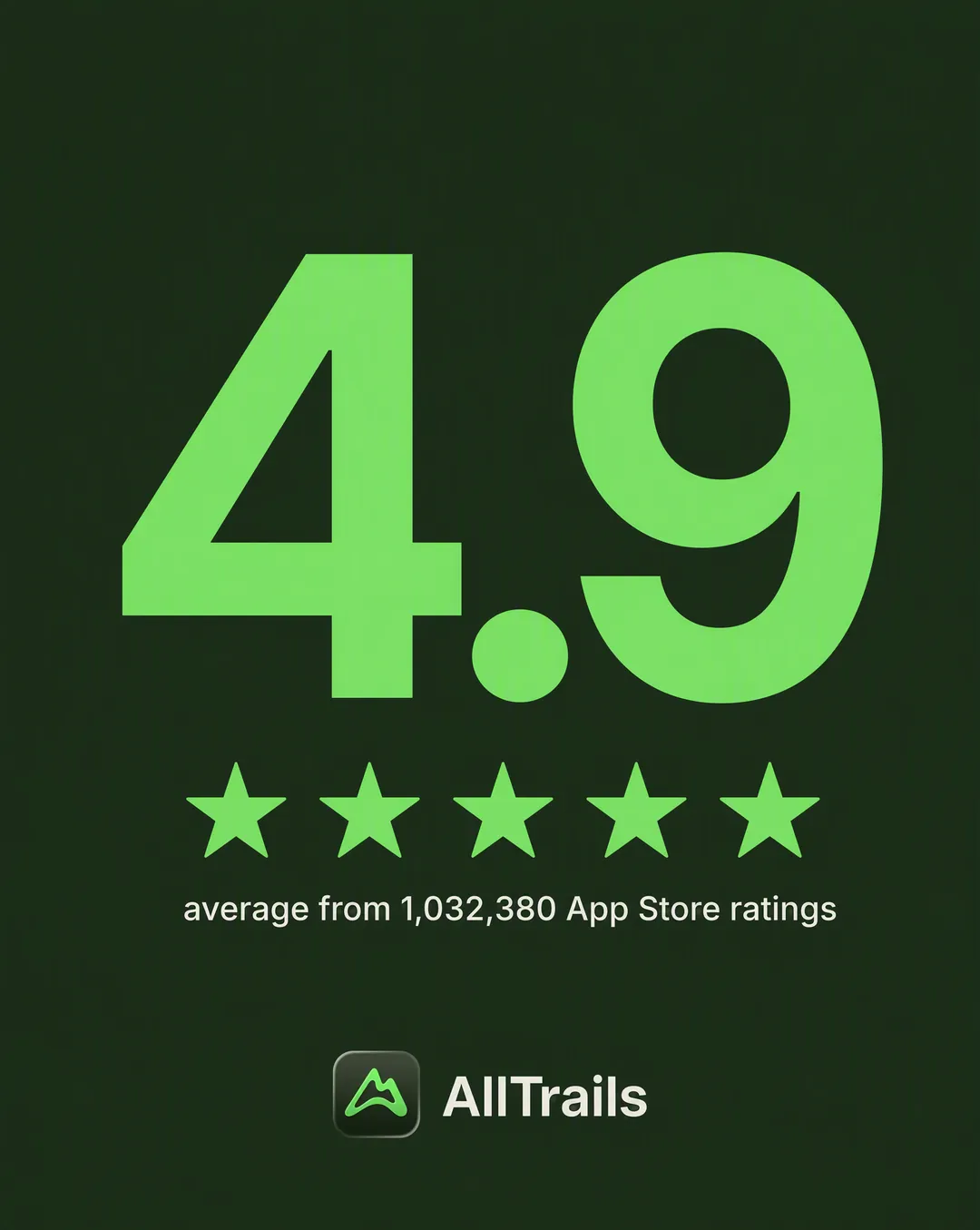 3
3One defensible number at sixty percent of the visual weight, its denominator kept.
Sourced from: Live App Store rating data
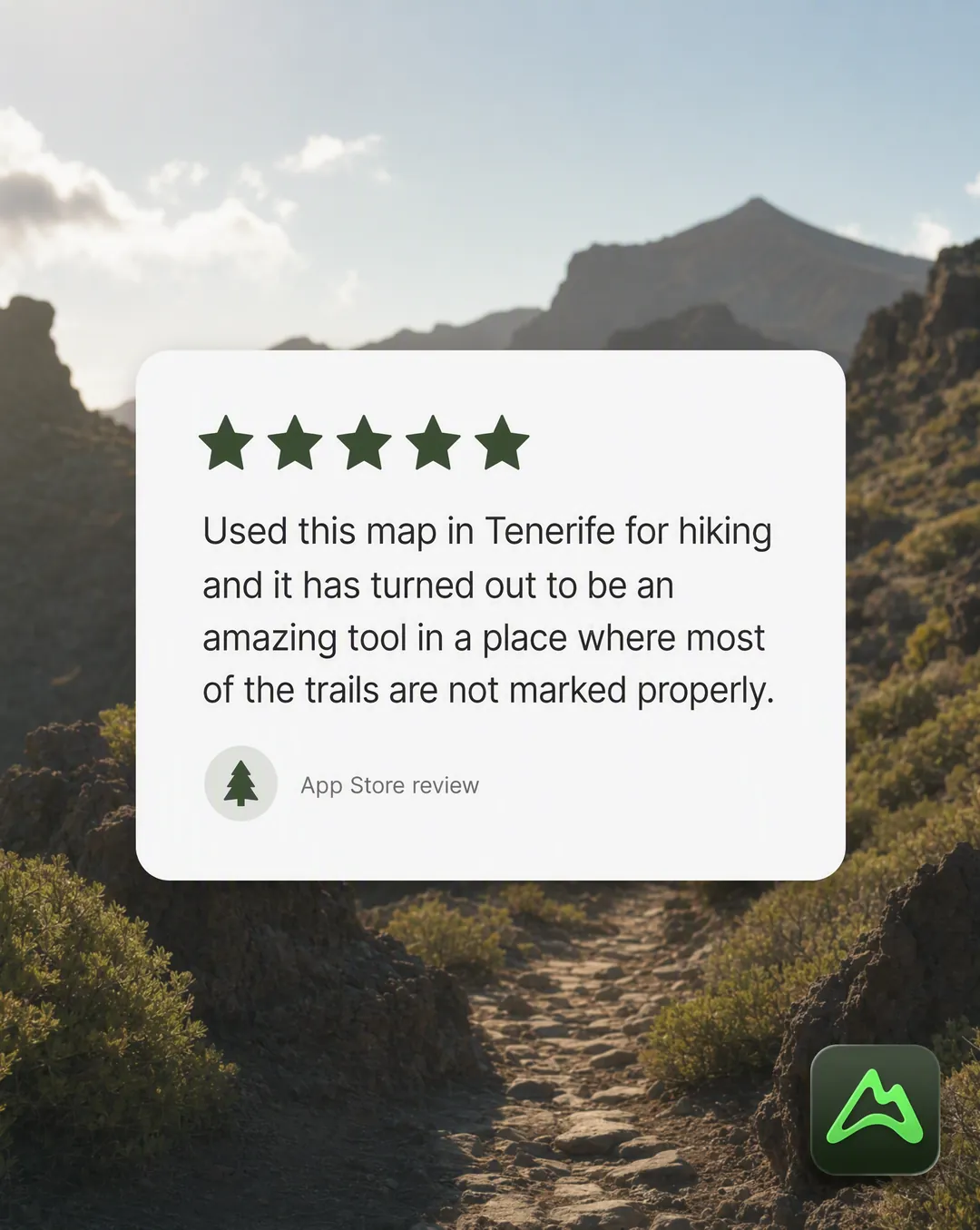 4
4A real review, verbatim, styled as the native review UI its buyers actually read.
Sourced from: Brand brief, Voice of Customer
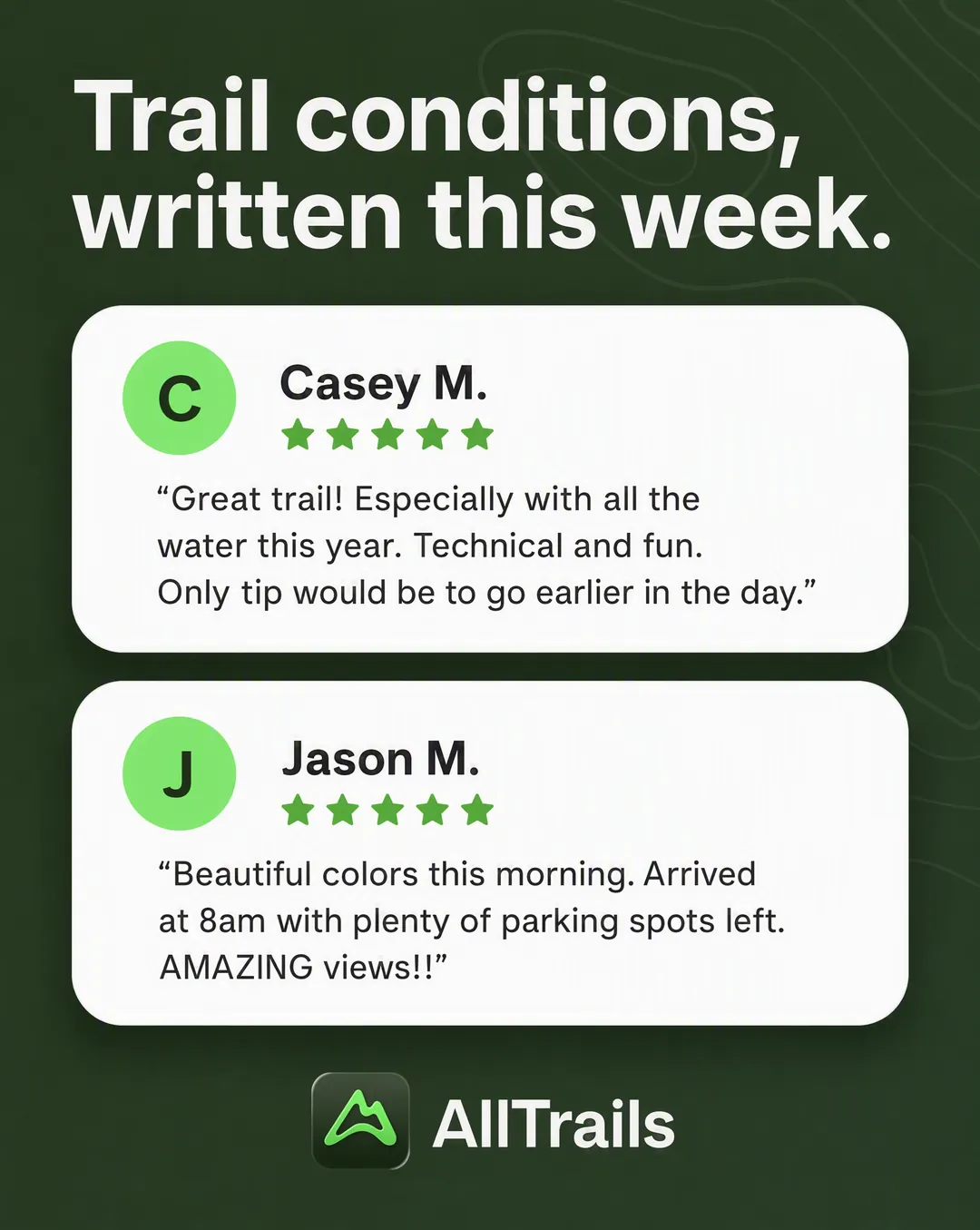 5
5Several quotes stacked, each covering a different objection. Initial avatars, never a generated face.
Sourced from: The brand's own store screenshots
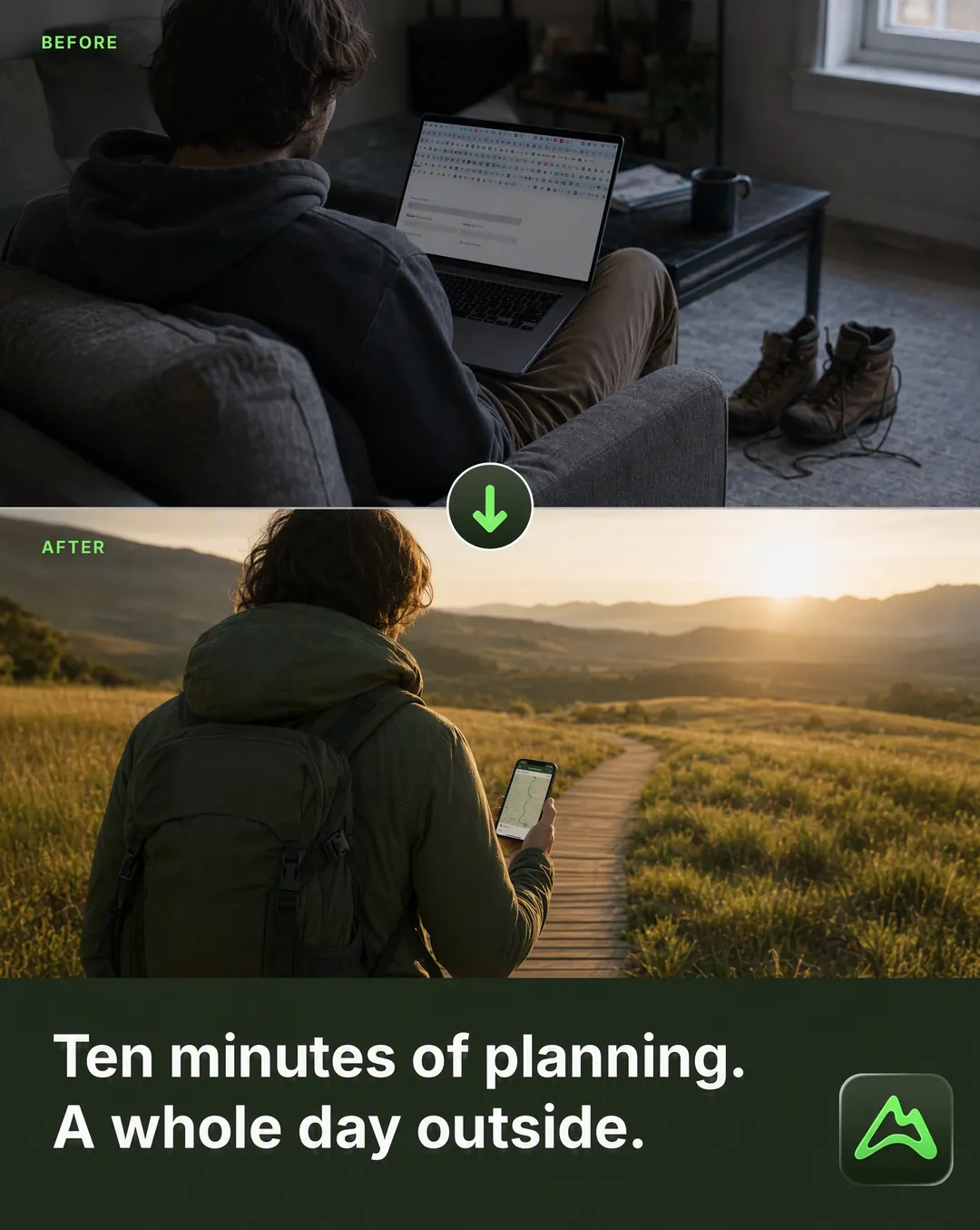 6
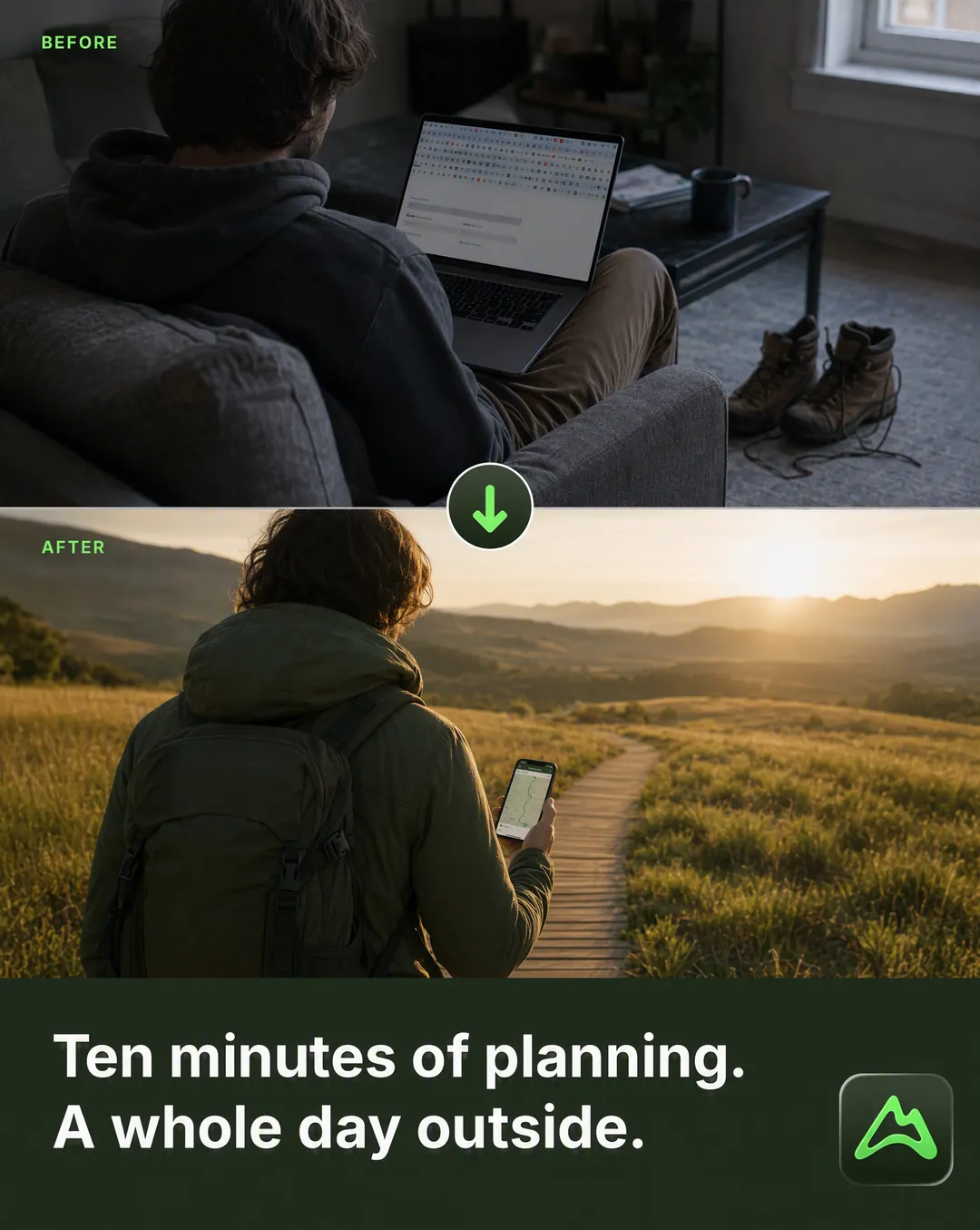
6Two panels and an arrow. Workflow and ritual transformations, not regulated body claims.
Sourced from: Brand brief, Before to After
 7
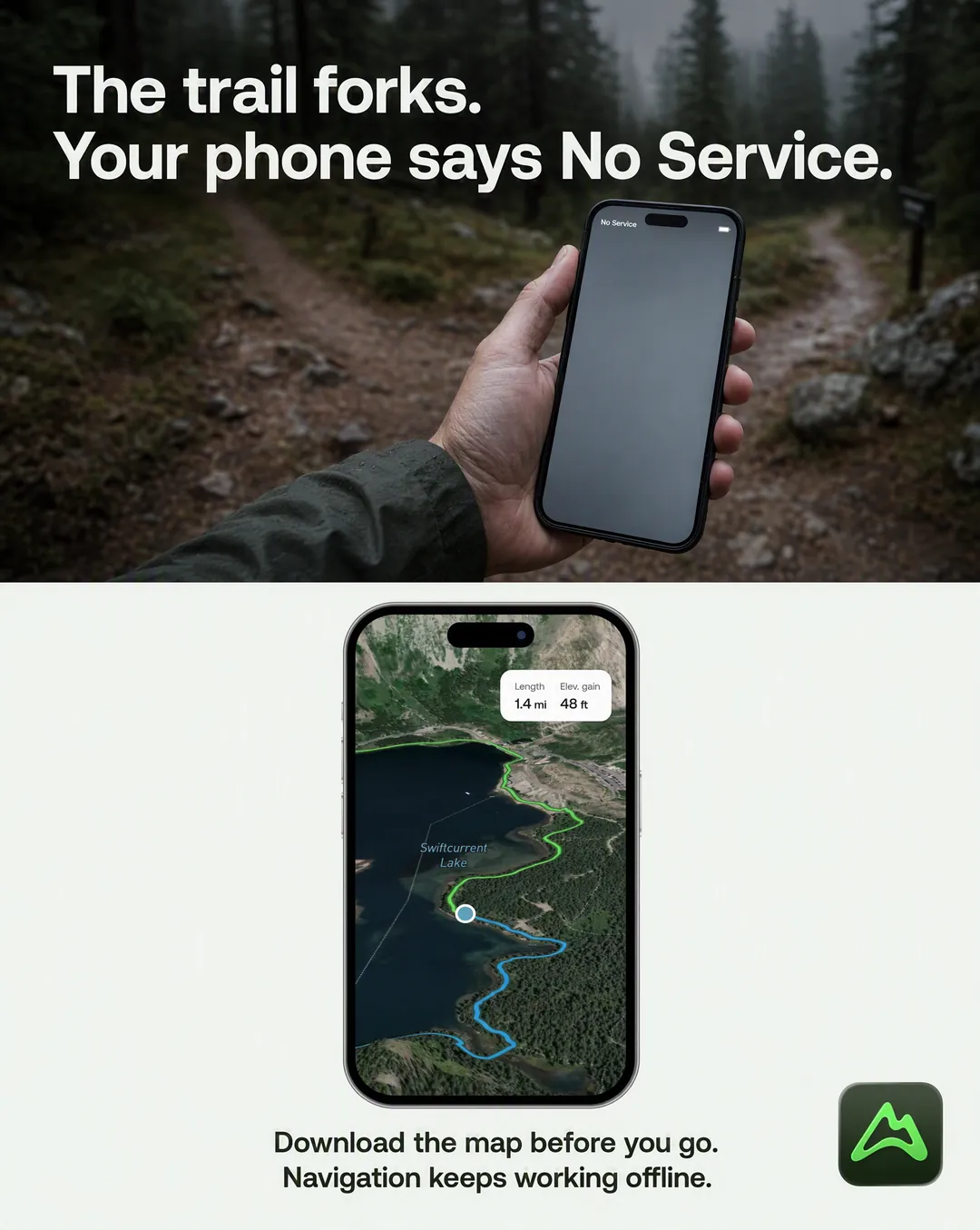
7Tension on top in the customer's exact words, the product as the answer below.
Sourced from: Brand brief, Objections
 8
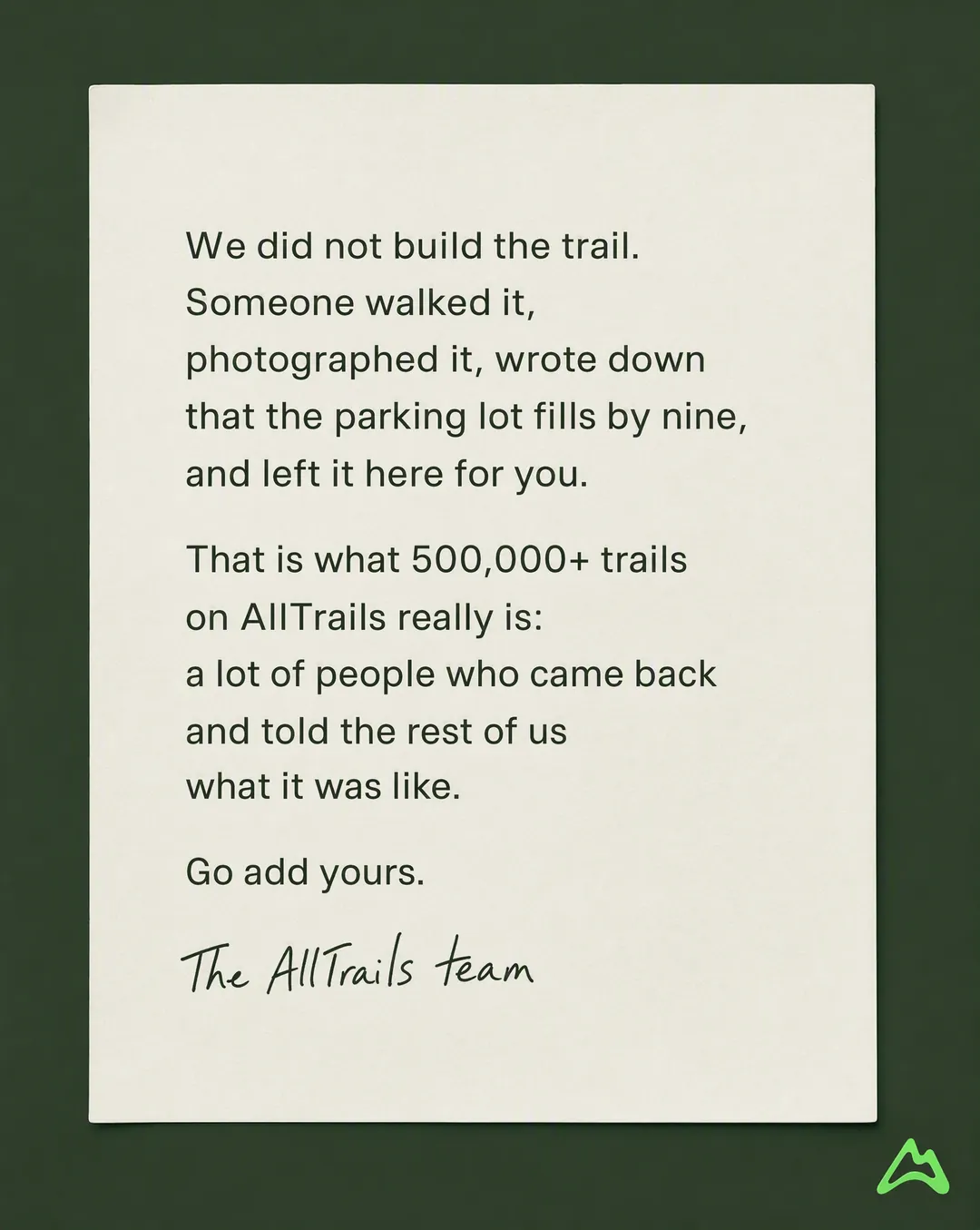
8A plain note, no product glamour shot. Drafted for sign-off, never invented in first person.
Sourced from: Dossier, community-sourced trail database
 9
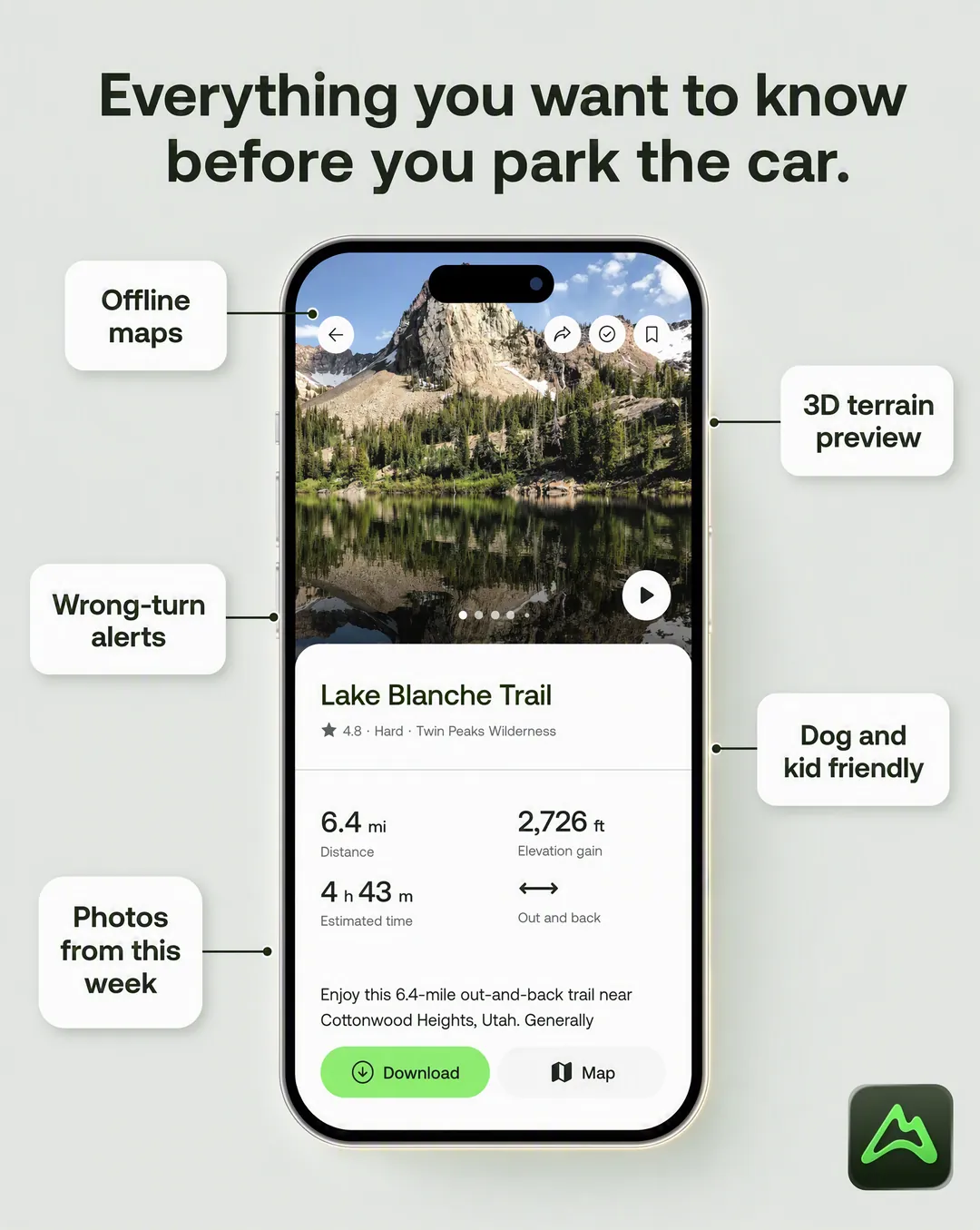
9Product centred, callouts radiating out. The components buyers ask about, not the full feature list.
Sourced from: App Store feature list
 10
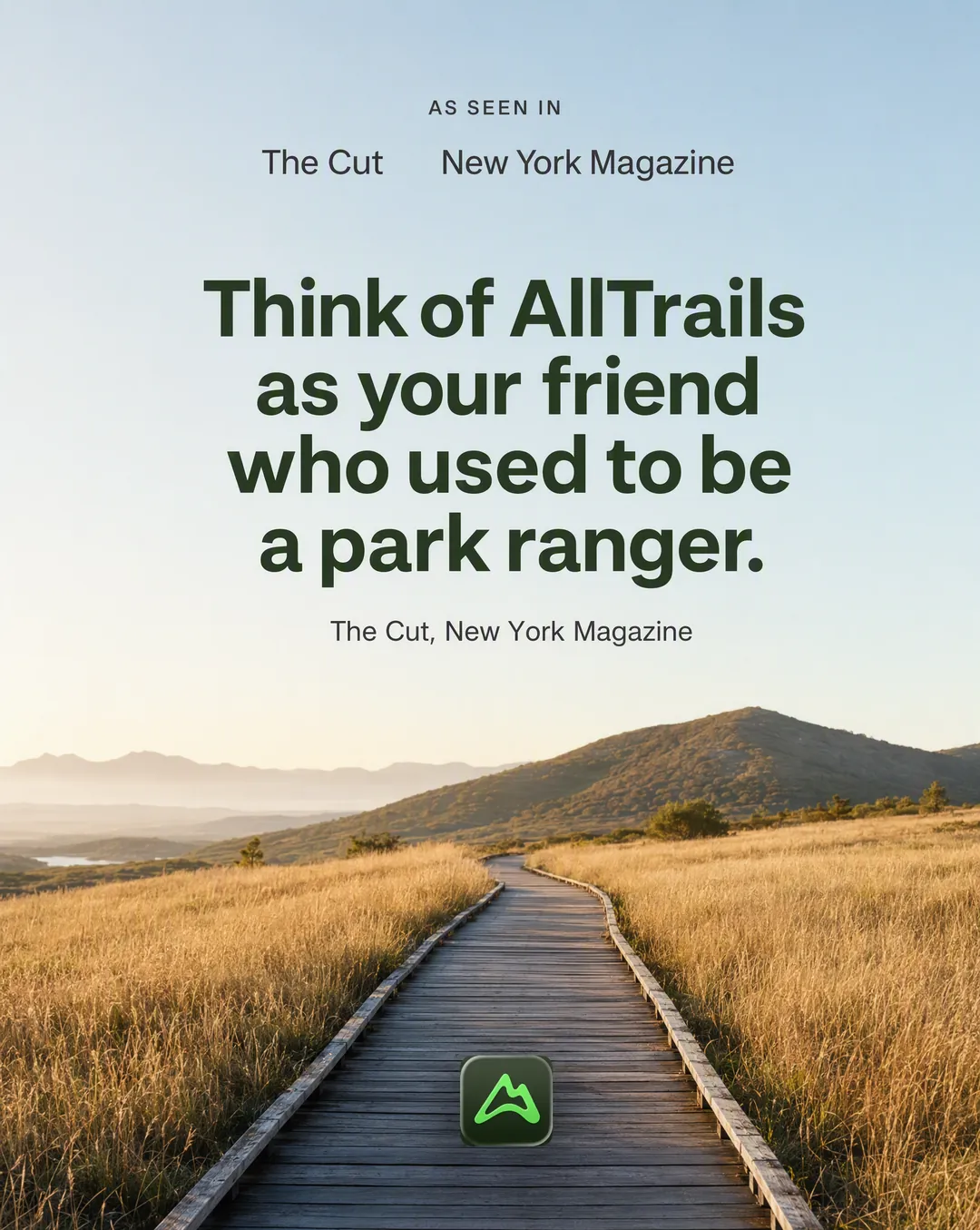
10Real coverage only, outlet names set as plain wordmarks rather than borrowed logos.
Sourced from: The Cut, New York Magazine
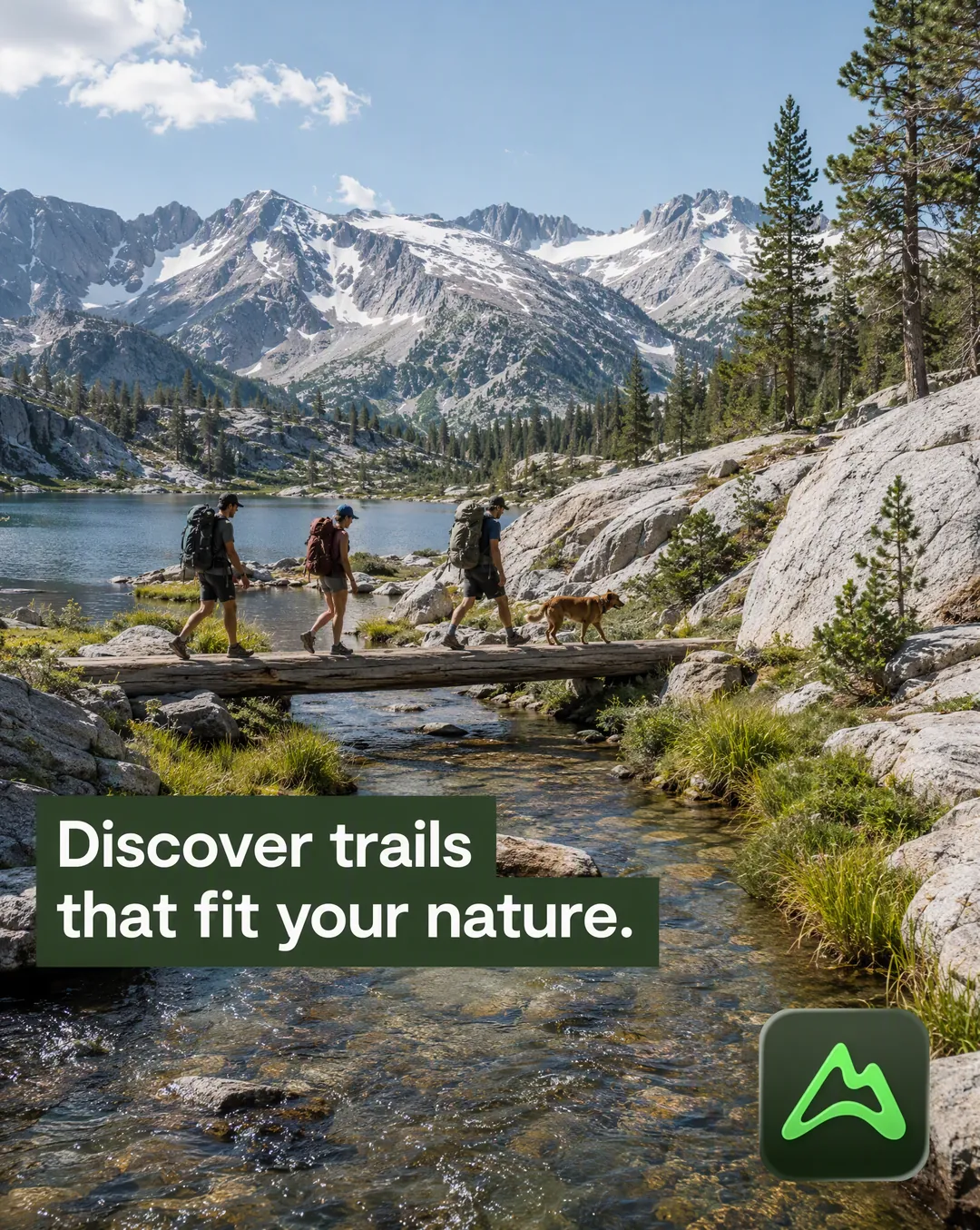 11
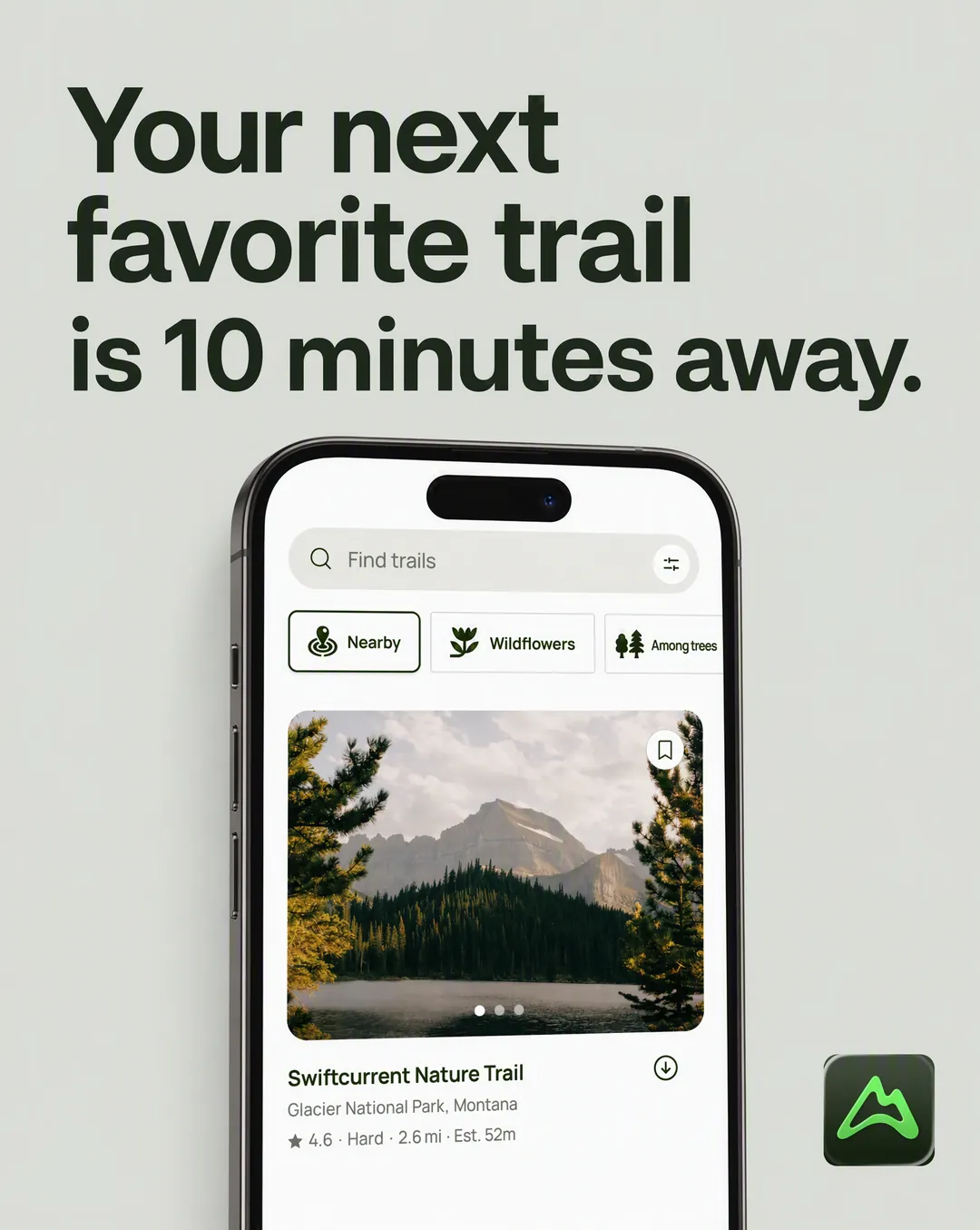
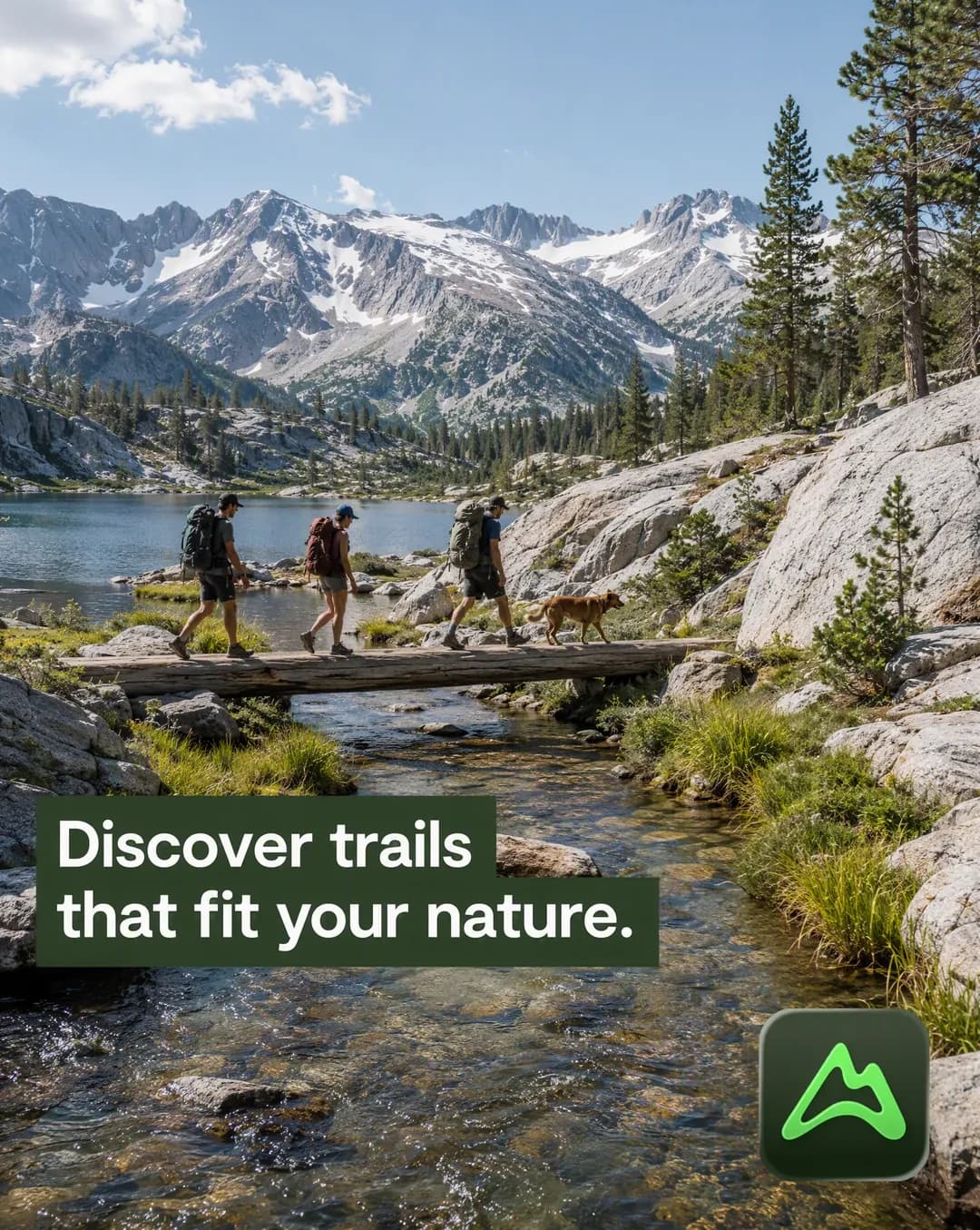
11One photograph does the work. Five to eight words of identity copy, and the logo.
Sourced from: The brand's own slogan
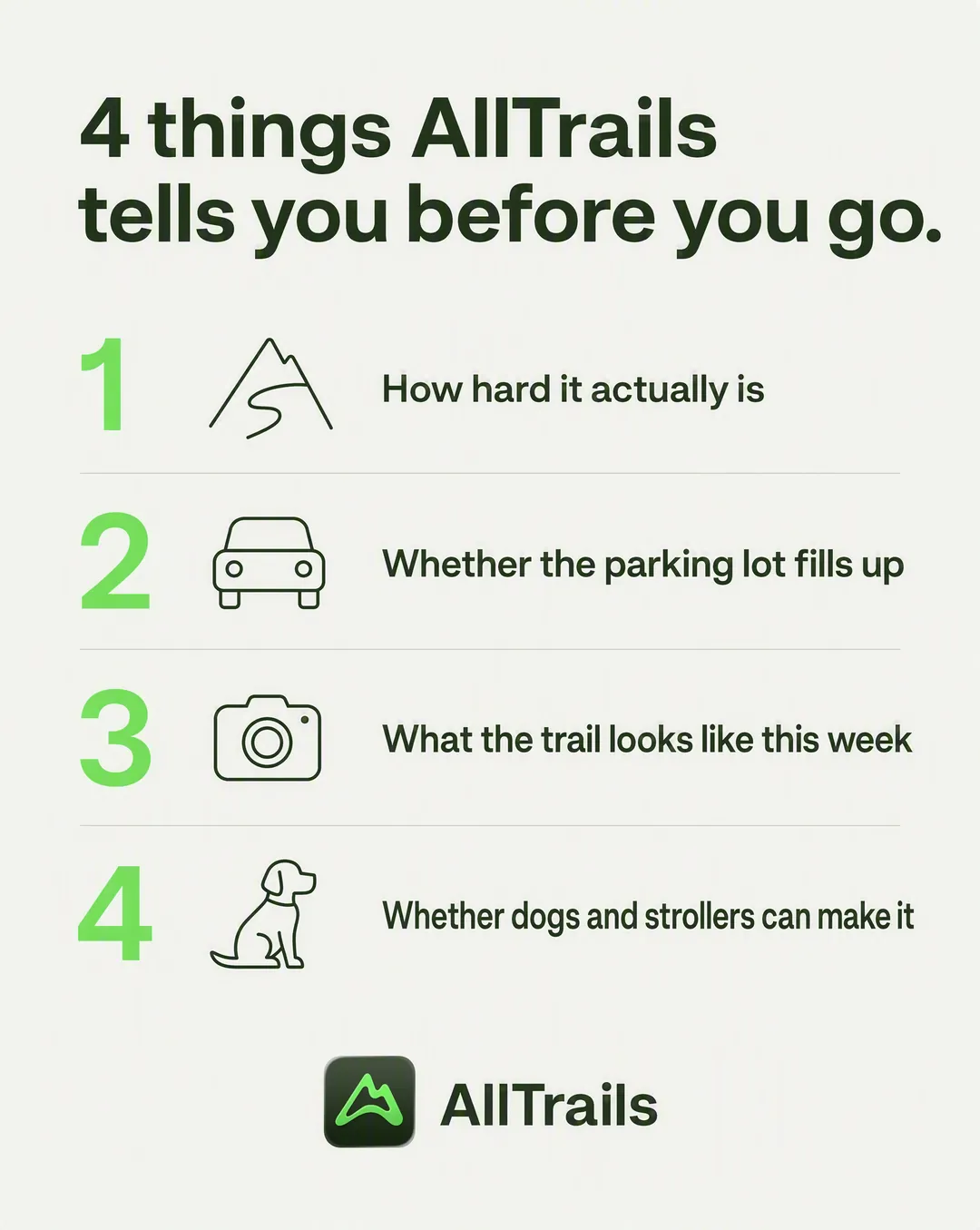 12
12Four rows, four distinct angles: pain, outcome, proof, differentiator.
Sourced from: Trail detail fields and filters
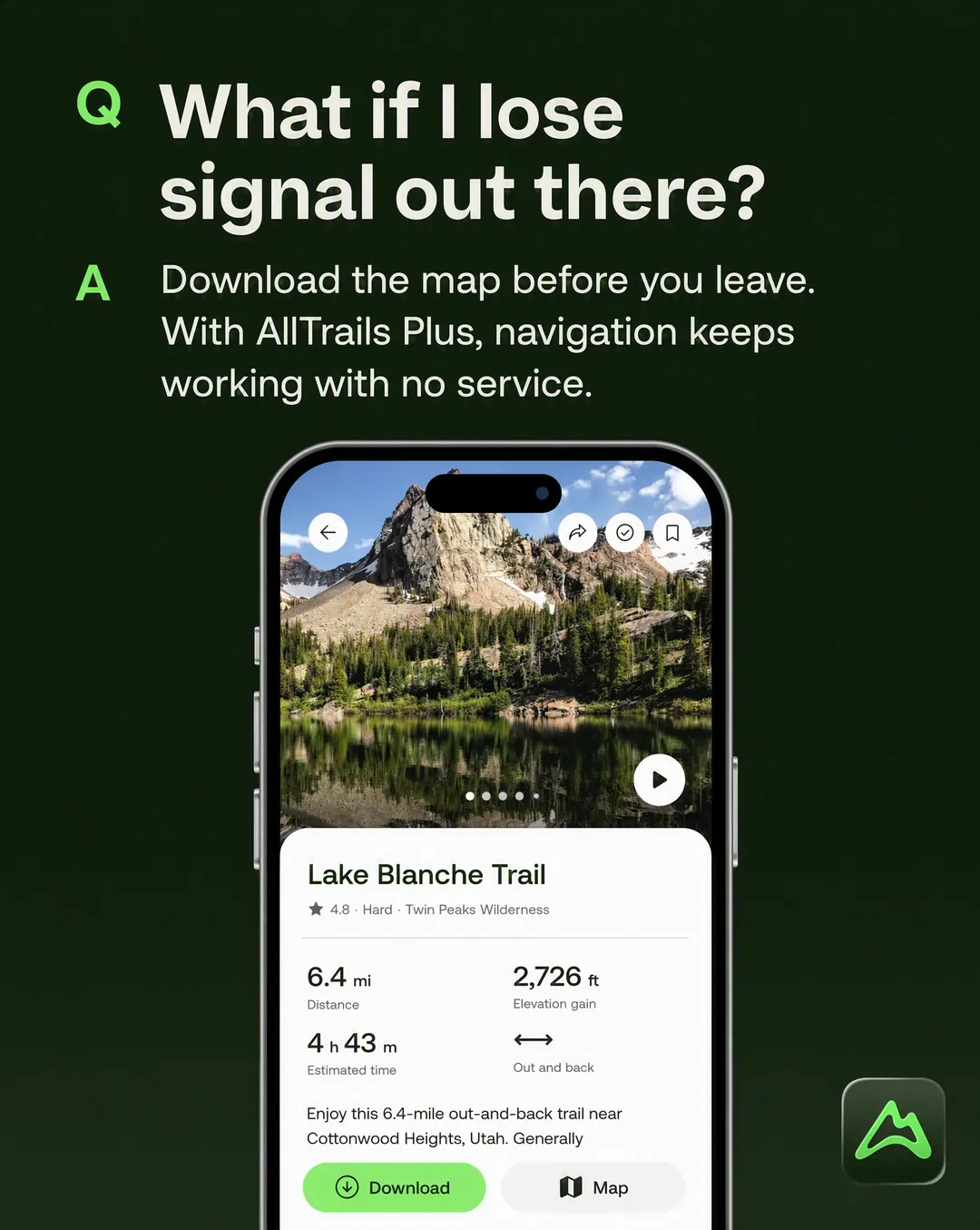 13
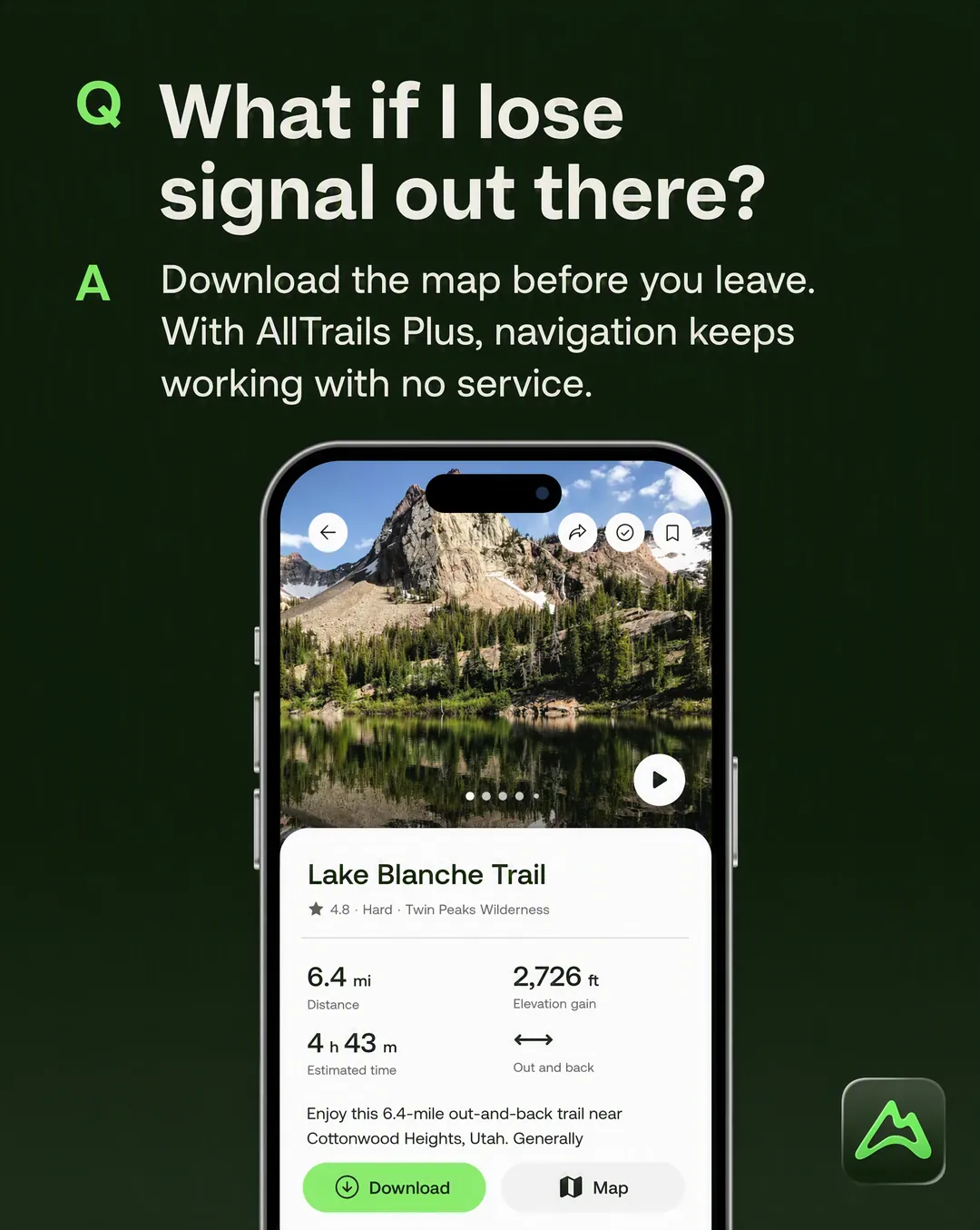
13A real objection, phrased the way customers phrase it, answered in one line.
Sourced from: Brand brief, Objections and Rebuttals
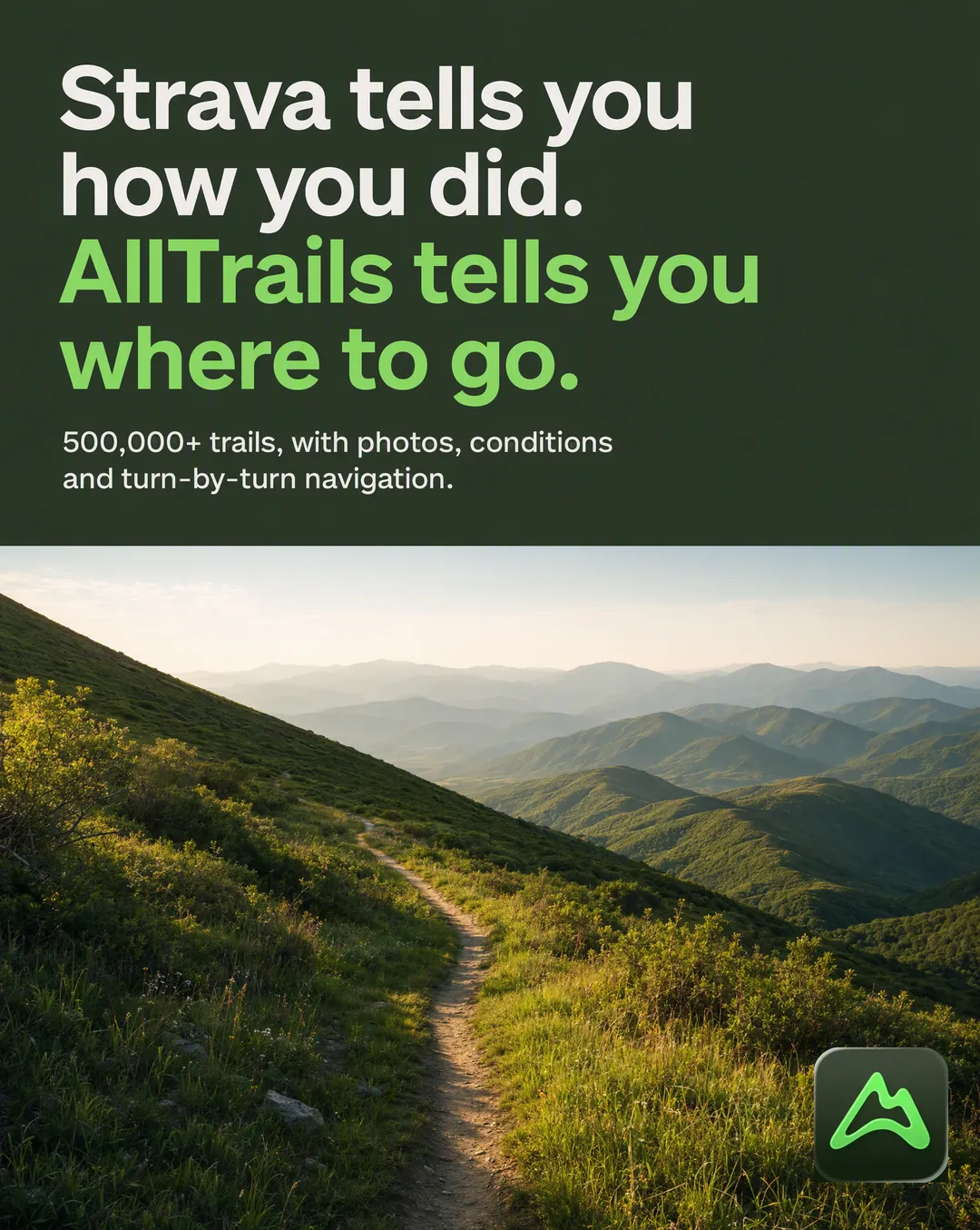 14
14One factual axis of difference. The name in plain text, never their logo or packaging.
Sourced from: Brand brief, Why Us Not Them
 15
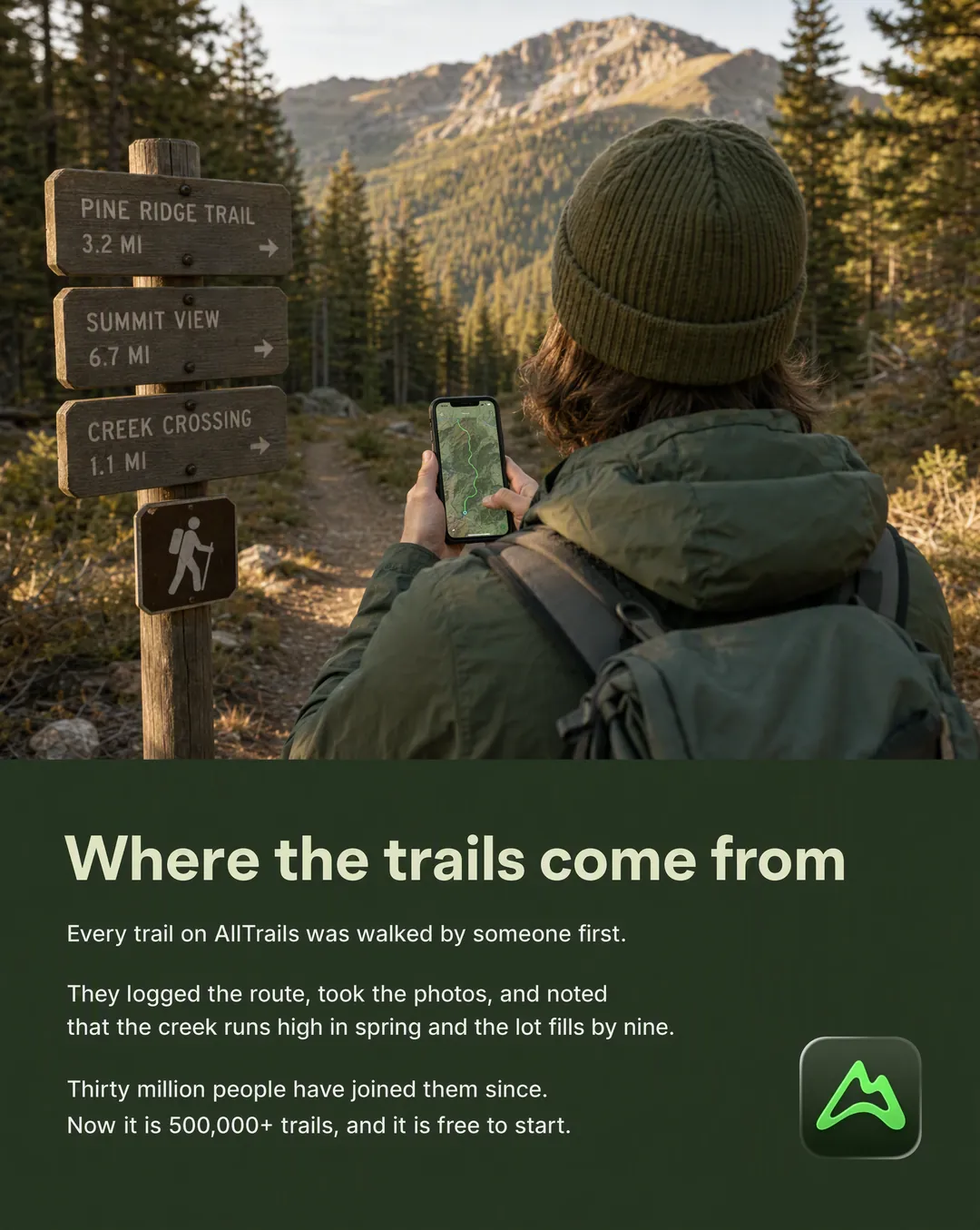
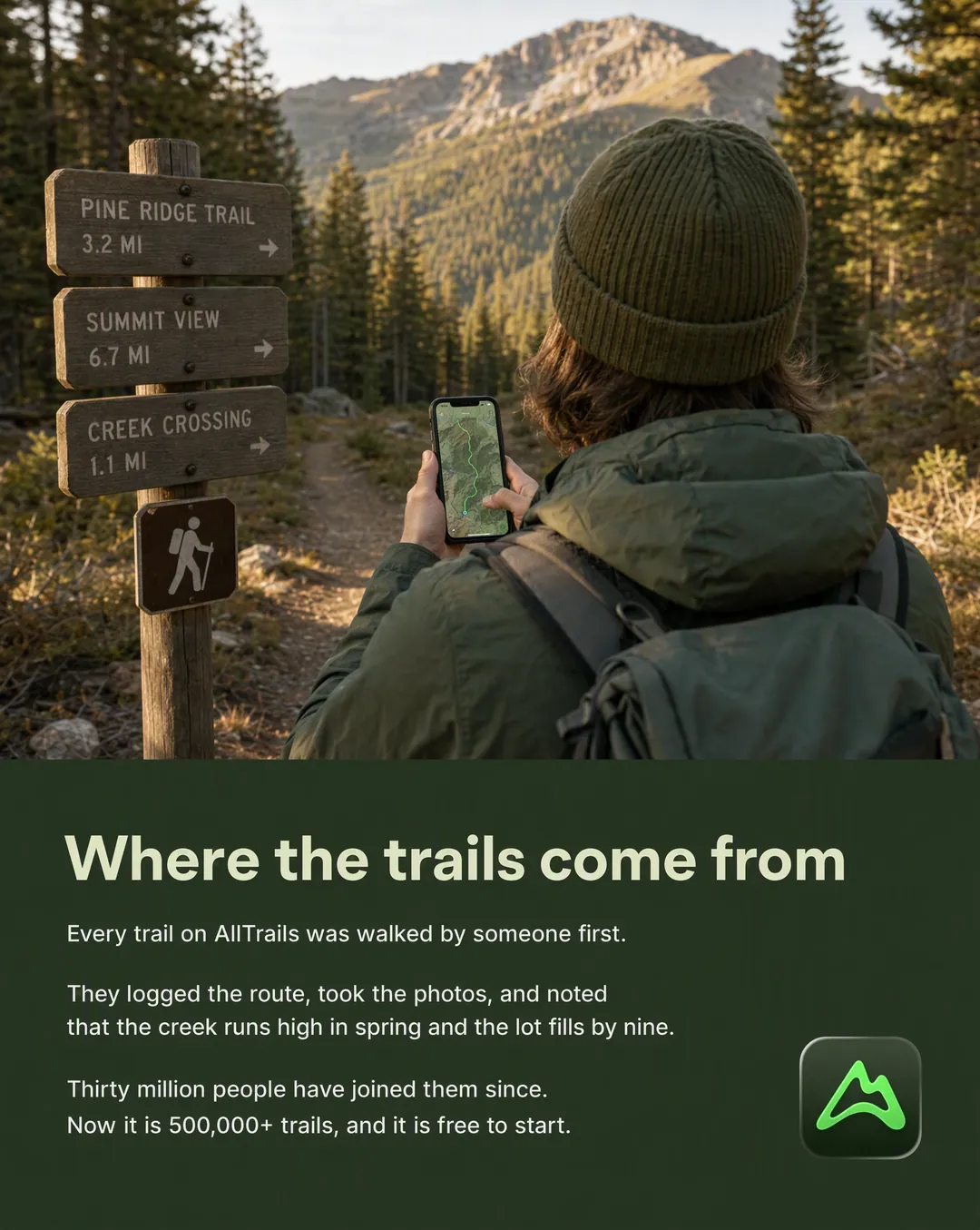
15Longer copy than any other format. The specific moment that started it is the credibility.
Sourced from: Dossier, 30M+ contributors
Rendered for AllTrails in a single run: fifteen concepts, gpt-image-2 at high quality, 4:5, on brand.
The skill reads your brand brief, dossier, product catalog and app-store data, then sorts the raw material into buckets: verbatim customer quotes, proof numbers with their denominators, pain language, objections, named competitors, press mentions, the founder's real story. It asks once whether you have winning ads or reviews of your own to add.
A batch clustered on three favourite layouts is three ads in fourteen costumes. Fifteen concepts means one per template; thirty means two each. If a template has no grounded material for your brand, it gets skipped and listed, never filled with a plausible-sounding number.
Every concept lands as a card with its template, headline, body, visual and the source it came from, in text, before a credit is spent. This is the real approval gate: copy edits are free, a regenerated image is not.
One gpt-image-2 call per approved concept at high quality, on-brand, with your logo and brand-kit board attached and the real product passed as a reference. Advibly has no text-overlay step by design, so every quoted line is written into the prompt exactly as it should read.
Is each quoted line present and spelled right, is the product the real product, did the model add a fake badge, an award or a second logo. Misses get flagged honestly and rerolled with fewer words or a simpler layout.
A table of concept number, template, headline, grounding and image URL, so you can drop concepts straight into your ad platform and trace every claim back to its source. Plus what was skipped and why.
Six steps. You approve one sheet.
Every concept arrives as text first. Edit the copy for free, approve it, and the renders run.
These four carry the claims generated ads usually make up: a rating, a review, a press quote, a competitor. Each one came from AllTrails’ own data and is cited on its concept card before anything is rendered.
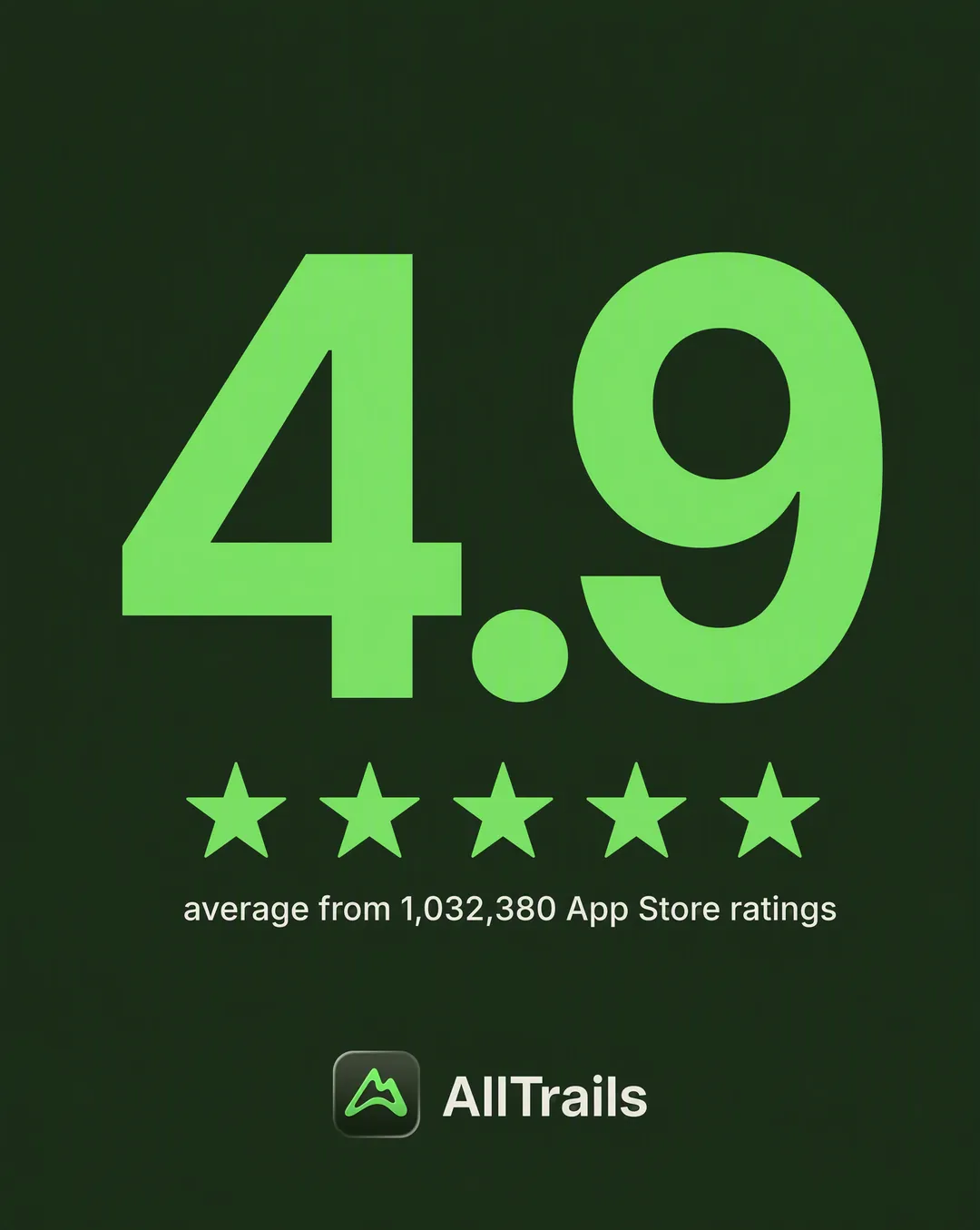 Stat callout
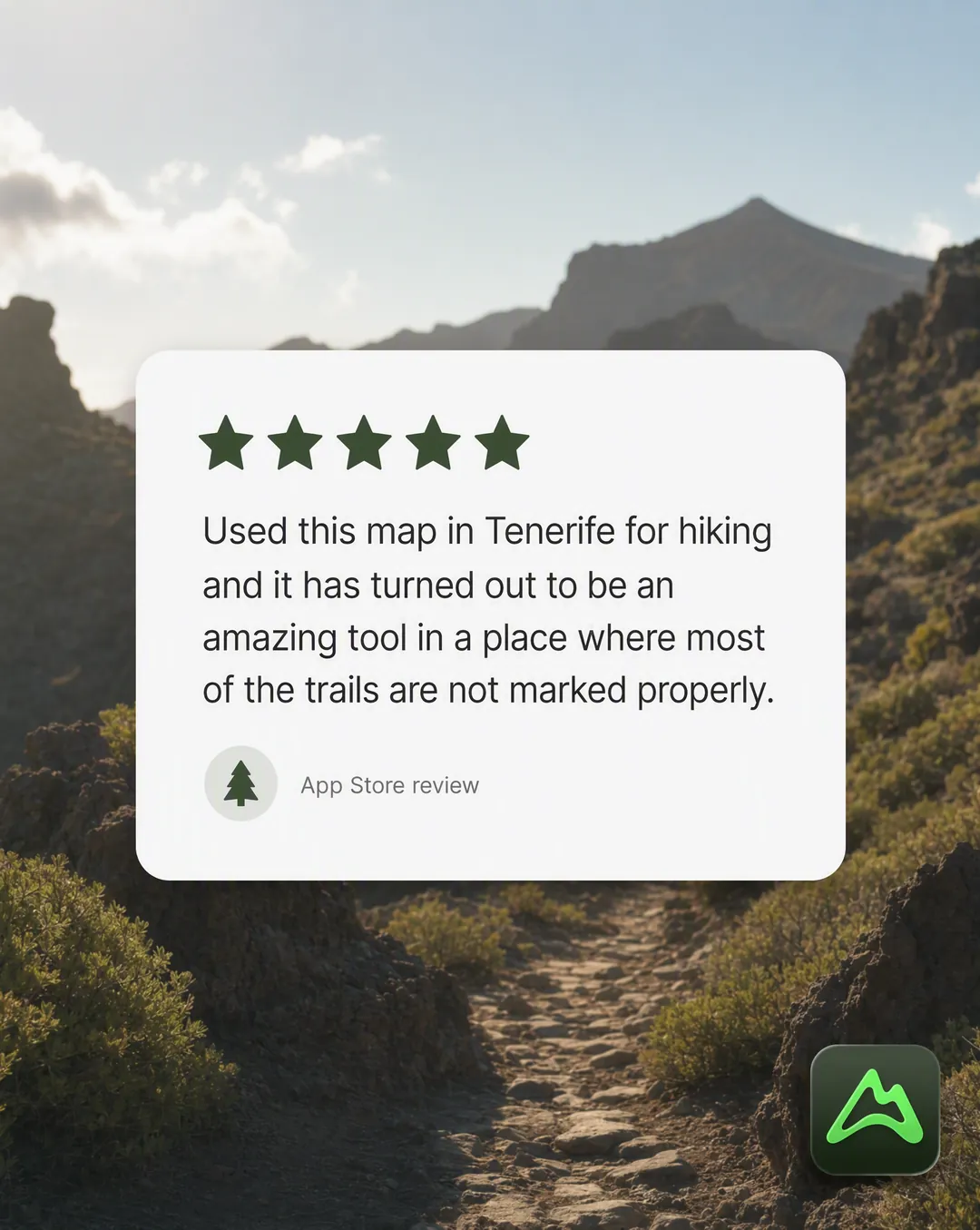 Review card
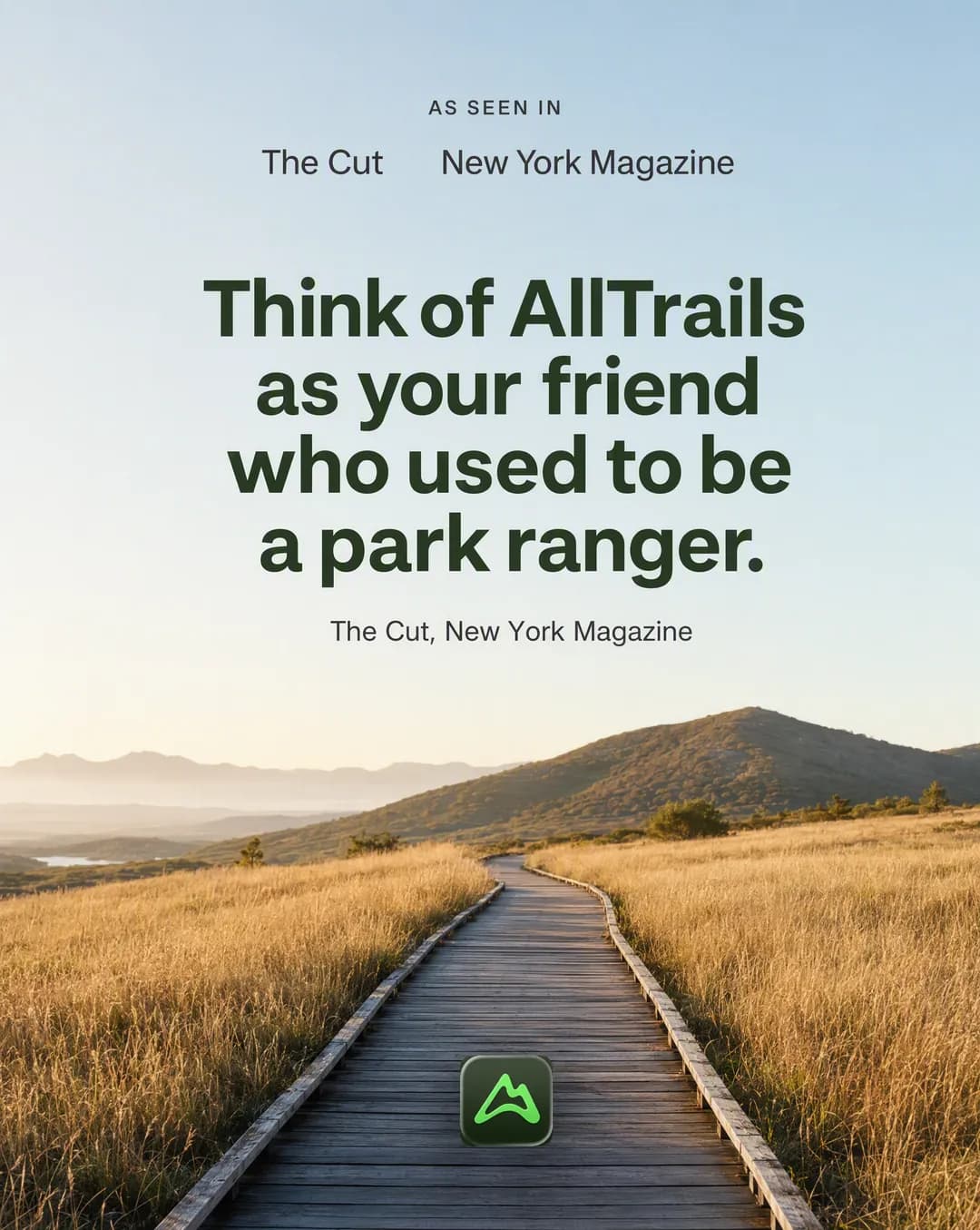 Press mention
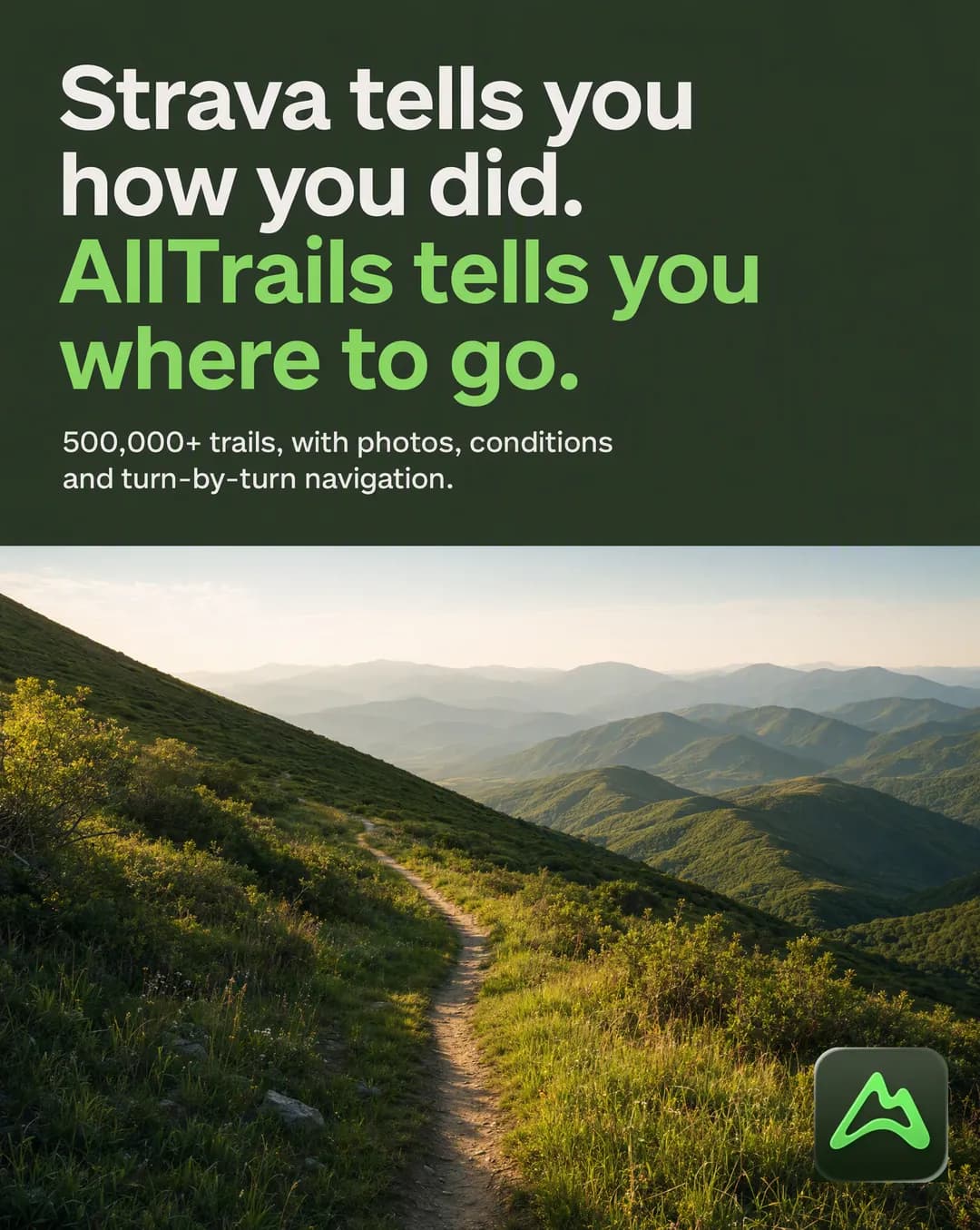 Competitor callout
Advibly has no text-overlay step, so every model here renders the headline into the image itself. GPT Image 2 at high quality is the default for every concept, and Seedream 5 Pro steps in when a dense layout keeps merging rows after two rerolls. Ask for GPT Image 2.5 Sunburst, GPT Image 2.5 Flare or Nano Banana 2 and the agent renders the batch on that instead.
GPT Image 2.5 SunburstNewThe sharpest type, for the ads you plan to scale
GPT Image 2.5 FlareNewThe fastest pass over a big batch

Seedream 5 ProNewFallback for dense multi-row layouts
GPT Image 2The default: every concept, copy burned in

Nano Banana 2Photo-led layouts, up to 4K
Install the skill, then make sure the Advibly MCP is connected so it has tools to call. Works with every skills-capable agent.
Claude CodeClaudeCursorCodex VS CodeOpenClawHermesChatGPT
Drop the .skill file into Claude → Settings → Skills, or unzip the folder into ~/.claude/skills.
npx skills add advibly/skills -s static-adsWorks with Claude Code, Claude Desktop, Cursor, and any agent that supports skills. Pulls straight from GitHub.
git clone https://github.com/advibly/skills.git
cp -R skills/static-ads ~/.claude/skills/
Or in Claude Desktop: Settings → Skills → Install and select the skill folder.
Each skill ships with reference docs the agent loads on demand, so the craft is baked in.
templates.mdAll fifteen templates: structure, copy slot, examples per business type, where to source it, and the exact prompt skeleton.
grounding.mdThe sourcing and compliance rules: verbatim quotes, real stats, real people's faces, competitor names, regulated claims.
An agent skill that turns one brand into a batch of static image ads spread across fifteen proven layouts: headline statement, us vs. them, stat callout, review card, founder message, FAQ card and the rest. Each concept is rendered with gpt-image-2 with its copy written into the image, and every line cites where it came from.
A brand that is already onboarded in Advibly and how many concepts you want. The default is fifteen, one per template, at 4:5 for Meta and Instagram feed; ask for 1:1, 9:16 or 16:9 instead. It asks once whether you have winning ads or reviews of your own, because real reviews with names beat anything scraped.
The concept sheet is the part that needs you. It is written in text, costs nothing, and you approve it before a credit is spent. After that every render is an independent call, so they run in parallel, and you get an index of template, headline, source and image URL for each ad.
The skill itself is free and open source. Running it spends your existing Advibly credits on the images it renders, at no extra skill cost, and every generation shows its credit cost before it runs.
Any agent that supports installable skills and the Model Context Protocol: Claude Code, Claude, Cursor, Codex, VS Code, OpenClaw, Hermes and ChatGPT. Install with one npx command, then connect the Advibly MCP so the skill has tools to call.
Those templates are skipped and listed with the reason, never filled with a plausible-sounding number or an outlet that never covered you. A brand with no brief, no reviews and no press gets fewer than fifteen concepts, and every one it does get is honest.
Install the skill, connect Advibly MCP, and tell your agent which brand and how many ads.
npx skills add advibly/skills -s static-adsNo terminal? Download the .skill file and drop it into Claude → Settings → Skills.
One claim becomes a narrated paper-collage explainer, cut like a real short.
A brand idea or a piece of copy becomes a visually dense stick-figure video, directed clip by clip.
One topic becomes a narrated animated explainer, in any of ten visual styles.
One product becomes a warm, narrated Aardman-style stop-motion clay ad.
A brand and product become a warm, original feature-film 3D animated ad.
One brand plus an angle becomes a finished multi-shot UGC video ad.
One finished video becomes eleven completely different visual worlds.
Decode a reference into an editable spec, then animate assemble-from-empty motion.