
One line in. A finished explainer out.
Nothing below was edited by hand. This is what came back from a single line for a real brand, with the story, the narration and the score the skill wrote itself.
Make an animated explainer for Arata's hair growth serum. Papercraft, 16:9.Your brand, your topic, any of the ten looks.
Say the word, it runs.
The skill fires on natural requests like these. No commands to memorize.
One pipeline. Ten looks.
Name a style and the skill loads that cartridge: the medium, the cut rhythm, the typography, the camera language and the sound all change together. Every clip below was made with it.
Isometric Flat Vector
Monochromatic high-contrast block-print illustration, heavy distress texture, stark white focal glows, tense motion-comic cuts.
Best for: Tech, security and dev-tool brands. Dramatic reveals, strategic planning analogies, tense storytelling, cybersecurity concepts.
2D Illustrator
Lineless digital gouache on twos, toothy paper grain, hard geometric shadows on a flat saturated color void, lo-fi cool.
Best for: Lifestyle, sport and edgy tech brands. Fast-paced instructional content, product tutorials, and manifestos that need high-energy visuals under a calm, authoritative voice.
Whiteboard Doodle
Dry-erase marker doodles on a smudged whiteboard, stroke-by-stroke draw-ons, line boiling, squeaky-marker foley.
Best for: Education, how-it-works and onboarding topics. Classic explainer feel, approachable, ideal for simplifying complex abstract concepts and quick trivia hits.
Pixel Art
Vibrant 16-bit arcade pixel art, chibi sprites, deep parallax, snappy on-twos sprite motion, chiptune.
Best for: Gaming, tech and cybersecurity brands. Gamified explainers, nostalgic brand activations, and high-energy educational shorts.
Claymotion
Vibrant plasticine stop-motion, visible fingerprints, chunky characters, sculpted clay text, 12fps boil.
Best for: Playful, whimsical, story-driven brands. Tactile brand storytelling, educational explainers, whimsical product introductions.
Fluffy Toy
Cozy needle-felted wool diorama, fuzzy stray fibers, bead eyes, physicalized yarn VFX, gentle stop-motion.
Best for: Warm, gentle wellness, kids, health and food brands. Explaining gentle, complex or emotional topics, and brand storytelling built on warmth and approachability.
3D Mix
Soft pastel bloom illustration, limbless kawaii blobs, drifting sparkles, gentle squash-and-stretch, lullaby audio.
Best for: Wellness, mental health and cozy consumer apps. Gentle educational explainers and soft product introductions.
Low Poly
Warm low-poly 3D world, un-smoothed flat-shaded facets, smooth camera glides, childlike acoustic storybook.
Best for: Kids education, eco-friendly products, and brand stories about simplicity, warmth and grassroots origins. A clean, modern, slightly premium storybook.
3D Papercraft
Theatrical die-cut papercraft diorama, deep parallax tunnels, jewel-tone rim light, warm storybook narration.
Best for: Whimsical, magical brand storytelling. Historical or mythological explainers, holiday campaigns, and product origin stories.
Mixed Media
2.5D paper-cut collage, greyscale photo cut-outs with white scissor borders, hard drop shadows, sticky-note infographics.
Best for: Education, data and mechanics topics. Explaining hidden mechanics, physics, data-heavy comparisons and historical timelines where physicalizing an abstract concept aids comprehension.
What the skill does for you.
- 1
Pick a style cartridge
The skill recommends one of ten looks from your brand and topic, then shows the full menu so you can override by eye. A style is a whole art direction: the medium, the cut cadence, the camera language, the typography and the audio all travel with it. Unsure between two? It bakes the first keyframe in each and lets you choose.
- 2
Approve the beat map
It invents an original concept for your topic (never a style file's example), picks a narrative arc, and lays out every shot: framing, camera move, element motion, any baked headline, and the narration line, timed to that style's words per second. This is the mandatory gate.
- 3
Render the keyframes
One still per shot, with the style's image block travelling verbatim into every prompt (gpt-image-2 for the spec-faithful styles, nano-banana-2 for the organic textures). That verbatim block is what makes eight shots read as one film. Off-style frames get re-rolled here, where they are cheap.
- 4
Animate every shot
Each approved keyframe becomes a clip carrying the style's motion DNA on Gemini Omni Flash, or Seedance 2.0 when a shot needs an exact end-frame landing like papercraft's z-axis tunnel. Clips are SFX-only, so nothing collides with the voice.
- 5
Snap the stop-motion styles
The five on-twos styles read as roughly 12fps, and no video model holds that on its own. Each clip gets an ffmpeg step-frame pass before the mix, which is what actually sells the claymation and felt as stop-motion.
- 6
Narrate, score, assemble
One voiceover line per shot, each pinned to its own start time (a single continuous read drifts off the cuts), plus one instrumental bed. A single render_composition call assembles the clips, the narration and the score, ducking the music under the voice automatically.
Ten looks. One pipeline.
Pick the style, approve the beat map, and the agent does the rest.
It doesn't paste your product in. It rebuilds it.
A photo dropped onto a clay set is the fastest way to break the spell. So on the shots that feature your product, the skill passes its photo as a reference and remakes it as felt, paper, marker or pixels, keeping the silhouette and the label readable.
- Your product photo becomes felt, paper, clay or a doodle, and the label stays legible
- Mixed-media collage keeps a real greyscale photo cut-out, because that is the style
- No hero product? A pure topic explainer works too, with no product beat
The right model for each style.
The style file picks the defaults, one image model and one video model per film. GPT Image 2 draws the precise looks, Nano Banana 2 the textured ones, Gemini Omni Flash moves nine styles out of ten and Seedance 2.0 takes the papercraft tunnel. Ask for the newer ones, GPT Image 2.5 Sunburst, Gemini Omni Flash 1.1 or Seedance 2.5, and the agent runs them on every shot instead.
- A finished narrated explainer video (16:9 or 9:16), assembled and mixed
- One keyframe and one clip per shot, filed separately in your library
- A per-shot narration track and an instrumental score
- An editable composition that reopens in the Advibly video editor
GPT Image 2.5 SunburstNewOn request, sharper keyframes for the precise styles
GPT Image 2Keyframes for the precise styles, from whiteboard to pixel art

Nano Banana 2Keyframes for clay, felt and gouache, where texture is everything
Gemini Omni Flash 1.1NewOn request, the newer Omni for the same nine styles, up to 1080p

Seedance 2.5NewOn request, one shot up to 30 seconds that still lands on an exact end frame
Gemini Omni FlashMotion for nine of the ten styles, SFX only so nothing talks over the voice
Seedance 2.0Papercraft's deep tunnel, which has to land on an exact end frame

xAI TTSThe narrator, one line per shot so the voice stays on the cuts
MiniMax 2.6The instrumental score, ducked under the voice automatically
Add it in seconds.
Install the skill, then make sure the Advibly MCP is connected so it has tools to call. Works with every skills-capable agent.
 Claude Code
 Claude
 Cursor
 Codex
Codex VS Code
 OpenClaw
 Hermes
 ChatGPT
Drop the .skill file into Claude → Settings → Skills, or unzip the folder into ~/.claude/skills.
npx skills add advibly/skills -s explainer-videosWorks with Claude Code, Claude Desktop, Cursor, and any agent that supports skills. Pulls straight from GitHub.
git clone https://github.com/advibly/skills.git
cp -R skills/explainer-videos ~/.claude/skills/
Or in Claude Desktop: Settings → Skills → Install and select the skill folder.
The playbook.
Each skill ships with reference docs the agent loads on demand, so the craft is baked in.
style-catalog.mdThe ten-style menu with one-line signatures, the recommend-from-brand logic, and the model / cadence / voice / text routing table.
styles/<style>.mdThe ten cartridges. Each holds the full look, motion, typography and audio DNA plus paste-ready image and motion prompt blocks and its failure modes.
story-and-beats.mdThe narrative arc library, hook patterns, shot cadence per style, the beat-map schema, and the anti-monotony checklist.
pipeline-and-audio.mdThe asset workflow, the image and video model matrix, the on-twos step-frame snap, per-shot voiceover timing, and the composition call.
What to watch for.
- One style, one image model, one video model per delivered video. The set swaps whole or not at all; mixing styles inside one explainer is what breaks it.
- The look is born in the keyframe. If a still is not convincingly in-style, no amount of motion saves it, so off-style frames get re-rolled before animating.
- The stop-motion cadence comes from the step-frame pass, never from the video model. Without a shell to run ffmpeg, those five styles ship smooth.
- Baked headlines are rendered by the image model, since there is no text-overlay tool. Only five of the ten styles carry in-world text at all.
- Real people or third-party marks move the video to Kling; the default motion models block recognizable faces and logos.
Before you install it.
Which styles can it make?
Ten: claymation, felted wool, pixel art, whiteboard doodle, papercraft shadowbox, low-poly 3D, cozy kawaii, textured gouache, a cinematic block print, and mixed-media collage. The skill recommends one from your brand and topic, then shows you all ten so you can pick by eye. One style per video, never mixed.
What do I give the agent?
A brand already set up in Advibly and one topic or claim to explain. A product photo is optional; a pure topic explainer works too. It asks for 16:9 or 9:16 (16:9 by default), writes an original concept, beat map and narration, and shows them to you before a credit is spent.
How long does a full explainer take?
The gates are the slow part, not the models. You pick the style and approve the beat map. After that the keyframes, clips, narration and score run in the background, and the finished cut lands in your Advibly library with a link to fine-tune it in the video editor.
What does it cost?
The skill is free and open source. Running it spends your normal Advibly credits on the images and clips it generates, with no surcharge for the skill, and every generation shows its credit cost before it runs.
Which agents can run it?
Any agent that supports installable skills and the Model Context Protocol: Claude Code, Claude, Cursor, Codex, VS Code, OpenClaw, Hermes and ChatGPT. Install with one npx command, then connect the Advibly MCP so the skill has tools to call.
Does the claymation actually look like stop-motion?
Yes. Video models always render too smooth to hold 12fps, so the skill never asks them to. The stop-motion styles get an on-twos effect on the final composition instead, the same effect you can toggle under Effects in the Advibly editor.
Your next explainer is one topic away.
Install the skill, connect the Advibly MCP, and tell your agent what you want explained.
npx skills add advibly/skills -s explainer-videosNo terminal? Download the .skill file and drop it into Claude → Settings → Skills.
Keep building.
Vox Explainer Ads
One claim becomes a narrated paper-collage explainer, cut like a real short.
Stickman Animation Ads
A brand idea or a piece of copy becomes a visually dense stick-figure video, directed clip by clip.
Claymation Ads
One product becomes a warm, narrated Aardman-style stop-motion clay ad.
Pixar-Style Ads
A brand and product become a warm, original feature-film 3D animated ad.
UGC Video Ads
One brand plus an angle becomes a finished multi-shot UGC video ad.
Video Restyle
One finished video becomes eleven completely different visual worlds.
Collage Motion Ads
Decode a reference into an editable spec, then animate assemble-from-empty motion.
Static Ads
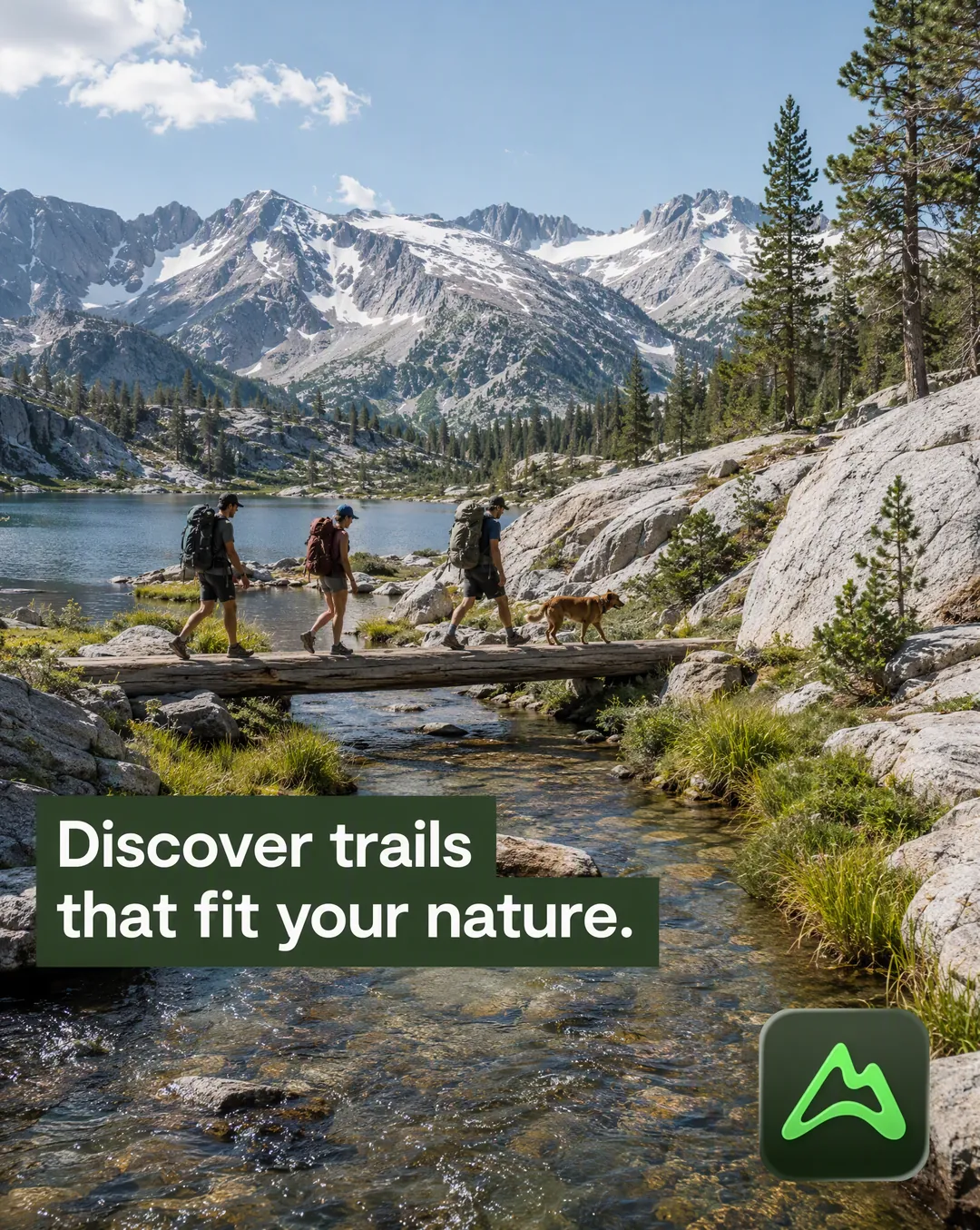
One brand becomes a batch of static ad concepts, spread across fifteen proven layouts.