

The standard advice is to post more video. The largest public dataset on the question disagrees. Buffer's analysis of more than 52 million posts across 200,000 accounts, collected between January 2024 and December 2025, found carousels earned a median engagement rate of 21.77 percent, against roughly 7.35 percent for video and 6.52 percent for images. A below-average carousel performs about as well as a typical video post.
That doesn't mean stop making video. It means format is a decision with evidence behind it, and most content calendars are made without consulting any. This guide gives you 24 ideas you can adapt, but the more useful part is the system for choosing which idea, in which format, on which platform.
Key takeaways
- Carousels showed roughly three times the median engagement of video or images across Buffer's 52-million-post sample.
- On Facebook, format barely matters. Images, video, and text all landed within one percentage point of each other, so format advice has to be platform-specific.
- Link posts (3.81 percent) and text posts (3.18 percent) trailed every visual format.
- Reach is not evenly distributed: Pew found 84 percent of US adults use YouTube and 71 percent use Facebook, while TikTok reaches 37 percent.
- Start from a content job, not a format. Five jobs cover almost everything worth publishing.
Start with a content job, not a format
"Make a carousel" is a production instruction. It isn't a reason for a post to exist. Before picking an idea, decide which job the content does:
- Teach. Help someone understand a problem, method, or trade-off.
- Prove. Show the product, process, result, or reasoning behind a claim.
- Differentiate. Explain why your approach isn't interchangeable with the usual alternative.
- Invite. Ask for an opinion, example, or contribution worth responding to.
- Convert. Help a qualified reader take the next sensible step.
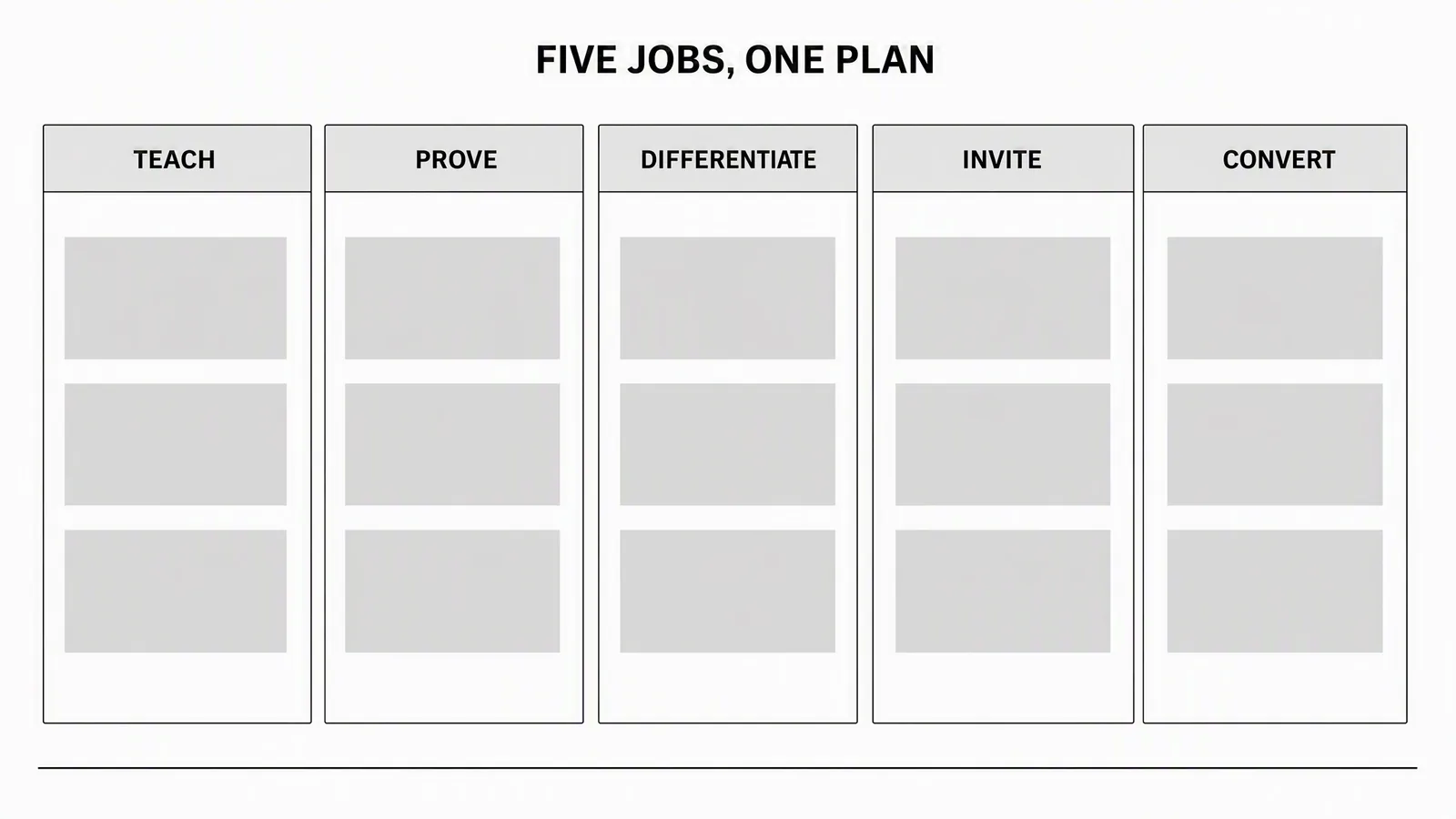
A healthy plan uses all five. If every post converts, the feed becomes a catalogue. If every post teaches without connecting to the product, attention has nowhere to go.
24 social media content ideas you can adapt
Ideas that teach
- Explain one costly misconception. Name the belief, show why it fails, give the better rule. Keep the scope narrow enough to resolve in one post.
- Break a process into three decisions. Not a long checklist. The three moments where the outcome is won or lost.
- Define a term through an example. Show the difference between two easily confused concepts using a concrete scenario.
- Turn a repeated customer question into a visual answer. This is the single most reliable source of good posts, because the demand is already proven.
- Share a before-you-start checklist. Focus on prerequisites that prevent wasted work, not obvious steps.
Ideas that show proof
- Show the input and the output. Put the original brief or source asset beside the finished work, and explain the decisions between them.
- Annotate a real workflow. Record one task start to finish with captions explaining why each step matters.
- Share a constraint you designed around. A tight deadline or awkward format reveals more expertise than a polished result.
- Compare version one with the approved version. Point at the exact changes: clearer hook, stronger hierarchy, more accurate claim.
- Publish the evidence behind a decision. The customer question or observation that changed what you made.
Ideas that differentiate
- State what your product is not for. Clear limits help the right buyer recognise fit and make every other claim more credible.
- Compare two approaches fairly. Define the decision criteria first, then explain when each one wins.
- Challenge a popular shortcut. Explain the condition under which it fails and offer a replacement.
- Reveal the work behind a simple outcome. Source material, choices, review, approval.
- Explain one product principle. Connect a design choice to the user problem it solves.
Ideas that invite participation
- Ask readers to choose between two real options. Give enough context for an informed answer rather than posting an empty poll.
- Request examples of a specific problem. "What's the hardest part of approving creative across three brands?" beats "What are your challenges?"
- Run a teardown with permission. Analyse a public asset against explicit criteria.
- Invite questions for a focused office-hours post. Limit the topic, answer the strongest questions, turn each answer into its own asset.
- Ask what the audience would remove. Editing questions produce sharper discussion than requests for more.
Ideas that create a next step
- Turn a feature into a task. What someone can complete, what it needs, what they get. Not a list of interface labels.
- Build a mini template. A brief, prompt structure, or review checklist they can use immediately.
- Show one complete use case. Source material to finished output, including the review decision.
- Answer the final objection. The practical concern that stops a qualified reader from starting.
Choose the format with the data, per platform
Buffer's format findings only make sense platform by platform. The headline number, carousels at 21.77 percent median engagement against 7.35 percent for video, is an average across networks, and the averages hide the useful part.
|
Format |
Median engagement rate |
|---|---|
|
Carousel |
21.77% |
|
Video |
~7.35% |
|
Image |
~6.52% |
|
Link |
3.81% |
|
Text |
3.18% |
Two platform-level findings change how you'd act on that table. On Facebook, the format gaps are tiny: images, video, and text all land within one percentage point of each other, so choosing a format there on engagement grounds is close to arbitrary and effort is better spent on the message. On X, engagement split sharply between Premium and regular accounts after January 2025, and in the most recent months of the study the median engagement rate for regular accounts hit zero.
Engagement rate also isn't the only thing worth optimising. Pew's survey of 5,022 US adults, conducted February to June 2025, found 84 percent use YouTube and 71 percent use Facebook, while Instagram reaches 50 percent and TikTok 37 percent. A format that earns high engagement on a platform your buyers don't use is a hobby.
Prioritise before you fill the calendar
|
Test |
Question |
Strong signal |
|---|---|---|
|
Audience value |
Does this resolve a real question or decision? |
It came from customers, product use, or repeated conversations |
|
Evidence |
Can you show or support the claim? |
A current screen, product fact, example, or transparent reasoning |
|
Distinctiveness |
Could a competitor publish this exact post? |
The angle depends on your product, method, or constraint |
|
Format fit |
Does the format make the idea clearer? |
Sequence teaches, motion demonstrates, one image resolves the point |
|
Next step |
Is there a useful action afterwards? |
Save, reply, compare, inspect, or try |
Score each idea weak, workable, or strong, and publish the strong ones first. A calendar with unused slots is healthier than one filled with posts nobody needed.
Turn one idea into a series without repeating yourself
You don't need a new subject for every post. You need different ways to help the audience understand the same important subject.
Take a product launch. Teach the problem the feature solves. Prove it with the workflow or finished output. Differentiate by comparing it with the old workaround. Invite discussion about which part of the workflow creates the most friction. Convert by giving qualified readers a direct way to try it.
Those aren't five copies of one announcement. Each performs a different reader job, which is what makes reuse efficient rather than repetitive.
A workflow for generating better ideas
- Gather real source material. Your product listing, screenshots, customer questions, approved claims, release notes. A blank prompt invites generic output.
- Choose one audience and one outcome. "Everyone who follows us" is not an audience. Pick the person whose question the post resolves.
- Select an angle. A common mistake and its correction, a step-by-step workflow, a before-and-after, a decision and its evidence, a trade-off, a reusable template, or a direct answer to a repeated question.
- Match format to idea, then to platform. Sequence and comparison suit carousels. Demonstration suits video. One strong visual point suits a static post. Then check the format data for the platform you're publishing to.
- Vary the hook, not the truth. One workflow can become a 20-second demo, a five-slide breakdown, and a static before-and-after. Claims stay identical across all of them.
- Review before scheduling. Is the claim supportable? Does the post do one job? Can someone understand it without extra context? Is the next action appropriate, or is the post better without one?
Frequently asked questions
What type of content gets the most engagement?
Carousels, by a wide margin, in Buffer's 52-million-post sample: a 21.77 percent median engagement rate against roughly 7.35 percent for video. The exception is Facebook, where formats performed within about one percentage point of each other.
How often should a brand post?
Frequency matters less than whether each post does a job. A calendar with gaps beats one padded with posts that exist to fill slots.
Should I post the same content on every platform?
The same idea, yes. The same file, rarely. Format performance and audience composition differ enough between networks that a straight cross-post wastes the idea on most of them.
Where do good content ideas come from?
Repeated customer questions, first. The demand is already demonstrated, the language is already validated, and you don't have to guess whether anyone cares.
Is engagement rate the right metric?
Only partly. It measures interaction among people who saw the post, not whether the right people saw it or did anything commercially useful. Weigh it against platform reach and the action the post was designed to produce.
Sources
Checked on 4 August 2026.
- Buffer: The State of Social Media Engagement, 52M+ posts analysed
- Buffer: best content format by platform
- Pew Research Center: Americans' Social Media Use 2025
Producing the ideas you choose
Advibly turns a website, storefront, or product asset into posts, carousels, and video built from the same source material, so one approved idea can become the two or three formats it genuinely needs. Deciding what deserves to be said stays with you.
Format-specific guidance lives in the reel maker guide and the LinkedIn format guide. For quick drafting, try the Instagram caption generator, TikTok script generator, or YouTube title generator.