
For a square single-image campaign, start with a LinkedIn ad size of 1200 × 1200 pixels. Other image layouts, video, carousel and document ads have separate requirements. Choose the paid format before making the export.
The tables below separate recommended production sizes from technical boundaries. LinkedIn's official pages were checked September 12, 2026. This is a specification reference, not a report of an account-level upload test. Inspect the selected placements in Campaign Manager before launch.
Key takeaways
- A recommended size is a useful starting file, not the only acceptable resolution.
- Vertical single-image ads are mobile-only. That rule should not be copied onto every video format.
- The carousel file limit is per card, not a combined allowance for the whole sequence.
- Write to the copy recommendation, check the hard maximum separately, and preview the result.
Pick the paid format first
|
Your creative job |
Starting format |
Main production check |
|---|---|---|
|
One offer or product benefit |
Single image |
Compose for the chosen ratio and device coverage |
|
A demo or narrated explanation |
Video |
Match resolution, duration, sound and thumbnail |
|
A sequence of distinct points |
Carousel image ad |
Check every square card and its destination |
|
A guide, report or slide-based explanation |
Document ad |
Keep pages consistent and readable in the feed |
These are editorial fit suggestions, not claims about which format performs best. A static comparison can explain a simple feature better than an unnecessary video. A genuine product demonstration needs motion when the action itself is the proof.
For unpaid feed content, use the separate LinkedIn post-size guide. Organic documents, link previews and profile imagery should not inherit a paid-ad table by default.
LinkedIn single-image ad sizes
The single-image Help specification lists the following recommendations and dimension ranges. All pixel pairs are width × height.
|
Layout |
Suggested master |
Listed minimum to maximum |
|---|---|---|
|
Landscape, 1.91:1 |
1200 × 628 |
640 × 360 to 7680 × 4320 |
|
Square, 1:1 |
1200 × 1200 |
360 × 360 to 4320 × 4320 |
|
Vertical, 4:5 |
720 × 900 |
360 × 640 to 2430 × 4320 |
Files can be JPG, PNG or GIF, up to 5 MB. Animated GIFs must contain no more than 250 frames. Paid vertical assets serve only on mobile. LinkedIn recommends 4:5 to avoid the side borders it adds to legacy 1:1.91 vertical images.
The published dimension endpoints are not instructions to combine any width with any height. Preserve the intended aspect ratio and check the actual file in the selected format. A square product shot and a wide interface screenshot call for different compositions even when both fit a technical boundary.
If the brief needs desktop as well as mobile, don't deliver only a vertical single image. Include a reviewed square or landscape alternative. Square is a practical starting point for a balanced layout, not a guarantee of every placement or superior results.
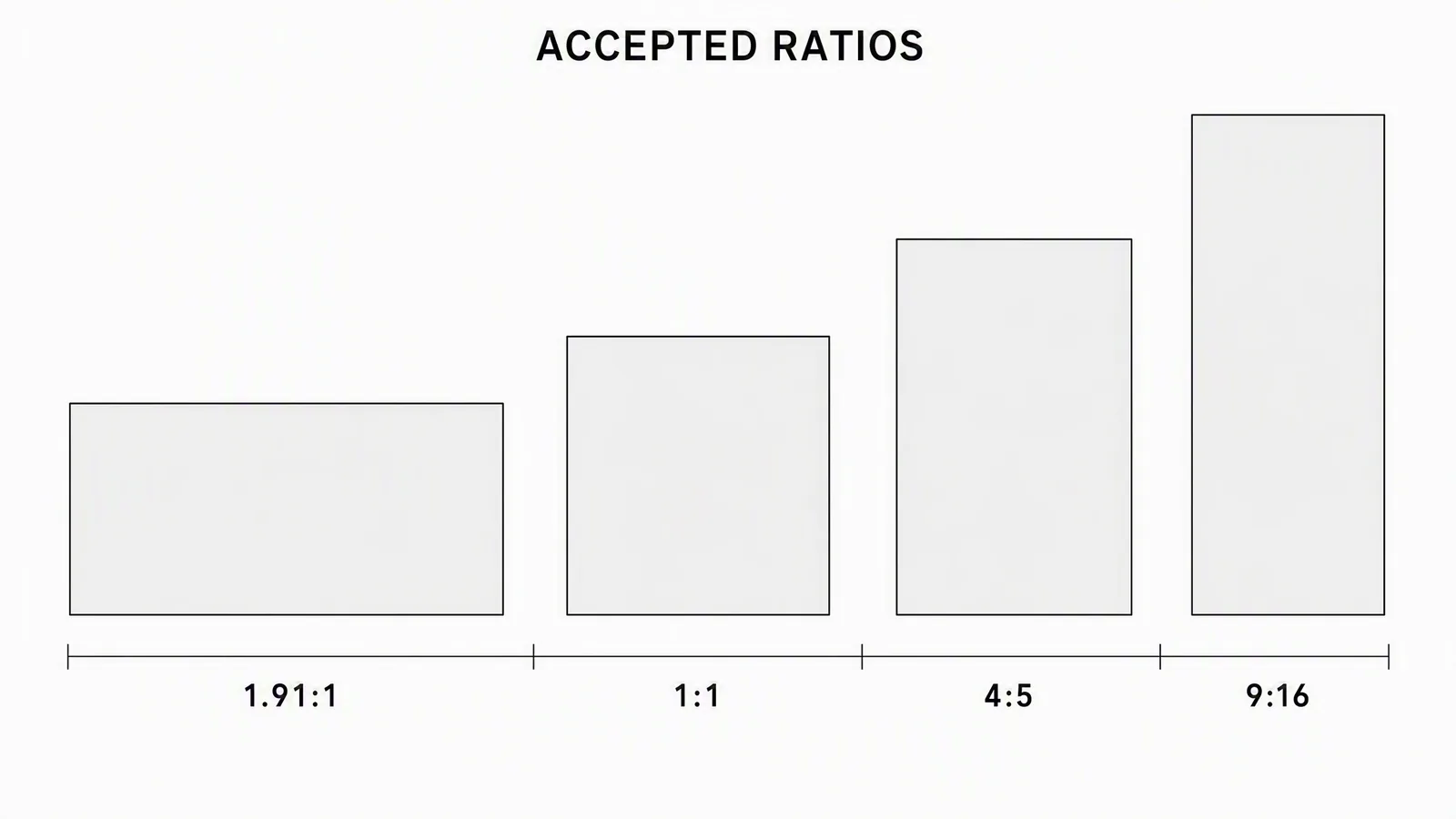
Orientation reminder only, not a scale drawing or universal acceptance guide. The retained illustration's “Accepted ratios” label spans different formats: 1.91:1 is the landscape single-image recommendation; the video table below uses 16:9. Use the format-specific numbers, not the drawn frame proportions.
Actual compositions in three export sizes
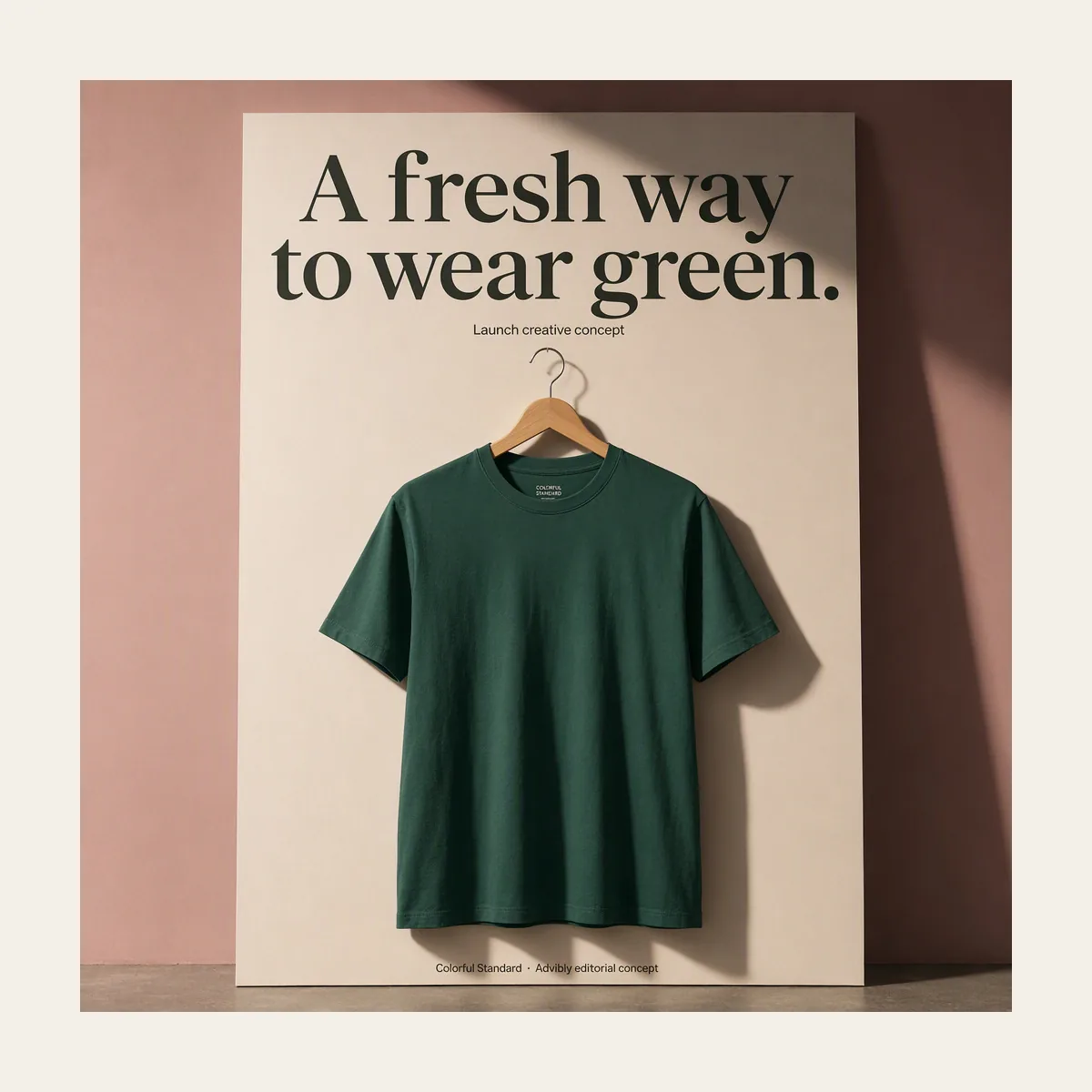
Square: 1200 × 1200. The single-product poster was composed as a square rather than made by cropping a vertical scene.
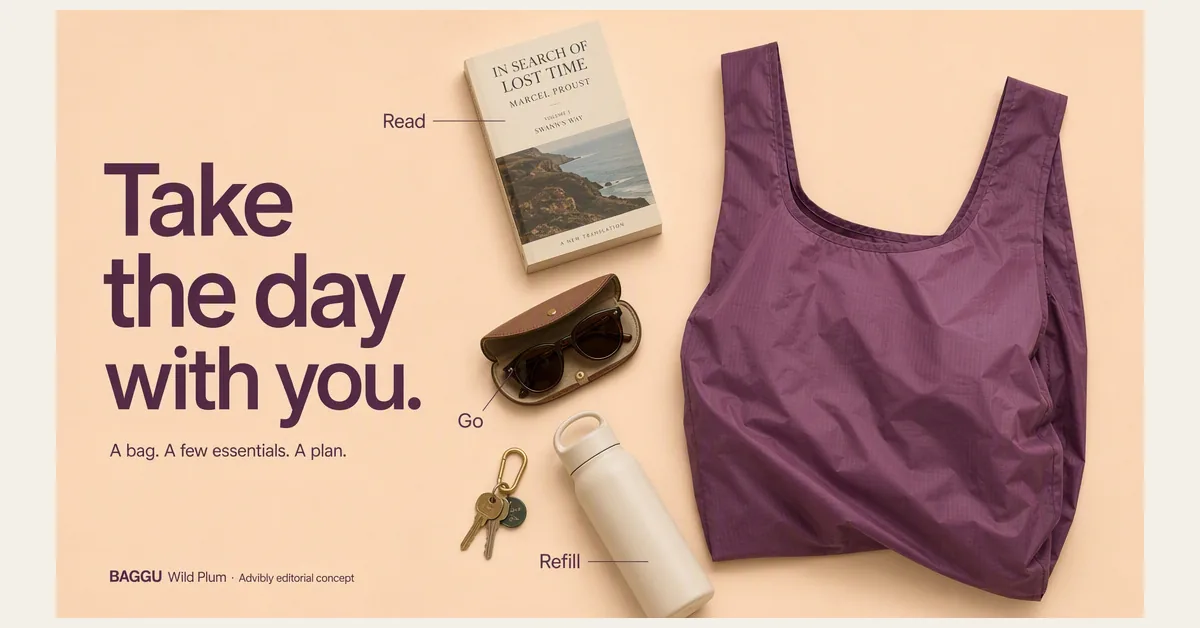
Landscape: 1200 × 628. The wide bag flatlay gives the headline and product separate space. Proportional fitting retains the original artwork; this is not a Campaign Manager screenshot.
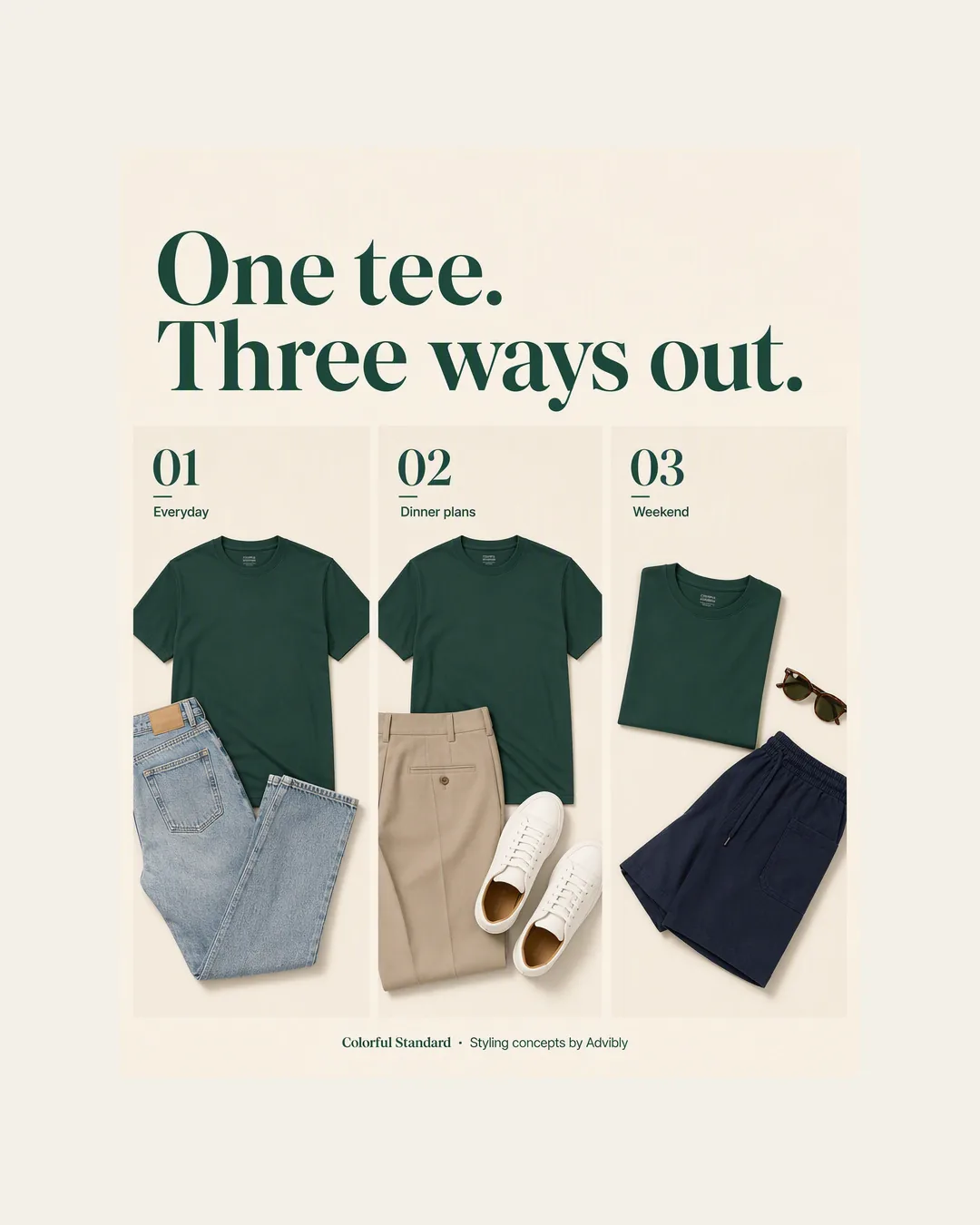
Portrait: 1080 × 1350, a true 4:5 file. The three-panel styling story uses vertical space intentionally. This is a measured specimen, not a platform acceptance receipt.
Open the exact portrait JPG. The three subjects demonstrate different compositions; they are not one controlled creative test.
LinkedIn video ad specs
Choose the ratio that serves the demonstration, then export within LinkedIn's video specifications. A tall app interaction and a wide desktop walkthrough are different editing jobs.
|
Video ratio |
Listed minimum |
Listed maximum |
|---|---|---|
|
16:9 |
640 × 360 |
1920 × 1080 |
|
1:1 |
360 × 360 |
1920 × 1920 |
|
4:5 |
360 × 450 |
1080 × 1350 |
|
9:16 |
360 × 640 |
1080 × 1920 |
Use MP4. The file range is 75 KB to 500 MB; duration can run from 3 seconds to 30 minutes. LinkedIn recommends 30 fps and lists AAC or MPEG4 audio with a sound rate below 64 kHz. Its listed aspect-ratio tolerance is 5%.
A custom thumbnail is optional but recommended: JPG or PNG, at most 2 MB, matching the video's aspect ratio and resolution. Captions are optional in the technical specification; editorially, include them when speech carries meaning the viewer would otherwise miss.
Don't confuse the maximum duration with a target length. Show the complete point without extending the edit to fill an allowance. For a short feature demonstration, that can mean a clear opening state, one action and the resulting change, rather than an introductory logo sequence.
Preview captions and the thumbnail separately. Reframing a landscape edit into vertical can leave a button outside the crop or push a subtitle into interface controls. There is no universal crop-safe overlay established by this guide.
Play the actual motion exports
The same original Advibly-generated cube character arranges three spheres in these six-second films. Each canvas is composed separately around the complete landscape action, with proportional scaling and no stretched objects. These are silent editorial ratio specimens, not uploaded campaigns or platform-acceptance tests.
Landscape: 1920 × 1080
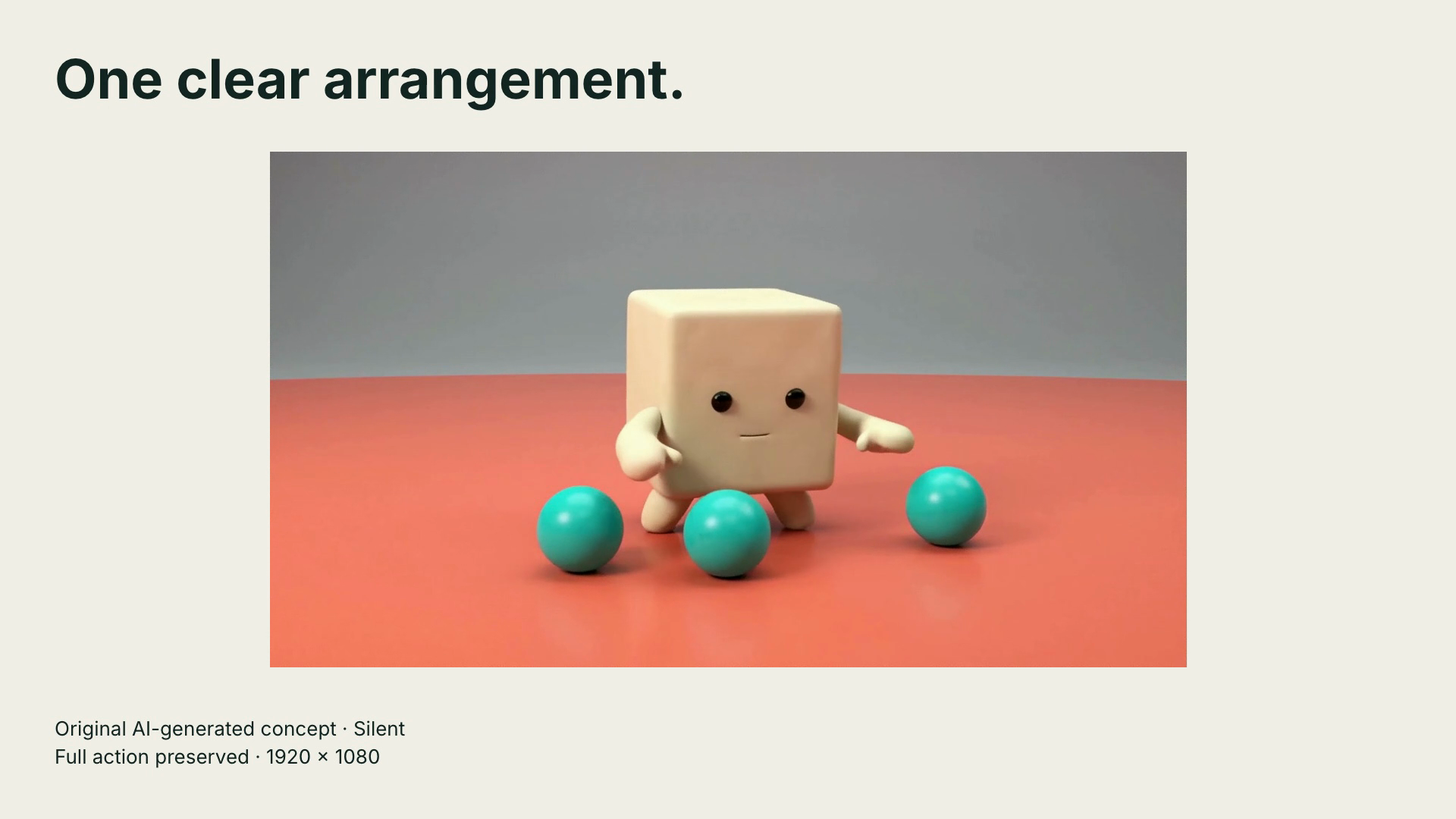
Open the complete 1920 × 1080 motion specimen (six seconds, silent MP4)
Square: 1080 × 1080
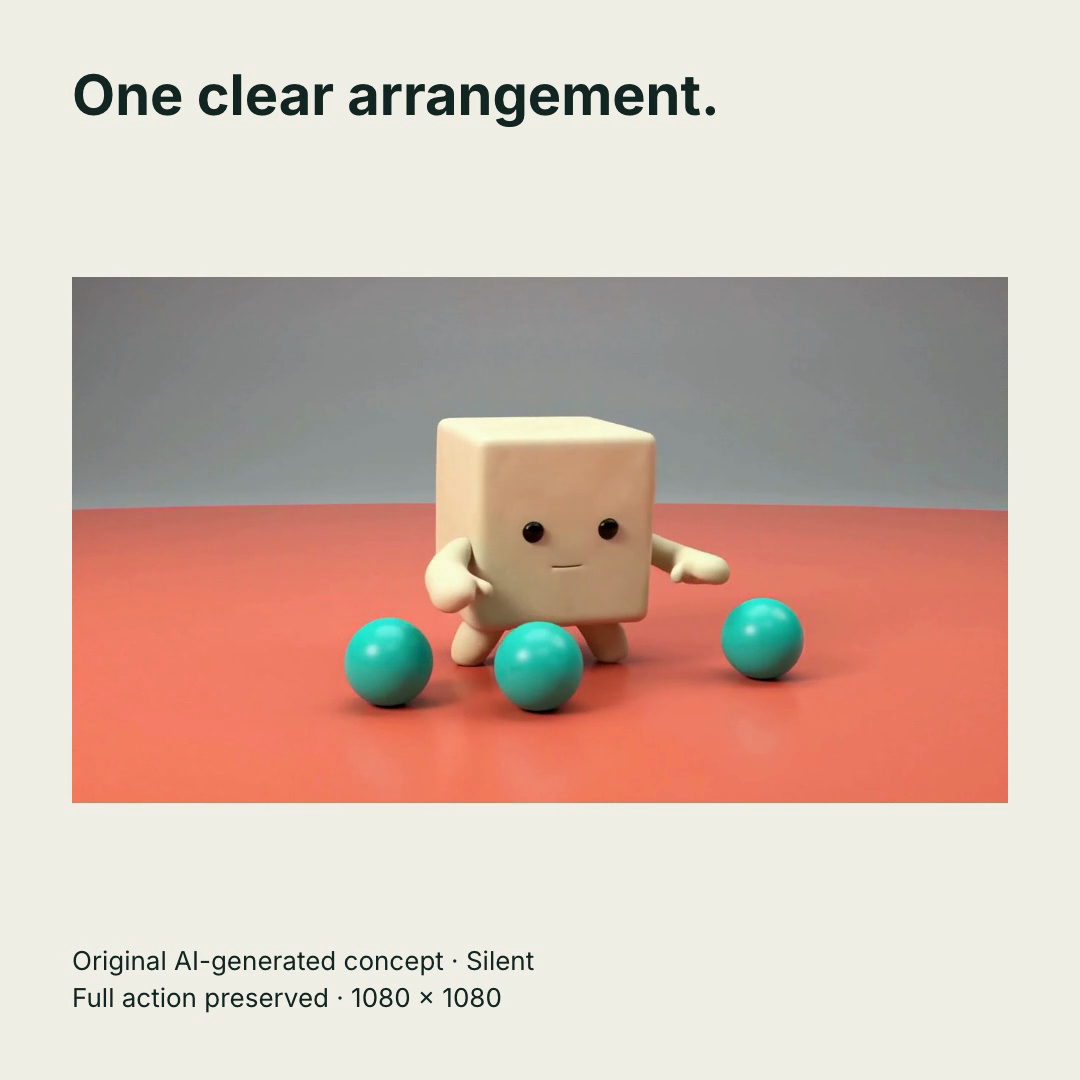
Open the complete 1080 × 1080 motion specimen (six seconds, silent MP4)
Portrait Feed: 1080 × 1350
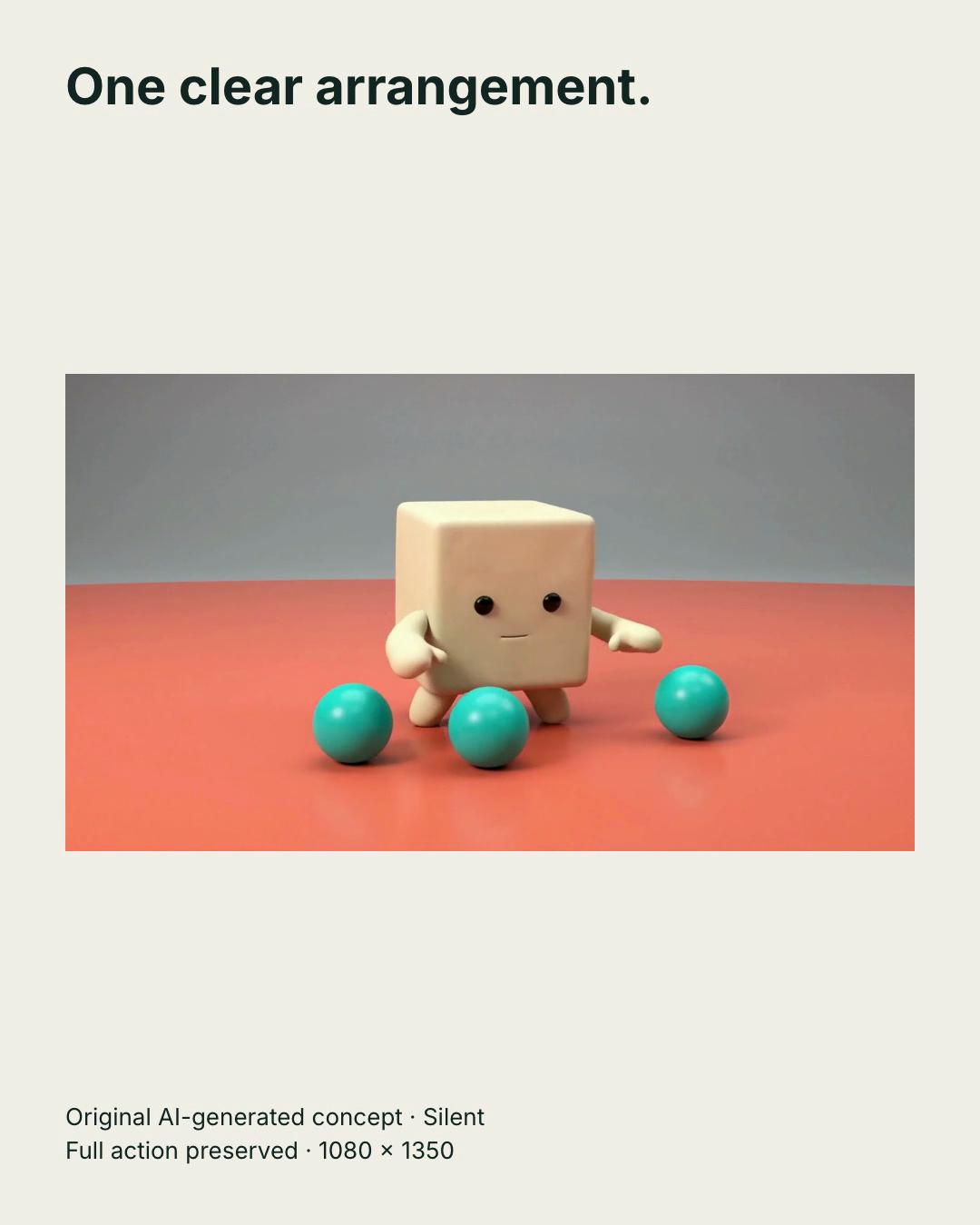
Open the complete 1080 × 1350 motion specimen (six seconds, silent MP4)
Vertical: 1080 × 1920
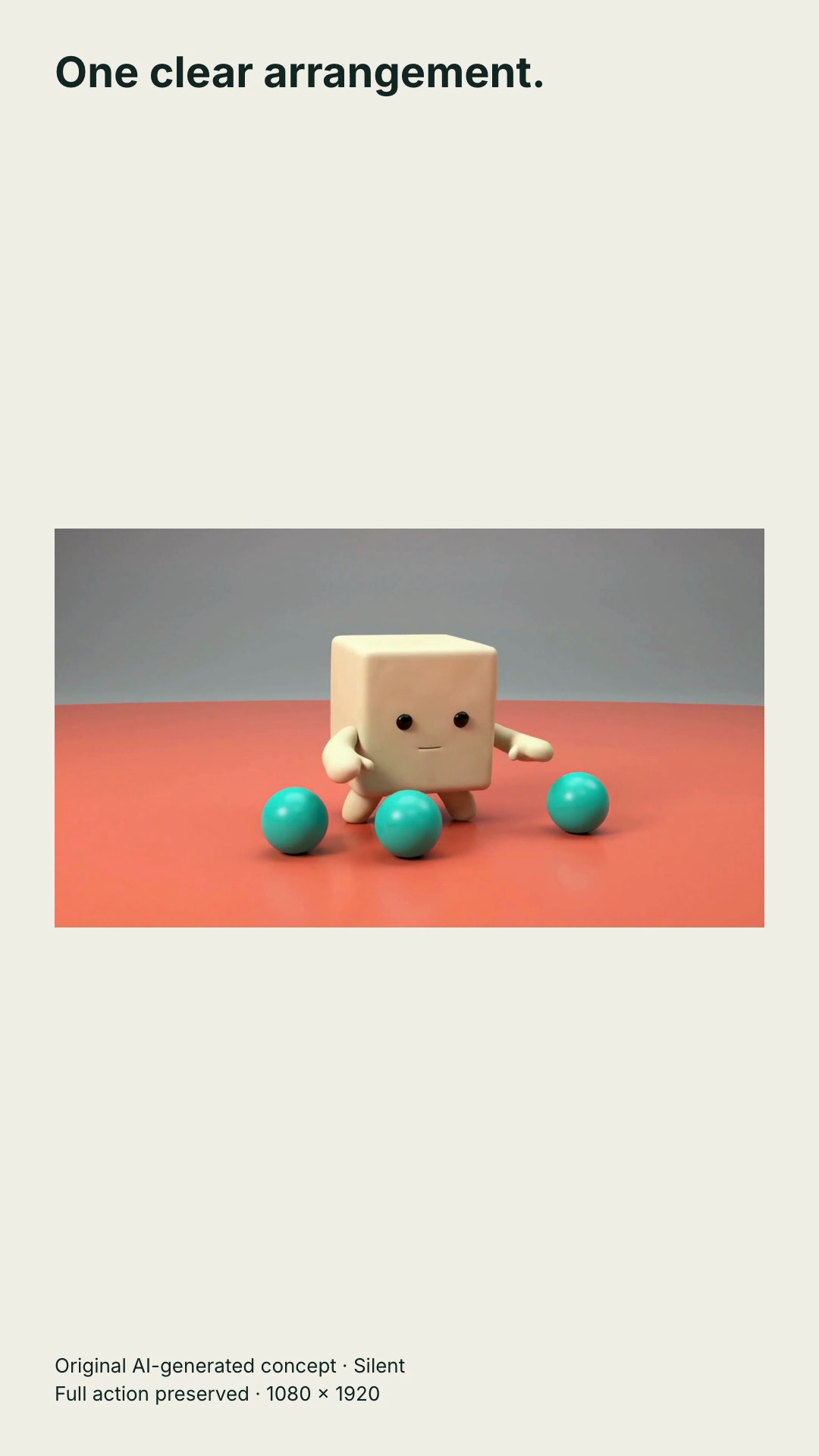
Open the complete 1080 × 1920 motion specimen (six seconds, silent MP4)
Input: one 1280 × 720 landscape film. Change: preserve its full field of view while placing the headline and disclosure outside the action. To reproduce, fit the footage uniformly inside the chosen canvas, leave room for the text, and play the exported file from start to finish. Check the spheres at both sides before deciding that a tighter crop is harmless. Increasing export dimensions does not create extra source detail.
Containment deliberately leaves more open space in portrait. It preserves this wide action; it is not a claim that this is the strongest feed creative. Choose a dedicated vertical shot when filling the frame matters more. The files have no audio track. Add and review appropriate sound if the selected placement requires it, and inspect the real uploader preview separately.
LinkedIn carousel ad specs
Carousel image ads accept 2–10 cards, with a recommended square master of 1080 × 1080. LinkedIn's carousel Help page specifies up to 4320 × 4320 and 10 MB for each card, with JPG, PNG or non-animated GIF support. Video cards aren't supported.
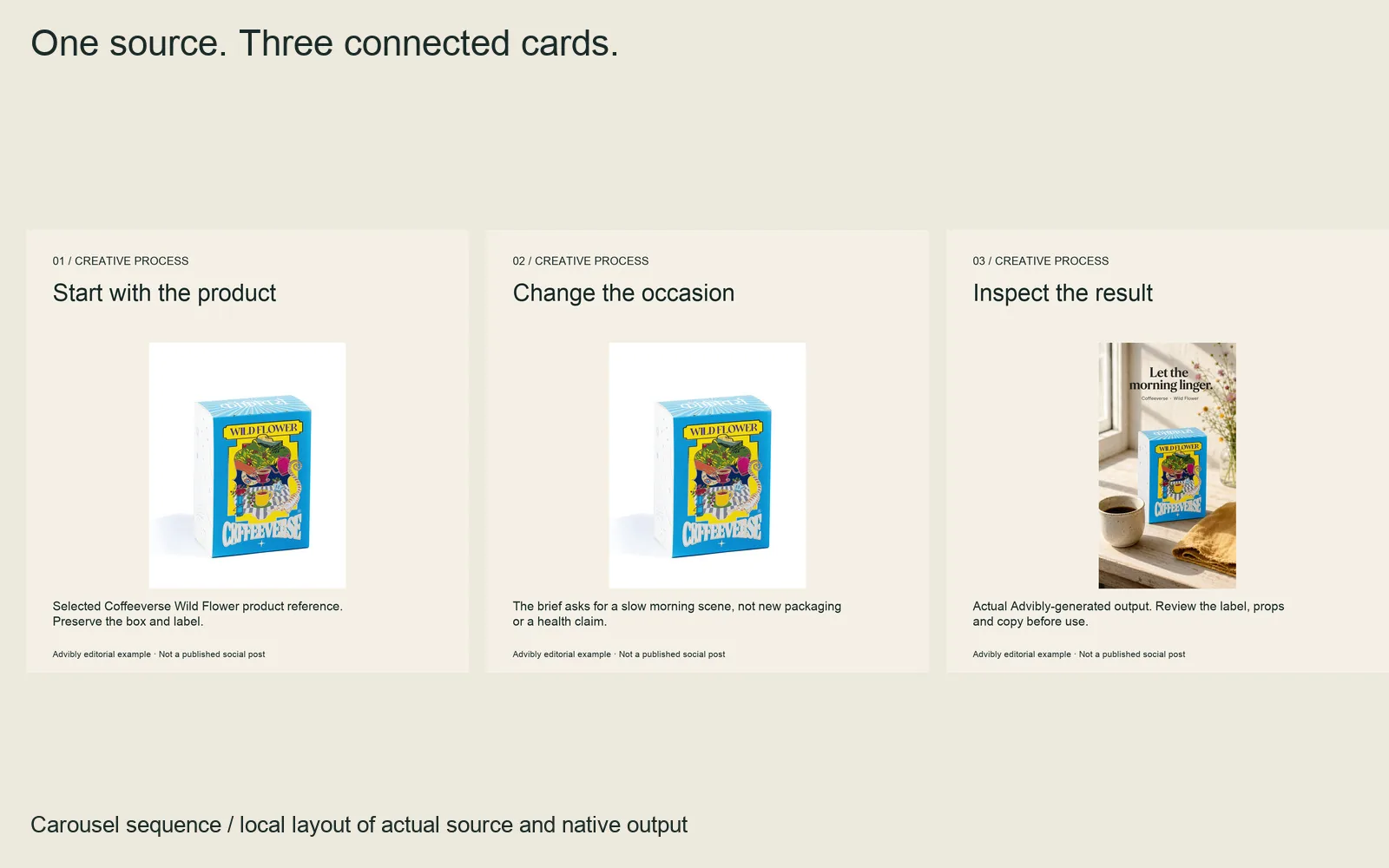
Three actual square cards, ordered source → constraint → result. Each is 1080 × 1080, not a contact sheet submitted as one carousel card.
Inspect individual cards: card 1, card 2, card 3. No LinkedIn campaign was created.
The same page gives a 45-character card-headline limit for both destination-URL and Lead Gen Form routes, and warns that display truncates beyond two lines. Different cards can link to different destinations; a selected Lead Gen Form CTA uses the same form across the carousel. It also says cards cannot be edited after the ad is saved, so check their order before saving.
An editorial sequence for a fictional workflow product could be:
- Name one problem: scattered feedback.
- Show the real product screen where feedback is collected.
- Explain the specific change the product enables.
- Offer the next step, such as a demo.
Each card should still make sense when seen on its own. Don't place an unqualified numerical promise on the first card and leave its essential condition several cards later.
LinkedIn document ad specs
The document specification accepts PDF, DOC, DOCX, PPT and PPTX files up to 100 MB. It recommends fewer than 10 pages and lists a maximum of 300 pages or one million words. Standard page layouts such as A4 or Letter are supported.
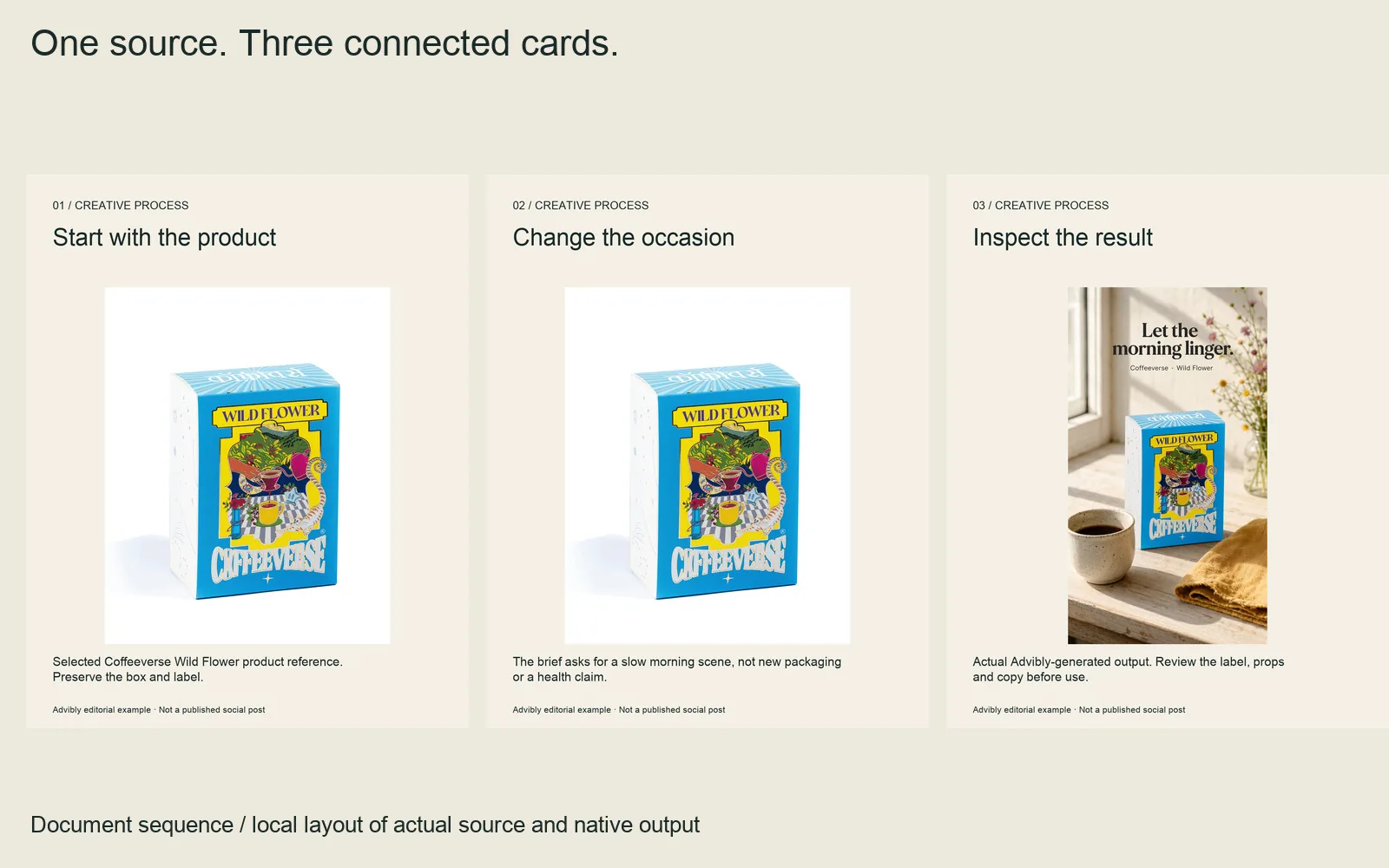
A finished document specimen with three equally sized pages. Its argument remains readable page by page; it is not an ad-platform preview.
Flatten or merge layered PDFs, make all pages the same size and use secure hyperlinks. Merging layers needn't mean rasterizing all text: preserve readable, selectable text and check reading order after export. The large maximum is an upload boundary, not a reason to turn a short explanation into a long report.
For a practical document, lead with the reader's decision rather than a contents page full of generic section names. A five-page editorial plan might be: problem, checklist, worked example, common mistake, next action. That is a suggested structure, not a LinkedIn requirement or an actual campaign result.
Inspect both the cover at feed size and the interior on mobile. A readable desktop PDF can still contain tables that are too dense for a small screen. Check the gated or ungated experience you actually selected; don't assume both flows behave identically.
LinkedIn ad copy and headline character limits
Different formats expose different limits. Keep the short working recommendation distinct from the amount a field can accept. In this table, “Rec.” means recommended.
|
Format |
Intro text |
Headline |
|---|---|---|
|
Single image |
Rec. 150; max. 3,000 |
Rec. 70; max. 200 |
|
Video |
Rec. 150; max. 600 |
Rec. 70; max. 200 |
|
Carousel |
Rec. 150; max. 255 |
45 per card; inspect two-line display |
|
Document |
Rec. 150 |
Rec. 70 |
Sources are the corresponding official pages linked in each format section. The document row reports recommendations, not verified hard maxima. For single images, current Help also gives description guidance of 100 characters before likely truncation and a 300-character maximum; Audience Network display can vary.
Put the central meaning first. For example, a fictional carousel headline such as “Review the change in context” stands on its own; it doesn't need the rest of a sentence to explain the offer. Use the actual field counter for the final text, including spaces and punctuation. Character counts are not reliable word-count equivalents.
If a campaign includes a carousel, its short card headlines can help establish a concise message. You don't have to impose that same length on every other format when extra context genuinely helps. Consistency of meaning matters more than identical wording.
Build a reusable campaign, not one stretched image
Start with a small truth sheet: current product screenshot, approved offer, audience, claim, required disclosure and destination. Then separate those facts from the visual layout. Moving a headline is a design change; changing a price is a campaign-wide factual change.
In Advibly, saved brand context can carry real screenshots, logos and product information into static ad creation, a carousel or an explainer. Work in the portal, or use a compatible assistant through MCP to coordinate the steps.
For a fictional SaaS launch, keep the actual interface as evidence. Build a square feature ad, recompose the same idea into landscape, then use a Whiteboard Doodle explainer to introduce the workflow before showing the real screen. The animation supplies explanation, not fabricated product behavior. A short carousel can break the same lesson into separate decisions.
Review one direction before multiplying variants. For each final asset, record its actual dimensions, file size, version and intended format. A generation request for a particular shape is not proof that the exported file meets every LinkedIn requirement.
Advibly can also schedule and publish the organic companion posts to supported connected LinkedIn destinations and provide publication status and analytics. Keep that social workflow distinct from launching the paid campaign in Campaign Manager. The paid ad still needs its campaign settings, placement preview and approval.
Paid-creative preflight and repair
An upload problem and a readability problem need different fixes. Check the reported failure before reducing resolution or rewriting the whole campaign.
|
What you see |
Inspect first |
Appropriate repair |
|---|---|---|
|
File rejected |
Actual type, bytes, dimensions and duration |
Fix the failing property, then re-export |
|
Text cut off |
Field count and selected placement preview |
Put the meaning earlier or shorten it |
|
Product details too small |
Actual feed rendering |
Recompose around one clearer detail |
|
Wrong card or destination |
Sequence and each assigned URL or form |
Correct before final save and launch |
Measure the file itself. Pixel dimensions do not determine compressed file size, and a short MP4 is not automatically below its cap. Compression settings and content matter. Keep a sharp source master so a smaller delivery export doesn't become the only editable copy.
Before launch, verify:
- The selected paid format matches the file, and intended device coverage is realistic.
- Every image or card meets its own file boundary; video includes the right thumbnail and readable captions.
- Product claims, price, offer and destination agree across the whole set.
- Document pages are consistent and all relevant links work.
- Desktop, mobile and Audience Network previews are checked where applicable to the selected placement.
- The approved filename and version are the ones actually attached to the campaign.
Keep a simple receipt: filename, format, measured dimensions and bytes, copy version, destination, reviewer and preview date. This is an operator's handoff record, not a native platform certification. Acceptance does not prove a good viewing experience, and neither proves campaign performance.
LinkedIn ad size FAQs
Is square always the best LinkedIn ad size?
No. Square is a useful composition default for many single-image jobs. A wide interface may need landscape; a mobile-focused concept may need vertical. Choose around the message and intended placement, then preview.
Can a carousel contain video?
Not in the carousel image-ad format described here. If motion is essential, use an appropriate video ad instead of trying to upload a clip as an image card.
Is 150 characters a universal hard limit?
No. The recommendations and hard maxima differ by format, as the copy table shows. A field accepting more text also doesn't guarantee all of it will display without truncation.
Does an accepted export guarantee delivery?
No. File validity is one check. Account setup, selected placement, advertising requirements and the actual preview still matter. Reopen the relevant official specification before a new launch rather than relying indefinitely on any dated reference.
Sources
Official specifications, product guidance and production accounts checked for this article. Vendor accounts describe their own work; they are not independent performance tests.