

Higgsfield pricing showed Basic at $9, Pro at $29 and Max at $79 per month on monthly billing when checked on September 12, 2026. The entry credit selections were 120, 600 and 1,800 credits respectively. These are dated public-page observations, not a quote for every account.
The buying decision has three parts: the plan you pay for, the credits your exact production route consumes, and the number of outputs you can actually approve. A low price per render does not settle the cost of a finished ad.
Advibly publishes this guide and offers a competing creative workflow. The comparison below does not declare a price winner across different models, settings or deliverables.
Key takeaways
- Compare the billing commitment as well as the displayed monthly price.
- Keep subscription credits, purchased credits and website-only allowances separate.
- Use the actual model quote, then account for rejected attempts and unused allowance.
- Compare finished jobs on the same brief, not credit counts across platforms.
Current Higgsfield plan prices
These base selections were visible on the logged-out official pricing page. The annual column is the displayed monthly equivalent, not a monthly payment.
|
Plan |
Monthly billing |
Annual billing, per month |
|---|---|---|
|
Basic |
$9 |
$9 |
|
Pro |
$29 |
$23 |
|
Max |
$79 |
$59 |
The selected monthly allowances were Basic 120, Pro 600 and Max 1,800 credits. Pro and Max also exposed higher credit selections. Taxes, account-specific promotions, top-up prices and final checkout totals were not verified in this capture.
Higgsfield's plan documentation distinguishes model access, credits and parallel jobs. Its business options include Team, Scale and Enterprise, with shared workspaces and pooled credits. Enterprise terms can include volume rollover, unlike ordinary individual subscription credits.
Annual value is not the same as annual cash flow
Multiplying the displayed base annual equivalents by 12 gives $108, $276 and $708 before taxes. Those are arithmetic illustrations of the commitment, not completed checkout quotes.
Consider whether you need the product for a whole year. A lower monthly equivalent can be poor value for a two-week project if the unused months do not help you. Conversely, consistent work can make an annual commitment sensible when the selected models and allowance fit.
Record the billing period, credit selection, currency, offer terms and amount due together. Don't pair an annual price from one card with a monthly allowance or promotion from another.
Why older pricing tables can disagree
A pricing screenshot is a record of one view at one time. It does not establish that every visitor sees that offer, that a promotion renews, or that another published table is a live experiment.
Earlier versions of this comparison included two different plan ladders and inferred why they differed. This rewrite does not rely on that inference. Use the dated observations above and your own current checkout.
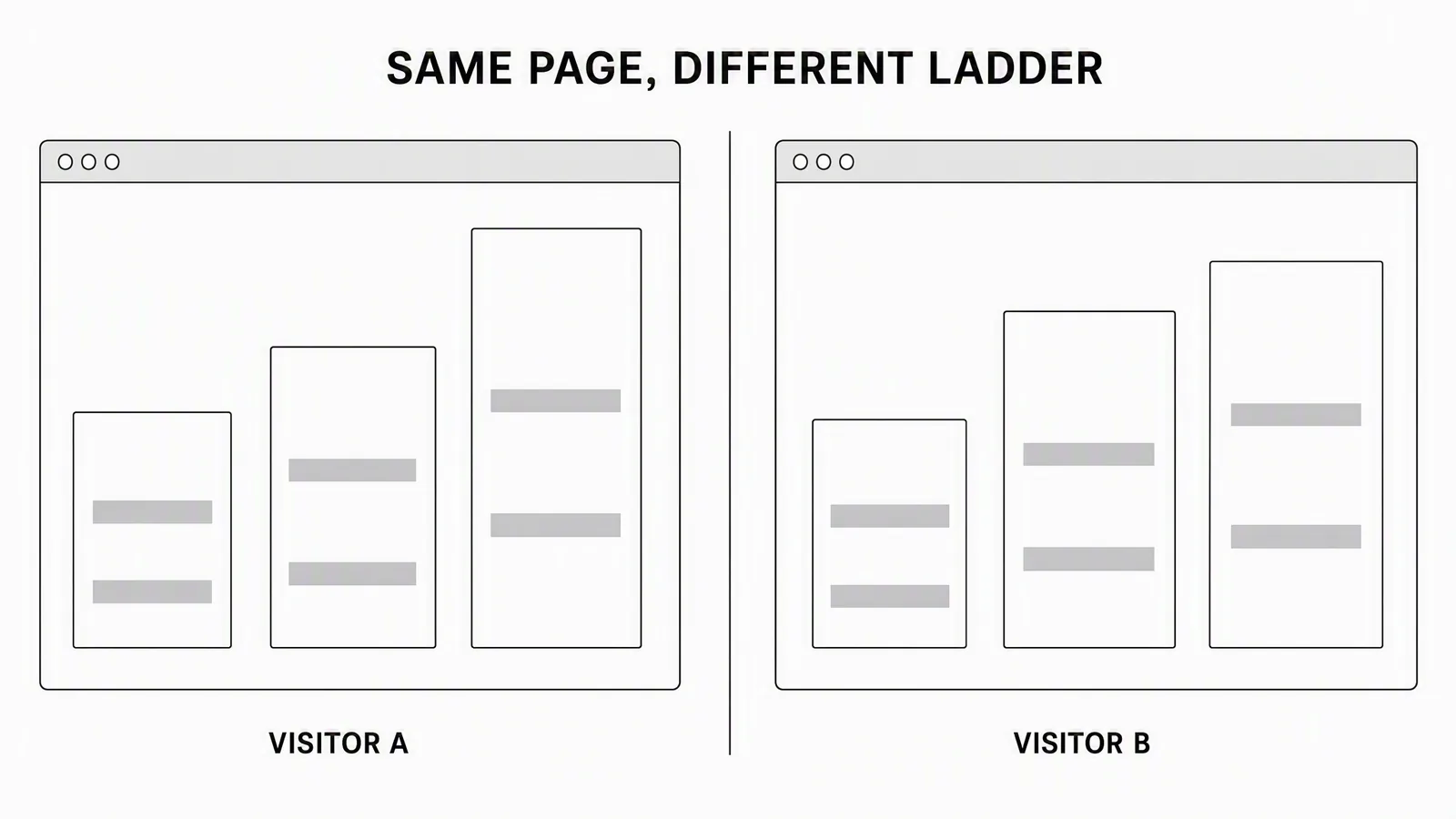
Conceptual wireframe retained from the earlier comparison. It illustrates why two captured views should not be merged into one offer. It is not a Higgsfield screenshot or evidence of a current visitor-level pricing experiment.
This matters most when a comparison combines the lowest price it can find with the highest allowance it can find. The resulting plan may not be purchasable.
How Higgsfield credits reset and expire
Higgsfield's credit guide says individual subscription credits do not roll over. Monthly plans reset after paid renewal; annual plans receive credits every 30 days, not as one yearly pool. Credits require an active subscription.
Credit Pack and Auto-Refill balances expire 90 days after purchase. Subscription credits are spent first, then other balances by expiry. Failed generations are usually refunded, but some models may not refund; check the actual usage entry.
For budgeting, keep a separate record for each purchase pool:
|
Budget row |
What to record |
What not to assume |
|---|---|---|
|
Subscription |
Cost, allowance and reset |
Every included credit will be used |
|
Credit Pack |
Purchase price and expiry |
Same unit cost as the plan |
|
Auto-Refill |
Threshold, purchase terms and expiry |
Unlimited approved spending |
|
Promo balance |
Issued amount and expiry |
Renewal with the subscription |
If a project needs 200 credits but your selected plan contains more, decide how much of the remaining allowance has a real job before the reset. “We could generate more” is not the same as “we need more approved work.”
Also separate a technical refund from an editorial rejection. A completed video with the wrong product shape may be unusable to your team without being a failed generation under the provider's refund rules.
Website Unlimited is not an MCP budget
The official MCP explanation says automated generation uses credits even when a website allowance is available. Website-only Unlimited and free generations do not extend to MCP, CLI, Canvas or Supercomputer.
Higgsfield does offer agent access; the difference is the billing route, not whether automation exists. Record the interface with the quote.
For a manual exploration session, a relevant website allowance may be valuable. For an agent producing a repeatable set of clips, calculate the metered operations. For a multi-shot ad, include the clips and any separately charged rerolls, upscales or other required steps.
Do not treat “Unlimited” as a promise of unlimited approved campaigns. Eligibility, duration and operating conditions belong to the specific offer. The plan documentation says included models and access periods vary.
Calculate cost per approved output
Use a defined period and one deliverable type. Here is a simple planning model for equally priced attempts:
- P: dollars allocated to that period's generation budget.
- C: credits you expect to use before reset or expiry.
- g: credits per complete attempt at the selected settings.
- a: assumed approval rate, expressed between zero and one.
- h: additional editing, review or handoff cost per approved asset.
The calculation is:
Complete attempts = floor(C ÷ g)
Expected approvals = complete attempts × a
Generation cost per expected approval = P ÷ expected approvals
Finished cost per expected approval = generation cost + h
The floor operation counts only complete attempts. This model requires g greater than zero; use a separate time-and-fee budget for an eligible zero-credit website allowance. If C is less than g, the budget cannot fund one attempt. If expected approvals are zero, cost per approval is undefined, not zero. Stop and revise the plan instead of dividing by zero.
If settings or operation prices differ, use a line-item budget instead of averaging them into a misleading fixed g. At the end of the period, replace expected approvals with the actual accepted count.
Worked budget: the effect of unused credits
Suppose you allocate $29 to one period, expect to use 600 credits and enter a hypothetical quote of 30 credits per attempt. The dollar and allowance inputs match one captured base selection; 30 credits is a teaching assumption, not a current quote for your chosen model.
You can fund 20 attempts. At an assumed 50% approval rate, that is 10 expected approvals, giving $2.90 of generation budget per expected approval. If editing and review add an assumed $4 each, the modeled finished cost is $6.90.
Now suppose the actual workload only uses 300 credits before reset. Keeping the full $29 allocated to that period gives 10 attempts and five expected approvals: $5.80 generation cost, or $9.80 including the same $4 handoff assumption.
The software price did not change. Utilization did. This is why dividing the subscription price by every included credit can make a low-volume workflow look cheaper than it is.
Approval-rate sensitivity
Using the first scenario's 20 attempts and $29 budget:
|
Assumed approval |
Expected approvals |
Generation cost per approval |
|---|---|---|
|
100% |
20 |
$1.45 |
|
50% |
10 |
$2.90 |
|
33% |
6.6 |
$4.39 |
The 6.6 is an expected value for planning, not a deliverable count. A completed batch contains an integer number of approved outputs. None of these rates is a Higgsfield quality benchmark.
What a model-guide example can and cannot tell you
Higgsfield's Kling 3.0 guide, rechecked September 12, lists 15-second examples of 30 credits at 720p, 37.5 at 1080p and 90 at 4K. Its approximate retail equivalence is 20 credits per dollar.
That yields guide-based attempt illustrations of $1.50, $1.875 and $4.50 respectively. At a hypothetical 50% approval rate, divide each by 0.5: $3.00, $3.75 and $9.00 before finishing work.
Do not apply that exchange rate to every subscription. Do not round $1.875 to $1.88 before dividing, which would turn $3.75 into $3.76. Keep full precision until the final display.
The live pricing page also presents model estimates, and they need not match a separate guide's older examples or settings. Use the quote shown for the actual operation before submitting it. A model article is a useful illustration, not a reserved price.
For feature selection rather than subscription economics, see the separate Kling Motion Control guide.
Define the output before comparing the bill
Here is a concrete multi-format job to price: one product-hero still, one animated product shot and one alternative occasion. These are existing Advibly outputs for an original fictional peach can, not Higgsfield outputs, a matched vendor test or a customer campaign.

The product-hero still supplies the central can, peach palette and splash direction. The finished image is one usable creative component; it is not interchangeable with a minute of avatar video.
Inspect the related Advibly animation (MP4)

The holiday image is a different scene and message context. Count it as another creative direction, not a free resize of the first image. The animation, still and holiday scene can share product context while each needing its own generation or editing work.
For a fair comparison, give both platforms the same source and request these three deliverables at the same dimensions and video duration. Record the quote for each operation, attempts used and the work needed to finish the set. Historical generation costs for these existing examples are not established here, so they cannot support a dollar-per-ad claim. Reusing an accepted file may avoid a new generation in either platform.
In Advibly, begin with the product and saved brand assets, approve the still, animate the appropriate scene and develop a second occasion from the same product reference. That is the workflow to evaluate if you need a campaign family. Choose Higgsfield if its specific models, effects and operating route better fit your work; do not pay for the wider workflow just because it exists. Generate your first creatives for free.
Budget a finished ad as a set of components
Imagine a proposed ad containing an opening, a product proof shot and an end card. It needs three approved components, but they do not necessarily require three new generations.
First inspect the source library. An existing accurate product clip may already supply the proof shot. An editable end card may only need current text. Generate the missing opening, not replacements for everything.
Then record each component's cost:
- Opening: model, duration, quote and approved attempt limit.
- Proof shot: existing file or new production, plus any needed edit.
- End card: approved product image, editable text and current destination.
- Finishing: captions, audio, assembly, crop checks and final review.
- Delivery: export and any required upload or platform adaptation.
A rejected opening and an accepted end card do not average into a finished ad. Track component acceptance and whole-ad acceptance separately.
For a real result, divide actual attributable spend by actual approved deliverables. State whether spend includes subscription allocation, top-ups, tax, editing and human time. If you report generation-only cost, label it generation-only.
Watermarks and commercial-use checks
Higgsfield's watermark guidance says free-account generations carry a visible watermark; new paid-plan generations do not. Upgrading does not clean an already generated file. Invisible AI markers or metadata are a separate matter.
Its ownership guidance says commercial output use is not restricted to paid plans, and outputs are not guaranteed exclusive. The current terms and your input permissions still matter. A paid subscription is not permission to use another person's likeness or protected assets.
For client delivery, check the actual exported file, not just the subscription badge. Keep the source permissions, intended use and any necessary disclosure with the asset.
When Higgsfield is a good fit
Higgsfield is a reasonable first choice to evaluate when the job is exploring its visual models, effects and generation workspace. A matching website allowance can be particularly relevant for manual experimentation.
It may also be the cheaper route for a specific raw-generation job. Establish that with matched quotes and actual usable outputs, not a comparison between different video lengths or model defaults.
For team work, evaluate its business workspace and pooled-credit options rather than assuming every collaboration need requires another product. The right comparison is the actual workflow you need.
When Advibly fits the larger campaign job
Advibly is relevant when the recurring work starts with a product, website, app listing or store and continues across several related formats. Saved brand context and existing assets can feed an image, a UGC-style clip, an explainer and a carousel without rewriting the product brief for each.
For the three-component ad above, keep the accurate product clip in the brand library, generate the missing opening and assemble the finished sequence. Then create a related carousel or thumbnail from the same approved message if the campaign needs one.
Advibly also supports publishing and scheduling to connected social accounts, followed by post-status checks and analytics. Those capabilities extend the production workflow; they do not prove cheaper generation or better campaign performance. Social publishing is separate from buying paid-media placements.
To compare fairly, define one real month of work, use current quotes on both platforms, count rejected attempts and time the setup and finishing work. Give both the same product facts and acceptance criteria. Track outputs you would actually use, not the most impressive isolated render.
Higgsfield and Advibly credits are different internal units. Compare cash, labor and completed jobs rather than normalizing the credit counts.
Explore Advibly's product-to-campaign workflow when context reuse and coordinated delivery are the work you need to solve.
Higgsfield pricing FAQs
Which billing period should I compare?
Use the period you intend to buy. An annual monthly equivalent is useful for comparison, but it should sit beside the annual commitment, current renewal terms and your realistic workload.
Does an annual plan give me all the credits at once?
The individual-plan credit guidance describes allocations every 30 days. Plan work around that cycle and any separate purchased-credit expiry, rather than treating the year as one freely usable pool.
How much does an approved video cost?
There is no universal figure. It depends on the selected operation, rejected attempts, utilization and finishing work. Use the calculator with your own quote and replace its assumed acceptance rate with actual results when available.
Is a failed generation the same as a rejected video?
No. Check the provider's recorded failure and refund separately from your editorial decision. A technically completed clip can still fail your product, motion, text or campaign requirements.
Should I choose the cheapest plan?
Choose the least expensive option that actually supports the required models, workload, interface and delivery needs. Paying for unusable access is not a saving; paying for unused capacity is not one either.
Sources
Official specifications, product guidance and production accounts checked for this article. Vendor accounts describe their own work; they are not independent performance tests.
- higgsfield.ai: pricing
- higgsfield.ai: how do higgsfield plans work
- higgsfield.ai: how credits work
- higgsfield.ai: what is higgsfield mcp
- higgsfield.ai: Kling 3.0 is on Higgsfield User Guide AI Video Generation
- higgsfield.ai: watermark and how to remove
- higgsfield.ai: who owns my generations and can i use them commercially