

Creative automation turns reusable product content into campaign assets without repeating every setup and production step. Save the product facts and brand assets, choose an angle, generate image variants, then adapt the approved direction into a carousel and video. The useful result is a coherent asset set, not just more files.
Begin with one repetitive campaign. Keep the product, offer and audience stable so you can see what automation changes: setup time, rejected outputs and the work needed to reach an approved asset. The workflow below shows the steps, a practical example and the points where human review prevents expensive rework.
Worked example: an adjustable desk lamp
In this illustrative brief, a home-office brand wants a campaign for an adjustable desk lamp. The source package contains the product page, dimensions, three product images, the approved feature descriptions and the current logo. The team wants one hero image, three static variants, a carousel and a short product video.
- Ingest once. Save the product facts, exact lamp geometry, available colours, claim wording and references.
- Define the campaign constraint. The message is "light that adapts to the work," not an unproven productivity promise.
- Explore three environments. Late-night sketching, focused desk work and a compact shared space.
- Choose one direction. Reject anything that changes the controls or scale.
- Adapt deliberately. The static ad leads with the benefit, the carousel explains the verified controls, and the video demonstrates the physical adjustment.
- Review as a set. Check truth, visual continuity, format safety and generation cost.
- Publish after approval. Scheduling is automated; accountability is not.
This is an illustrative brief, not a reported customer campaign or a measured time saving. The system handles repeated setup and adaptation; the team checks whether the resulting product, message and demonstration remain accurate.
An actual workflow you can compare
Google's Asset Studio documentation, checked 12 September 2026, describes importing product assets, generating product imagery, editing images, building or trimming videos and sharing previews. An operator can import an approved product photo, change its setting, build a video from suitable assets and send a preview for review. Those are documented operations, not a hands-on test or a guarantee of time saved.
If the campaign stays inside Google Ads, start by checking the tools already there. If you need one brand source to feed image ads, carousels, videos and supported social publishing across channels, compare that requirement with Advibly's connected workflow below.
What to automate, and what not to automate
|
Workflow step |
Automation fit |
Required human ownership |
|---|---|---|
|
Collect approved product sources |
Automate ingestion and organization |
Confirm which source is authoritative |
|
Reuse brand and product context |
Strong fit |
Correct stale or conflicting facts |
|
Generate concept candidates |
Strong fit for exploration |
Select the campaign direction |
|
Adapt sizes and formats |
Strong after direction is stable |
Check channel-specific meaning and crop |
|
Approve claims and product representation |
Do not delegate blindly |
Product, legal or marketing owner |
|
Interpret performance |
Automate collection, not causal judgment |
Analyst or campaign owner |
The orchestration layer matters more than one model
Different jobs may justify different models: one for precise image editing, another for visual exploration, another for motion. Creative automation should keep the source and decision trail stable while the production engine changes. Otherwise the team exchanges vendor lock-in for workflow drift.
Failure gates that keep automation honest
- Stop if the product source conflicts with the current website or store.
- Stop if a generated asset changes the product, price or approved claim.
- Stop if the workflow cannot identify who approves the final output.
- Stop if the automation retries without exposing cost or failure reason.
- Stop if publishing can occur before review.
How Advibly fits
Advibly can take product sources from websites, stores, app listings, screenshots, product images and brand assets; preserve reusable context via a brand intelligence profile and a saved brand kit; expose multiple models and skills; generate several image and video formats; and connect approved work to a calendar and publishing workflow. Check the generation cost before committing. The platform supports production automation, not unbounded autonomous marketing.
An implementation sequence that stays simple
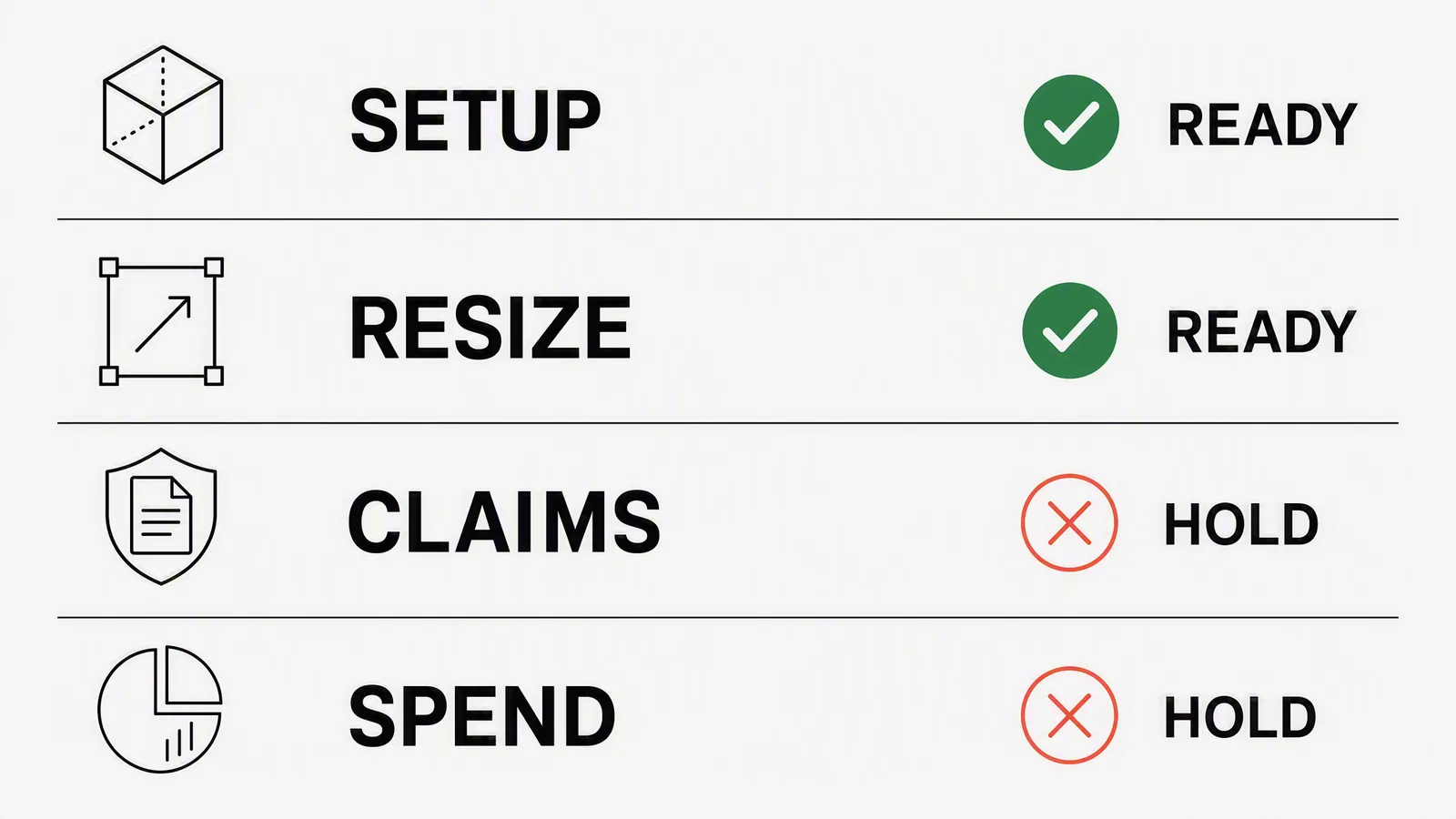
- Choose one repetitive campaign, not the whole marketing department. Browse templates for a starting workflow rather than building one from scratch.
- Write the source-of-truth and approval rules.
- Automate one source-to-variant path.
- Run it alongside the current workflow.
- Measure human time, rejected generations and approved assets, not raw output count.
- Expand only after the failure states are visible.
Teams already running this loop through Claude or Cursor can wire it into an MCP connection so the automation lives inside the tools they use daily.
Build a bounded creative-automation workflow in Advibly.
Sources
- Google Ads: About Asset Studio, accessed 4 August 2026.
- Google Search guidance on generative AI content, accessed 4 August 2026.
- Advibly product surface, checked 4 August 2026.